




ISPfan12
Members
-
Joined
-
Last visited
Everything posted by ISPfan12
-
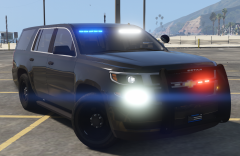
From the album: Da Hoe's
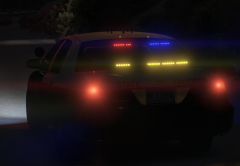
Decided to remove the FS Latitude from the rear glass and replace it with a Whelen Outer Edge -
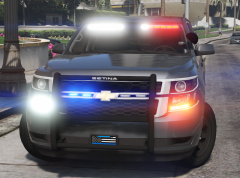 I made it so while red flashes on the driver side, white flashes on the passenger side, vise versa for the blue. The lights in the reverse and front corner lamps are done the same way.
 -
-
-
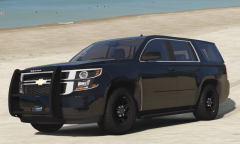
From the album: Da Hoe's
I call you, My Base. -
 Oh Mylanta!
 -
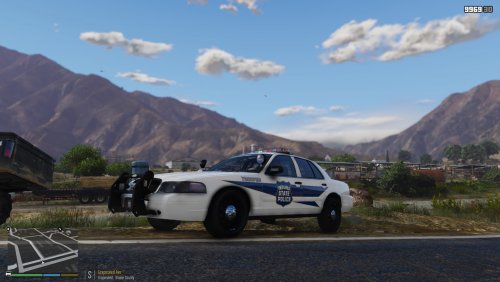 Looks good but the blue stripe should be continued under the door trim. The decal is cut out and cut around the door molding.
- 3 comments
- 1 review
-
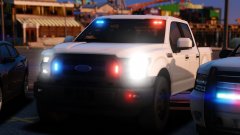 @Thehurk What is the light bar your using on the Vic?
 -
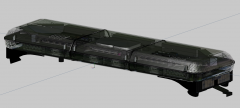 This one is actually a huge help! Thank you so much brother! You the man
 -
Moderatey lol. If you could get one with the lenses off that would be perfect!
-
Well I had someone ask me to make them a Cheektowaga NY car and I did not see where anyone had made a Sabre for any game, so I set out to make one. I love stuff that is different and that's exactly what this is. Tbh I'm tired of the liberty's, arjent's, and valor's so I was extremely excited for the chance to do something different. In fact my local sheriff has been using Star Interceptors for quite a few years and I actually like them. Decided to remove the internals and add a cover on top, since I'm not 100% of what the internals look like.
-
Its a Star1889 Sabre
-
Thank you sir
-
From the album: The WIP's
My first shot at modeling my own DEV parts. -
From the album: The WIP's
-
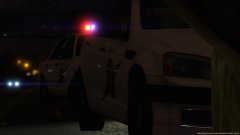 Is that Kane's caprice?
 -
Coming Soon Sheriff Pack
-
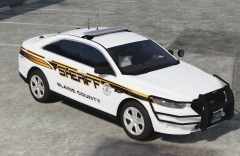
From the album: Sheriff Pack
-
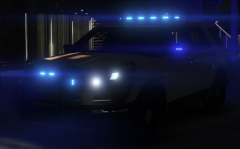
From the album: Sheriff Pack
I'm back at it after the holiday break! TheHurk and friends did an amazing job with this utility dev model. Possibly the best GTA 5 model in existence! -
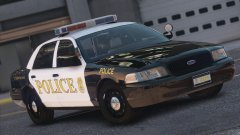 Brah! That light bar tho....... I want that......
 -
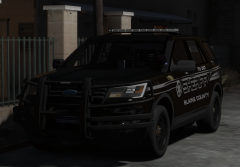 Its not based off anything. Its a custom skin I created. This whole pack is a one off creation. Its not based off any department, I had a vision for it and I put it to work lol Thanks! The skin is a custom creation by me and the FPIU is jasonct's with a bunch of editing done by me with parts from a few other modders.
 -
-
I built an explorer. I put the lights on and set everything where I wanted and tested it in game, all good. Then I added my other equipment and now the game crashes when I spawn it in game. All it says is "Game Error. Please reboot or restart game." All the parts I used I have used with no issues before. The parts that seem to be crashing it are the k9 cage and window bars I have installed. If I remove those it loads in game without an issue. Ive used both of those parts before with no problem. Any ideas of things to try would be great!
-
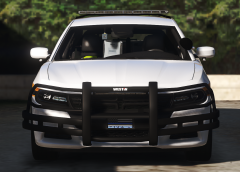 Thanks man! Again thanks for the input. I think this model looks a lot better with just those small changes lol
 -
I made some revisions. Changed the latitude to a 4 head and resized the impaxx3's and the dominator




