


Jevik
Members
-
Joined
-
Last visited
Everything posted by Jevik
-
It's unlikely. But open to suggestions
-
Ooooh. I've been wanting to find a Caprice model to work with. Looking very nice
-
Go to mods/update/update.rpf/common/data and look at the load order of the folders in the dlclist.xml. copy and paste the text from that file here. Some car packs add folders to the dlc list. Alternatively, albo has a OIV installed modding pack you can place all your cars into if nothing else works
-
I'm just saying that the base policet has 4 files to overwrite. Policet.ytf, policet_hi.ytf a .ytd and +hi.ytd. it looks to me like the van isn't fully installed. The policet_hi is what the game renders when you are close to it. I think that file may be the issue. The sirens messed up could be from renaming the car, which IDK if you did that. Or it could be from using a different carcols or vehicles meta than the van needs.
-
Does your new van have all 4 files installed?
-
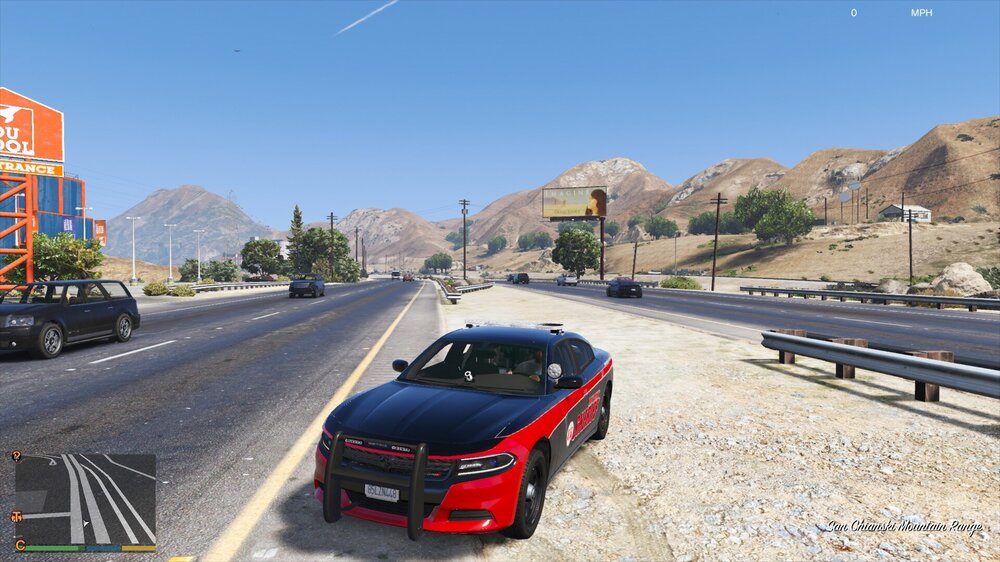
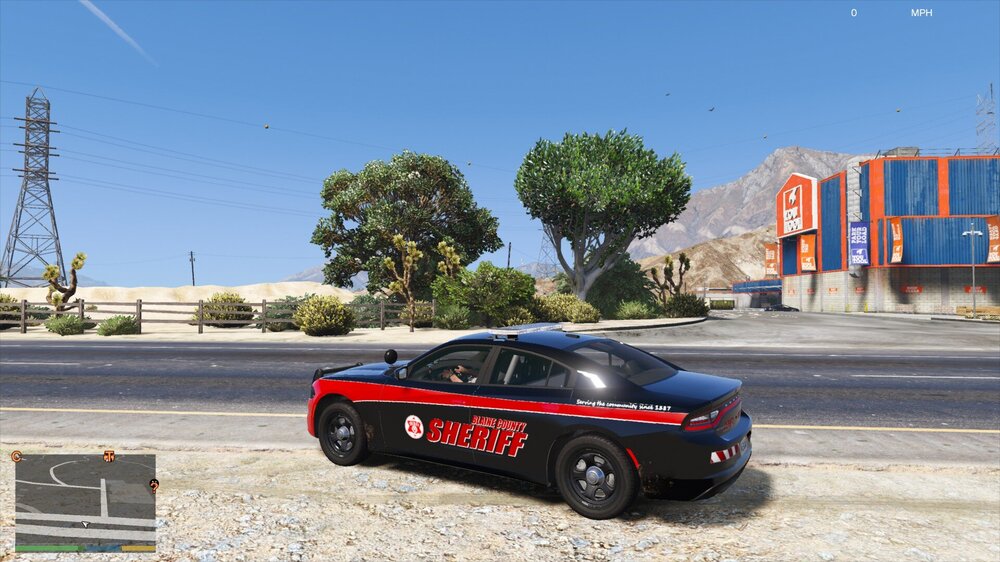
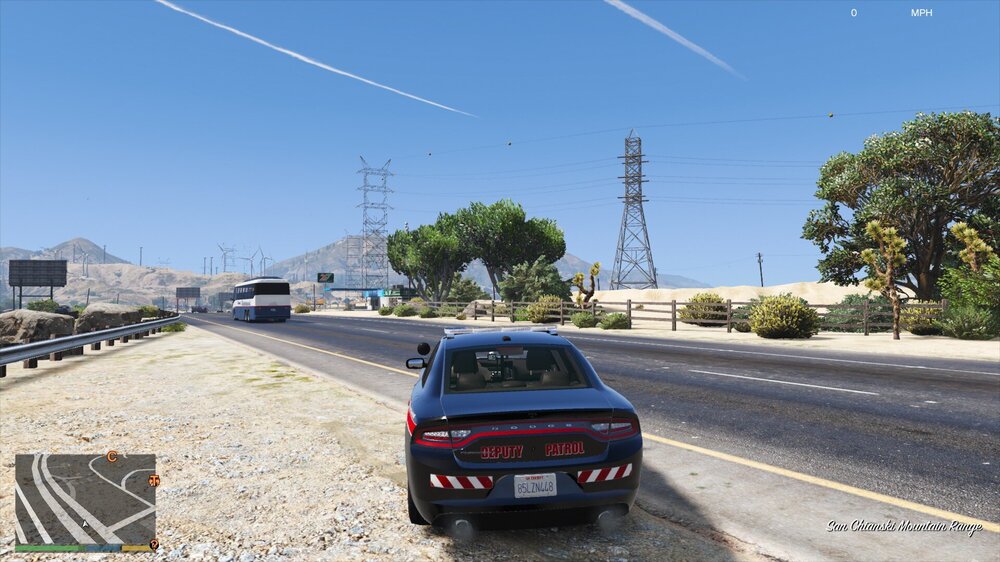
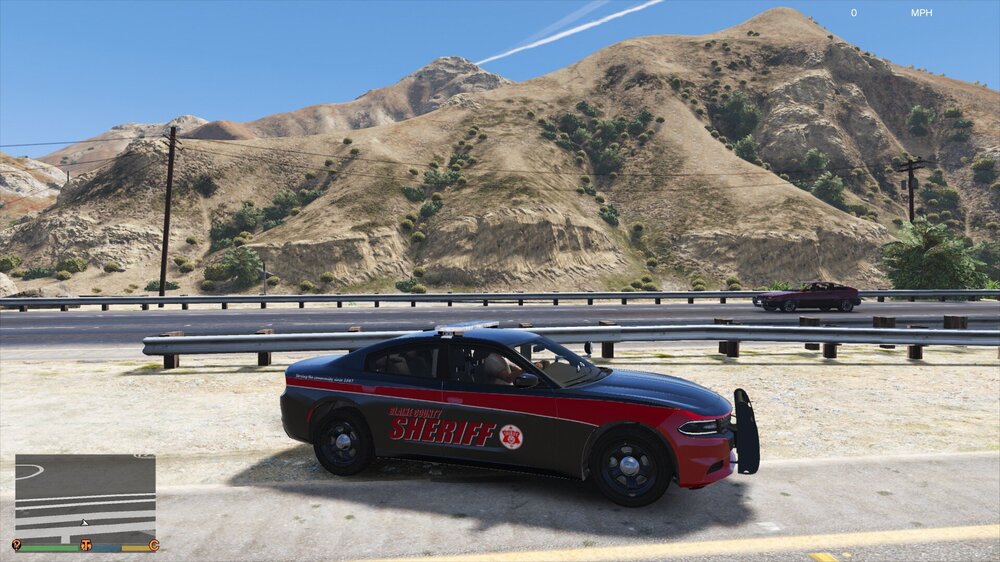
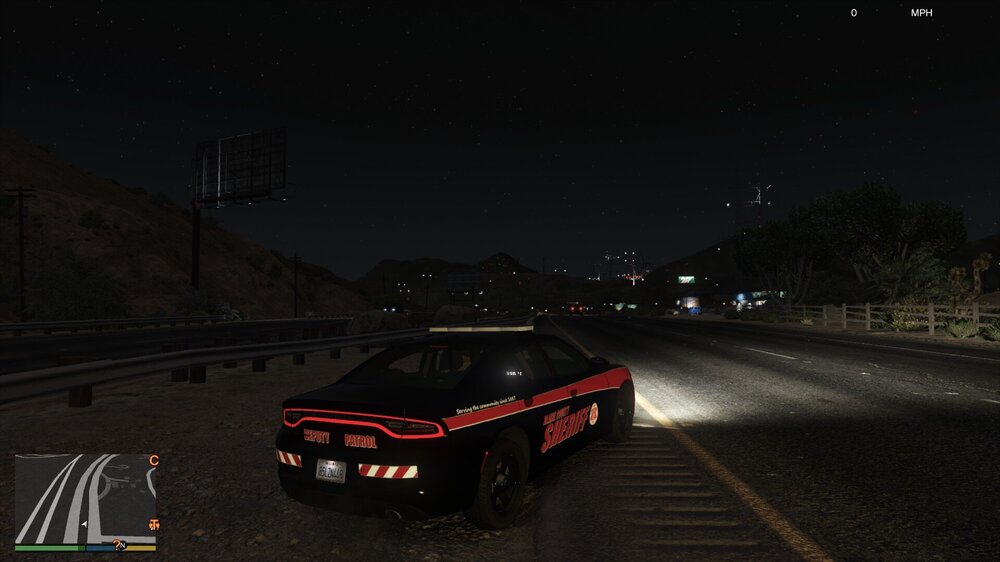
Dove into paint.net a bit deeper and came up with this livery. Inspired in part by my home towns Sheriff dept. Equipped with a Code 3 Defender lightbar, as I could not find any RX2700's. Looks pretty sweet at night, but has trouble showing up in the day.
-
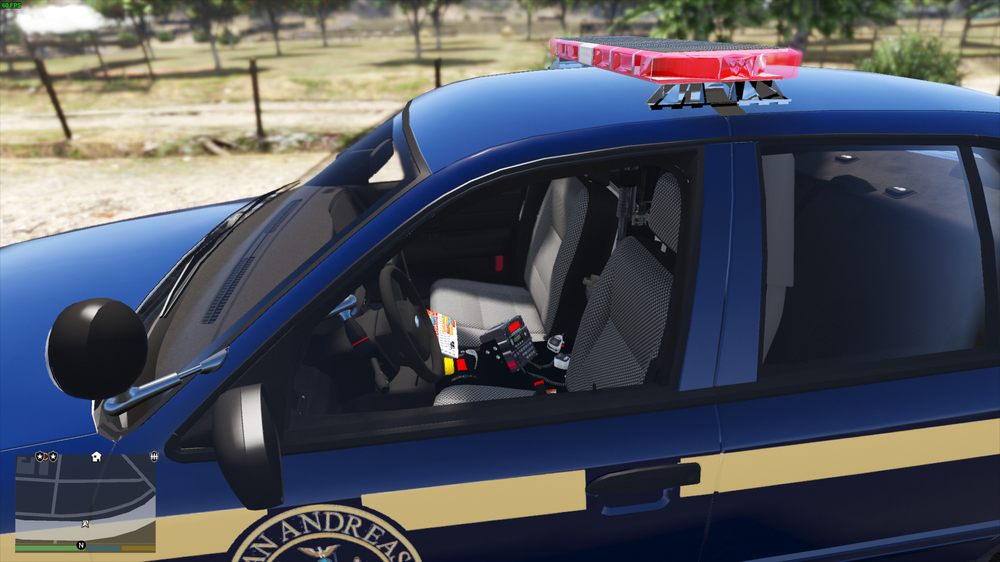
CVPI is nearing completion, as well as the FPIS. The tahoe needs the new skin, and I have to dial in the colors a little better, specifically the yellow on the sides and rear is too pale, and the pink front lights need more red. I also spent a lot of time getting a Code 3 Defender set up for the sheriff side of things.
-
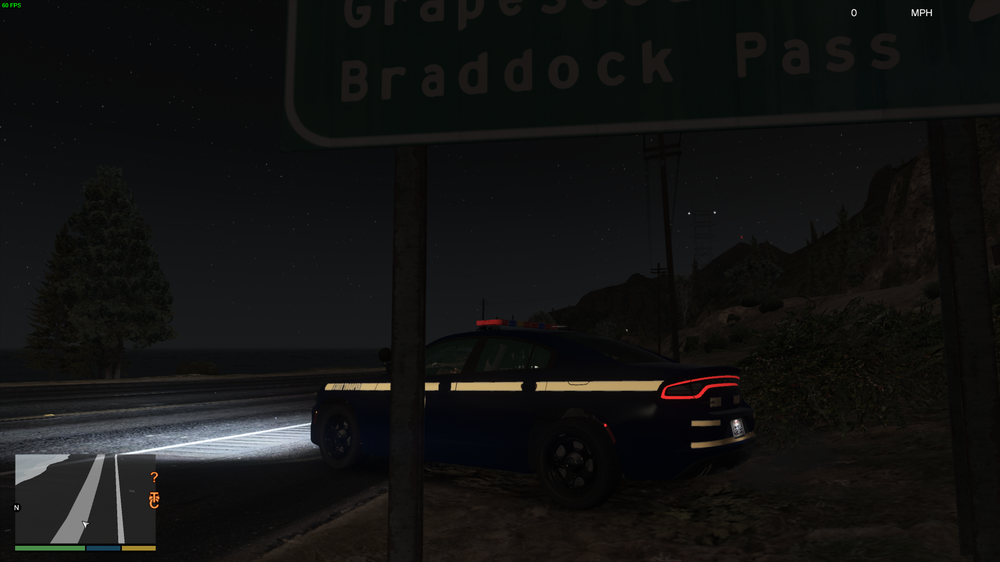
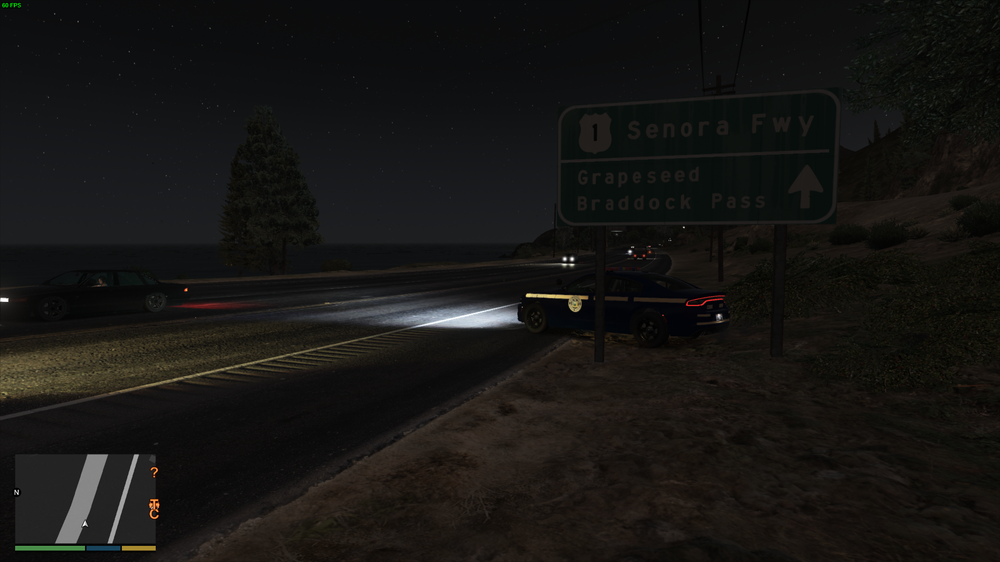
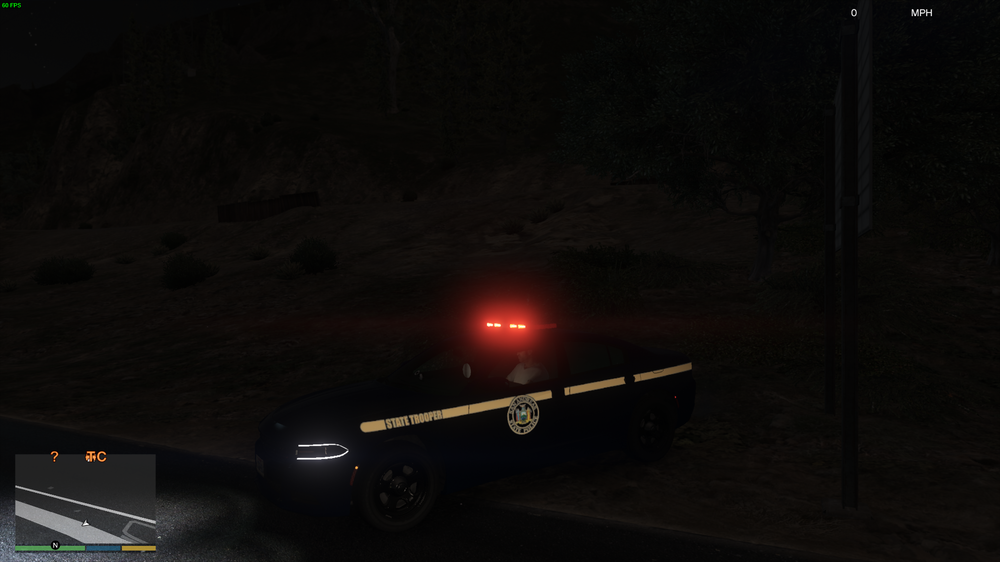
SP Marked 2018 charger is just about done. And has a lore friendly livery.
-
Kinda looks like you linked the laptop to the els arrowboard? Looks amazing though. Getting excited for this
-
You probably have "cops don't dispatch" or "cops ignore player" enabled in a trainer. Disable those
-
Hmm would also make the vehicles meta easier.
-
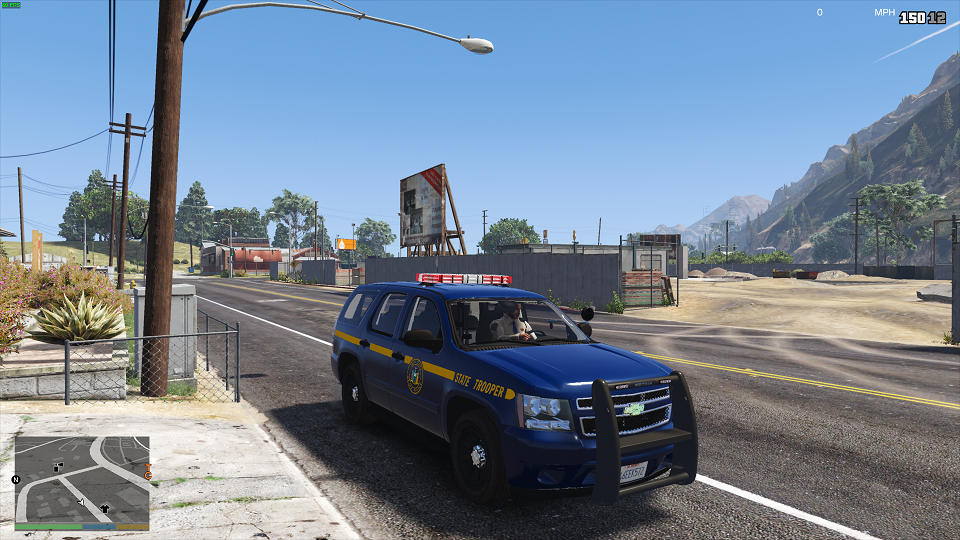
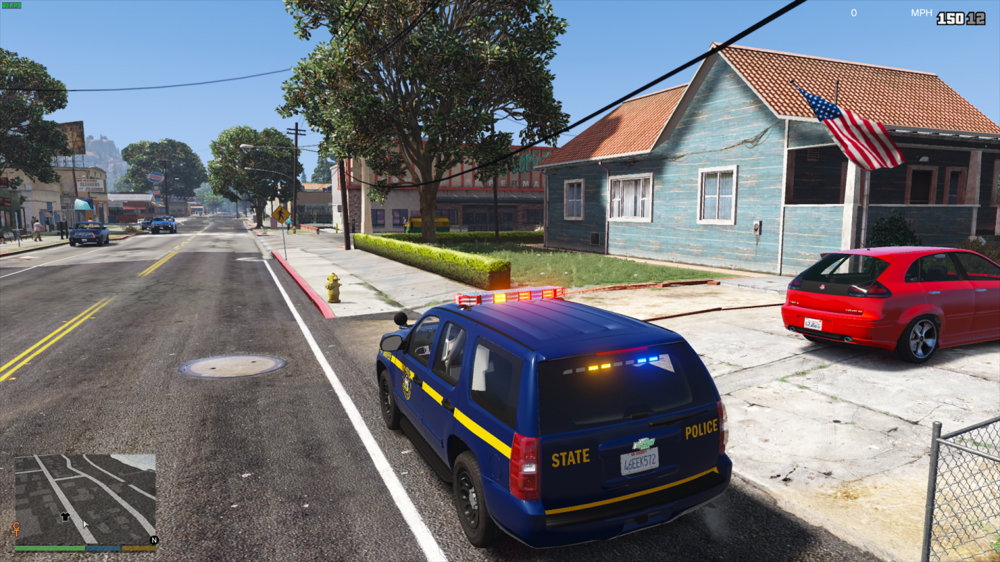
So instead of making new thread for everything I'll simply update this one from now on. I'm currently working on a statewide NY pack and It's going to be a long process. As I'm sure some people are very picky when it comes to state "replicas" the interiors of the vehicles will be purely fictional. The exterior I will be trying my best to capture the essence of the car. That being said I do have some work to share, along with a video. All cars in the NY pack will be fully reflective from the windows down, on the sides and rear. Planned vehicles. FBI - Slicktop State trooper 18Charger FBI2 - Slicktop State trooper Tahoe PoliceOld1 - State Trooper CVE CVPI PoliceOld2 - State Trooper CVE Explorer Police1 - NYC style Impala Police2 - NYC style 18 Charger Police3 - NYC style FPIS Police4 - NYC style Slicktop FPIS Sheriff - Undecided on which county exactly. 14 Charger Sheriff2 - 14 Tahoe SP1 - State police marked CVPI SP2 - State police Marked 14Charger SP3 - State police Marked Explorer SP4 - State police Marked Tahoe SP5 - State police Marked 18Charger Policet - State Police Chevy Express Transport van More may show up, specifically in the Sheriff and city slots but this is the plan for right now.
-
if he attached the dot emissives to spell out the words you can't change it. Otherwise the message would be in a texture inside the vehicles ytd.
-
I didn't know that was possible. That looks amazing
-
Looking very good. Keep up the good work. How much is left to go?
-
When you load into the game, type reloadallplugins into the rage console. Then go to the police station and make your character
-
Ah. I think I understand. To get those sheriff cars to spawn in the city, the car files need to be renamed to the slot you want them to spawn in. Like for sheriff to police rename these files Sheriff.ytf Sheriff_hi.ytf Sheriff.ytd Sheriff+hi.ytd To Police.ytf Police_hi.ytf Police.ytd Police+hi.ytd But the handling might be a bit weird for SUV's
-
Mods folder patchday20 deleted? Or original? Verify your game, then create a backup of everything
-
On all the car slots in the vehicles meta the diffuse tint value should be something like 0x00FFFFFF (not 100% on the exact code as I'm not at my PC) If it's not, perhaps check the texture in the ytd and make sure the glass texture is transparent and not opaque
-
PM me on here. I'm usually on
-
You need to change the sirensetting in the variations file. Like for police1 might have sirens 1-4 as led, but on police2 they might be rotators. They're specific to those slots... I havent played GTA4 in AGES though so where exactly to go to do it I have no idea
-
I'd be glad to help out here. Since I'm modeling my next project I'm changing my police models and textures like 6x a day.
-
FPIU with a Ghost texture, FPIU was given same handling as taurus. And it's all been converted to an addon pack for easy install
.thumb.png.1a399e767525923d2af2d0a3ee5fe75a.png)
.thumb.png.f44bc47085cc87c220d975947411d911.png)
.thumb.png.69563774431366c97dc86a6833d9dd29.png)
-
With computer+ and compulite the ped is programmed to sit until you return to your car. At that point the stop ends and traffic returns to normal
-
Just replace the base cars. Ytd and ytf files and adjust which cars actually respond as those agencies. That's the easiest way. I think the names like sahp and lspd are hardcoded and can't be changed



.png.1c0fae516140dbf35200dc34a0bdf099.png)
.png.b6cf9380a779482ae2a07211a647ee49.png)
.png.4a8f14dd9d359330c339224b0f039ee9.png)