Skip to content
View in the app

A better way to browse. Learn more.

LCPDFR.com

A full-screen app on your home screen with push notifications, badges and more.

To install this app on iOS and iPadOS
  1. Tap the Share icon in Safari
  2. Scroll the menu and tap Add to Home Screen.
  3. Tap Add in the top-right corner.
To install this app on Android
  1. Tap the 3-dot menu (⋮) in the top-right corner of the browser.
  2. Tap Add to Home screen or Install app.
  3. Confirm by tapping Install.

New York Modz

Insiders
  • Joined

  • Last visited

About Me

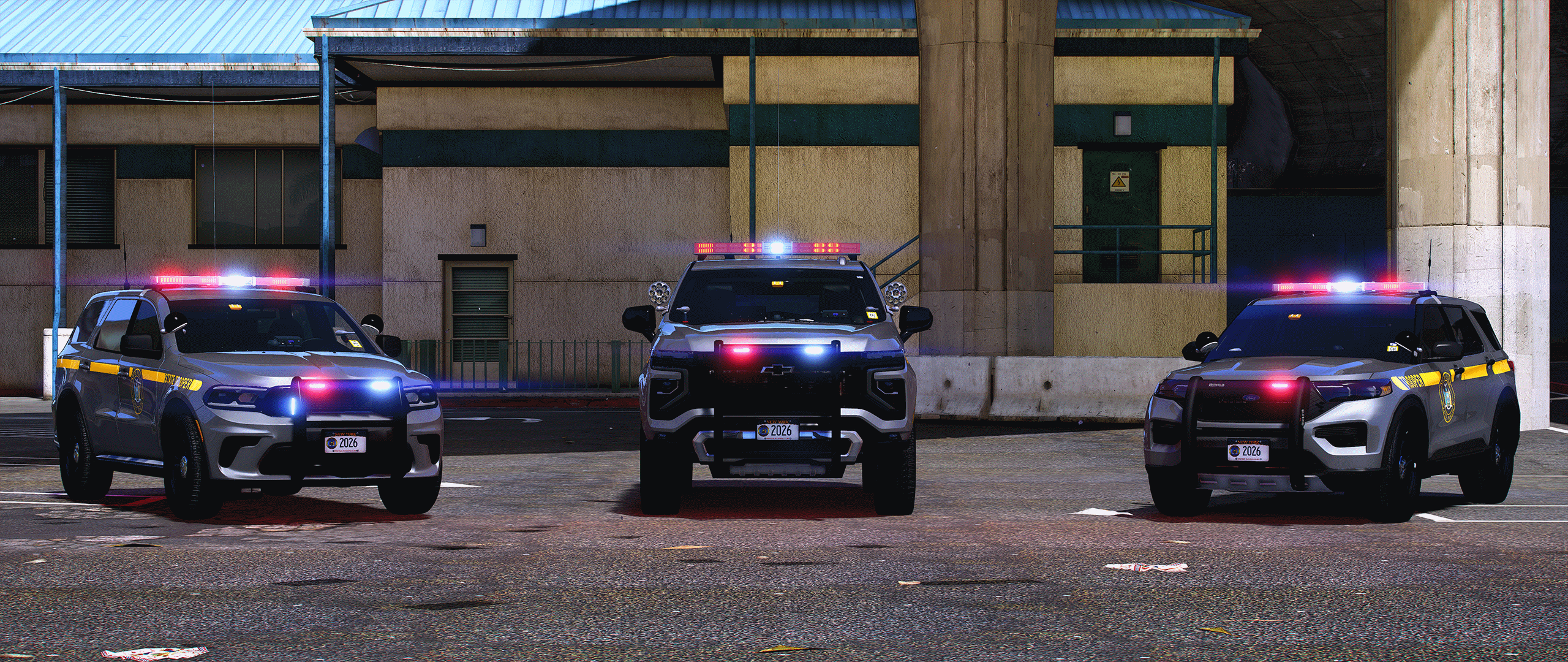
Hello I am NewYorkModz. I am a 100% solo operation. All vehicle bases, parts, and skins are created in-house by me, or commissioned from select professional 3D artists from trusted platforms such as CGTrader, RenderHub, and Squir3D. Every asset meets NYM standards for originality and performance. You can see updates on new projects by subscribing to my Youtube channel. Thanks for taking a look at my profile.


The newly formed NewYorkModz Community Discord is only available to my Patreon Supporters. 


Skills:

- Advanced Zmodeler3 User

- 3d Scratch Modeling

- Vehicle Conversions (OBJ to YFT)

- Skin Creator

- ELS, ELS-Hybrid and NON ELS

- YTD File Compression

- Addon DLC + Gameconfig Creator/Editor

Account

Navigation

Search

Search

Configure browser push notifications

Chrome (Android)
  1. Tap the lock icon next to the address bar.
  2. Tap Permissions → Notifications.
  3. Adjust your preference.
Chrome (Desktop)
  1. Click the padlock icon in the address bar.
  2. Select Site settings.
  3. Find Notifications and adjust your preference.