Due to overzealous filtering on Microsoft’s side, some emails to Outlook and Hotmail addresses may not be delivered. If you’re affected, please use a different email address or try again later.
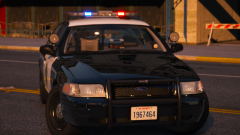
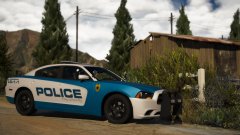
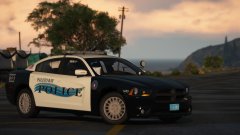
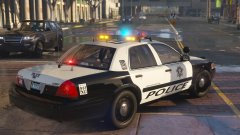
Here with my monthly gallery image! Anyway the Paleto Pack and all of my other modeling projects are currently on hold until the coming friday. In the meantime I've whipped up a few liveries. Not sure what I'll do with them yet though.









Recommended Comments
Join the conversation
You can post now and register later. If you have an account, sign in now to post with your account.