




RedBullGermany
Members
-
Joined
-
Last visited
Everything posted by RedBullGermany
-
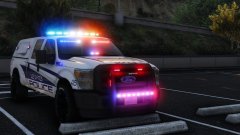 Amazing
 -
-

From the album: Random Stuff
-

From the album: Random Stuff
-
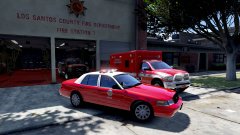
From the album: Random Stuff
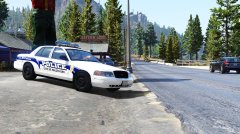 lol He bought a new computer with a nvidia geforce gtx 1070.He's done with all his lapd models but he must changed the arjent because he has no permission from Kane104 to release it.I think, he means this one: https://de.gta5-mods.com/vehicles/lapd-2010-ford-crown-victoria-police-interceptor
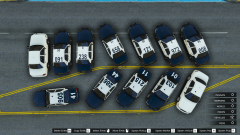 Yes, that's right he uses these road textures: https://de.gta5-mods.com/misc/l-a-roads-8ae63c30-de64-4f16-8f3d-40c9e6d16212 https://de.gta5-mods.com/misc/l-a-roads-patch
 No problem :)
https://de.gta5-mods.com/vehicles/1998-ford-crown-victoria-p71-lapd
No problem :)
https://de.gta5-mods.com/vehicles/1998-ford-crown-victoria-p71-lapd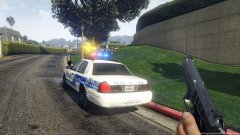 Nope it`s a work in progress by rekram I have it too but you can ask him.
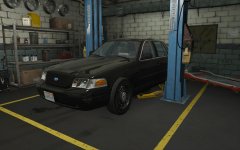 It's a dev model.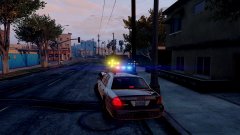
From the album: Random Stuff
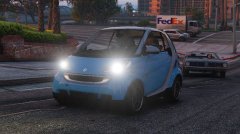
 I answered in German. Yep, that's right. XD It's Gump's cvpi it isn't released only the slicktop version.
- 10 comments
- 2 reviews
Palomino Freeway = Artesia Freeway Elysian Fields Freeway = Seaside FreewayThe Port of Los Santos is based on the real life Port of Los Angeles and Port of Long Beach. Maybe this can help you: https://www.portoflosangeles.org/transportation/i_110.asp http://www.davestravelcorner.com/guides/losangeles/la-freeways/ http://www.asphaltplanet.ca/CA/I/110/index.htmlYes, Interstate 10 you can see in this picture it's the same tunnel in real life.Yes, he lives in Los Angeles and here are more pictures: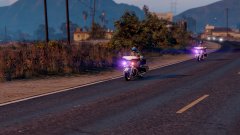
From the album: Random Stuff
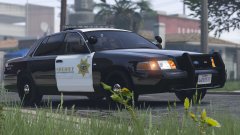 I think it`s this one: http://gtapolicemods.com/downloads.php?do=file&id=4407




