




RedBullGermany
Members
-
Joined
-
Last visited
Everything posted by RedBullGermany
-
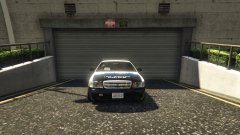
From the album: Work In Progress W.I.P
-
.thumb.png.84adb823f7f653b8d654f1ab13098851.png) Nothing. He made some updates to the description. Nothing. He made some updates to the description.
Nothing. He made some updates to the description. Nothing. He made some updates to the description.- 89 comments
- 44 reviews
-
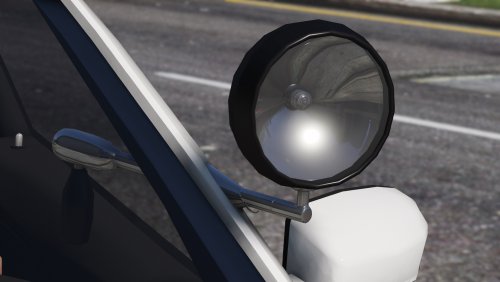 Keep up the great work!
 -
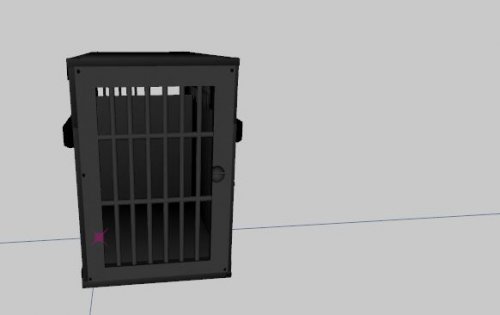 Keep up the great work!
 -
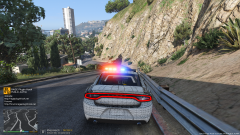 I think he means the lightbar. :D
 -
Benutz den mal vielleicht hilft dir ja weiter wenn nicht würde die Callouts alle nochmal neu installieren
-
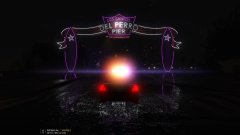
From the album: Random Stuff
-
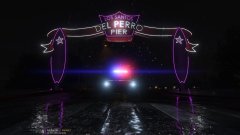
From the album: Random Stuff
-
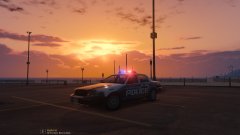
From the album: Random Stuff
-
http://www.gtaiv-vmods.com/index.php?/files/file/100-cvpi-dome-light/
-
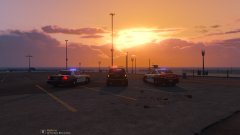
From the album: Random Stuff
-
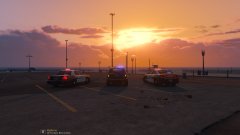
From the album: Random Stuff
-
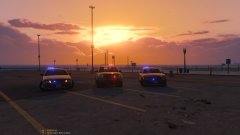
From the album: Random Stuff
-
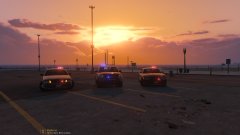
From the album: Random Stuff
-
https://www.gta5-mods.com/scripts/simple-trainer-for-gtav
-
Das sind ja die normalen Räder du musst in den Simple Trainer gehen vehicle options -> mod menu -> wheel type -> muscle -> wheel -> 17 falls du die Räder richtig installiert hast.
-
vehicle options -> mod menu -> wheel type -> muscle -> wheel -> 17
-
Ja mach das
-
Hast du Teamviewer?
-
Dann stürzt aber dein Spiel ab und nicht LSPDFR ich glaub du hast du die Räder in den falschen Ordner ersetzt. Ordner: x64i\levels\gta5\vehiclemods\wheels_mods.rpf Dateien: wheel_musc_17.ydr wheel_musc_17w.ydr
-
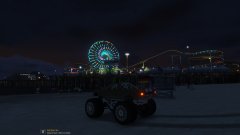
From the album: Random Stuff
-
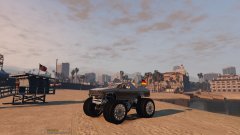
From the album: Random Stuff
-
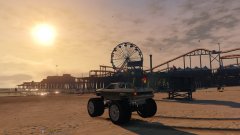
From the album: Random Stuff
-
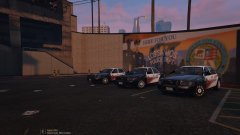 These are Officer Five`s wheels you can download it:
 -
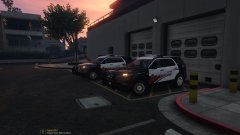 I know it's a little bit strange but i find it looks not bad.


.thumb.png.84adb823f7f653b8d654f1ab13098851.png)
