


Officer19
-
Joined
Everything posted by Officer19
-
-
 Yeah
Yeah -
You Can Use RPH 0.20 if u want to use Plugins And Callouts like StraysCallouts....CalloutsV It's Working Perfectly For Me Just To Wait The New Update Of Them
-
-
-
From the album: LSPDFR [WIP]
-
-

From the album: LSPDFR [WIP]
-
-
-
-
-
 PullOver
 -
-
-
-
-
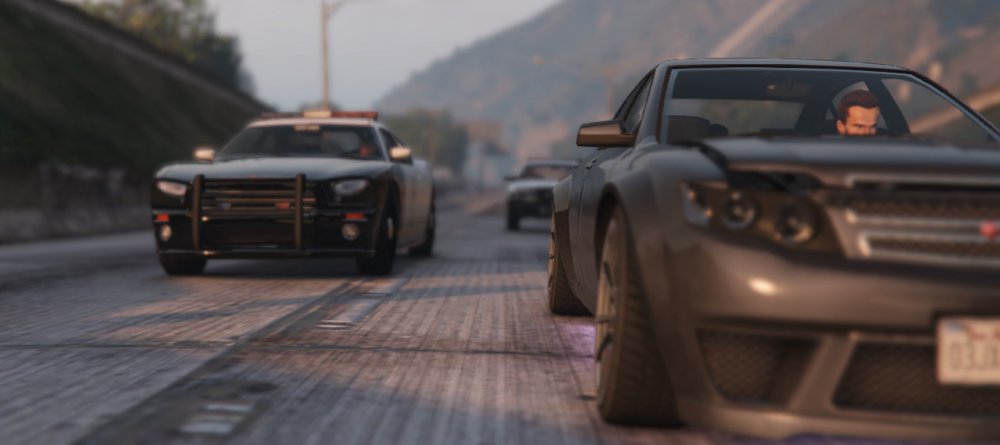
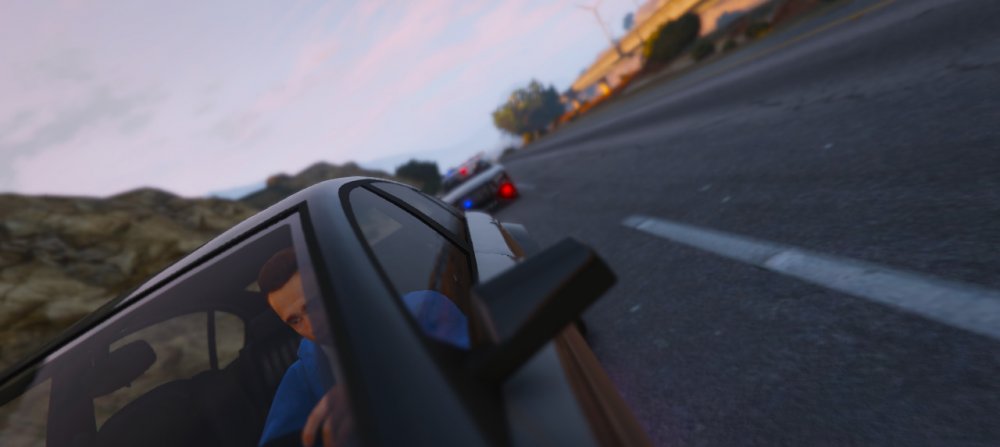
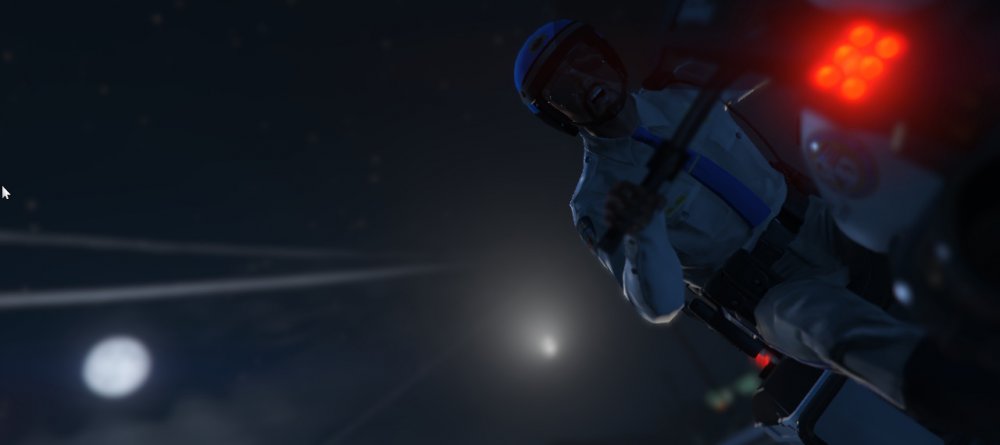
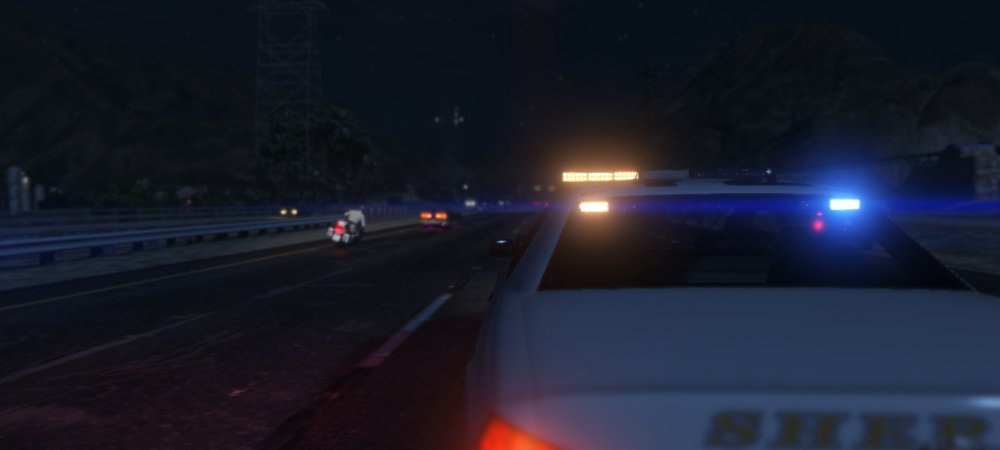
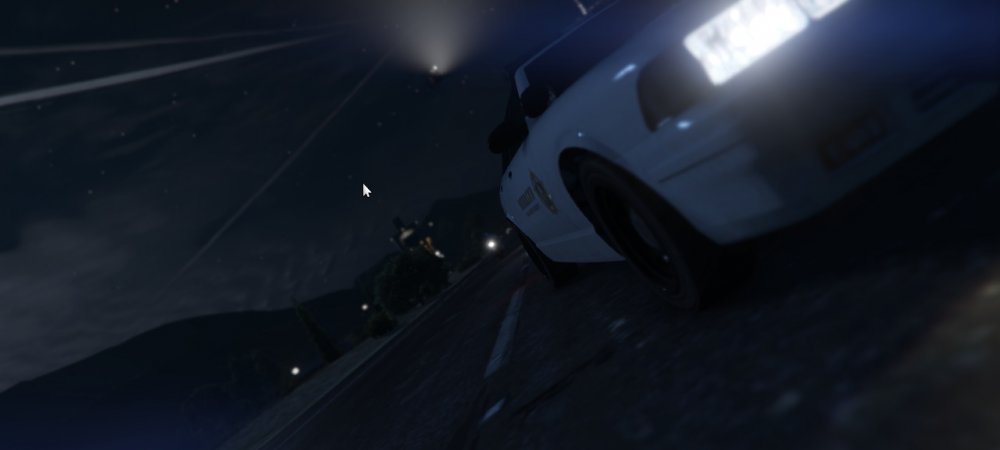
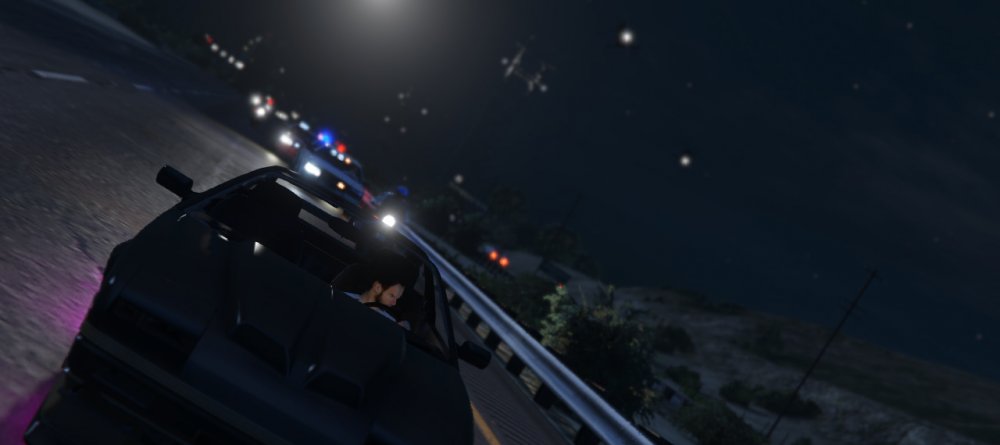
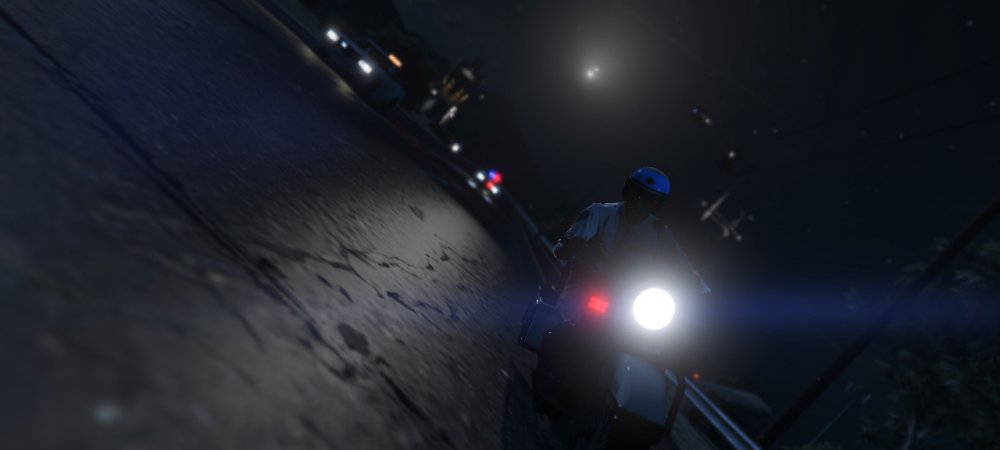
Hot Pursuit...illegal Race On High Way
-
Because Rage plugin Hook Is taking 10 FPS from Your Game So that's Normally don't Be panic
-
He Means That Don't use cracked VersionIt's Awesome Photos But i love To make Blur In My photo ... Give my Photo the best View As You can See... But Very Good Screenshots Like This Photo Awesome Photos TheUniT
 Read This May Help You Step By StepInstall NET Framework 4.5 From Here.... https://www.microsoft.com/en-us/download/details.aspx?id=30653 Hey You Must Read This Before Posting To Don't Have A closed Topic So Read this For Your Safety Because May Help You In The Next Topic For You




