


Officer19
-
Joined
Everything posted by Officer19
-
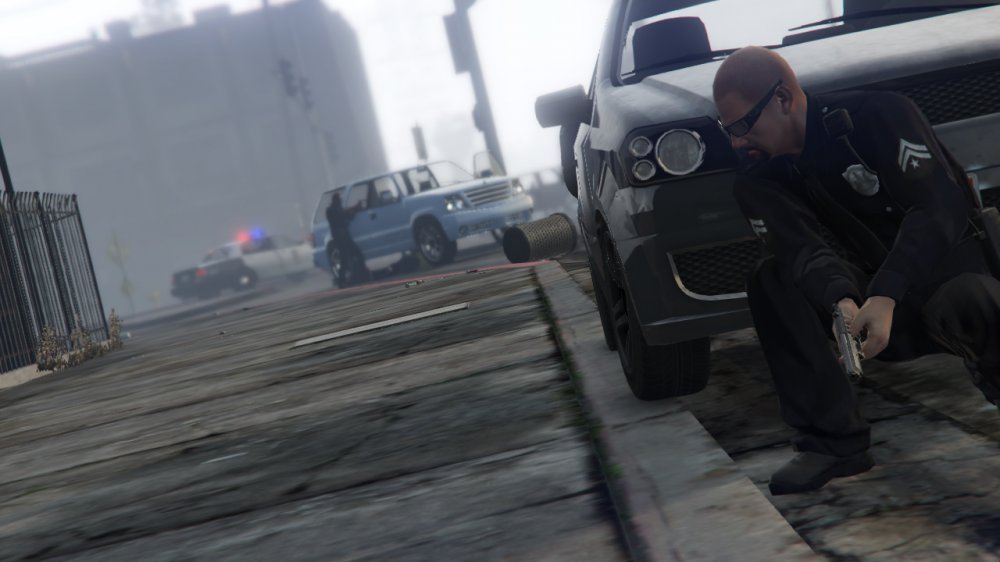
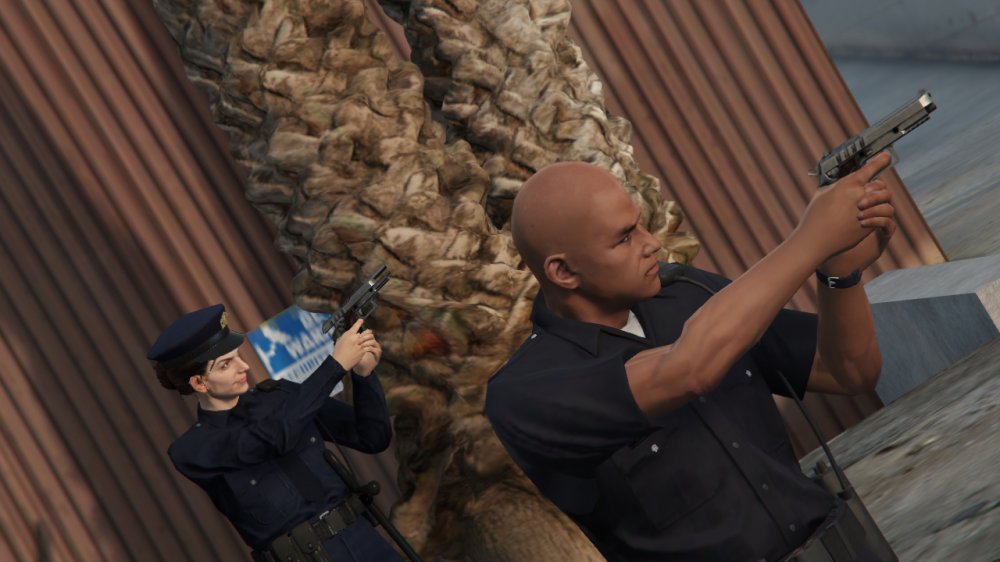
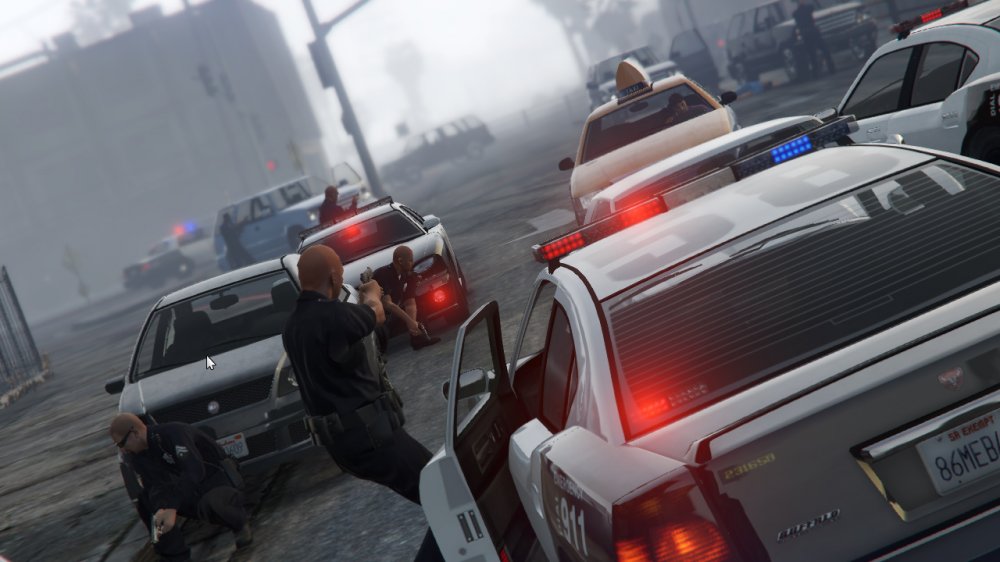
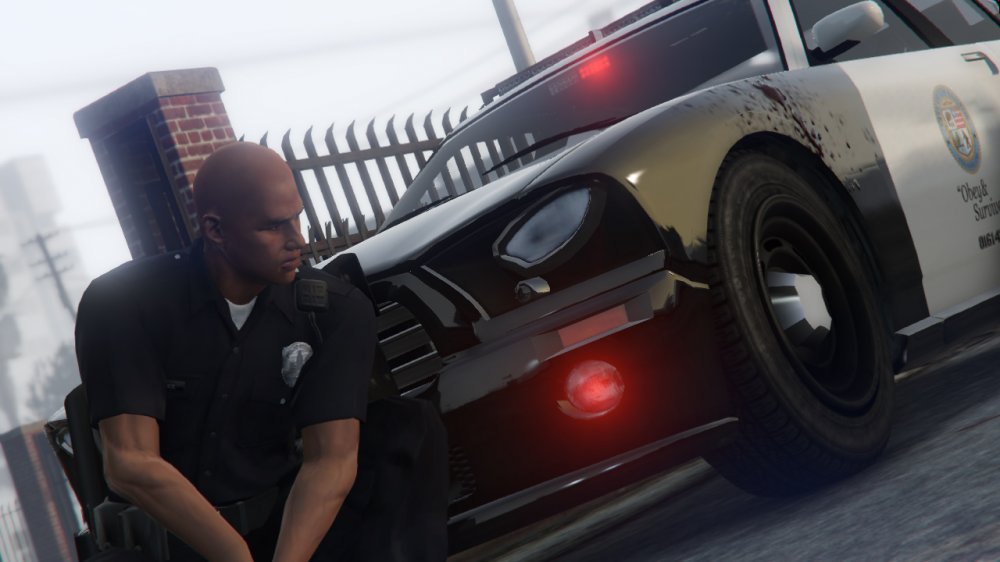
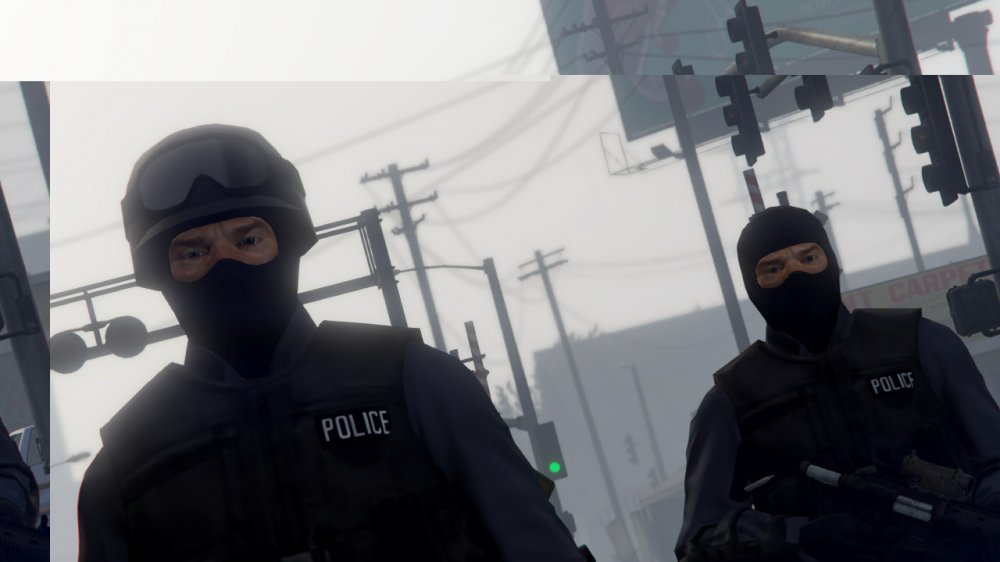
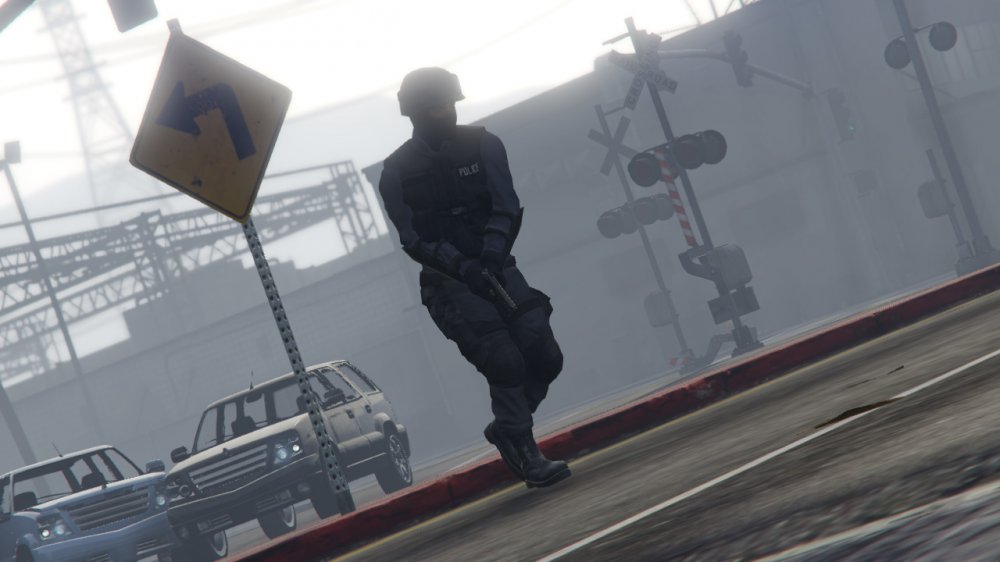
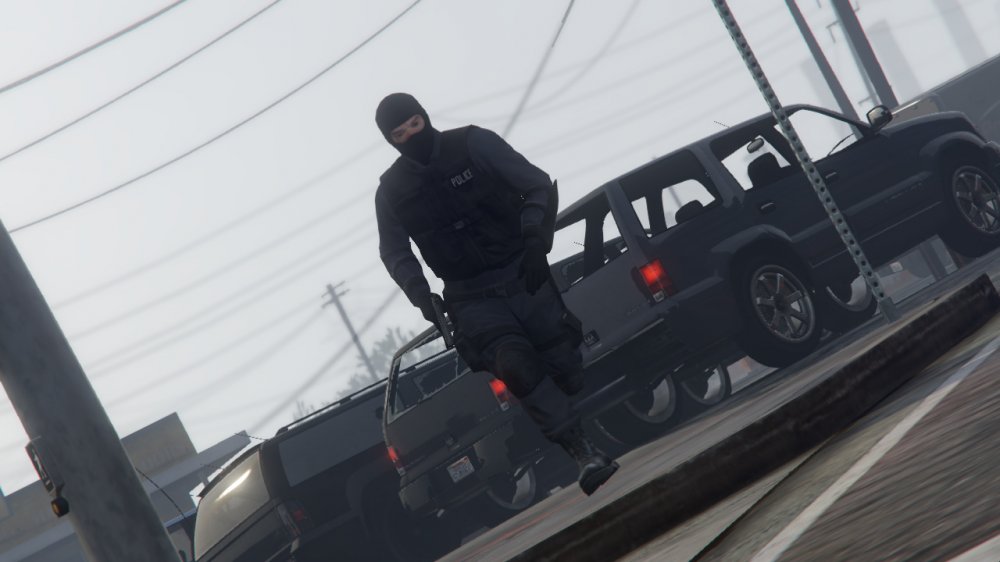
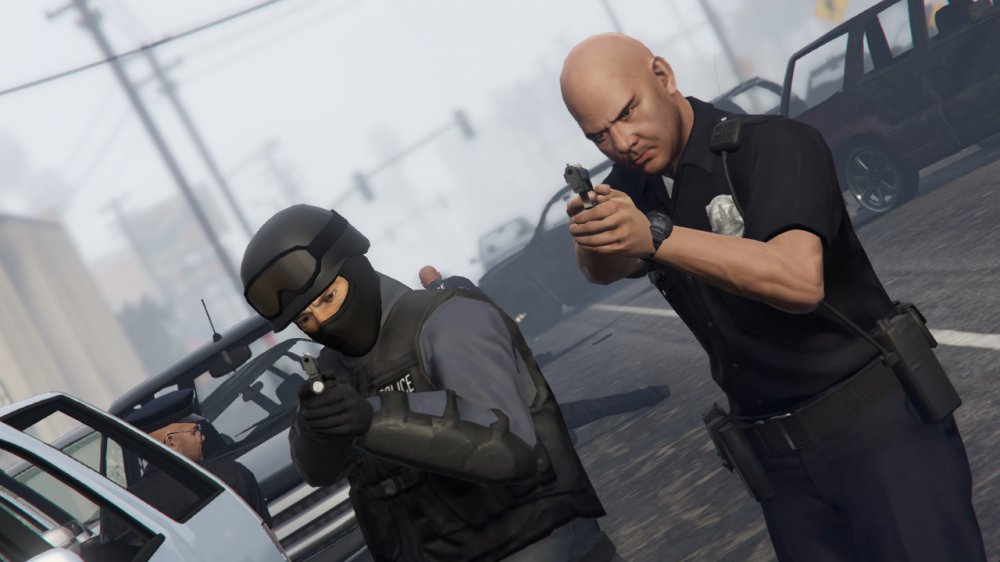
From the album: LSPDFR [WIP]
-
I Got It Today
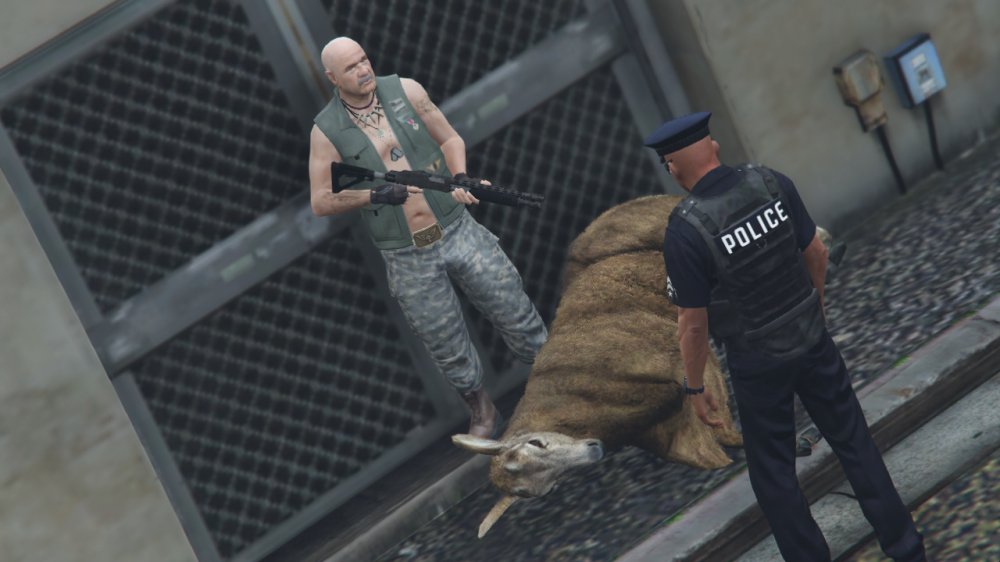
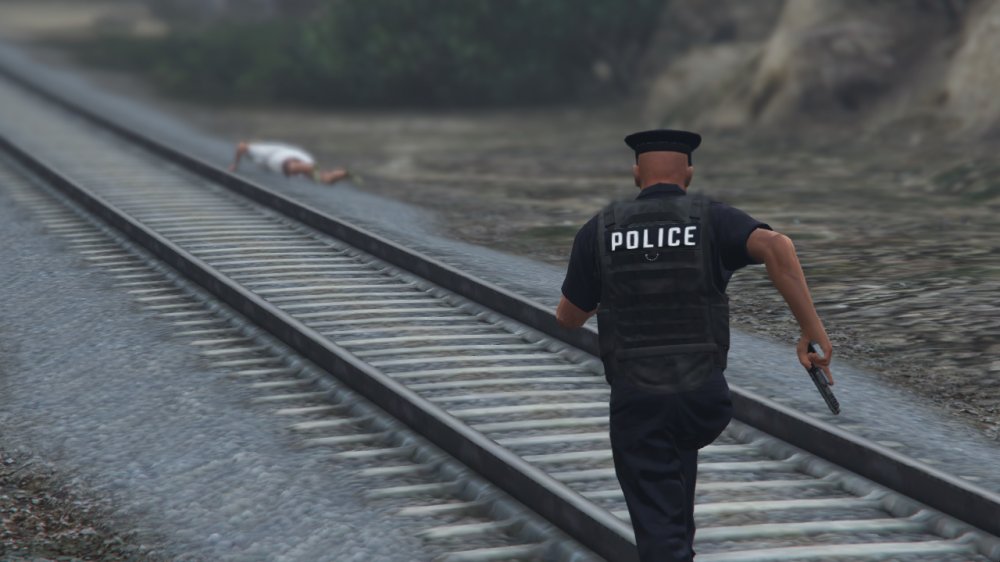
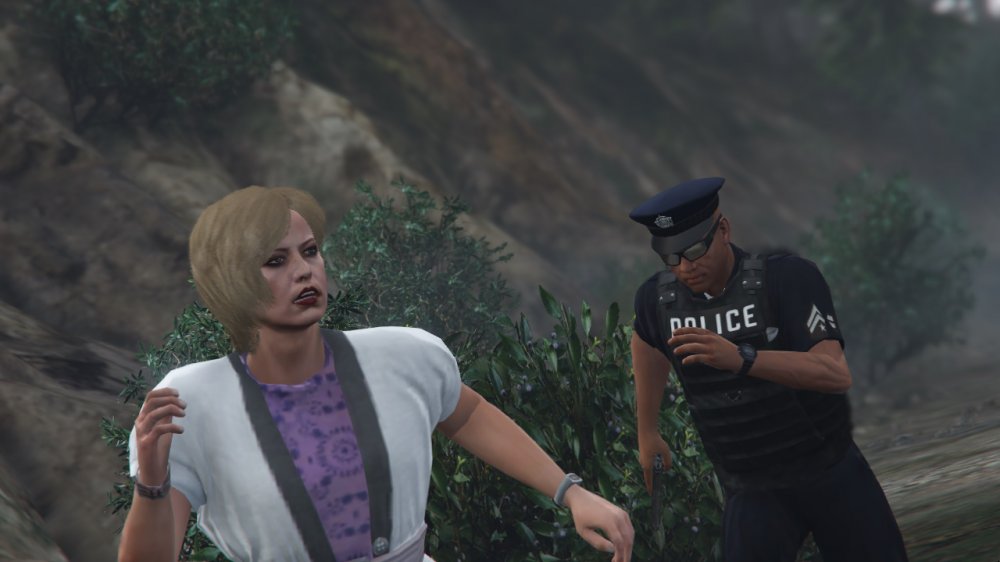
-
try to Verify Your Game Files Or Run the Game As Administrator
-
Happy Birthday @Ben I wish For you The Best Birthday Ever
-
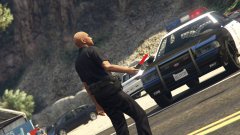 Is A tool To use it in the traffic regulation
 -
So You Are Using Steam Version You can Right click on LauncherIV.exe Run as administrator
-
You are Welcome Hopeful To Encourage You... Thanks..!
-
but the problem not in the RPH ,,, the problem is in the plugins and Callouts doesn't Support RPH 0.21 and 0.22 ....0.23...0.24 So I am Using RPH 0.20 because All plugins support This Version Of RPH My Reason To use this version is because in LSPDFR Mod : I don't Find except 1 callout registered but i have tried to use all version and all it's working fine with me
-
-
Hey Guys Welcome I would Like To make New Suggestion In the Next LSPDFR so We can Add Animation List to Interaction Menu Of LSPDFR ..... Newer Version I mean not all the animations but Some Important and Basics Animations Style Like Cop Holster (With Animations) ...Etc I think That The NEXT Release Of LSPDFR Will Be Awesome...
-
Do You Have A Legit Game ...? And If u have one Can u install All requirments..! Check that You don't use Xlive.dll and Dsound.dll Files in the same time u msut use one of them
-
Do you open GtaIV.exe as Administrator..! sir
-
Hey Please Make Sure When You Are Playing For The Second Time That you Are Running The Game As Administrator Can You Take A screenshot from your gta iv directory... please! Hey Please What are you using the manuel or the Automatic Installation..?!
-
-
-
-
-
-
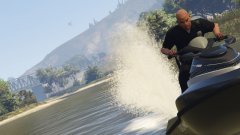
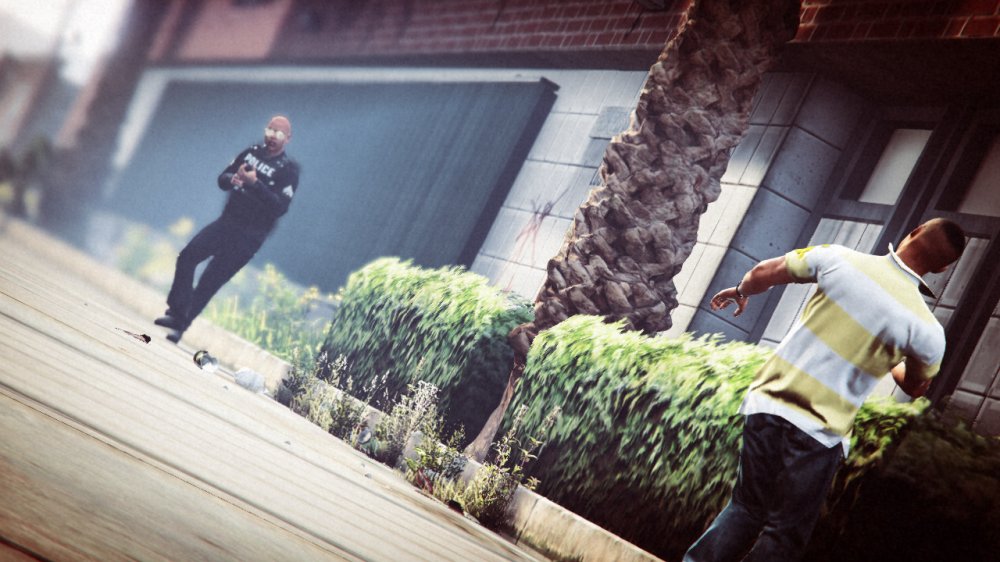
From the album: LSPDFR [WIP]
-
-
-
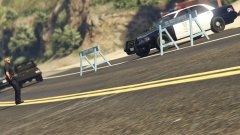
From the album: LSPDFR [WIP]
-
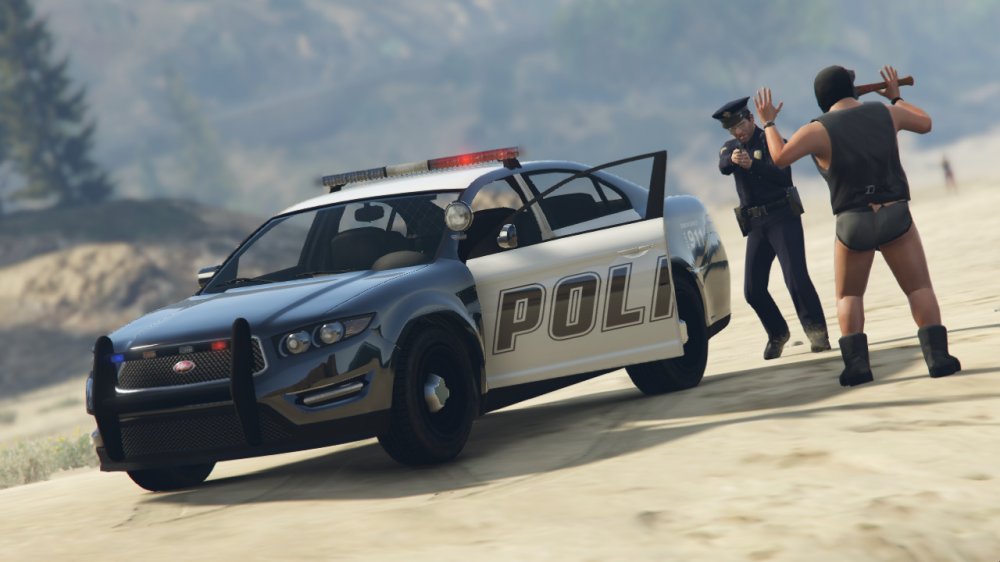
From the album: LSPDFR [WIP]
-
-





