8235r
Members
-
Joined
-
Last visited
Everything posted by 8235r
-
-
 great thanks - i've subsituted the original carvariations with another to place in another slot and it works fine in the alternate slot
- 154 comments
- 46 reviews
-
-

- 1
-
-
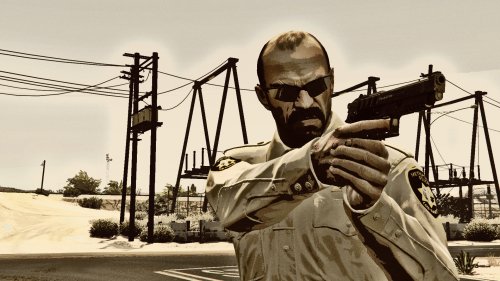
the cvpi (police spot) for me will leave some lights on (not rotating) after i shut them off. any suggestions? all files assigned as required to their mapped locations
- 154 comments
- 46 reviews
-
 is there a version of this that we can use with RAGENativeUI 1.5.1 that works with eup 7.5?
- 636 comments
- 75 reviews
-
-
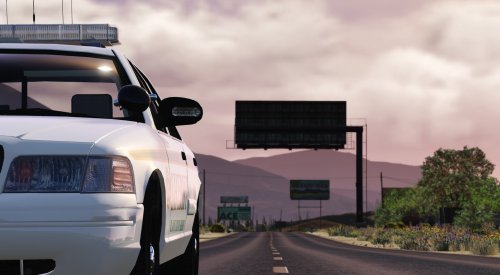 is there anyway to make the lights more defined? ( blue lights blue and red lights red )
- 21 comments
- 15 reviews
-
-
-
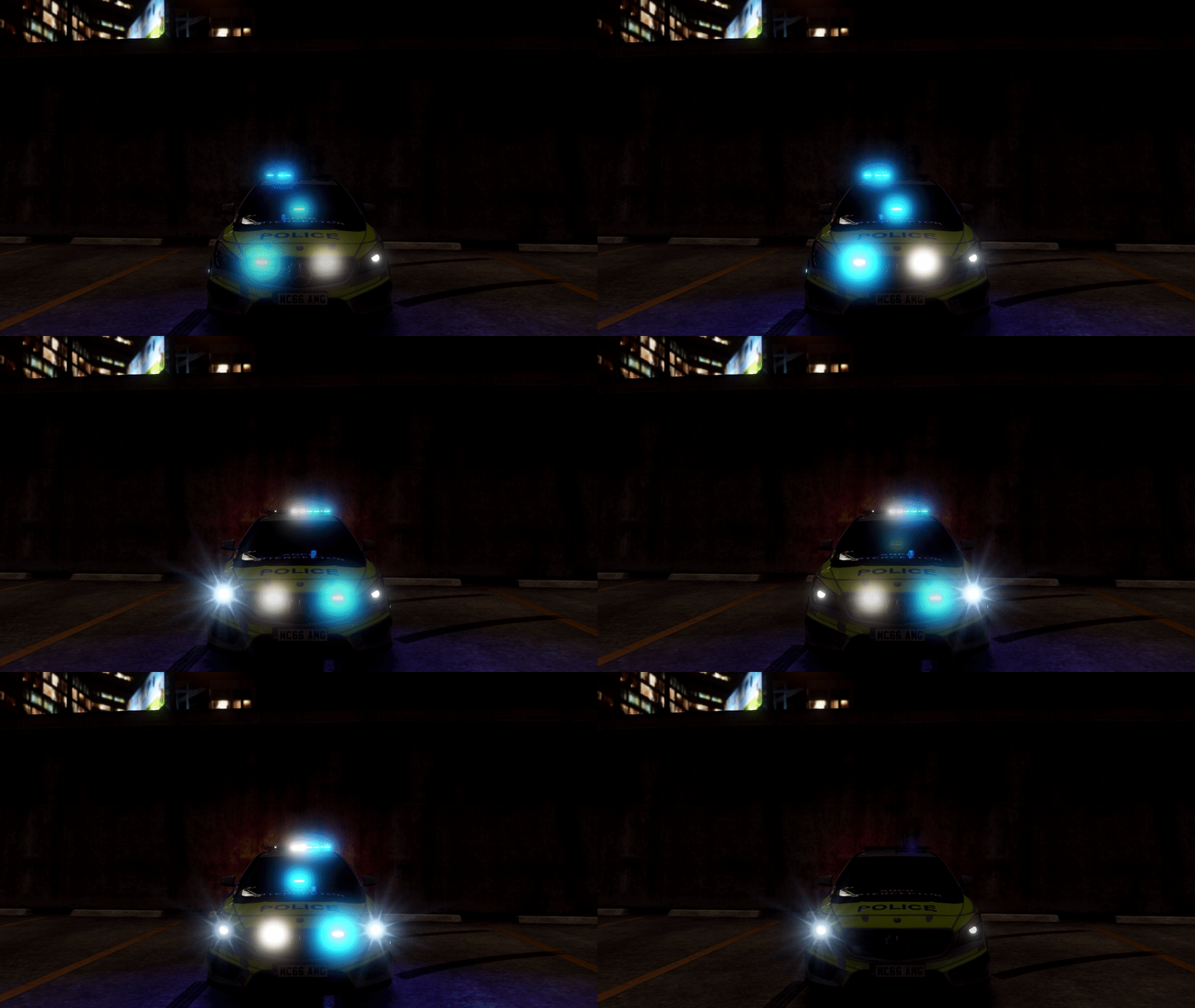 is there anyway you can keep the wigwags but stop the spot lights from flashing
- 143 comments
- 12 reviews
-
-
-
-
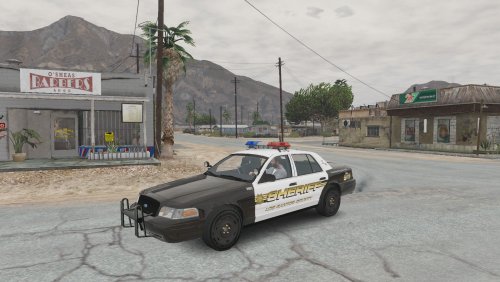 that could be it, i put it in a different slot (sheriff) character and prisoners still go thru the animation
- 29 comments
- 6 reviews
-
-
- 1
-
-
-
 thanks anyway. must be a conflict somewhere i reverted back to the previous version and it works fine
- 1,915 comments
- 242 reviews
-
-
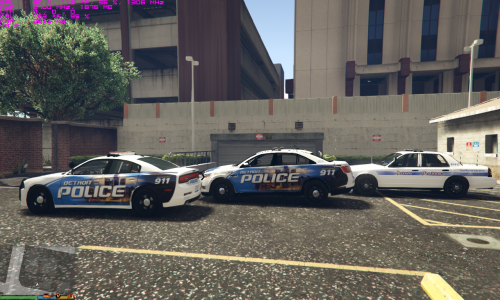 the only thing i see is on the charger and taurus, the passengers side is reversed
- 6 comments
- 1 review
-
-
-
-
-
Anyone know how to change the emergency light colors? (red to blue)
-
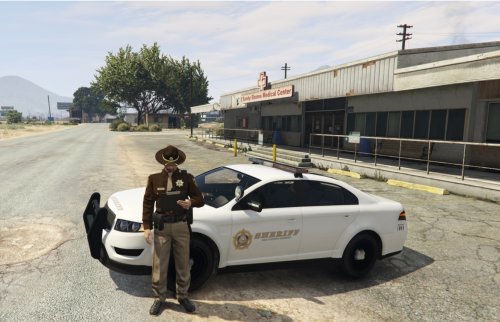 perfect thanks! great thanks!
 -
for us new people, where does this file go?