thegreathah
Friends of LSPDFR
-
Joined
Everything posted by thegreathah
-
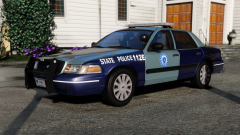 I'm not doing that CVPI. I just wanted to post a picture that showed the trim coloring.
 -
And, yeah, I still have to update the Hubbies.
-
From the album: HAH's WIP Pics
-
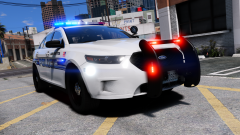
From the album: thegreatHAH's Screenshots
-
-
 That's a general ELS issue. They create a circle around the car instead of a "beam". When you drive into small alleys it will come up as a circle on a wall. You need to change the vehicle tint using a trainer, or modify the vehicles.meta file.
- 101 comments
- 49 reviews
-
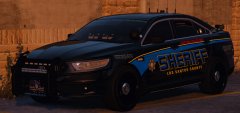 Congrats on the test and everything man! Hope it all goes well. This model is sexy af
 -
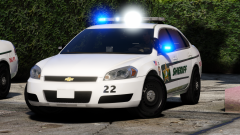
From the album: HAH's WIP Pics
-
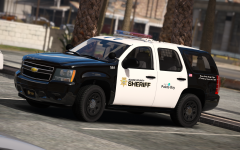 Underwood's has a better shape, and is more accurate.
 -
Install RadianceV or Birght lights
-
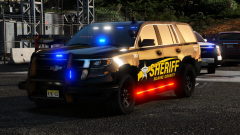 no u
no u -
-
From the album: HAH's Hoes
-
-
No, they are part of the pattern. The thing you could do is erase the white texture from the file (I can do it for you if you don't know which one), but removing this would get rid of your takedown and Alley light functions.
- 101 comments
- 49 reviews
-
-
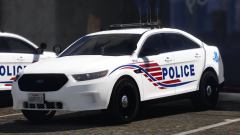 Oh fuck. That's hot!
 -
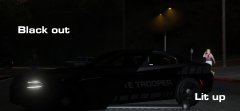 Wow. That looks awesome! Would love to see a pack with some of these "reflective" textures.
 -
-
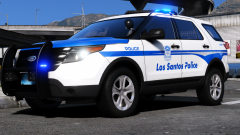
From the album: HAH's WIP Pics
-
-
Hope the project continues. Been looking forward to someone doing this
-
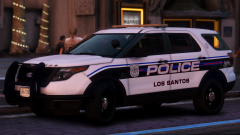 holleeee fuck
 -
Licence plate shows up in game, but not OpenIV for some reason Tahoe: probably need to remove the tint using a trainer
- 101 comments
- 49 reviews
-
"Muh spreading the word about the anit-modding stance of Take-Two won't do anything" Good work to everyone who helped accomplish this magnificent feat btw, petition is almost at 25k. If you haven't signed, now is the time