thegreathah
Friends of LSPDFR
-
Joined
Everything posted by thegreathah
-
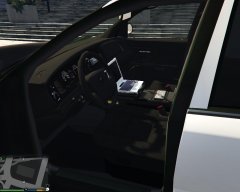 Awesome! I hope to see it soon!
 -
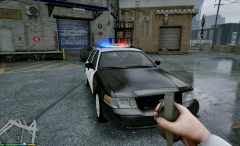 Nice! I really like it! :)
 -
I love it man. Very good job!
-
 ooh, I like the sound of natural highway spawning! Awesome!
 -
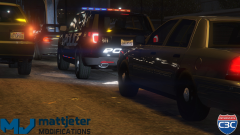 Holy mother of god.... this looks amazing.
 -
 Cool can't wait man! Don't kill yourself though ;) My entire rpf is filled with your custom cars lol. Such high quality. If possible can we get a few pictures of the slicktop/arjent cvpi Thanks :) I doubt it, he is in the netherlands so it is pretty late for him. He works fast though, so I think these are the last few days we will have to suffer without an arjent lol
 -
Awesome. I can't wait. It looks awesome from the screenshots! :)
-
I agree, I'm not a huge fan of the mx7000, seems a little outdated to me, but I love the arjent and would like to be able to run slicktop with that model.
-
 Nope not yet
 -
Yeah, I cant wait. I just hope I sent the message in time
-
Cool bro, I hope we get in! :)
-
Good thing I just messaged him :)
-
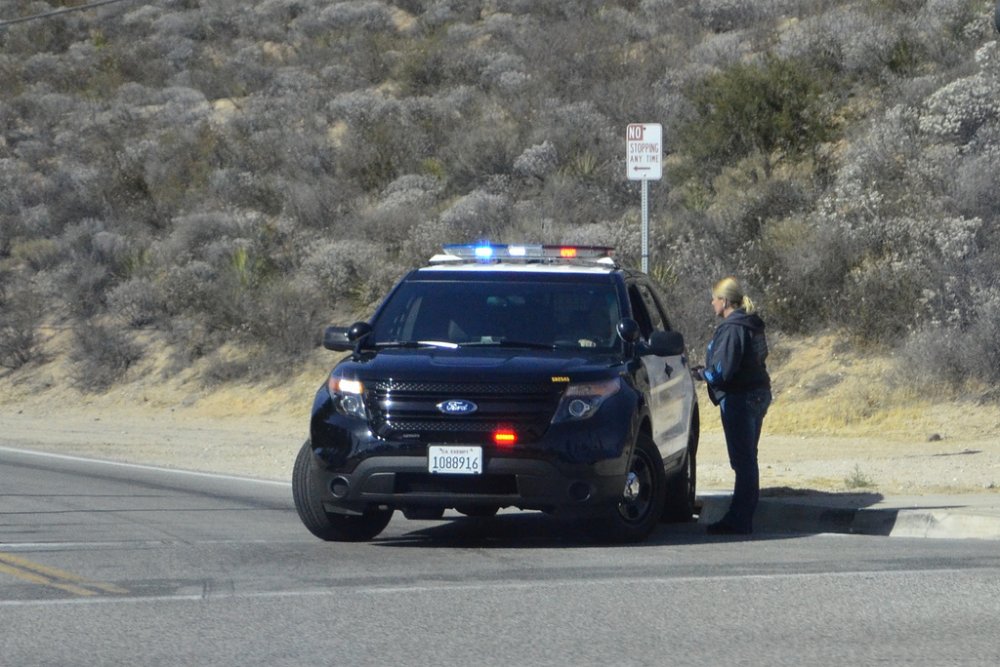
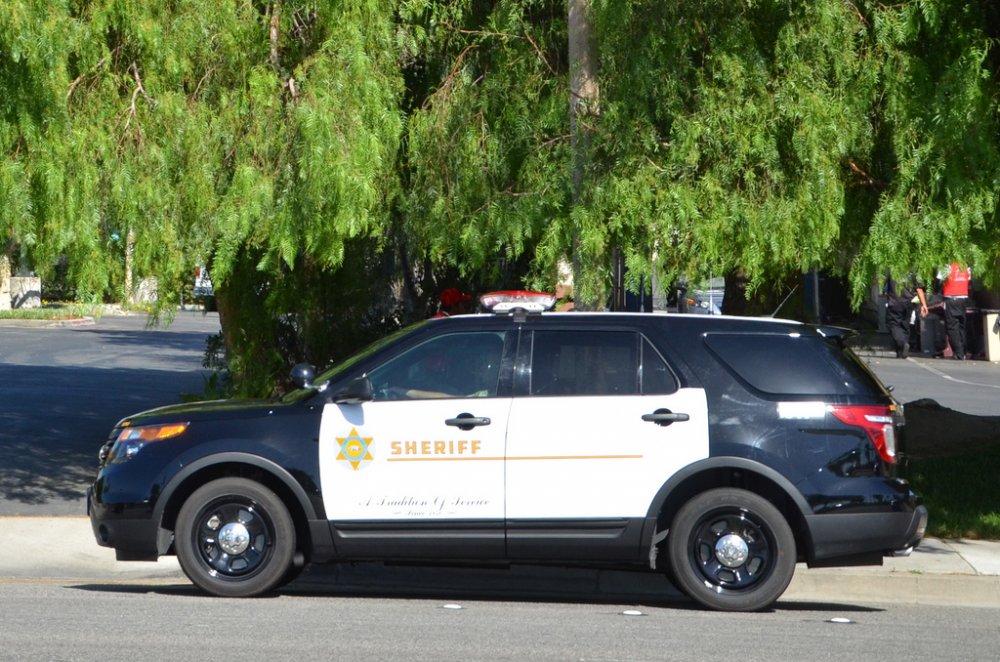
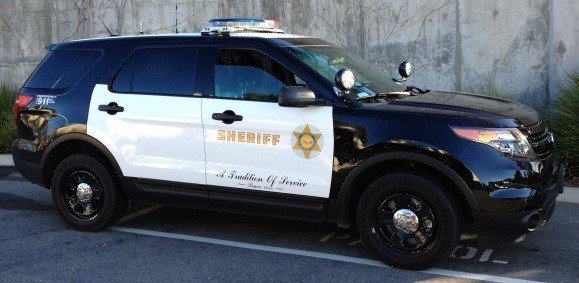
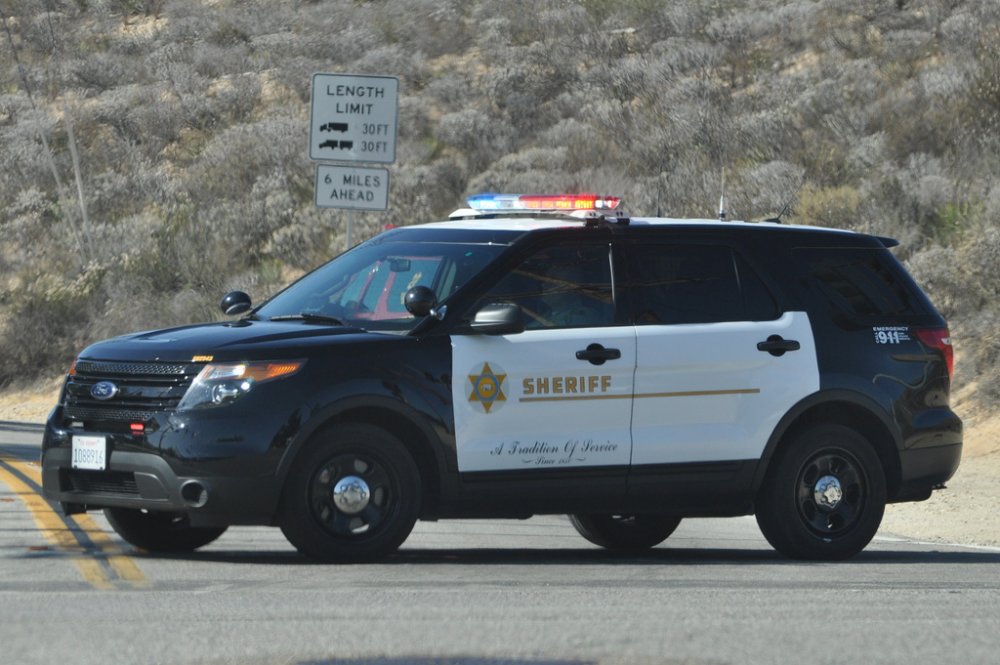
Ok here are some, I will try to find a video, but I don't know if one exists.
-
Ok let me find some for you :)
-
True Yeah, that would be odd. I agree.
-
I think that is a good idea. It looks great so far :) I agree, I've tested sheriff2 and I couldn't get it to 100mph, whereas the explorer can go 120, at least the chp version can. Police 3 can go 120 so it's the most accurate in terms of speed and nimbleness.
-
-
Thats ok :) Can't wait!
-
Woah! I think tomorrow will be a good day for vehicle models :)
-
Woah! Looks awesome man! This is the day we have been waiting for!
-
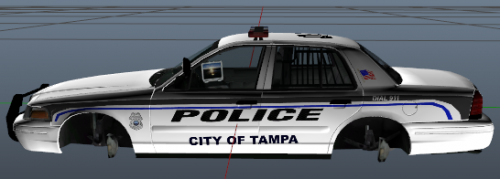 Cool, I live in Sarasota County so I go up to Tampa all the time Nice to see some other Floridians on here!
 -
Nice! I love all the florida textures!
-
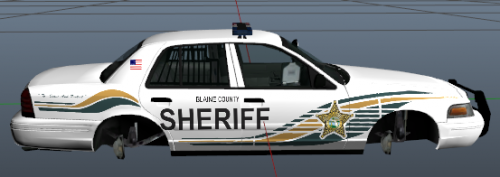 here
here -
Awesome! A texture for the 2015 suburban would be awesome as well.
-
Wow! Good job man!