thegreathah
Friends of LSPDFR
-
Joined
Everything posted by thegreathah
-
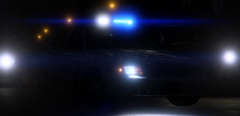 Eww gross. Alabama
 -
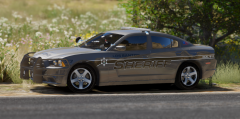
From the album: thegreatHAH's Screenshots
-
-
So much better!
-
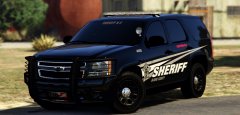 Amazing
 -
-
MMMM These look sexy. Can't wait!
-
-
-
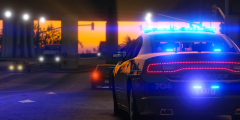
From the album: thegreatHAH's Screenshots
Hey guys! FYI My first day of Junior year is tomorrow (Traditionally the most stressful and difficult year). I won't be on as much as I take literally the hardest classes in our school (IB/AP), and my parents are super strict about grades and stuff... So I will try my best to respond to messages and such but it may take me a few extra hours to get back than normal. Thanks! -
Did you create the original model? If not, you can't change the position of the light bar.
-
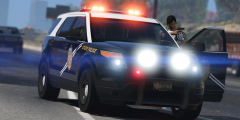
From the album: thegreatHAH's Screenshots
-
-
It's just higher quality, some cars just don't like 4K textures for some reason.
-
Hmm. shouldn't be causing you any issues afaik. You seem to have done everthing right. The only thing I can think of is if the skins are in 4k re size them to 2k with Paint.net
-
Which textures? What are your Specs? Hopefully it's just something weird with the skins.
-
-
-
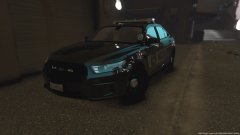 What ENB are you using?
 -
Ahhh, I can't read...
-
Apparently he doxed someone, but who knows? lol Anyway, can't wait for the new update people, and of course the 2016 Explorer.
-
The lights aren't supposed to look like that. You probably don't have the correct carvariations for the car.
-
OMG that looks amazing Albo! Btw, I think you installed that car incorrectly lol.
-
Agree 100% These cars NEED to be made.
-
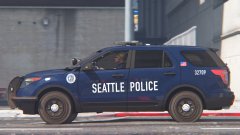 Looks amazing!