




Albo1125
Insiders
-
Joined
Everything posted by Albo1125
-
 Currently you have the option to change the van in the iini file to a Riot van. Is this when you call for 2 officers?
- 1,915 comments
- 242 reviews
-
Enjoy your day in court and your disqualification! ~Early Testing Image~
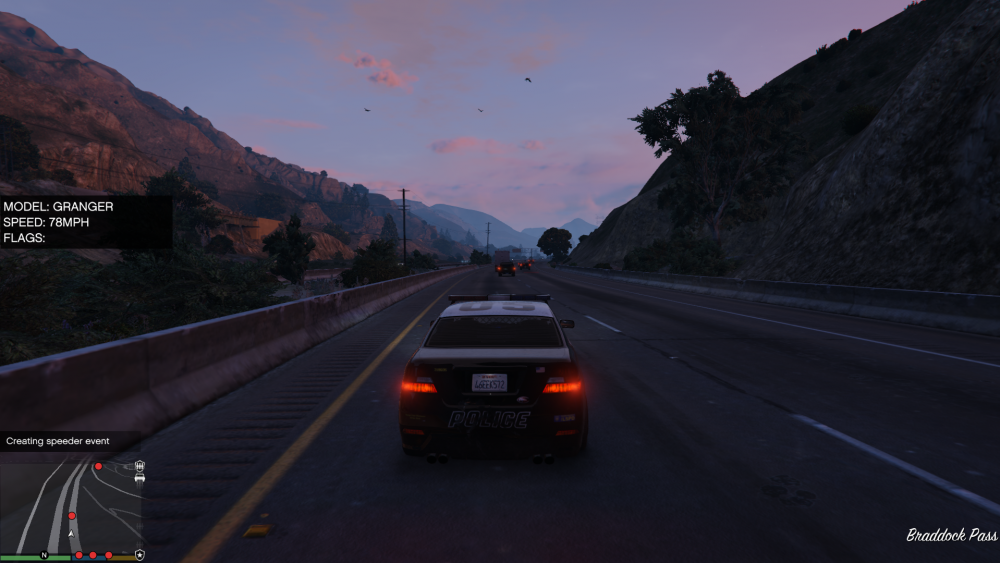
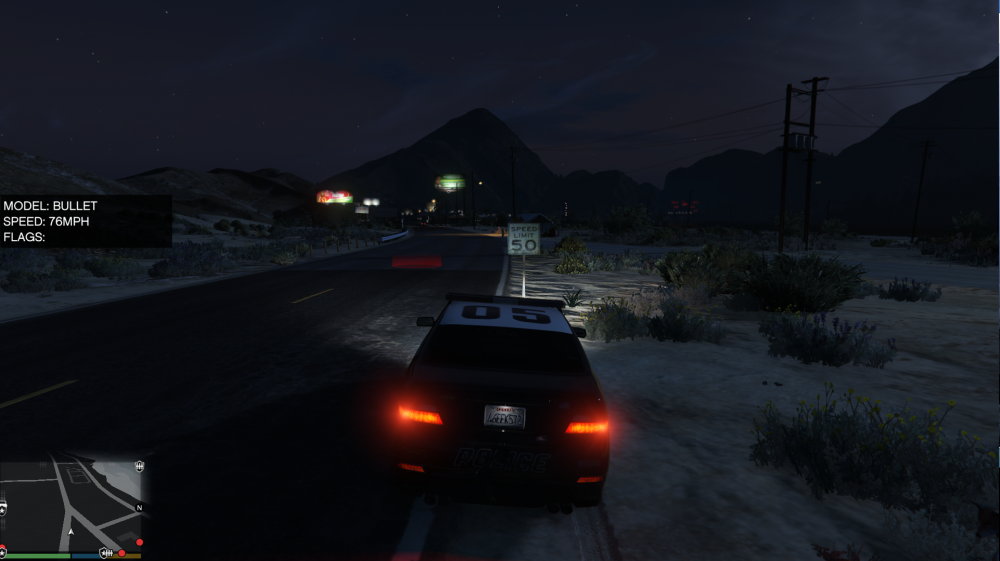
-
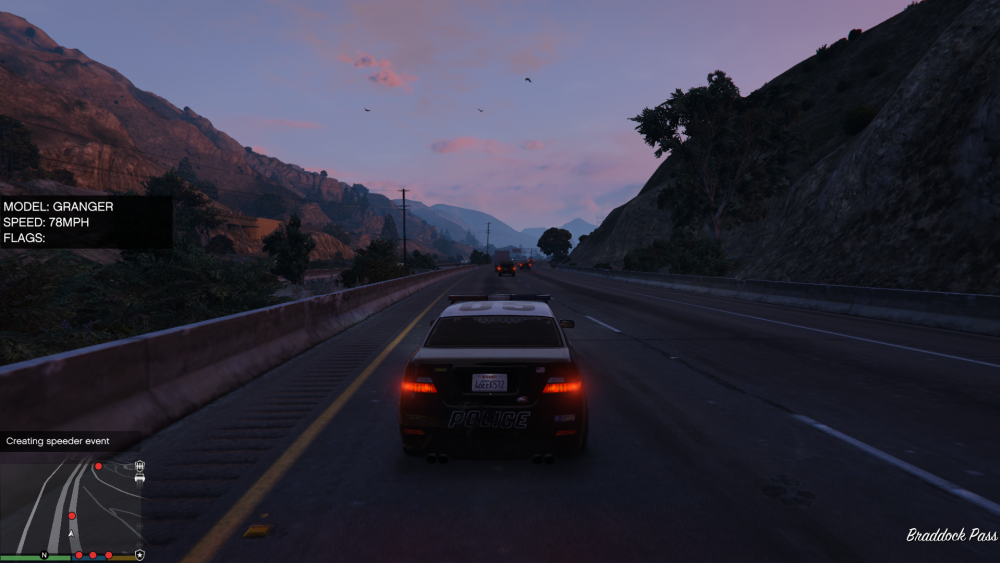
18 mph over the limit? Expect a ticket! ~Early Testing Image~
-
If you have version 1.1 installed, install version 1.3. If you have version 1.3 installed, install 1.1. You're using the wrong version for the wrong ragehook.
- 1,915 comments
- 242 reviews
-
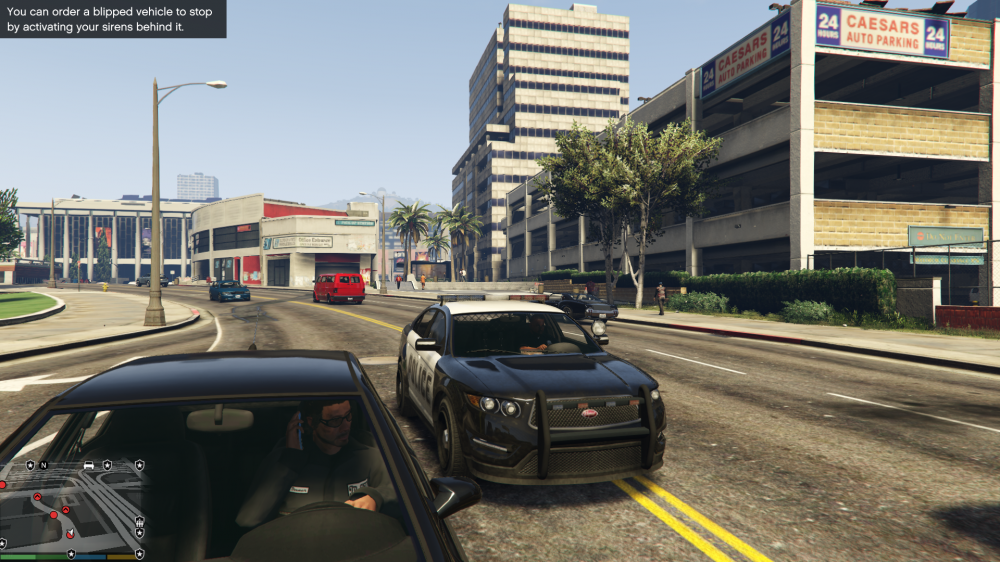
Yup, that call will have cost you 100$! ~Early Testing Image~
-
If you change it to Riot, a Riot van will pick the suspect up instead of the normal prisoner transport van. It's for fun, the best experience will be with the normal van though.
- 1,915 comments
- 242 reviews
-
I was ddefinitely considering decreasing the chances of it occurring when you're in full view marked behind them. And ini file yes of course :)
-
Version 6.9.0.1 has been released! Get it here: http://www.lcpdfr.com/files/file/8303-beta-traffic-policer-ambient-events-callouts/ I feel Traffic Policing has always been a bit underwhelming in the First Response series and I hope to change that with this plugin. To-Do List: Nothing. If you have any traffic police related requests please tell me and I'll consider adding it! Let me know your thoughts too.
-
Lol seems I did it incorrectly in the description, sorry! https://msdn.microsoft.com/en-us/library/system.windows.forms.keys(v=vs.110).aspx if you go down to L, you'll see it's LShiftKey. Thanks! I've corrected the mistake for the next release.
- 1,915 comments
- 242 reviews
-
The ini file has a link with all the available keys. Use the correct key name!
- 1,915 comments
- 242 reviews
-
Thank you for the detailed description! While I'm not an expert at installing Ragehook, it seems like you haven't installed visual C++ redist 2015. You can get it here: http://www.microsoft.com/en-us/download/details.aspx?id=48145 Also, make sure it's RHook 0.22 and NOT 0.21 you have installed. Please let me know how it went.
- 1,915 comments
- 242 reviews
-
1.3: This patch features mostly quality of life improvements, with prison officers now having stuff to say as well! Prisoner officers from the transport van will now talk. At the moment, the ones at the jail are still silent (I'll break that silence soon). Added a lot more options to the .ini file. You can now add a modifier key and even choose to have a RIOT van pick your prisoners up (use at your own risk). Officers from the van won't run like Usain Bolt when picking up prisoners. Updated version information. Simplified the installation process. A few other fixes and improvements here and there. From now on, updates will only work with Ragehook 0.22. The showcasing video by DBock1989 has also been updated! A big thanks to him!
- 1,915 comments
- 242 reviews
-
I've done this already for the next release. The mod will tell you to read the readme if you didn't install it in the right folder as well :p
- 1,915 comments
- 242 reviews
-
-

- 1
-
-
You can just crash through the barrier for now, your vehicle is repaired when you drop someone off. I hope the lspdfr devs make the barrier automatically open for you when you're a cop. This jail point was added on request by the way.
- 1,915 comments
- 242 reviews
-
-
Please download the 1.1 STABLE version, you're on ragehook 0.20. I forgot to change the version number in the log to 1.2. If you think you're already on 1.1 STABLE try again, maybe you'll surprise yourself :)
- 1,915 comments
- 242 reviews
-
-
You installed the new Ragehook. There is like a huge announcement at the top of my download page, please read that and install the correct version of my mod.
- 1,915 comments
- 242 reviews
-
-
No no, it seems they compiled it against some Windows 10 stuff which means dependency isn't registering properly. For more info: http://forums.ragepluginhook.net/default.aspx?g=posts&t=473 Should be fixed soon!
- 1,915 comments
- 242 reviews
-
-
- 1
-
-
Please check out the top of the download page. If you are successfully running 0.21, please download the latest version and let me know if it works. Thanks!
- 1,915 comments
- 242 reviews
-
-
You obviously didn't read the support section above or you would have attached your rage log.
- 1,915 comments
- 242 reviews
-
Please read above ccomments and support section.......... Download lspdfr 0.2b
- 1,915 comments
- 242 reviews
-
Let me know if it worked :) If you like the mod (ofcourse you do haha) please consider leaving a review
- 1,915 comments
- 242 reviews



