




Alex_Ashfold
Insiders
-
Joined
-
Last visited
Everything posted by Alex_Ashfold
-
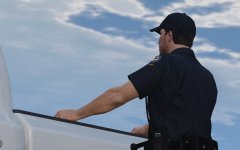 pls give money
 -
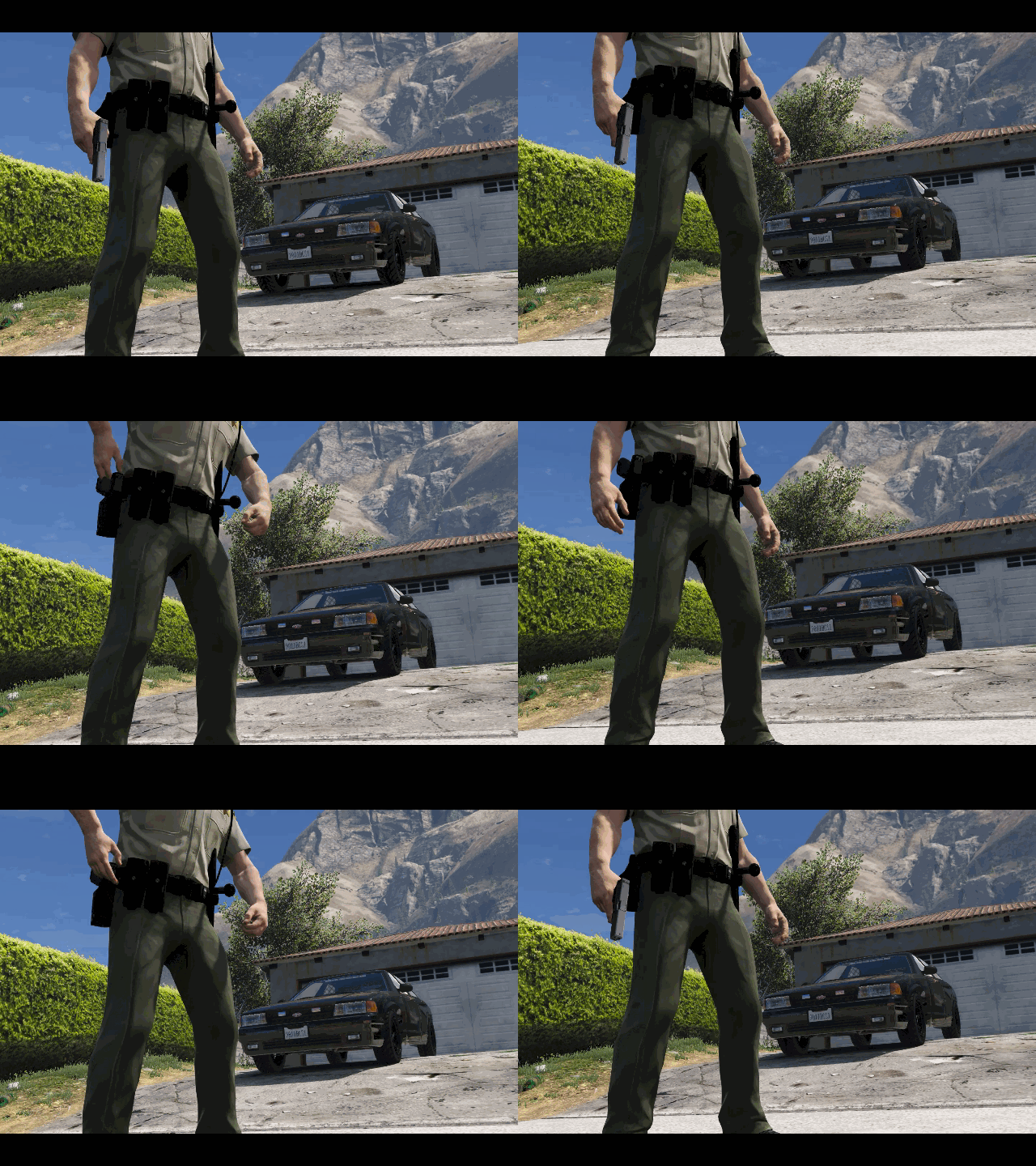 Yes BUT this is a cop holster plugin compatibility patch. The cop holster is independent and will eventually have a second option mechanism with props.
 -
From the album: Emergency Uniforms Pack WIPs
© EUP Team
-
You need to have x64v.rpf x64w.rpf x64c.rpf and all dlcpcks in your mods folder x64v.rpf x64w.rpf x64c.rpf goes in Grand Theft Auto V\mods and dlcpacks go in: Grand Theft Auto V\mods\update\x64\dlcpacks
-
Zmod license = Expired
-
From the album: Emergency Uniforms Pack WIPs
© Alex Ashfold
-
-
From the album: Emergency Uniforms Pack WIPs
For General discussions, beta team registration, support and more follow this link to our Discord Server: https://discord.gg/aTQfepT Roles: Developer Beta Tester (closed) Support Assistant -
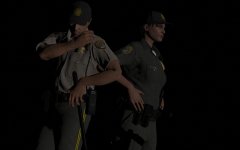 Currently at work for 4 days straight, then I have to redo all short sleeves top, with better smooth textures (easy conversion)and then I need to adjust a few stuff and thangs... and wait for a belt model, then i'll let the beta test team play with the updated stuff for a few 5-6 days. So early in 2017 by the end ofthe month
 -
From the album: Emergency Uniforms Pack WIPs
© EUP Team
-
No unfortunately without ymt editing, yiu can't add more textures, you need to replace them, or replace an item with more textures variations like for example the vests that were added in mpjanuary dlc.
-
Yes you can add more agency in the presetoutfits.ini
-
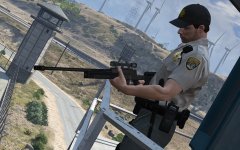
From the album: Emergency Uniforms Pack WIPs
© EUP Team
-
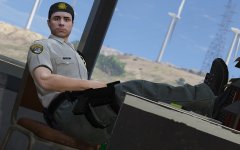
From the album: Emergency Uniforms Pack WIPs
© EUP Team
-
 sarcasm well ... I just learned photo gallery can have multiples page of comments, we did it!
 -
-
No don't worry I know :^) I was saying the concept of the mod. But thanks for clarifying. If the mp peds wouldn't exist in the first place I would of probably made a Uniforms pack for Michael, Trevor and franklin anyways. Just thought they were bringing more freedom of customizations than GTA protagonists.
-
It's optional... you are free to dislike and I don't mind, even though I still don't get your point of view about it.You seem to be the only person disliking this concept of this mod, I'm just curious to know why and how's is that even a deal to you...
-
The hate in you is strong.
-
MP peds are meant to be played as players, not general spawned IA, just like Michael, franklin and Trevor But, RDE is currently developing an optional patch that will replace all/most services peds with MP_models with added uniforms so yes it's possible with good scripting and file editing.
-
The only setting that make a ped a actual in game cop is set pedtype <Cop> you can change this setting for both ped or any peds You can put s_m_y_cop_01 to Civ And freemode male to cop not a problem. so you're not totally right
-
Sorry to ruin your world but s_m_y_cop_01 originally have a silver badge and a vanilla belt with regular plastic buckle, a hat with lssd logo and no baton, which were edited just like mp peds to be "How they are suppose to be" so they are fake for the same reasons you believe the mp model is. #AllPedsMatters
-
Uniforms made of aligned pixels on your screen. EUP as more aligned pixels choices and variations. So it makes MP peds a better fake cop than S_M_Y_GorillaFaceCop_01
-
Your arguments still doesn't makes sense, I still don't get why they are ''fake'' to you.
-
LSPD > LAPD



