




Alex_Ashfold
-
Joined
-
Last visited
Everything posted by Alex_Ashfold
-
-
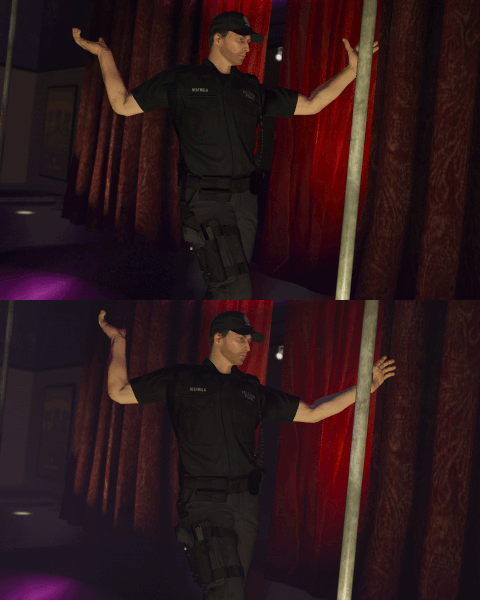
From the album: Emergency Uniforms Pack WIPs
© EUP Team
-
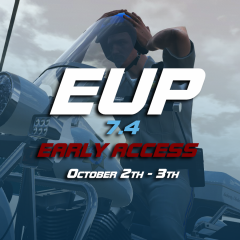 Nevermindthat, Rambo cop mod is activated
 -
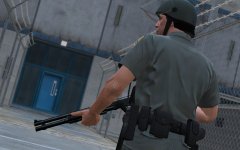
From the album: Emergency Uniforms Pack WIPs
© EUP Team
-
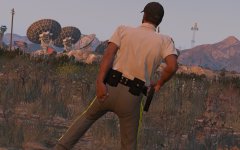
From the album: Emergency Uniforms Pack WIPs
© EUP Team
-
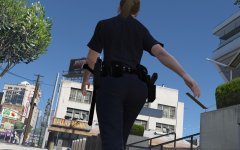
From the album: Emergency Uniforms Pack WIPs
© EUP Team
-
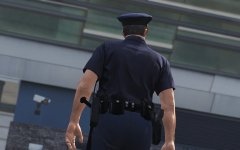
From the album: Emergency Uniforms Pack WIPs
© EUP Team
-
-
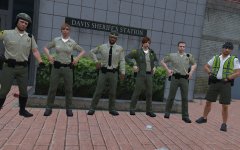
-
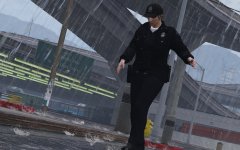
From the album: Emergency Uniforms Pack WIPs
© EUP Team
-
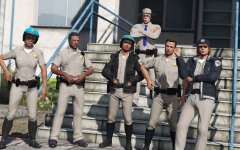
Yes most of the clothing you saw in the screens, I'll have a full chanlog once, the early acess is ready. except the leg holster
-
From the album: Emergency Uniforms Pack WIPs
On the 4th october Rockstar games will release another Update/DLC resulting in game/mods and we'll all have to WAIT for ScripthookV and Ragehook to get updated. The next official version of EUP as many things to offer, thus we won't be able to release anything before that patch, i am offering you an early version access, that will be released in the evening of the 2th October or the 3th. This version will have basic new changes for models and textures. Edited presetoutfits.ini to work with the new file structure, there is No menu features changes or additions, accesories menu will be for the most part broken. The wardrobe will work as usual. But, at least you'll have something to play with while waiting. Thanks, EUP Team© EUP Team
-
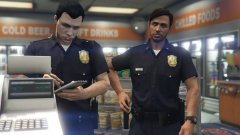
From the album: Emergency Uniforms Pack WIPs
© EUP Team
-
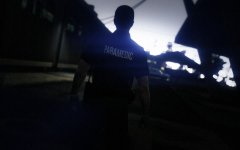
From the album: Emergency Uniforms Pack WIPs
© Alex Ashfold
-
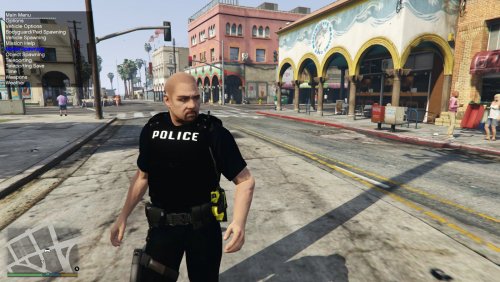 Ok that's probably one of the most fully detailed belt for GTA V,sure...but when I look into the file, I hate to say it, but i feel like this was poorly executed or rushed The mesh is on point, no doubt about that, great work Textures on the other hand.. the contrast, luminosity on each different part, weren't probably adjusted to fit with the whole belt, the gun holstered in your holster is so bright compare to the rest of the belt and accessories, when you open the ytd you can cleary see why (copy and paste of glock picture) Most textures were saved as PNG I presume resulting in low satured colors, The shirt colors only were toned down to the extreme, resulting in extremly dark paint bucket shirt with no details visible, such as foldings. Adding to this pixelated artefacts (Look at their hands, you'll see digital camo gloves) The leg hoslter was mapped badly and the textures don't match with the model Overhaul issue with lighting and contrast, making the belt too noticable
- 28 comments
- 15 reviews
-
-

- 3
-
-
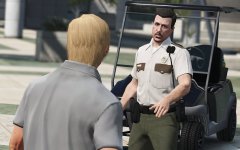
From the album: Emergency Uniforms Pack WIPs
© EUP Team
-
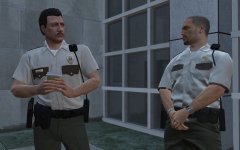
From the album: Emergency Uniforms Pack WIPs
© EUP Team
-
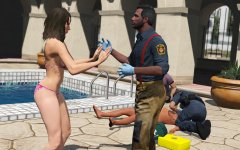
From the album: Emergency Uniforms Pack WIPs
© EUP Team
-
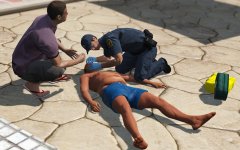
From the album: Emergency Uniforms Pack WIPs
© EUP Team
-
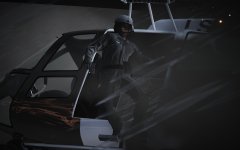
-
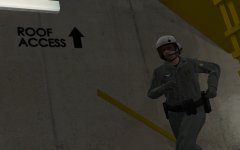
From the album: Emergency Uniforms Pack WIPs
© EUP Team
-
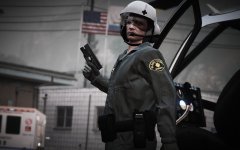
From the album: Emergency Uniforms Pack WIPs
© EUP Team
-
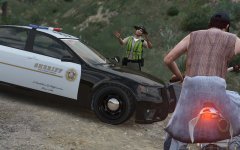
From the album: Emergency Uniforms Pack WIPs
© EUP Team
-
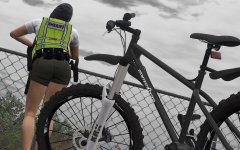
From the album: Emergency Uniforms Pack WIPs
© EUP Team
-
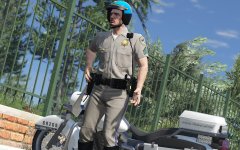
From the album: Emergency Uniforms Pack WIPs
© EUP Team

