Pumpk1in
Members
-
Joined
-
Last visited
Everything posted by Pumpk1in
-
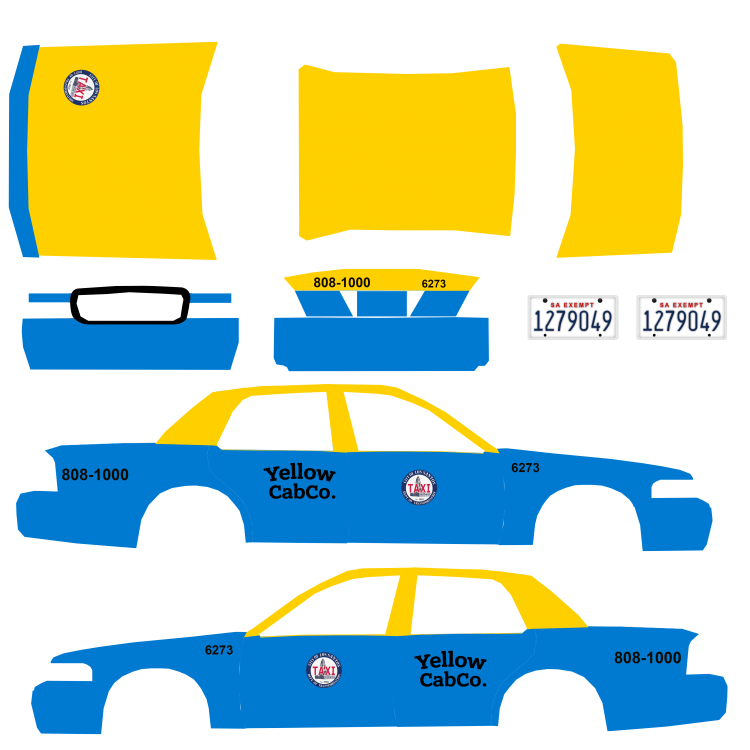
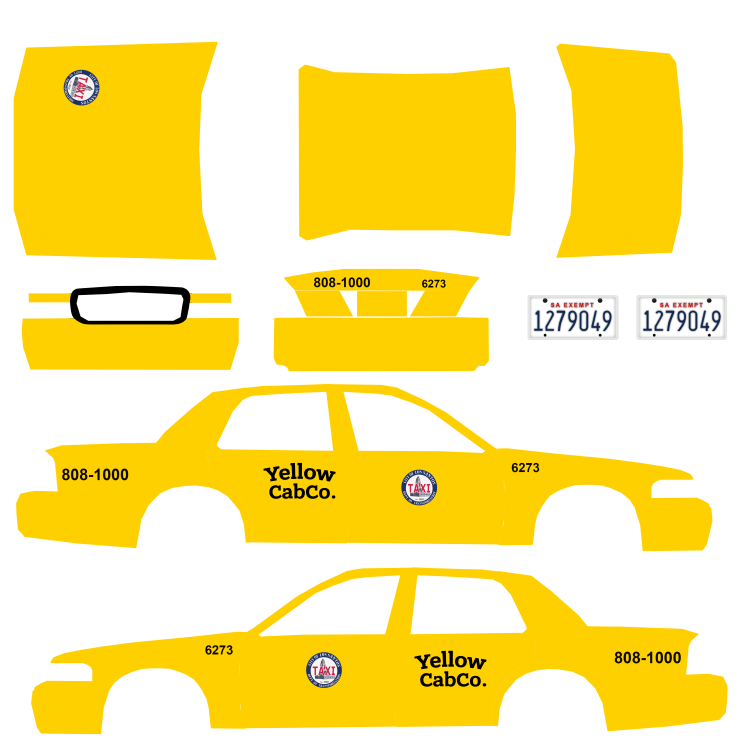
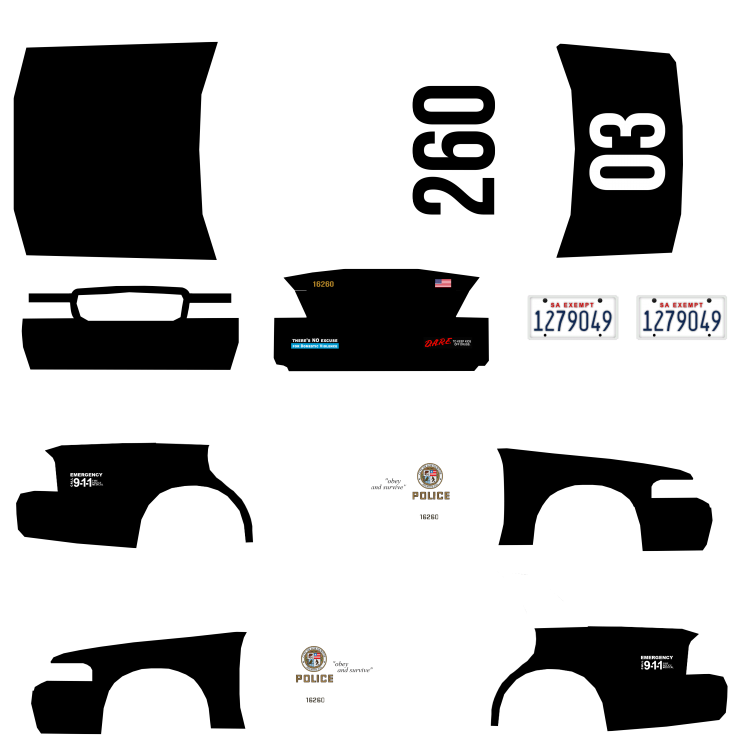
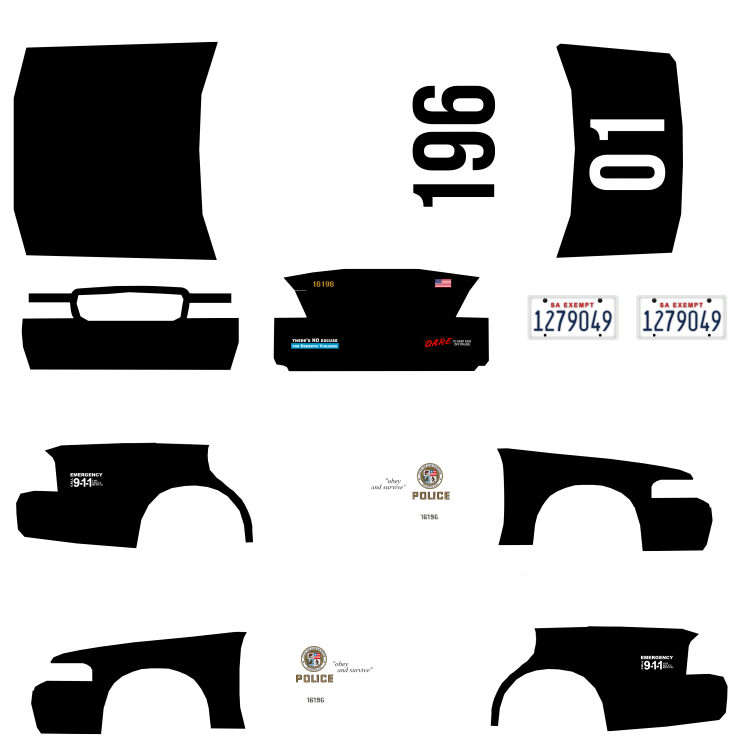
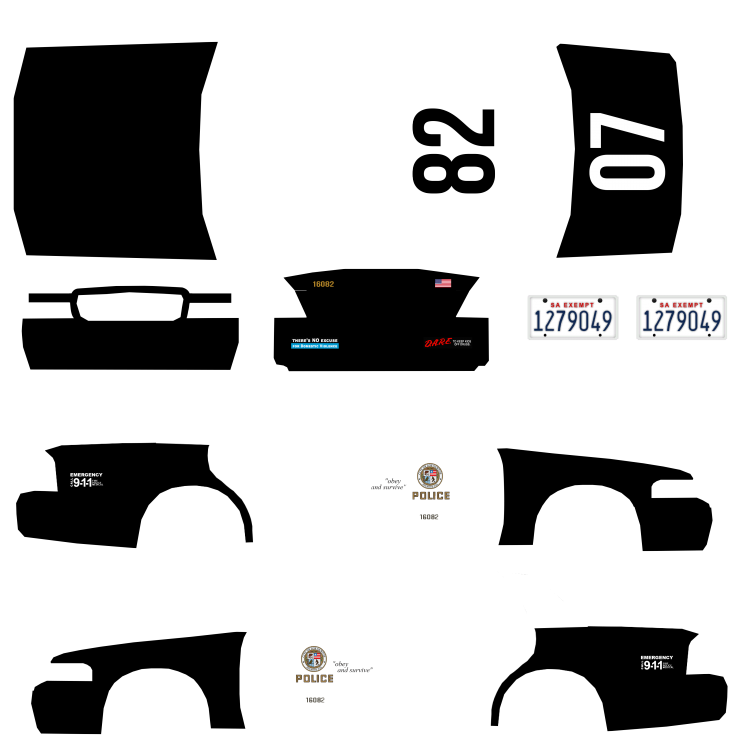
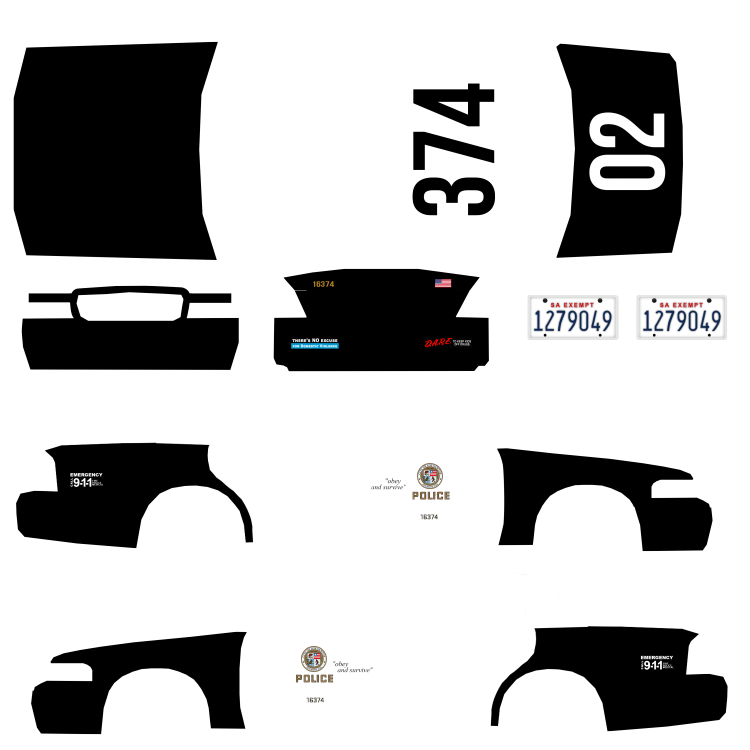
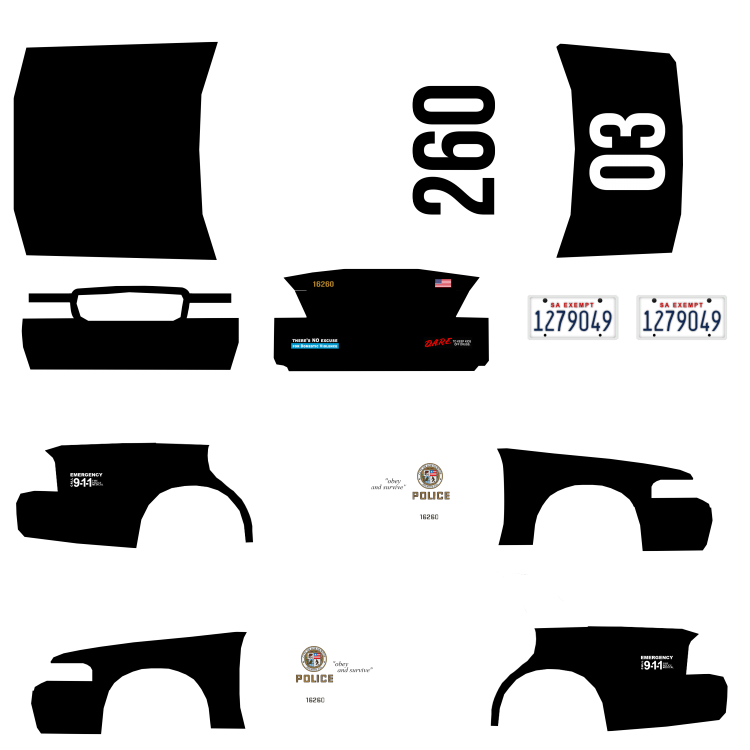
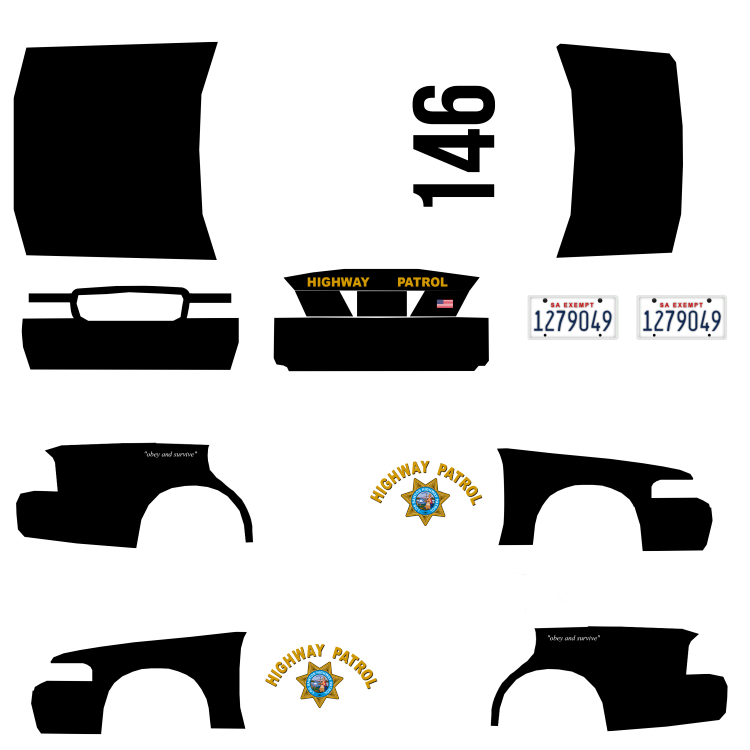
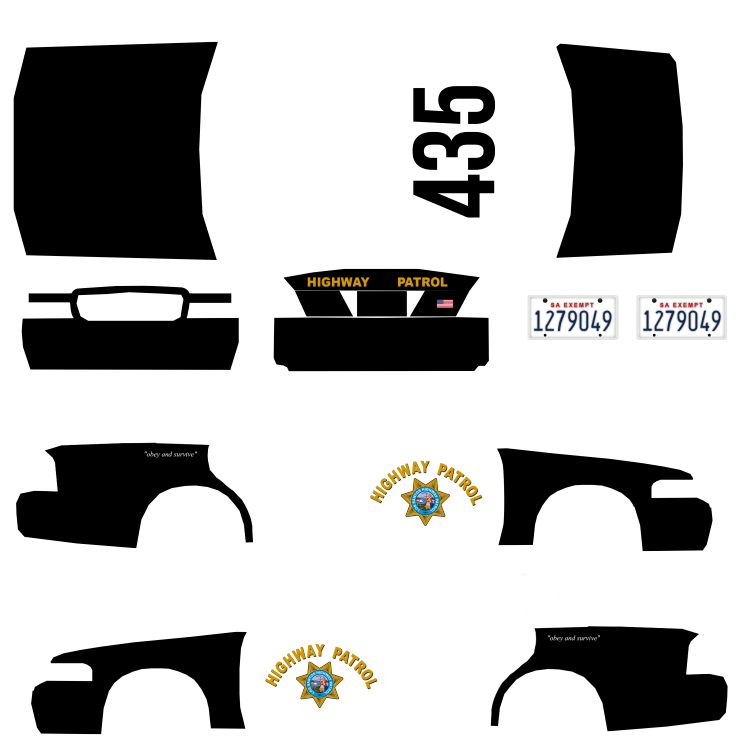
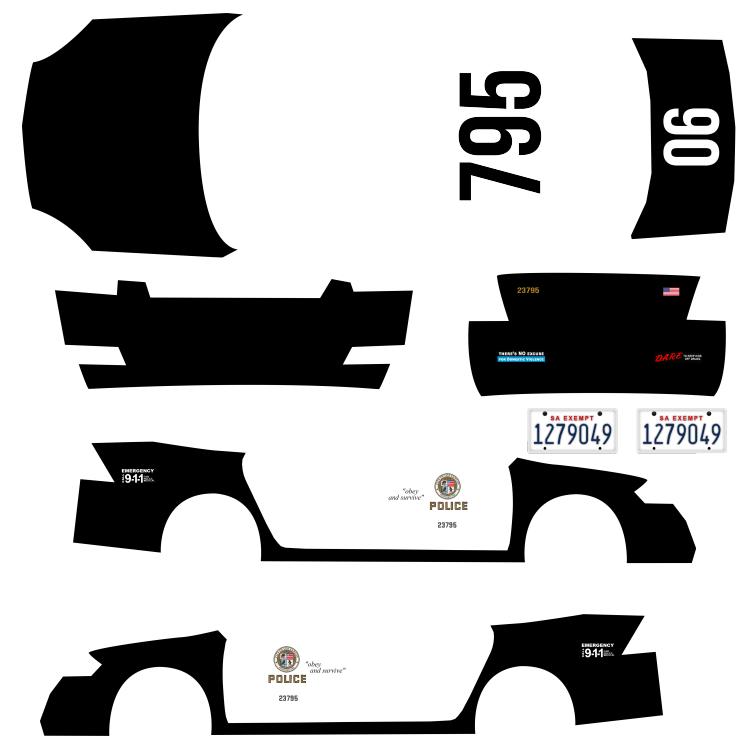
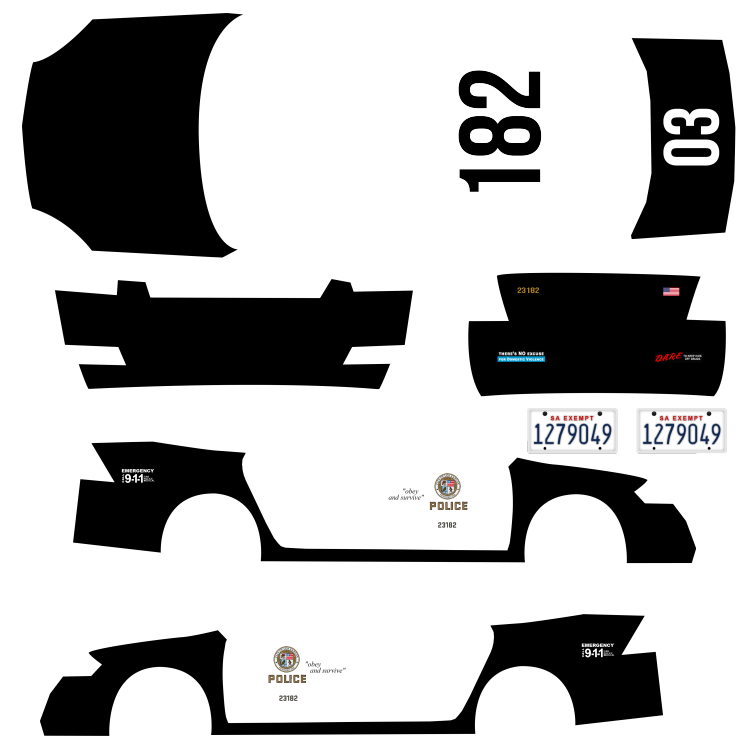
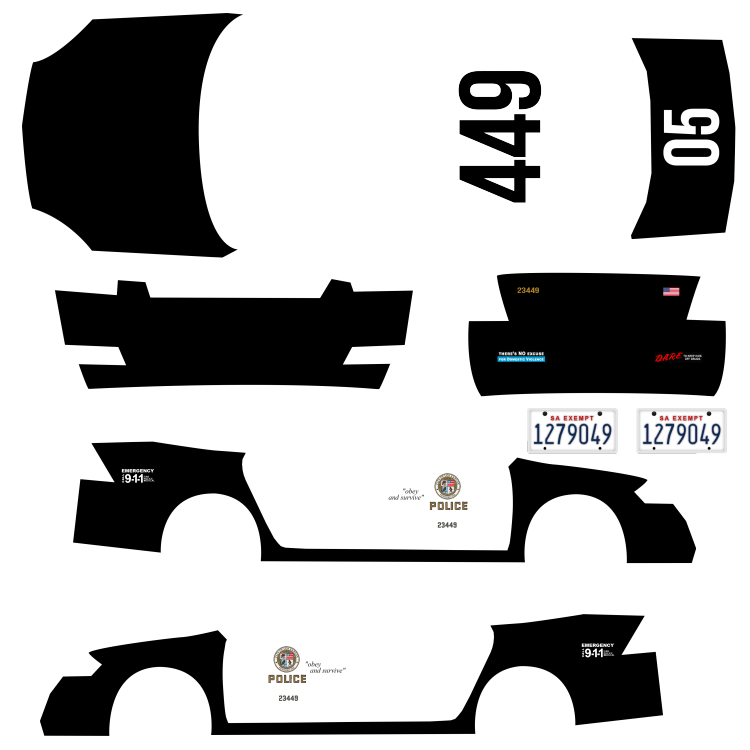
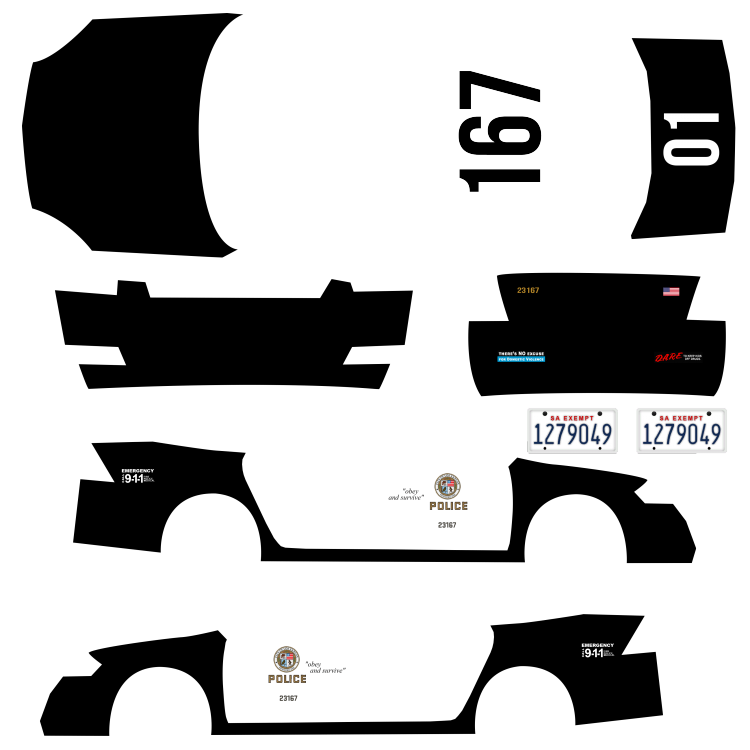
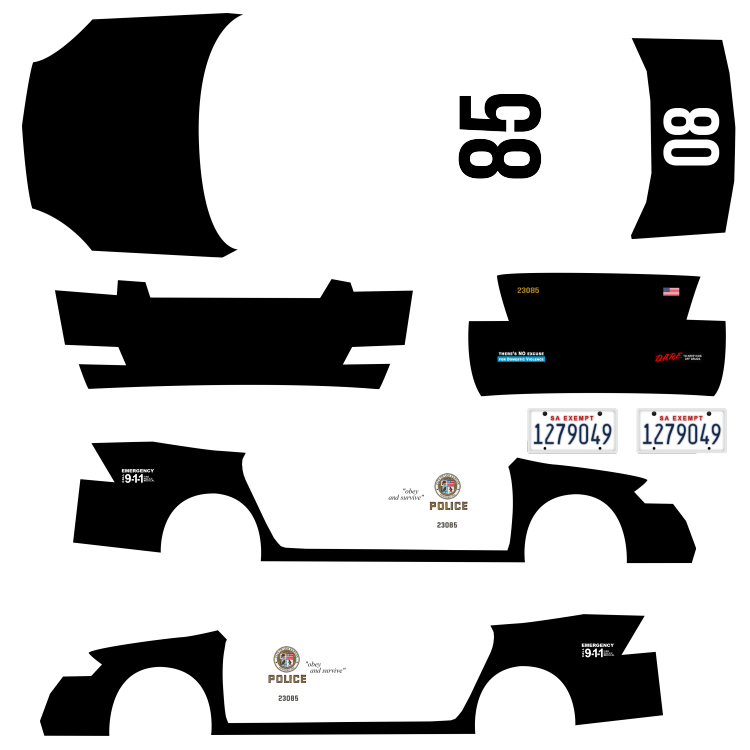
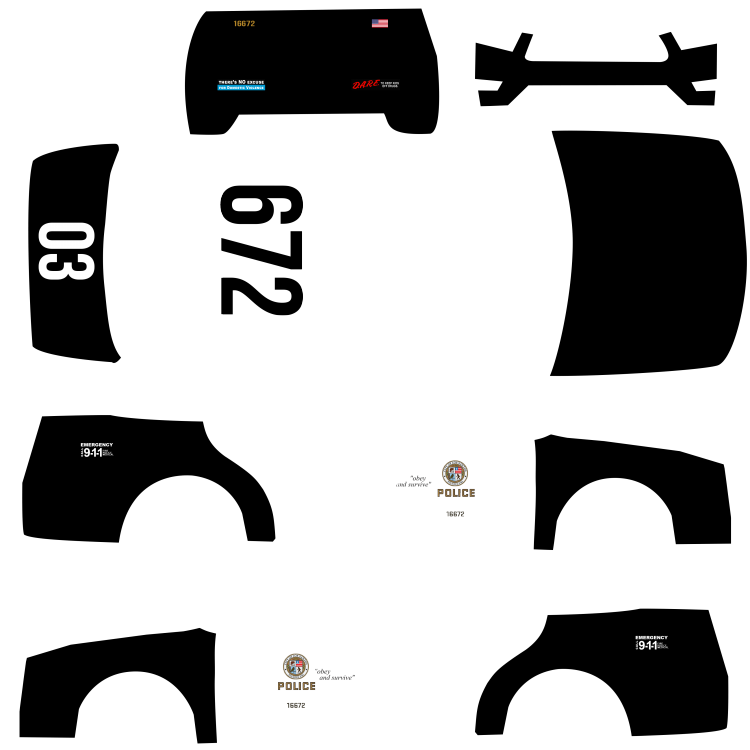
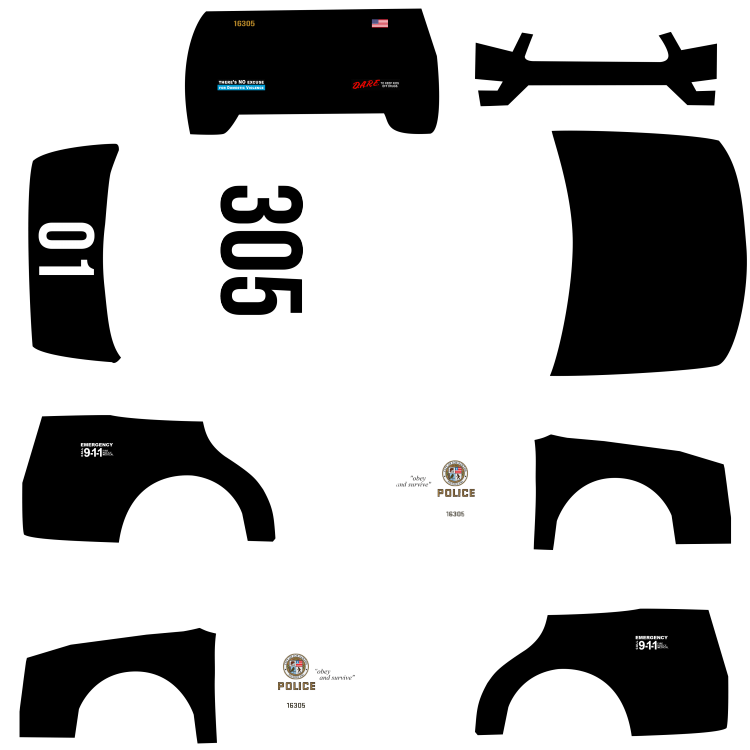
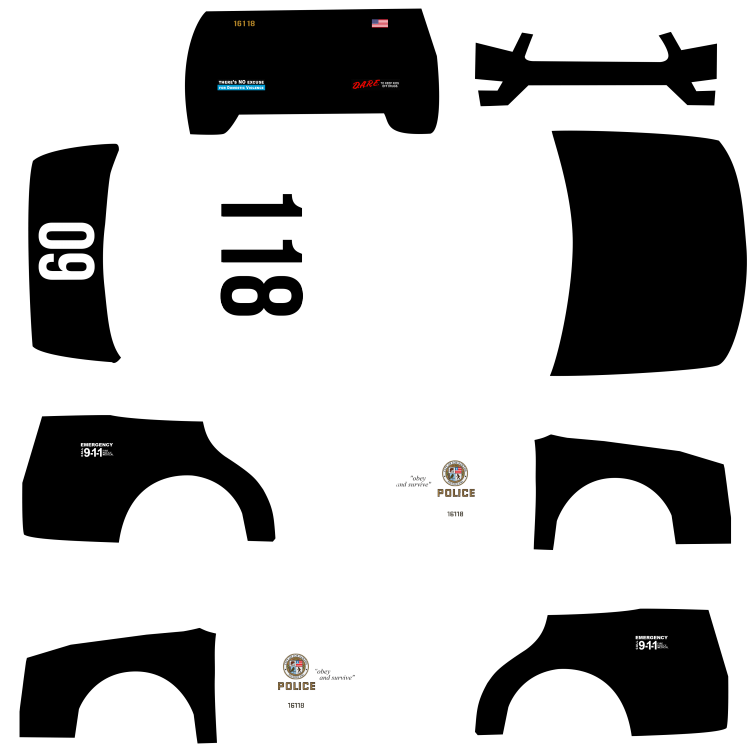
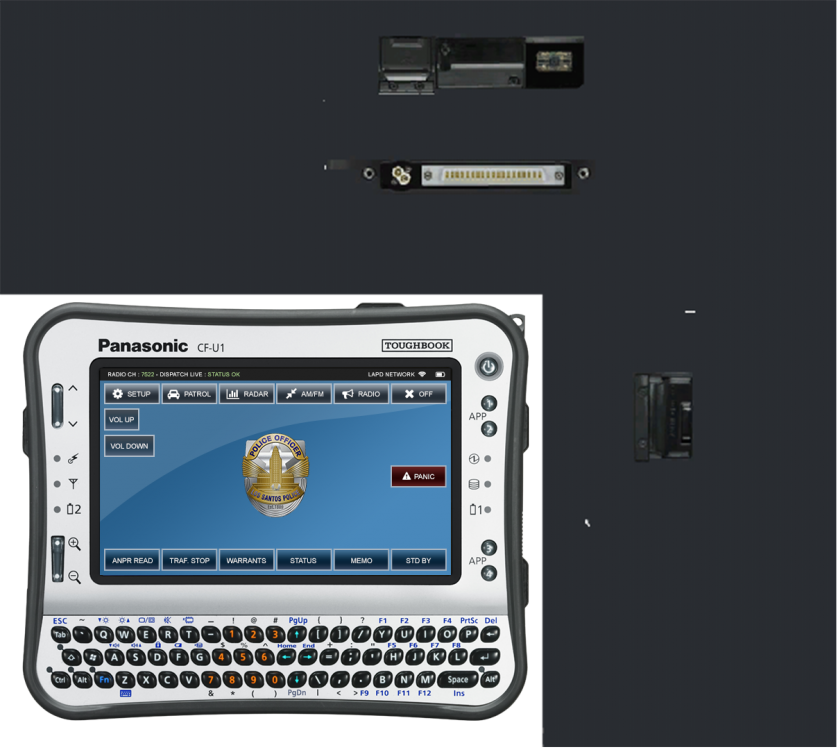
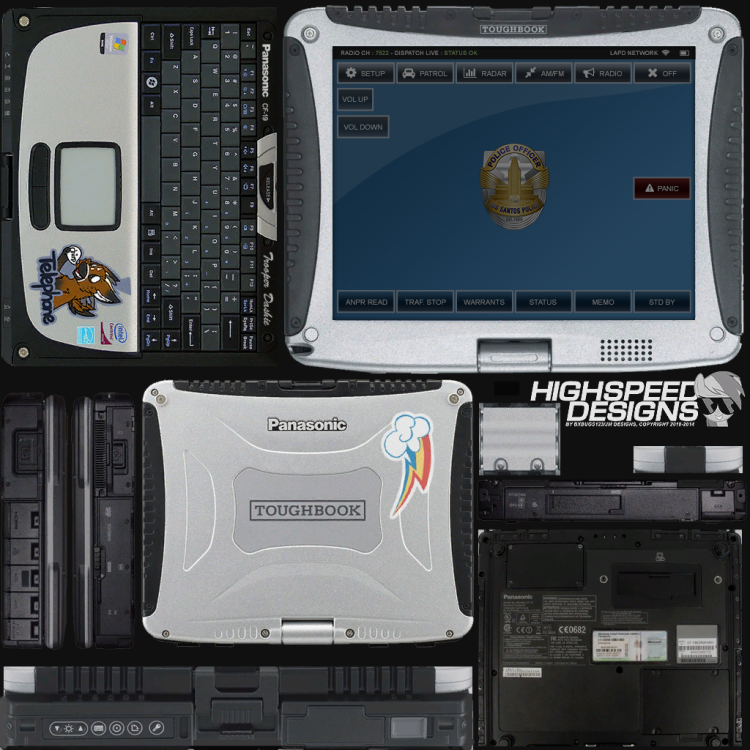
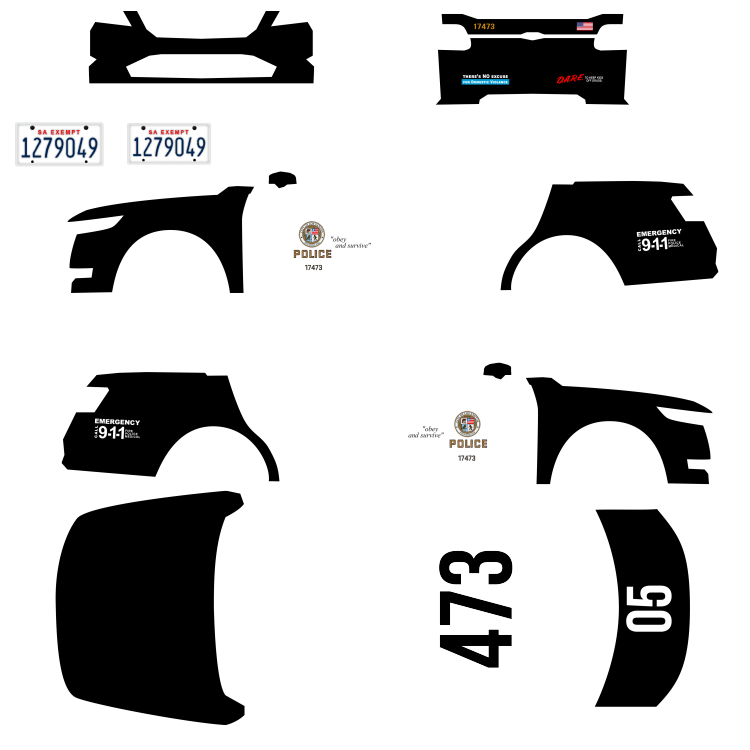
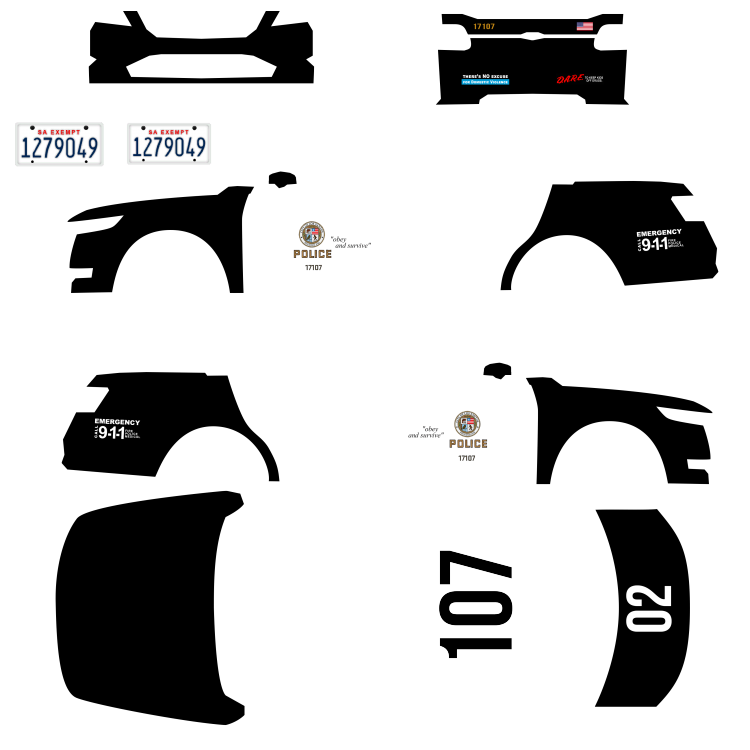
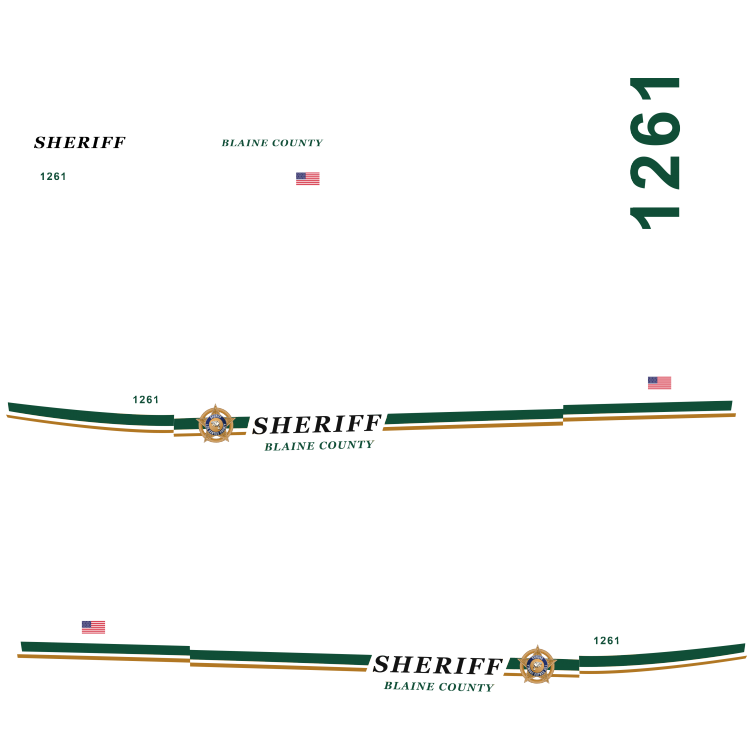
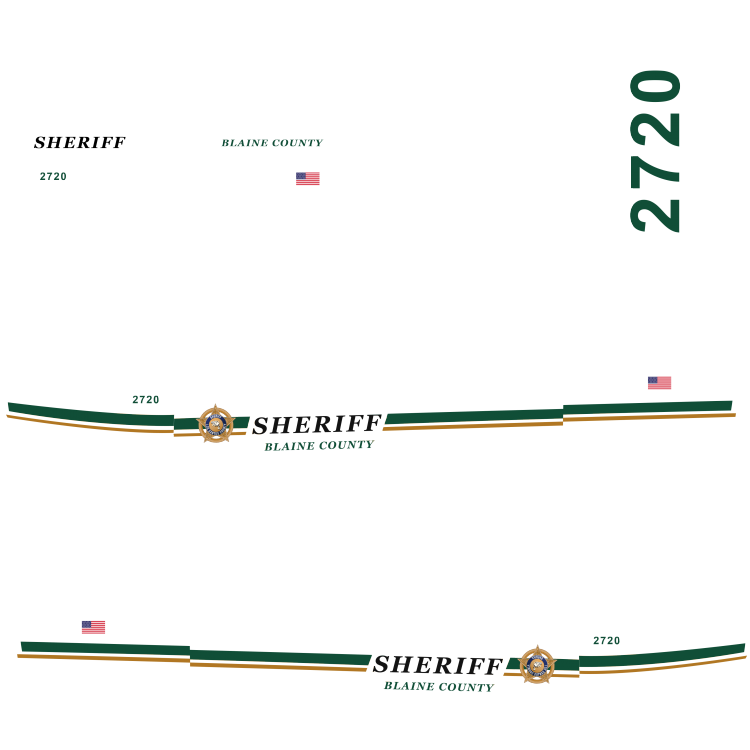
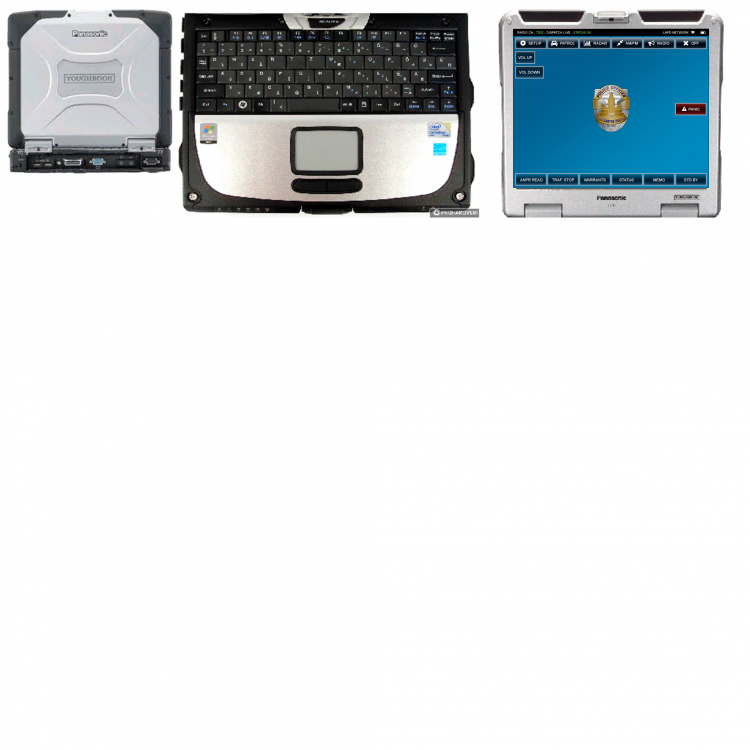
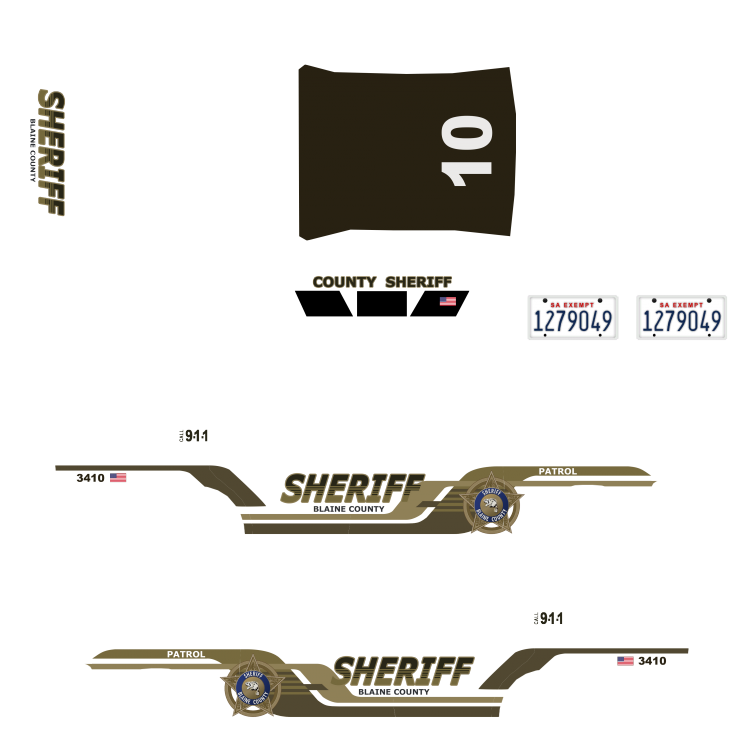
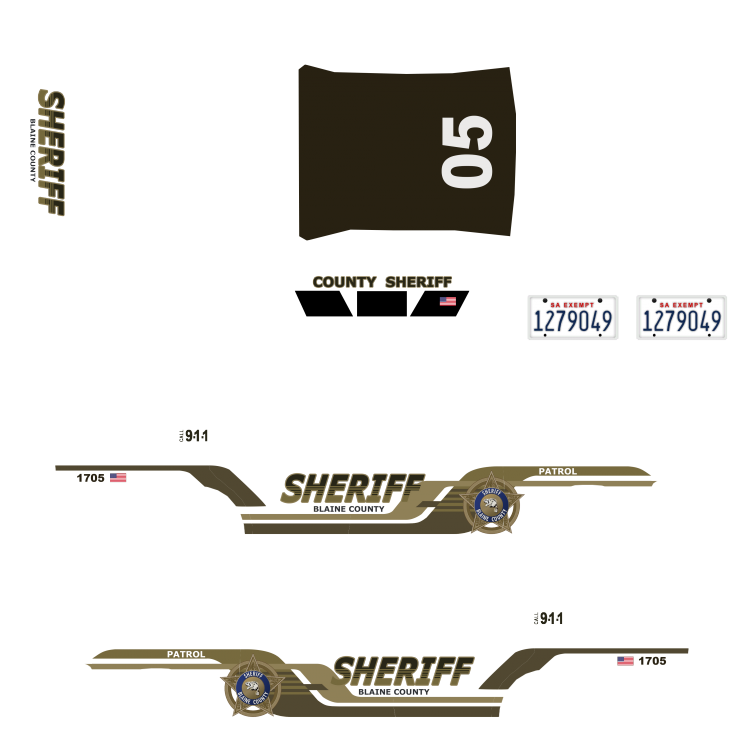
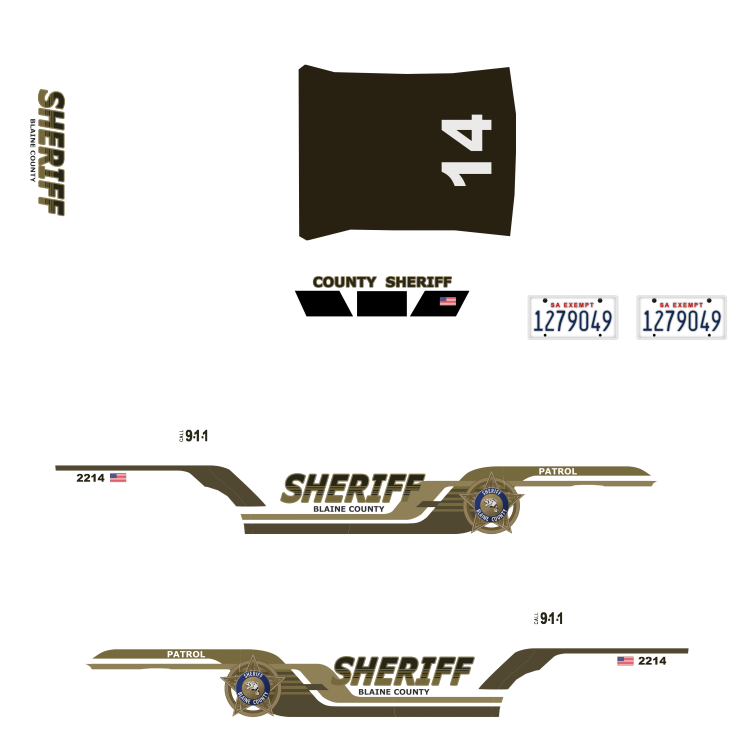
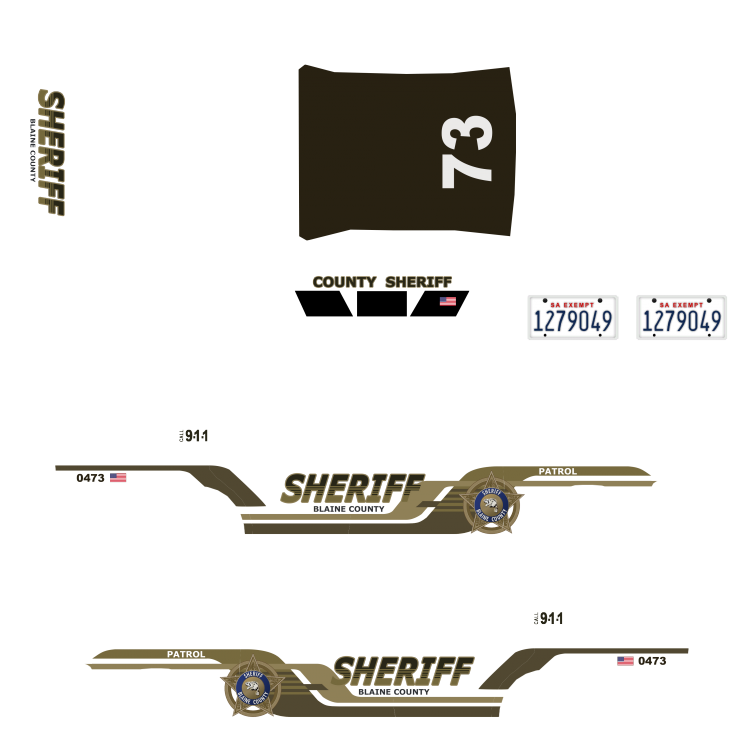
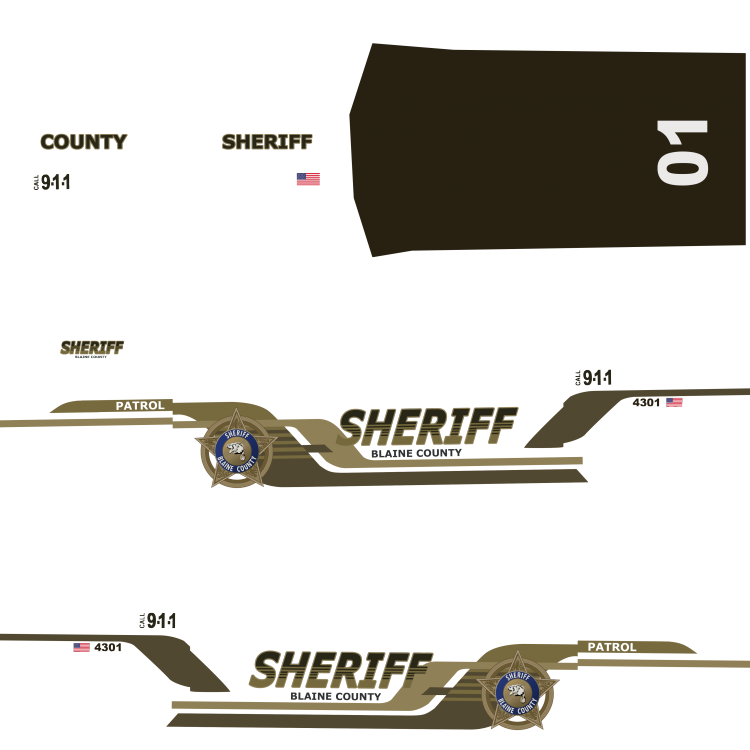
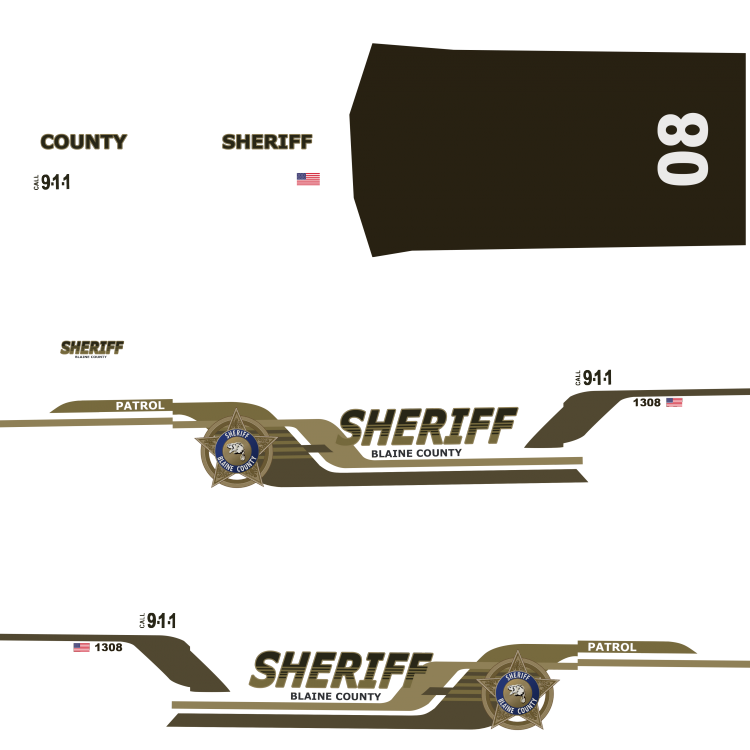
As I made some textures for my personal use, I share it with you on this thread instead of creating a download. This "pack" is only made of LSPD / Sheriff textures for the cars I tried or use ingame. Screenshots of (near) all liveries : (click on it then click on the bottom left button to view full size) The car textures : Crown Victoria Taxi CVPI LSPD CVPI LSHP CVPI Sheriff Impala LSPD Police3 LSPD Taurus LSPD Ford Explorer Sheriff Police Computers files
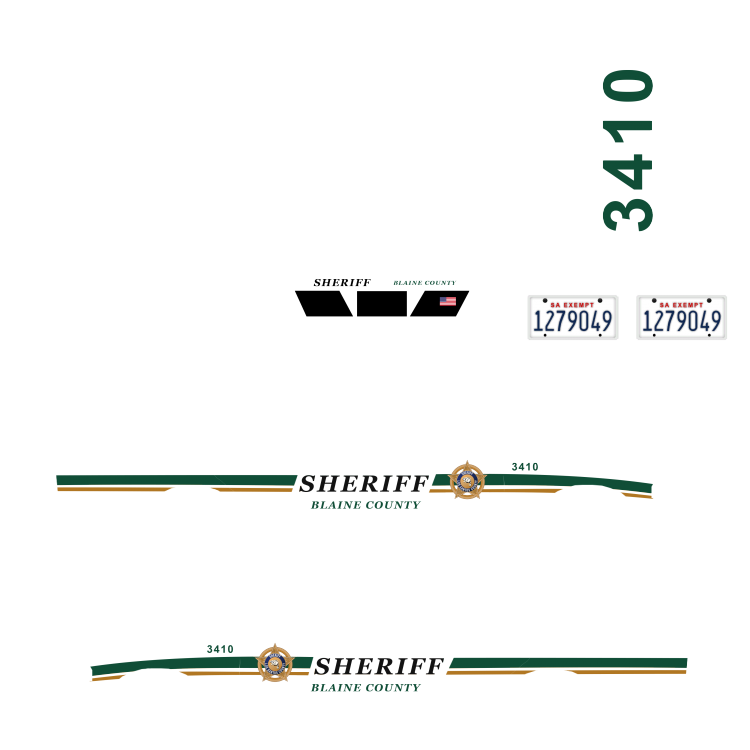
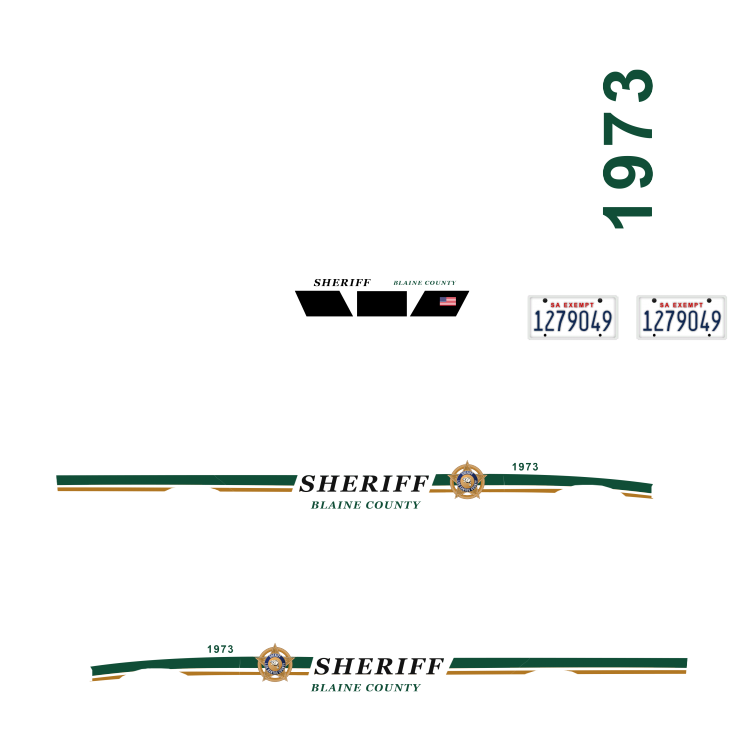
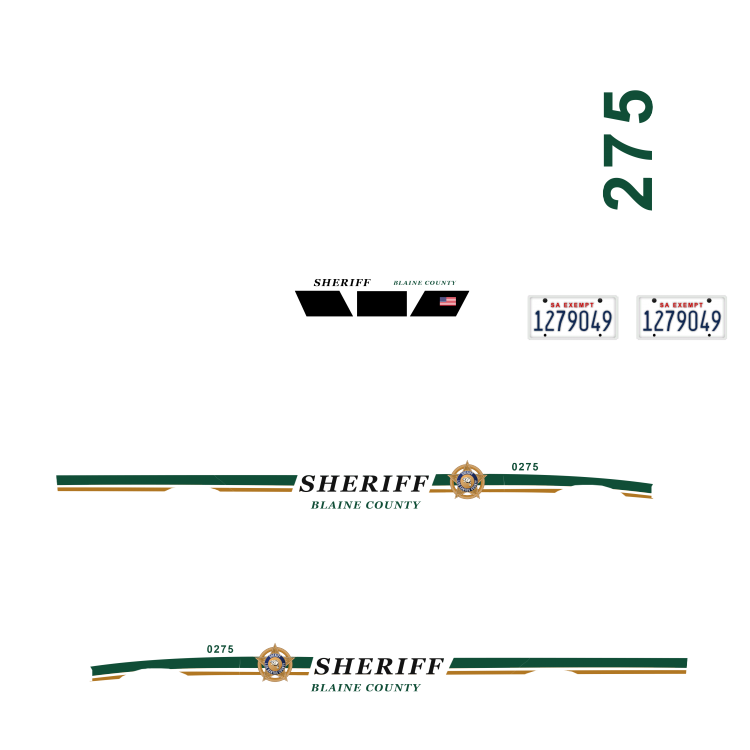
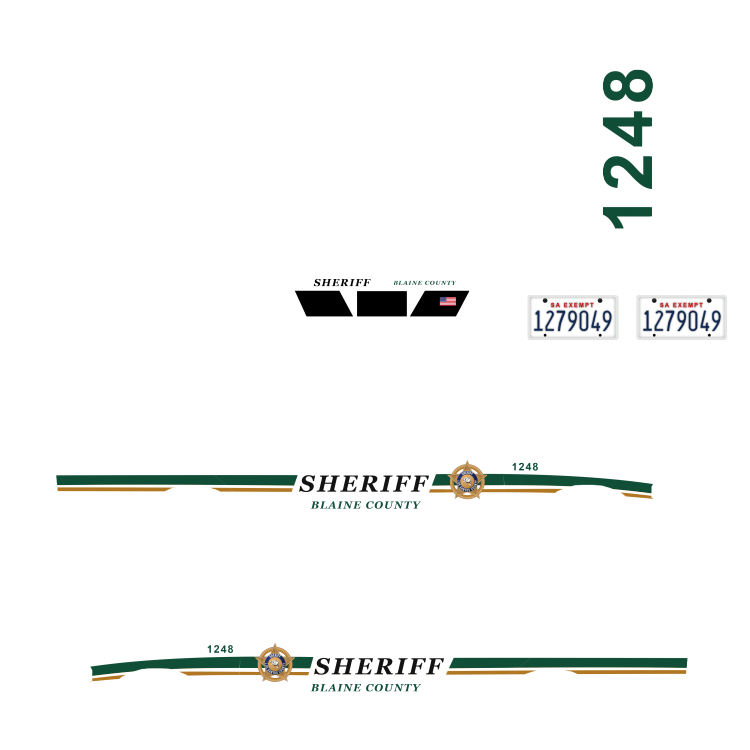


-
.thumb.png.e88f1892e13ddb98db35e668d465c34b.png) Same here, but for me, the trunk of the vehicule is white for me. I use this texture : can you try ingame and check the car at a good distance ? ;) And tell me where I have to add black to get the correct trunk color on the low-poly LOD ? :p
Same here, but for me, the trunk of the vehicule is white for me. I use this texture : can you try ingame and check the car at a good distance ? ;) And tell me where I have to add black to get the correct trunk color on the low-poly LOD ? :p- 182 comments
- 44 reviews
-
It was to check the textures ;) I use your model ingame and yeah, its fine :) Ethically speaking, you disabled a feature by crashing a program on my computer. Its a bit borderline for me.
- 182 comments
- 44 reviews
-
-

- 2
-
-
This lightbar is amazing looking on this car :)
-
Hi, when I try to preview the new yft file in OpenIV, it crashes^^ (police2 and police2_hi) Something changed ? ;)
- 182 comments
- 44 reviews
-
-
-
 I see these white parts of the car a lot (for me) When you are in pursuit and about to catch others unit in front of you, you'll see those white parts ^^ But I can understand you didn't lost your time for a low poly version
- 137 comments
- 22 reviews
-
Hi @F5544 ! Could you tell me why your low poly model do not fit the template ? :p I prefer making "precise" textures instead of a full black background, but... Look at my original texture on the back of the trunk. And the result In high/low on the right. And now a "piggy" custom of my texture with a big black rectangle on the same part on the template. Better low poly render. But its not a "clean" texture work. :/ (and you also can see white on the sides...) Not possible to fix that ?
- 137 comments
- 22 reviews
-
It could be nice ! In lspdfr or a plugin. But only if this bug is avoided : I don't "spam" the backup button anymore when I'm in a gang fight because when I do it, all the enemies are deleted by the game (you can see all the red blips disapear instantly when the backup units are spawned)... So when my 5125468 backups comes at me, there is no more people to fight. Instead of that I only request max 1 or 2 backups.
-
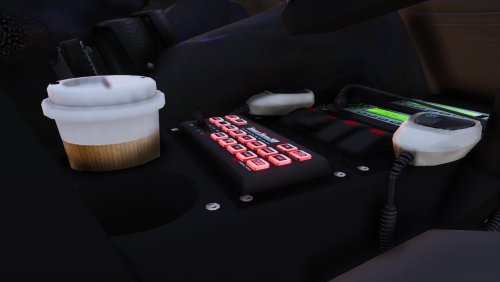
Hey @Bxbugs123 did you know that.... you stretch the screen of the laptop ? ;) I made a screen texture and the right side is cut :D
- 182 comments
- 44 reviews
-
-
-
-
-
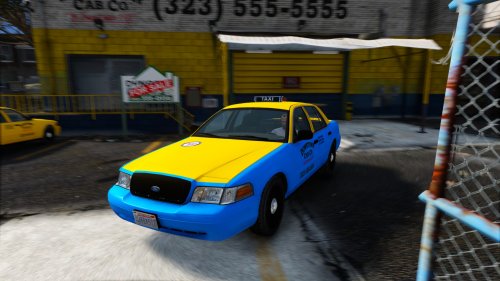 I suppose that the problem of the ugly med-lod and invisible car in low-lod is not fixed ?
- 7 comments
- 2 reviews
-
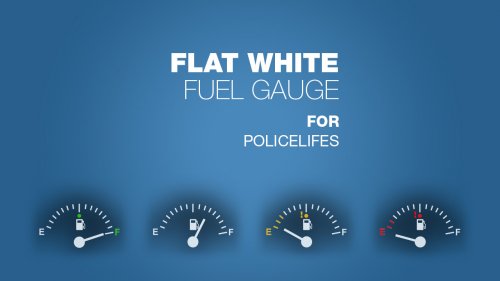 A small modification for the gauges of the excellent MOD PoliceLifeS ! I wanted a smaller gauge and a more flat look.
 -
-
 Impossible to fix these aliased lines ?... Between every parts of the car there is a ugly white line... Other cars are not aliased like that :/ Too much hi poly for the game ?
- 563 comments
- 116 reviews
-
-
- 2
-
-
Perfection !!!!! Lights are awesome ! I juste find the white lapd hubcaps ugly
- 137 comments
- 22 reviews
-
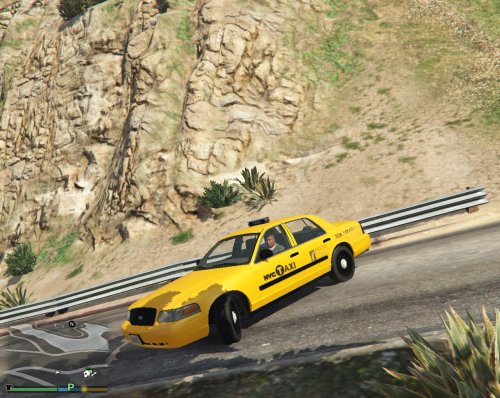 ...... taxi medium poly versus original cvpi medium poly. It looks ugly ingame and use the "vehicule_generic_small_specmap" texture.... Also, the car is invisible when far away (low poly). What a disappointment !!!
- 10 comments
- 2 reviews
-
 With the latest release its far better ! I can now play :p But how did you managed to fix that ? Texture problem or model ? Because for me its too bright again : (another CVPI on the right)
- 146 comments
- 24 reviews
-
To have some visual comparison : here are 3 cars based on the original CVPI from F5544 (and also the interceptor made by F5544) As you can see... these are all working the right way with the same MOD (led lighting v6)
- 146 comments
- 24 reviews
-
-
This MOD is overbrighting the lights, OK that's a fact. But once again, this is the ONLY car affected like this and I tried with maybe 5 others CVPI based on the F5544 model that don't have the problem. So the car have something that others cars don't have. Also, why are these spotlights ON ? They are "folded", they sould be OFF
- 146 comments
- 24 reviews
-
-
- 1
-



.thumb.png.e88f1892e13ddb98db35e668d465c34b.png)