



72will
Members
-
Joined
-
Last visited
Everything posted by 72will
-
-
 Not that way for me, Not a texture because i just checked, odd. Think it might just be your game.
- 48 comments
- 17 reviews
-
-
-
-
In the next release Can't make interior lightbar an extra because of lighting setup same with rambar. I thought the extra rambar stuff was a extra, double check I am sorry, you have been added to the credits
- 48 comments
- 17 reviews
-
-

- 1
-
-
 Thanks :)
 -
 Maybe you could make one for my ford expedition
 -
Thank you so much, forgot about that stuff. I don't want to claim anyones work
- 48 comments
- 17 reviews
-
-
- 1
-
-
-
Yea, open iv uses skin from hi texture directory and game uses sherrif2 directory, to change in game skin replace sign_1 in sherrif2.ytd but it comes with one in photo I found a F150, see if that can work
- 48 comments
- 17 reviews
-
-
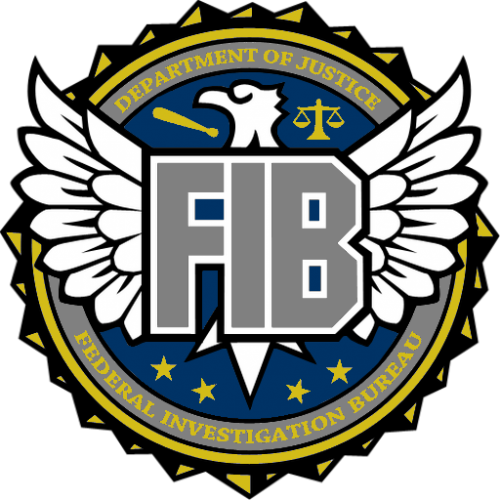
THIS IS A BETA RELEASE, PLEASE DO NOT LEAVE A BAD REVIEW BECAUSE OF KNOWN BUGS THAT WILL BE FIXED IN A UPDATE SOON Please do not re-upload or copy without written permission from me, 72will This is a 2009/2010 Ford Expedition Extras: side runners Lightbar Spotlights Back tracers There is a folder in the zip that is full of skins for everything, there is even a template if you want to make your own If you make a video let me know and I will showcase it here :) Known Bugs: Invisible parts collisions weird (front and back) Back plate acts up Back seats sit weird Opening door animation can be off Chevy logo on steering wheel Thank You!!!! LeoAllTheWay Dej Jennings Getinmybelly0627 Please let me know if I forgot you in the credits Showcases/Gameplay: Check this out for an LSPD patrol How about Transit Protection? Goes perfect with Gump's christmas tree crown-vic:
- 48 comments
- 17 reviews
-
-
- 7
-
-
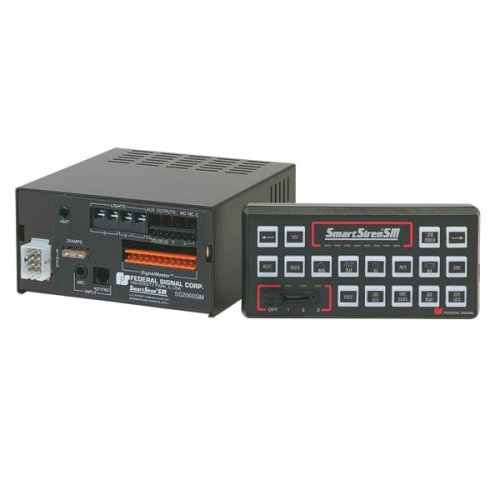 Hmm, you went to x64 audio sfx resident and imported open formats from the files that came in the zip
- 16 comments
- 3 reviews
-
Albo is working on lspdfr+ that makes things like British policing script
-
It is a terrible old HP laptop and i have every thing but post effects set to low. Any higher i get like 7 frames vs 13 frames
- 16 comments
- 3 reviews
-
-
-
 I would love to see in the ini you can disable features like a master toggle for all callouts or disable traffic stop menu and use default or disable court system
- 203 comments
- 29 reviews
-
 Have latest version but when i get close to panic buttoon callout it crashes, happened twice
- 329 comments
- 53 reviews
-
 LOL, sorry about that, thought i had only your pack installed :), at least yours is not crashing it
 -
Hey, lspdfr crash appon arriving on scene of panic button callout. what log you want? Log correct? Rage Log:
- 329 comments
- 53 reviews
-
Hey, lspdfr crash appon arriving on scene of panic button callout. what log you want? Log correct? Rage Log:
-
 Yea, any ideas for yelp or phasor? I will add that to the description, thanks Hope you enjoy it
 -
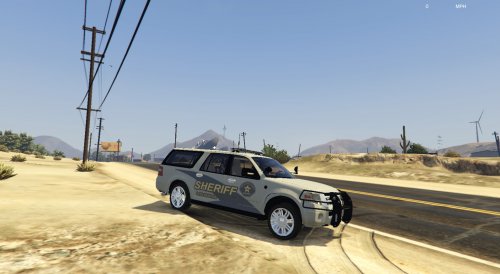
It currently replaces ambulance wail but just ask me and i can make it for any vehicle. I recommend you use this car with it https://www.gta5-mods.com/vehicles/ghostbusters-ecto-1 Fun little siren. Requested by @Packard93 Put together by 72will Audio from Released- 5/1/16 Updated- N/A Version 1.0


