Skip to content
View in the app

A better way to browse. Learn more.

LCPDFR.com

A full-screen app on your home screen with push notifications, badges and more.

To install this app on iOS and iPadOS
  1. Tap the Share icon in Safari
  2. Scroll the menu and tap Add to Home Screen.
  3. Tap Add in the top-right corner.
To install this app on Android
  1. Tap the 3-dot menu (⋮) in the top-right corner of the browser.
  2. Tap Add to Home screen or Install app.
  3. Confirm by tapping Install.

2002053

Members
  • Joined

  • Last visited

Everything posted by 2002053

  1. after the new update at 28 JUL , EUP is not working
  2. I can't stop GTA5 automatic updates .
  3. I can't found rainbowdash in police4.ytd and police4+hi.ytd
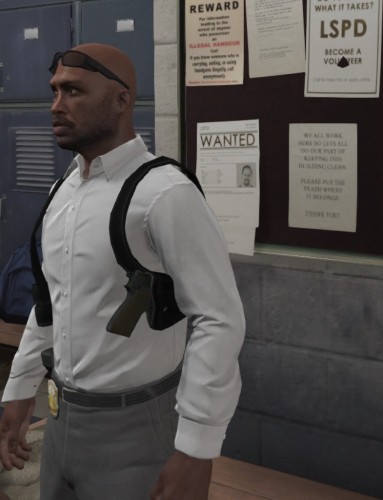
  4. Can you also make the normal holster . thanks
  5. I do no use Discord , if you have some new information , please Messages me please .
  6. I follow update Albo1125 Common , but still crash want play after 5 to 7 callout
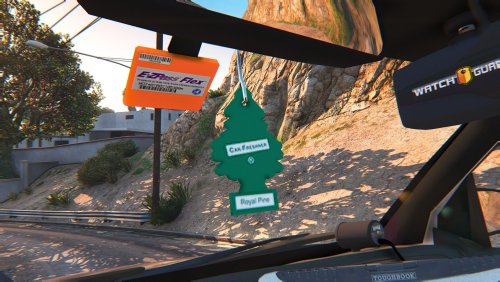
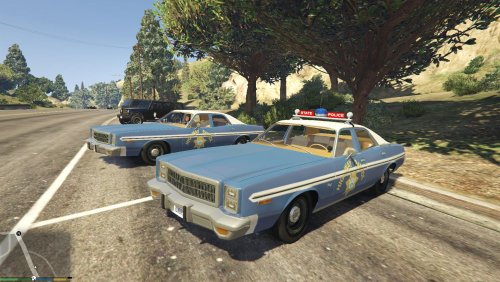
  7. Dear All , The "solo" 1974 Dodge Monaco Police (animated + working Wiper) 1.0.0 when in the cabin look like no window , anyone can help to make good Mirrorreflection , if can , please PM me , many thanks
  8. Can you also add the police radio in this car cabin please
  9. Can you also remake california Highway Patrol campaign hat please .
  10. Anybody can add the roof lightbar for bxbugs123 "2006 CHEVROLET TAHOE Z56 PPV 1.6" . many thanks
  11. Hi all , anybody can make the LASD hat like the picture
  12. @BxBugs123 , Can add whelen light bar please
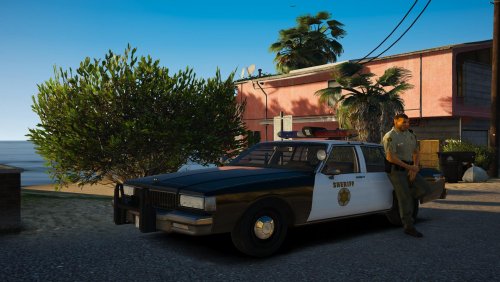
  13. Can make LASD skin please 😊
  14. Can make have light bar please .... Can make have light bar please .... Can make have light bar please ....
  15. wardobe clothes set will auto replaces , I try it already .
  16. @Flyinpandaman thank you and good job !
  17. How can remove the body cam ???? I just want shoulder mic , thanks
  18. Can made for EUP8.1 , please

Account

Navigation

Search

Search

Configure browser push notifications

Chrome (Android)
  1. Tap the lock icon next to the address bar.
  2. Tap Permissions → Notifications.
  3. Adjust your preference.
Chrome (Desktop)
  1. Click the padlock icon in the address bar.
  2. Select Site settings.
  3. Find Notifications and adjust your preference.