Skip to content
View in the app

A better way to browse. Learn more.

LCPDFR.com

A full-screen app on your home screen with push notifications, badges and more.

To install this app on iOS and iPadOS
  1. Tap the Share icon in Safari
  2. Scroll the menu and tap Add to Home Screen.
  3. Tap Add in the top-right corner.
To install this app on Android
  1. Tap the 3-dot menu (⋮) in the top-right corner of the browser.
  2. Tap Add to Home screen or Install app.
  3. Confirm by tapping Install.

OfficerCrader

Members
  • Joined

  • Last visited

  1. OfficerCrader commented on OfficerCrader's gallery album in GTA V Galleries
  2. I am so sorry guys I never responded to this. When you all began to respond I was away at the Police Academy. Since I have been back I have been so busy working I have not be able to even touch 0.4 As far as my issue last year, I will go back in my notes and see what file was giving me grief. I can tell you for sure it was not Dinput, Scripthook or rage. I recall it being from a mod. I will check for you all since sounds like someone is still having the issue.
  3. vSuprememe started following OfficerCrader
  4.    Adolf Munich reacted to a review on a file: Police Tape
  5.    PNWParksFan reacted to a review on a file: Police Tape
    Amazing! I couldn't believe my eyes when I saw this when I woke up today. I never thought it could be done. Thank so much! Now I can secure scenes a lot easier! thank you again!
  6. Absolutely! I updated a few ago. It should be fixed!
  7. Thank you! Yes, I just noticed that as well. Updating the siren in a few minutes with that fixed and a new vid. sorry about that!
  8. Images added to a gallery album owned by OfficerCrader in GTA V Galleries
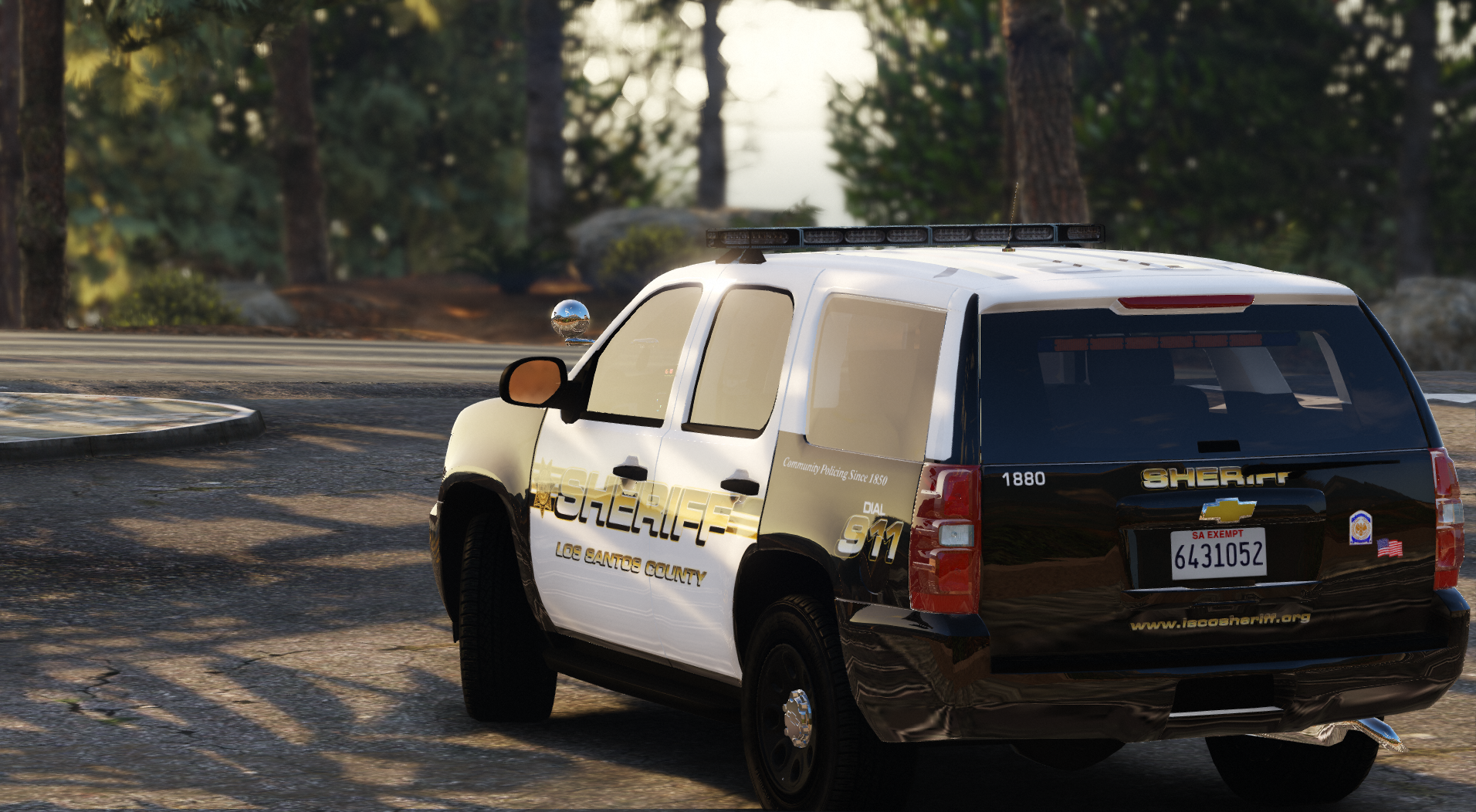
    I figured since I always take screen shots, I might as well upload them somewhere! Enjoy😎
  9. Corporal Commander started following OfficerCrader
  10. Make sure you download the 2.0.0 version. I just listened to the first version (higher pitch/grainy sound) and the version I just released and they are different. I redid it completely because I found a video with the siren actually being used through a speaker outdoors.
  11. SOLVED-- this was due to a corrupt file I located.
  12. Hello, yesyerday I had a fresh install of everything. New mods folder, scripts updated, etc. I launched Rage and everything was perfect. Go on duty all the scripts load up successfully and no crashes at all. Boot up the PC this morning and launch Rage and the game crashes at the loading screen. I try launching just regular gta and same thing happens. long story short after re-installing and reasearching all day I narrowed it down. Currently i I have ScripthookV, Rage, and Lspdfr installed the main directory folder. Also, I have a mods folder but nothing has been put into it yet so the files in that are vanilla still. I try to run Rage or regular GTA and get the loading screen crash. I take out the vanilla mod folder.... crash. Put it back in and take out dinput8.dll and it loads up perfect. After backtracing and cross elimating everything it is Dinput8.dll. I tried a fresh download and reinstall but still got the same result. i feel it's so random how after nothing was changed it all of sudden doesn't work. if anyone could please shed some new light on this and help me out that would be great. I'm at a loss on what to do. Thanks in advanced!
  13. Hopefully soon! every time I go on duty LSPDFR crashes. I narrowed it down this mod. Once I take it out everything else loads fine!
  14. Thank you! I have noticed that as well. I am going to try to fix that!
  15.    Reddington reacted to a comment on a file: Whelen Epsilon (Alternate Wail, Yelp, Phaser)
  16. OfficerCrader changed their profile photo
    • 4,715 downloads
    • Version 2.1.2
    Greetings, I release to you my attempt at creating a siren. This siren is currently used by the Portland Police Bureau. My main reason for this release would be to give back to community. I have been into LSPDFR for quite some time now and feel I should try to do something (audacity is the only program I knew how to use). Please bare with me this siren is a work in progress. I would highly appreciate good/ bad feed back. I'm looking to update this as I gain anyone's advice. As of now it seems pretty loud in my game and the looping is good. The only thing I have noticed is at the top end of the wail the sound fades a little (maybe someone has an idea on how to fix). Enjoy, thanks! Video I used:

Account

Navigation

Search

Search

Configure browser push notifications

Chrome (Android)
  1. Tap the lock icon next to the address bar.
  2. Tap Permissions → Notifications.
  3. Adjust your preference.
Chrome (Desktop)
  1. Click the padlock icon in the address bar.
  2. Select Site settings.
  3. Find Notifications and adjust your preference.