



TheDmac
Members
-
Joined
-
Last visited
Everything posted by TheDmac
-
From the album: Patrol Snaps
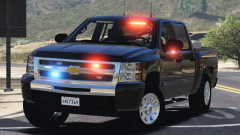
These screenshots were taken for the release of the skin but it looked so photo realistic I couldn't resist sharing it here -
From the album: Patrol Snaps
These screenshots were taken for the release of the skin but it looked so photo realistic I couldn't resist sharing it here -
-
-
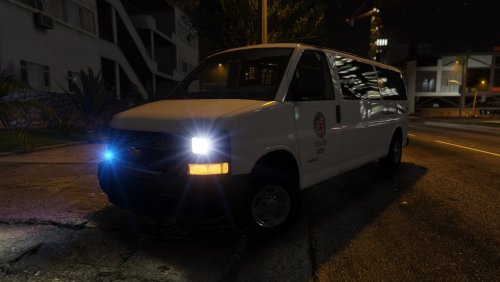 What would the text down the side of the vehicle say? And I'll add some to the rear too
- 9 comments
- 1 review
-
Sure. What's the difference between this and a traffic one? Just different text down the side?
- 9 comments
- 1 review
-
-
As per request, here is an LAPD style Prisoner Transport Skin for the 2016 Chevy Express. Like my other skin it's not based upon a real van, rather what I think it would look like. I've included three versions in this release. A 'Prisoner Transport' a 'Traffic Unit' and one without either text down the side. Grab the car: And here is my LAPD version of this van: Enjoy!
- 9 comments
- 1 review
-
-

- 1
-
-
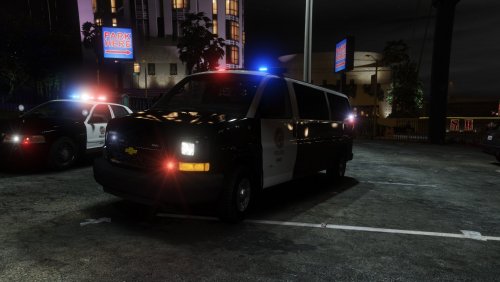 Here is my LAPD skin for t0y's 2016 Chevy Express van. I made this skin for my own game as I wanted a more LAPD style van for prison transports to fit in with my game. This livery is not based upon a real design as I'm not sure if the LAPD even use these vehicles. This is simply my take on an LAPD style Chevy Express. Grab the car: Enjoy
- 3 comments
- 4 reviews
-
-
- 3
-
-
-
-
-
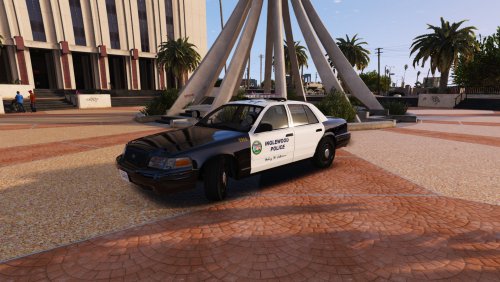 These Inglewood Police skins are ones I've made for my personal collection but thought I would release here. They are designed for use with the CVPI from the ELS LAPD but will also work with the ELS Miami pack, both by TwistedScopes Grab the car from here: Or here if you use the Miami Pack: Known Issues: I'm not exactly sure what font they used for the motto, but I've found a font that is pretty close. It's not a 100% replica due to this small issue Enjoy!
 -
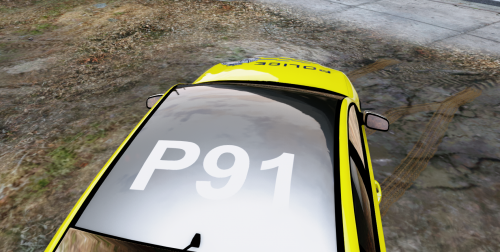 10/10 would write car off in Dandenong South again
 -
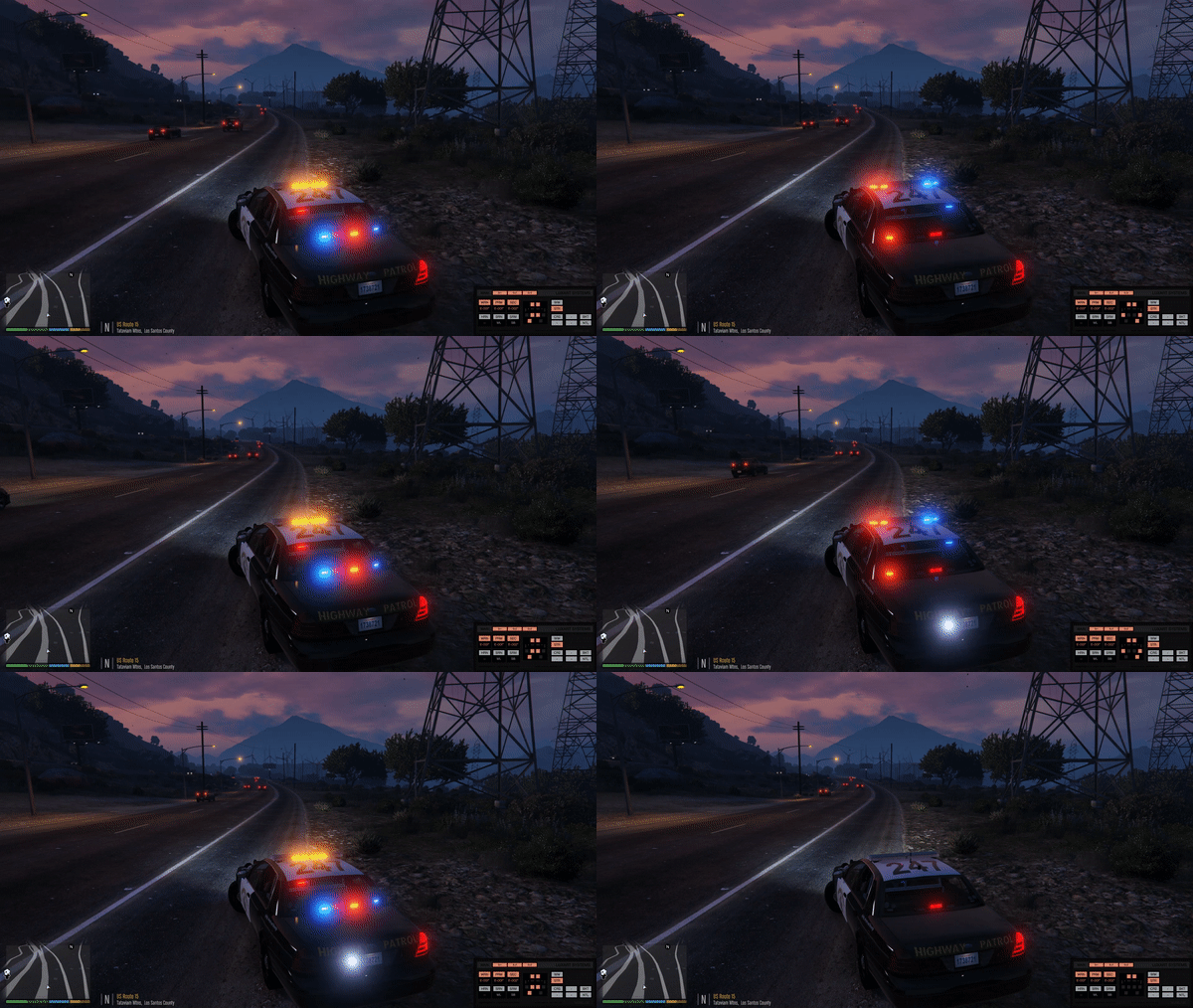 Hey mate, Feel free to grab the skins out of my CHP skin release from here and include them in this release . I'll whip a few more if you like in SAHP style. All I ask for is credit somewhere. My skins are accurate
- 10 comments
- 1 review
-
-
- 1
-
-
 Looks awesome!
 -
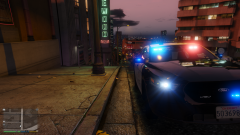
From the album: Patrol Snaps
-
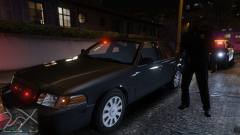
From the album: Patrol Snaps
-
Found this on a local Facebook page. Victoria Police Highway Patrol meets California Highway Patrol
-
Might be best to ask on /r/buildapc just let them know exactly what games you'll be playing, what settings you desire and they'll do the rest. I personally have an i7 6700k, GTX 1070 with 16GB DDR4 ram but that's overkill just for GTA and Sims 4. Upon saying that, it'll keep you set for a little while. You could go with an i5, 1070 and 16GB ram and be fine.
-
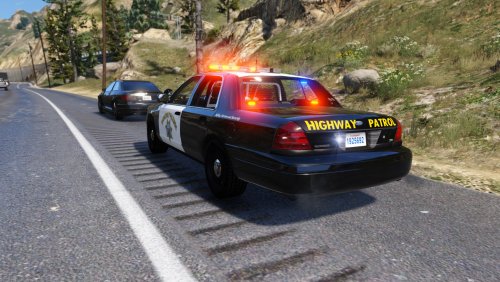 Another skin from my personal collection. This time a California Highway Patrol skin for BxBugs's 2011 CVPI he released with ELS. I'm aware there may be existing CHP skins around that are compatible with this model but I couldn't be bothered searching around for them so I made this one! This pack contains 2 skins in total which I personally run along side my Sheriff skins in the Sheriff slot. Grab the car from here: And for added realism, grab the CHP style flash pattern from here: Hope you guys enjoy!
- 3 comments
- 2 reviews
-
-
- 1
-
-
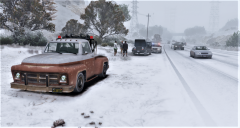 Do you just change the weather to snow? That's the same trainer I use and it does nothing haha. Unless I have an older version
 -
Oh cool. I do have a trainer which enables snow but it doesn't get to point it is in that screenshot. Which trainer do you use?
-
I've never actually done a patrol in Yankton. Apart from teleporting there using a trainer how do you do it? Traffic never seems to spawn.
-
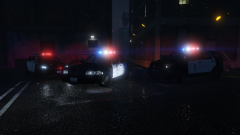
From the album: Patrol Snaps
Impala, CVPI, FPIU


