


OfficerFive0
Members
-
Joined
-
Last visited
Everything posted by OfficerFive0
-
yea but where would i put it? do you have a link to a tutorial? itb useful for me and to put on the download page for people wanting to install it somewhere else
-
i dont know to how do addons
-
or polycarbonate window barrier ;)
-
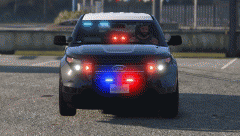 it will probably be police3 although it shouldn't be too difficult to change it over. and this isn't anything like what lapd are using. use desmond's version for that
 -
if its released there wont be a lightbar, that'd be too much lighting, anyways i haven't made any yet
-
ok so its not only me. it should be a gif
-
is this a gif for you or a image
-
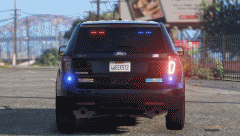 is this working as a gif? its not for me but it may just be my computrer
 -
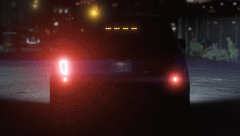
From the album: Five0 WIP
this was my test vehicle for the lights and parts ive been making. this is an old version will also have siderunners (extra) and foglights should i release? gif isnt working so here it is -
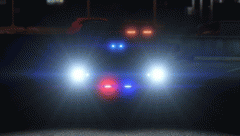
From the album: Five0 WIP
this was my test vehicle for the lights and parts ive been making. this is an old version will also have siderunners (extra) and foglights should i release? gif isnt working so here it is -
From the album: Five0 WIP
this was my test vehicle for the lights and parts ive been making. this is an old version will also have siderunners (extra) and foglights should i release? gif isnt working now so here it is -
From the album: Five0 WIP
this was my test vehicle for the lights and parts ive been making. this is an old version will also have siderunners (extra) and foglights should i release? gif isnt working so here it is -
im considering doing separate cars for the detective and slicktop units. that way i don't have to deal with that grill problem and the chrome trim for the unmarked is actually chrome. so there will be 4 cars instead of 2 (the older and newer ones) what do you think?
-
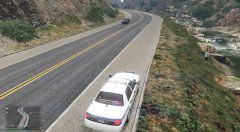 o that one
 -
what car is that?
-
yea something a little different from the hg2s everyone uses
-
soundoff nline running lights
-
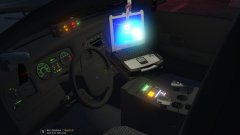 ah nice!
 -
ahhh ok im assuming i could just import the L1 version as ii just need the materials
-
what car should i import?
-
the vanilla cars?
-
quick project i did (not for the slicktop) got the lights working for the slicktop have to finish modeling the console and fix a few other bugs and then its ready for release. btw if anyone knows how to fix the bug where you crash the car and a duplicate shell spawns( )please tell me as i dont know how to fix it as of yet
-
who made the xtl5000?
-
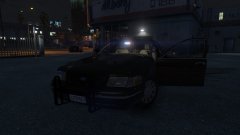
From the album: Five0 WIP
WIP LAPD detective/Gang unit cvpi. Photo taken by @steinberg4145 Model by OfficerFive0/Five0 uploaded with explicit permission from steinberg4145 CREDIT Photo taken by steinberg4145 Model by OfficerFive0/Five0 -
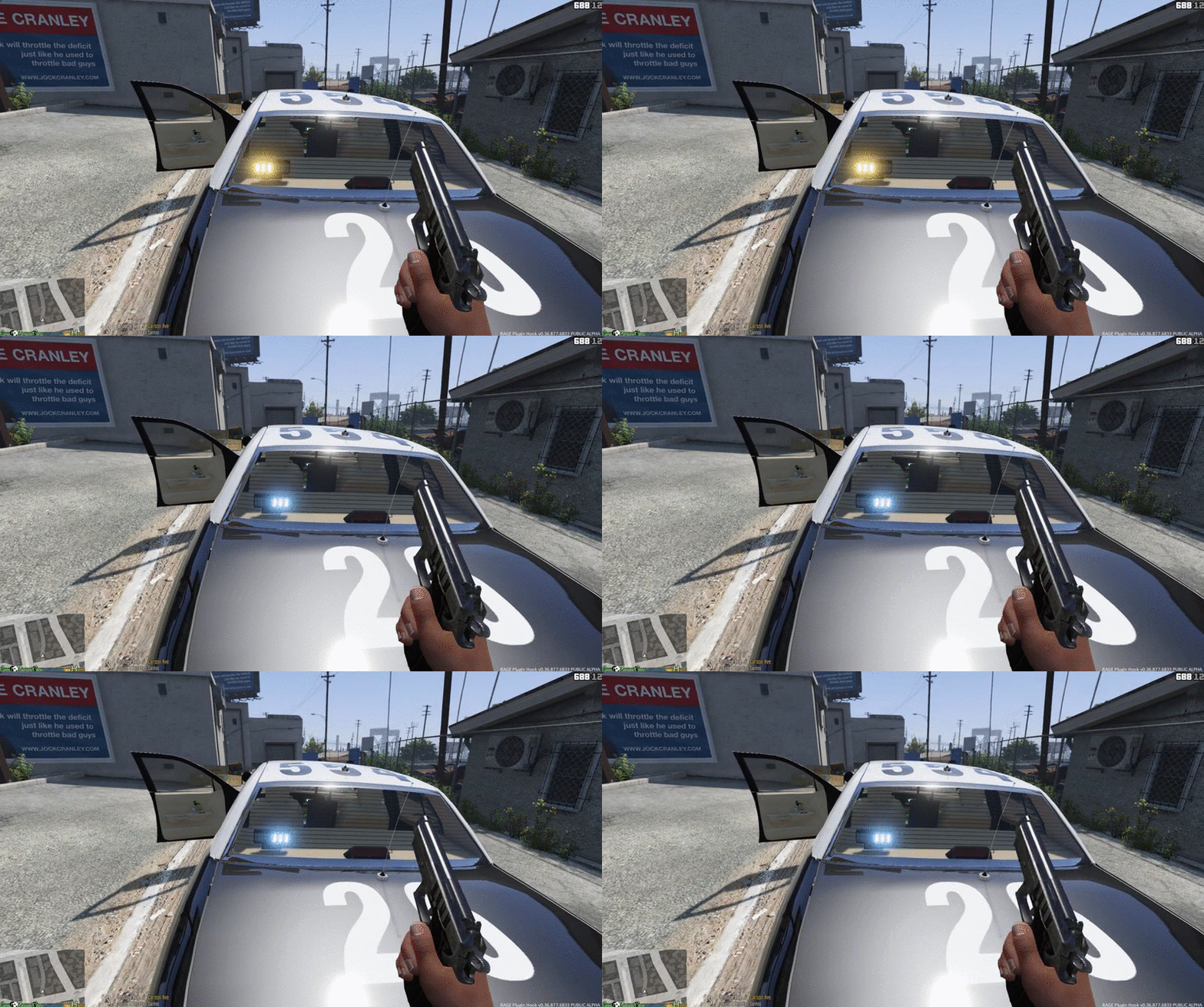
From the album: Five0 WIP
WIP LAPD detective/Gang unit cvpi. Photo taken by @steezens Model by OfficerFive0/Five0 uploaded with explicit permission from steezens CREDIT Photo taken by steezens Model by OfficerFive0/Five0


