OfficerFive0
Members
-
Joined
-
Last visited
Everything posted by OfficerFive0
-
its gone down to 700 since. it seems pretty good. i found this laptop at costco, it seems pretty good (but what would i know lol) any opinions? http://www.costco.com/Lenovo-Ideapad-Y700-Laptop-|-Intel-Core-i7-|-1080p-|-4GB-Graphics.product.100292695.html
-
so recently ive been having several problems with my current laptop and decided that now was as a good time as ever to upgrade. do you have any suggestions on a decent affordable laptop that can run gta v? it doesn't have to be high settings or anything, just has to run it decently. i have no knowledge regarding computer components and which are better so i figured this would be the best place to seek answers it has to be a laptop as i also need it for school and such. i know its better to get a desktop but i can't afford getting both. for a price range i would say perhaps around under 800? i don't have an exact amount i can spend yet.
-
-
From the album: Five0 WIP
coming soon! -
im currently waiting for lundy to release his 2006 CPI, besides that everything else is done
-
i meant replacing some parts on the model to be more realistic to the real thing. for example, different side steps. different side mirrors, wrong interior. these are all things ill be fixing in the future
-
this original? not too much like a bearcat though
-
yea over time i will be doing major improvements, including proper interior, grills etc
-
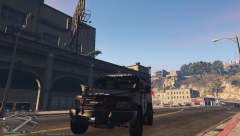
working on a lapd lenco bearcat. will have, arjent, 700 series leds, strobe lights and fedsig impaxx's (i beleive thats what they use)
-
-
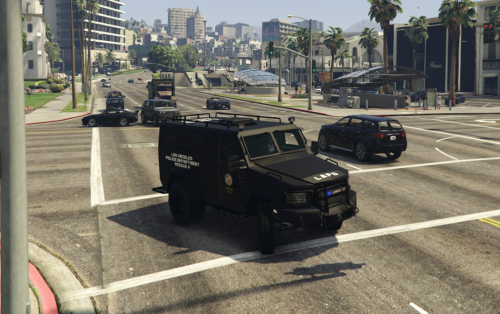 holy fucking shit! ive been waiting forever to be able to get my hands on one if these babies!!. thanks bro!
 -
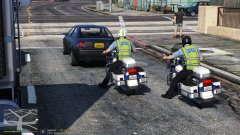 has this been implemented yet?
 -
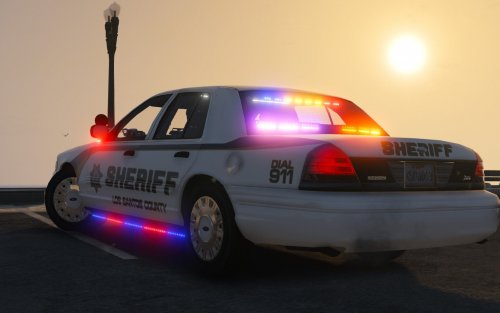 use realistic radiance. it works best with that. ;) all the skins are by @getinmybelly0627. if you use realistic radiance the rear lights will look much better
- 51 comments
- 27 reviews
-
-
-
not at all :) heres the path \mods\update\x64\dlcpacks\patchday3ng\dlc.rpf\x64\levels\gta5\vehicles.rpf
- 51 comments
- 27 reviews
-
-

- 1
-
-
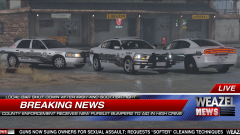 skins? who cares about the skins! that rambar tho
 -
slicktop cvpi, best used for traffic/dui work due to the amount of lighting. comes with full interior equipment, partition and window guards. extras as listed extra2-alprs extra3-right spotlight extra4-rambar wrap extra5-seat organizer and printer (use if you're patrolling solo) extra7-headrest (use if patrolling with partner) use default police 2 settings (sirensettings1) install it here \mods\update\x64\dlcpacks\patchday3ng\dlc.rpf\x64\levels\gta5\vehicles.rpf instead of leaving a bad review because something doesn't work right, comment so i can fix it. :) Decatur Genesis II,Lojack,Brother pocketjet printer, SOS nline,SOS intersector,Fedsig tricuda,unity spotlights,motorola xtl5000 radio and mic,console,laptop, progard partition and polycarbonate window, Whelen Cencom Sapphire,Inner-Edge XLP Twelve 3-LED 2-Piece Lightbar,Slimline nano,dominator, by Five0/OfficerFive0 Go Rhino rambar F5544 Progard Seat Organizer By Vertex3D WHELEN AVENGER by EVI code 3 wingman by lccop skins by getinmybelly0627 photos by @steinberg4145 cvpi by murphy
- 51 comments
- 27 reviews
-
-
- 16
-
-
-
-
-
-
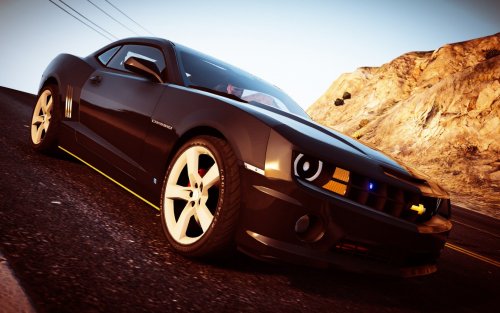 @officerAMR its set to a silver color only, to be accurate to the show. if you want i can send you the version with all the other paint colors
- 22 comments
- 7 reviews
-
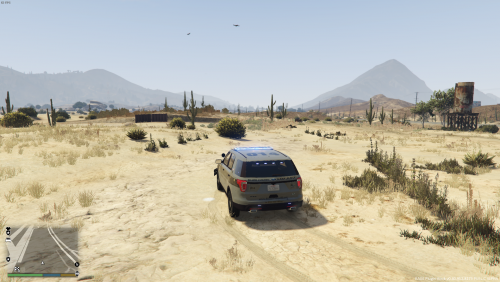 i too would like to make it a bit brighter, would i add like 10 or what would you suggest
- 31 comments
- 17 reviews
-
-
- 3
-
-
Is there an option for multiple skins on a ped? If so I may do something's like us marshals and such