OfficerFive0
Members
-
Joined
-
Last visited
Everything posted by OfficerFive0
-
got my laptop back a few days ago, only getting back to work last nihgt/today. so far im making a whelen 2022 strobe/led beacon for a USCG boat (not my project, im just doing the light). its not done yet, still have to make the base. i also got inspired by @0takus msp beacon, i may make the older halogen one and the "stop" sign, (its a matter if i get to it). i may make some msp cars, (realistically speaking it wont be for several months).
-
-
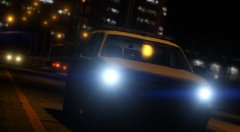 ur missing the slimmiser on the dash for the k9
 -
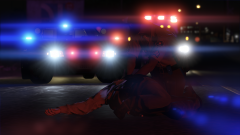 are the mirror beams strobe or led? to me the texture looks like strobe
 -
sounds like u set the id wrong for the windows
-
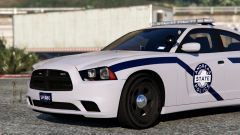 um yea... about that
 -
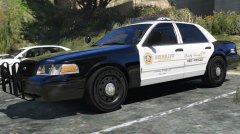 eh, i think ur just used to lasd look
 -
nah just you. doesnt look really nice, but doesnt look like shit either
-
 you dont have to pm u can list them here, but when i update the model i plan to fix the errors
- 26 comments
- 12 reviews
-
 u can change it if you have a modded extra wheel, then u can change it in the trainer
- 51 comments
- 27 reviews
-
 i think he means not spamming the gallery, instead putting the rest in the desc
 -
yea then u can just use handbrake and reduce it to like 100mb (or in that ballpark)
-
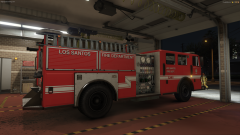 hm, do you know who set up the lighting? specifically the Roto Ray. im wondering how he got the rotation set upon that axis
 -
whos making them? yard1?
-
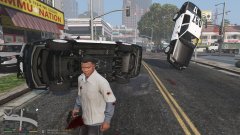 i had a video just for you, but its on my laptop thats being repaired
 -
-
whoops
-
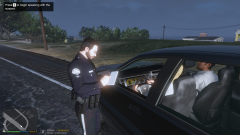 traffic stop
-
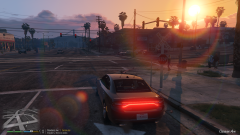 so butiful
-
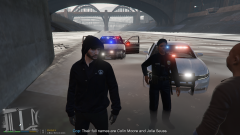 some interesting spawn locations
-
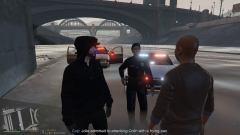 GTA5 2016-07-03 06-58-02-19.png
-
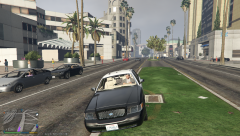 lapd gang unit v.1a
-
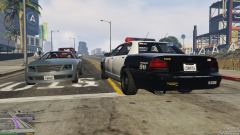 Lapd responding code 3
-
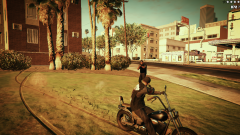 Sons of Anarchy
-
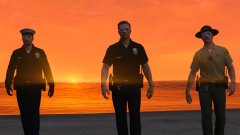
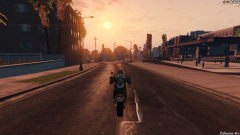 Into the sunset
-
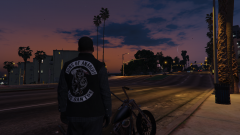 SOA New Los Santos Charter
-
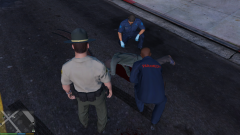 Shootout aftermath
-
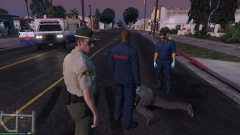 Shootout aftermath
-
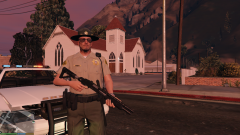 Shootout aftermath
-
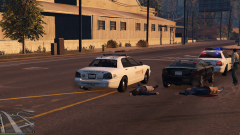 Shootout aftermath
-
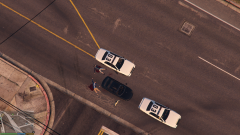 Shootout aftermath
-
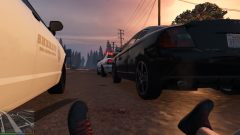 Shootout aftermath
-
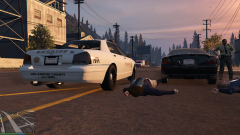 Shootout aftermath
-
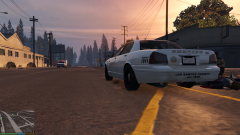 Shootout aftermath
-
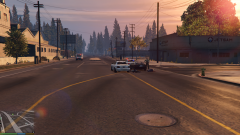 Shootout aftermath
-
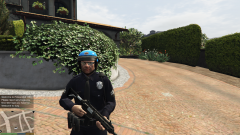 ITS POSSIBLE!!!
-
-
From the album: OfficerFive0's gta 5 album
-
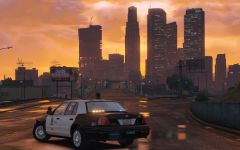
From the album: Five0 WIP
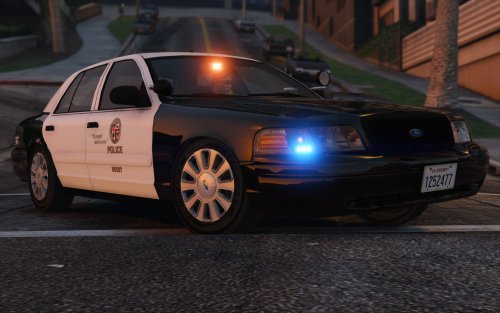
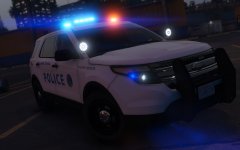
WIP LAPD 05 Traffic Unit. photo by @steinberg4145 video of model here -
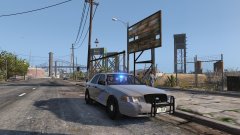
From the album: Five0 WIP
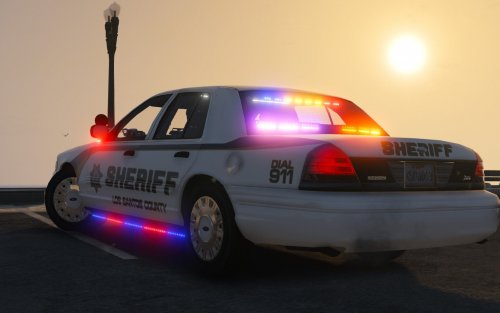
made the pb5 wraps as extras, added mobile vision dashcam and state trooper hat as extras -
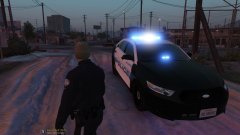
From the album: Five0 WIP
2015 Taurus with Whelen duo/trio lighting. -
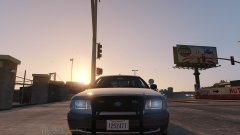
From the album: Five0 WIP
and yea ill be releasing these hubcaps as a dev part once im satisfied with them -
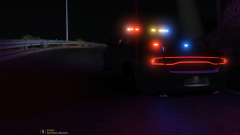 definite release. i just need to model the interior equipment and a few other things
 -
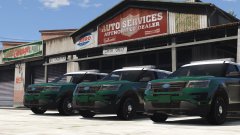 are you planning to have duo/trio lighting with the freedom iv?
 -
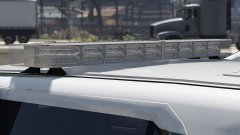 looks really good!
 -
 its a camera. idk why tho