OfficerFive0
Members
-
Joined
-
Last visited
Everything posted by OfficerFive0
-
-
-
-
-
-
-
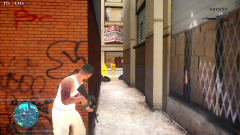
From the album: Daily Patrol Photos
-
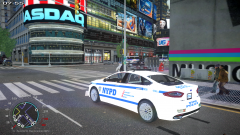
From the album: Daily Patrol Photos
-
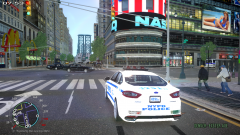
From the album: Daily Patrol Photos
-
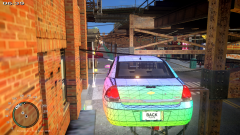
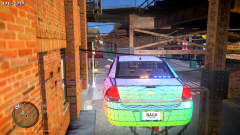
well they actually work but something is in front of them
-
 i dont think that exists.
 -
i did but now some lights dont work
-
heres a screenshotso when im reimporting it i should rename them to the same?https://www.youtube.com/watch?v=gIXOdvu4uZ8 herea a better videoyeaso im making this charger and when i was testing it ingame this happened how do i fix it?ok so now i have another problem with the lighting
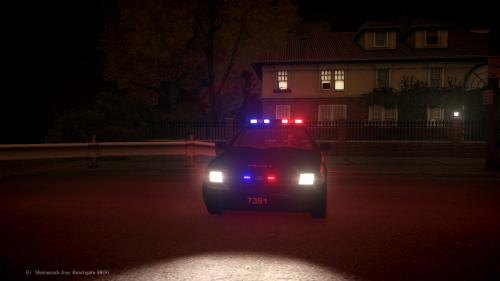 looks good but the only time nypd uses a led lightbar is with their traffic cars
 btw if anyone wants any more of my pictures from the ny auto show msg me i have a lot of close ups.
- 6 comments
- 1 review
np! please mark it as the solution/answerwhat font did use?so you want to place a cone down or replace the cone textures? KeyCones = Z // set a key for deploying road barriers (CTRL + key), road cones (SHIFT + key) // and road flares (ALT+key, or CTRL+key at night) if they are installed straight from the .ini