


OfficerFive0
Members
-
Joined
-
Last visited
Everything posted by OfficerFive0
-
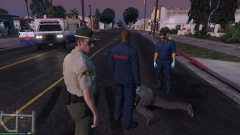
From the album: OfficerFive0's gta 5 album
-
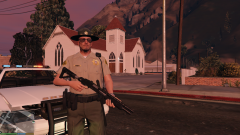
From the album: OfficerFive0's gta 5 album
-
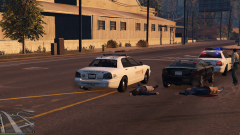
From the album: OfficerFive0's gta 5 album
-
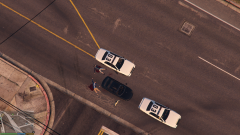
From the album: OfficerFive0's gta 5 album
-
From the album: OfficerFive0's gta 5 album
-
From the album: OfficerFive0's gta 5 album
-
From the album: OfficerFive0's gta 5 album
-
From the album: OfficerFive0's gta 5 album
-
added the lightbar
-
i KNOW sorry i dont know how to set it up
-
its good but it needs more substance maybe some background music or something
-
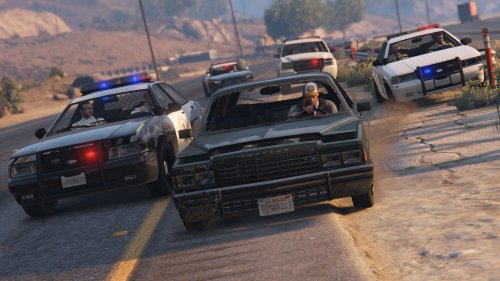 graits
 -
updates on the charger
-
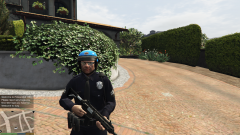 ah i see!
 -
lol already did that waiting for the update
-
 ITS POSSIBLE!!!
 -
From the album: OfficerFive0's gta 5 album
-
btw if anyone knows the fix for null textures please visit this forum: http://www.lcpdfr.com/topic/50320-zmodeler-null-textures/
-
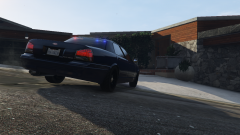 lucky!
 -
http://www.gta-mod-center.com/forum/index.php?/files/file/411-mcdermott-nypd-style-highriser/ heres a link to the file instructions should be there
-
i have an account where is it on the site? nvr mind i see now
-
This is a showroom for all the mods im creating. you can critique them,share links for useful parts etc request are welcome!
-
same here i don't think there is a 2014 Taurus unlocked available to the public
-
lol im making the slicktop. is your accurate to the real version? also what year are the cars?
-
whenever i open/merge lightbars in z3d format i always get a bunch of null textures even though i added the textures in already what am i missing here?


