


OfficerFive0
Members
-
Joined
-
Last visited
Everything posted by OfficerFive0
-
ah my hometown! excited for the release!
-
we are talking about the actual highriser for our own models not a car with a highriser but thanks
-
openiv was able to decrypt the files but not able to re-encrypt them
-
same thing happens to me cyan said it was a known bug
-
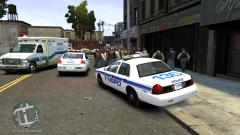 well once gta 5 is moddable im pretty sure most mods will be lapd themed
 -
im planning to make a escape taxi/unmarked/normal amongst other things
-
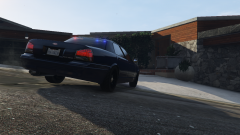 yea i got it as soon as i could!
 -
love that old school lightbar
-
never noticed it most probably texture bug as most of my settings are at the bare minimum.
-
yea i have no recollection of where i downloaded it
-
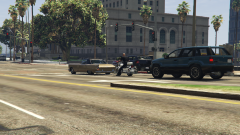 well it from the looks of the files it would be that same as gta 4 where i would just copy the hwy patrol hat file and rename i to the lspd file and re-import it. hopefully we will also be able to edit the .yft files to be able to merge etc
 -
well when we can start modifying the files im sure someone will. if its anything like gta 4 it should be a simple a name switch
-
From the album: OfficerFive0's gta 5 album
-
From the album: OfficerFive0's gta 5 album
-
Love it!!!!
-
are there any known fixes/workarounds?
-
is it the McDermott Highriser?
-
This is for people with low end computers who need the extra few fps. All you need to do is go to your settings.xml which is located in C:\Users\Username\Documents\Rockstar Games\GTA V and open it with notepad. Find <ShadowQuality value="1" /> and change the 1 (or whatever number that's there) to a 0. Note: in-game by shadows it will say undefined.
-
i have one but not sure where i got it
-
i already tried clearing cache /history
-
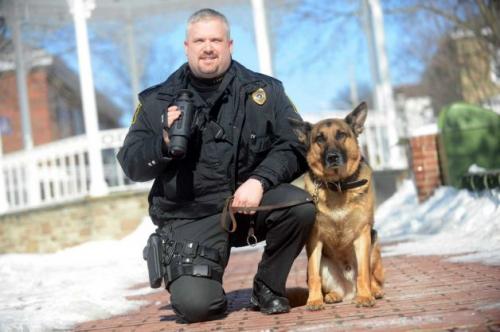 been updated!
 -
-
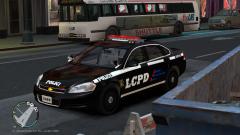 i see i dunno i see mostly amber
 -
they use them on their unmarked cars
-
 yea i see what u mean



