


OfficerFive0
Members
-
Joined
-
Last visited
Everything posted by OfficerFive0
-
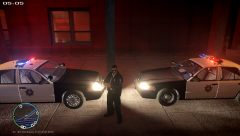
From the album: Daily Patrol Photos
-
here are some more the rest you will have to click the link http://postimg.org/gallery/20x0sg1se/
-
the rest you will have to click on this link http://postimg.org/gallery/2o2av7rke/ right now i only had time to upload the "green" nypd cars
-
if anyone needs close ups of the cars from the show msg me and ill post them
-
well it turns out they didnt use the monacos or fairmounts
-
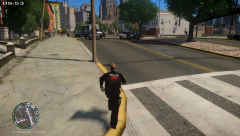 nope this was alderney
 -
From the album: Daily Patrol Photos
-
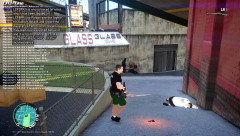
From the album: Daily Patrol Photos
-
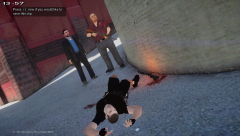
From the album: Daily Patrol Photos
-
From the album: Daily Patrol Photos
-
From the album: Daily Patrol Photos
-
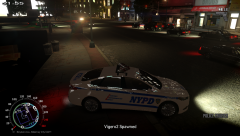
From the album: Daily Patrol Photos
-
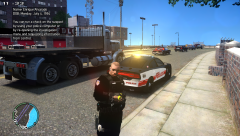
From the album: Daily Patrol Photos
-
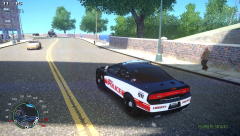
From the album: Daily Patrol Photos
-
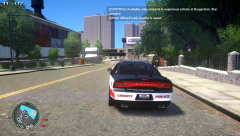
From the album: Daily Patrol Photos
-
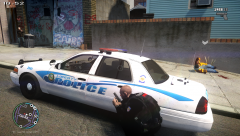 k9 ped from '?do=embed' frameborder='0' data-embedContent>>
 -
From the album: Daily Patrol Photos
-
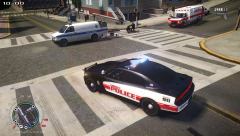
From the album: Daily Patrol Photos
-
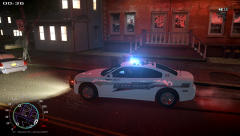
From the album: Daily Patrol Photos
-
-
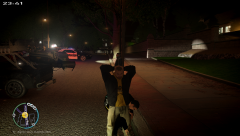
From the album: Daily Patrol Photos
car is the dodge challenger fed sig valor by blackjesus -
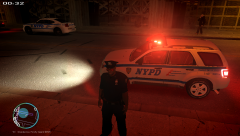 cry enb v3
 -
yea im not sure i tried doing that a long time ago but it was too complicated for me.
-
heres a link to a tutorial http://gtaiv-skins.blogspot.com/2014/08/tutorial-how-to-convert-player-to-ped.html
-
From the album: Daily Patrol Photos



