


OfficerFive0
Members
-
Joined
-
Last visited
Everything posted by OfficerFive0
-
added rambar speakers and spotlight to the charger
-
some more skins
-
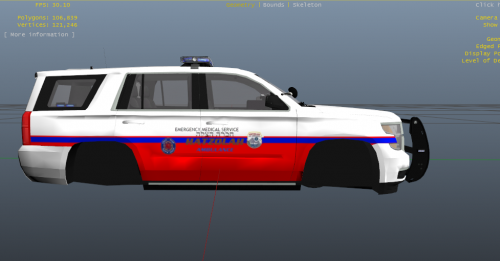 its alright but hatzaloh doesn't use tahoes they use ambulances and their personal vehicles are regular unmarked, no lightbar on top
 -
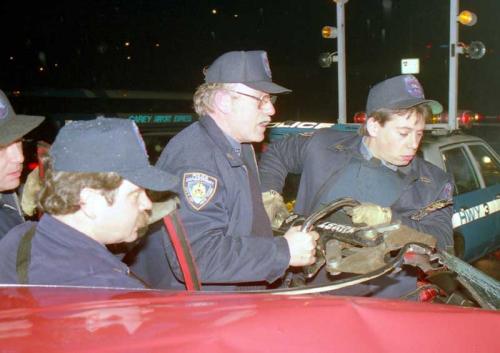
real life photo
-
going to release a reno911 cvpi skin soon
-
 well i started a wip topic you can check it out over here to what im working on /releasing http://www.lcpdfr.com/topic/50327-officerfive0s-wips/
 -
 they have less of everythin
 -
yea i took my time to release it
-
are the lights realistic?
-
is this accurate to the nypd version?
-
 http://hbxworks.com/wtc/
 -
usually its fine with me but sometimes it crashes
-
yea
-
These are nypd esu peds. Original model is by officerlund link is here here are some real life photos if you are interested http://stevespak.com/spak/nypdesu.html
-
-
have to redo the wingman. ugh another all nighter
-
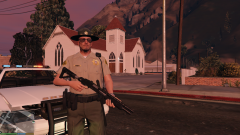 well funyy enough i get more fps in 5 than in 4
 -
more fps that way
-
thanks but i actually deleted the amber lights
-
that .bak file that's TOTALLY useless
-
no sorry i wish we could
-
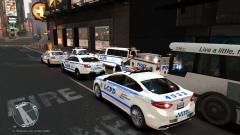 np!
np! -
never mind i fixed it
-
just noticed its in the gta v section but besides that it looks great!
-
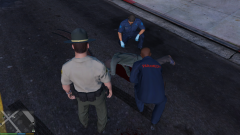
From the album: OfficerFive0's gta 5 album


