
Babylon
Members
-
Joined
-
Last visited
Everything posted by Babylon
-
Nice One Ry, thanks for providing us all with the content you have. All the best.
-
 Exactly the same problem. @Cheep: Should there be something in the Exceptions folder ? (Grand Theft Auto V\Plugins\LSPDFR\CheepCallouts\Exceptions) Mine seems empty.
- 136 comments
- 42 reviews
-
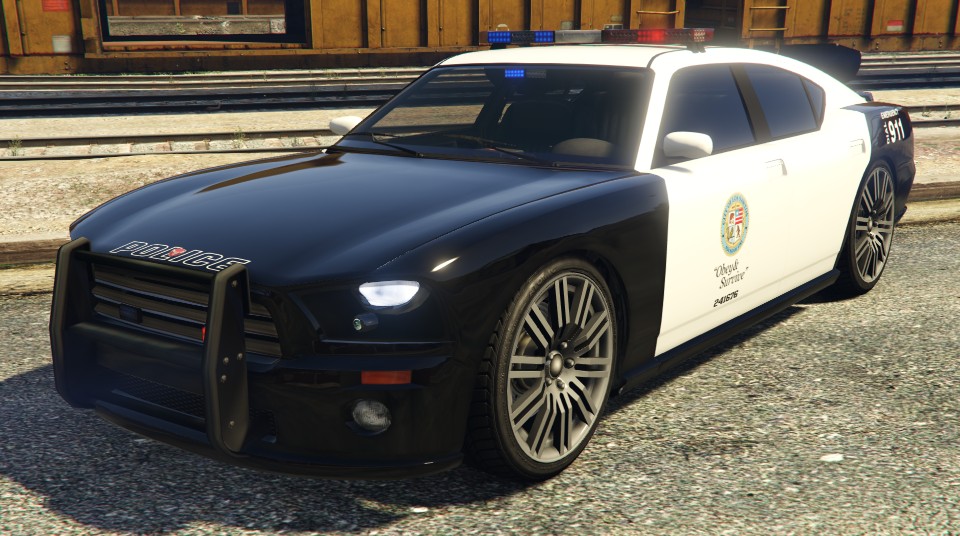
 This was well worth the wait. Looks Superb in Game. Looking forward to more non-els releases from the fantastic 0taku.
- 18 comments
- 4 reviews
-
 When the game has loaded, try pressing 'Insert' - It re-loads the scripts, then try C again.
- 101 comments
- 18 reviews
-
Hope ya not getting rid of the baby face - that's become iconic now.
-
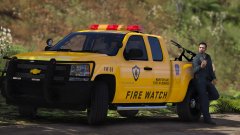 I think you should release this if you have the time - looks great. A Utility box for the pickup would be a great addition as well. Is it non-els? (hope so!)
 -
-
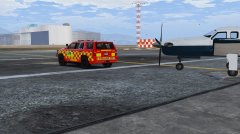
From the album: LSIA Airfield Ops Units
-
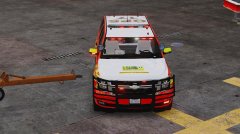
From the album: LSIA Airfield Ops Units
-
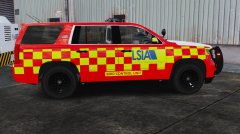
From the album: LSIA Airfield Ops Units
-
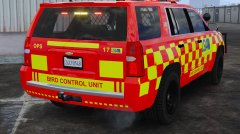
From the album: LSIA Airfield Ops Units
-
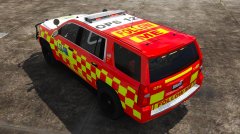
From the album: LSIA Airfield Ops Units
-
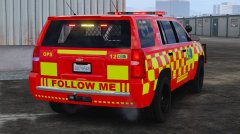
From the album: LSIA Airfield Ops Units
-
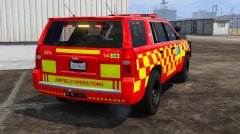
From the album: LSIA Airfield Ops Units
-
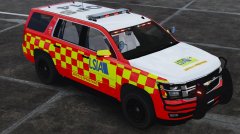
From the album: LSIA Airfield Ops Units
-
From the album: LSIA Airfield Ops Units
-
From the album: LSIA Airfield Ops Units
-
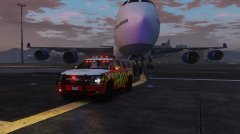
From the album: LSIA Airfield Ops Units
-
Many Thanks for your reply - I been using the conversion tool to transfer maps to the ymap format and its so much better in game.
-
@Yard1 RE: Parked Car Replacement.xml (Scripts Folder) Is there a way to almost definately guarantee every vehicle named in the above xml will load in game? I'm noticing that sometimes only a few vehicles actually load, sometimes all - it varies but I'm not not sure why. I'm also guessing this may be linked to usable memory or alike?
-
-
I was experiencing similar issues and it became massively irritating especially when trying to read posts and download files. A pop-up video featuring a bunch of goons posing around with a ludicrous theme being played, would pop up once every 5 mins - leaving two options - put up or close the page. I think it was advertising Cheshire Oak's designer outlet near Chester (not bad for the occasional discounted designer wear - I might add). Unfortunately I didn't take any screen shots. However after downloading an ad blocker - the rest is history. Trouble is - this site depends on advertising revenue so I dont want to cause any concerns there, but what I would say is that if you do use an ad style blocker, then maybe as a goodwill gesture, a donation be made to this site to show appreciation for the efforts and dedication to all those involved.
-
The 'Eastenders' theme tune "drum-beat" kicked in at this point - Then my speakers blew Up - My PC hates me after after watching that clip! Can I get compensated somehow?
-
 Hi Friend, Just on your comment - I too was experiencing a few unfortunate instances with this mod. However after a few adjustments to the .ini file - the mod seems to work a bit more stable for me. I simply de-activated all the ambient events ( DrunkDriver=0, MobilePhone=0, Speeder=0 etc etc...) and the other features of the mod appear to be working OK. Also - I'm loading all RPH plugins in a manual fashion (In game via F4 console).
- 3,646 comments
- 306 reviews
-