
Jedahdiah
Members
-
Joined
-
Last visited
Everything posted by Jedahdiah
-
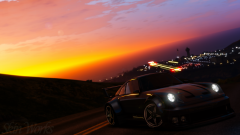 Hot damn. That's beautiful! What's the visual mod?! I want :)
 -
From the album: Jed's Models
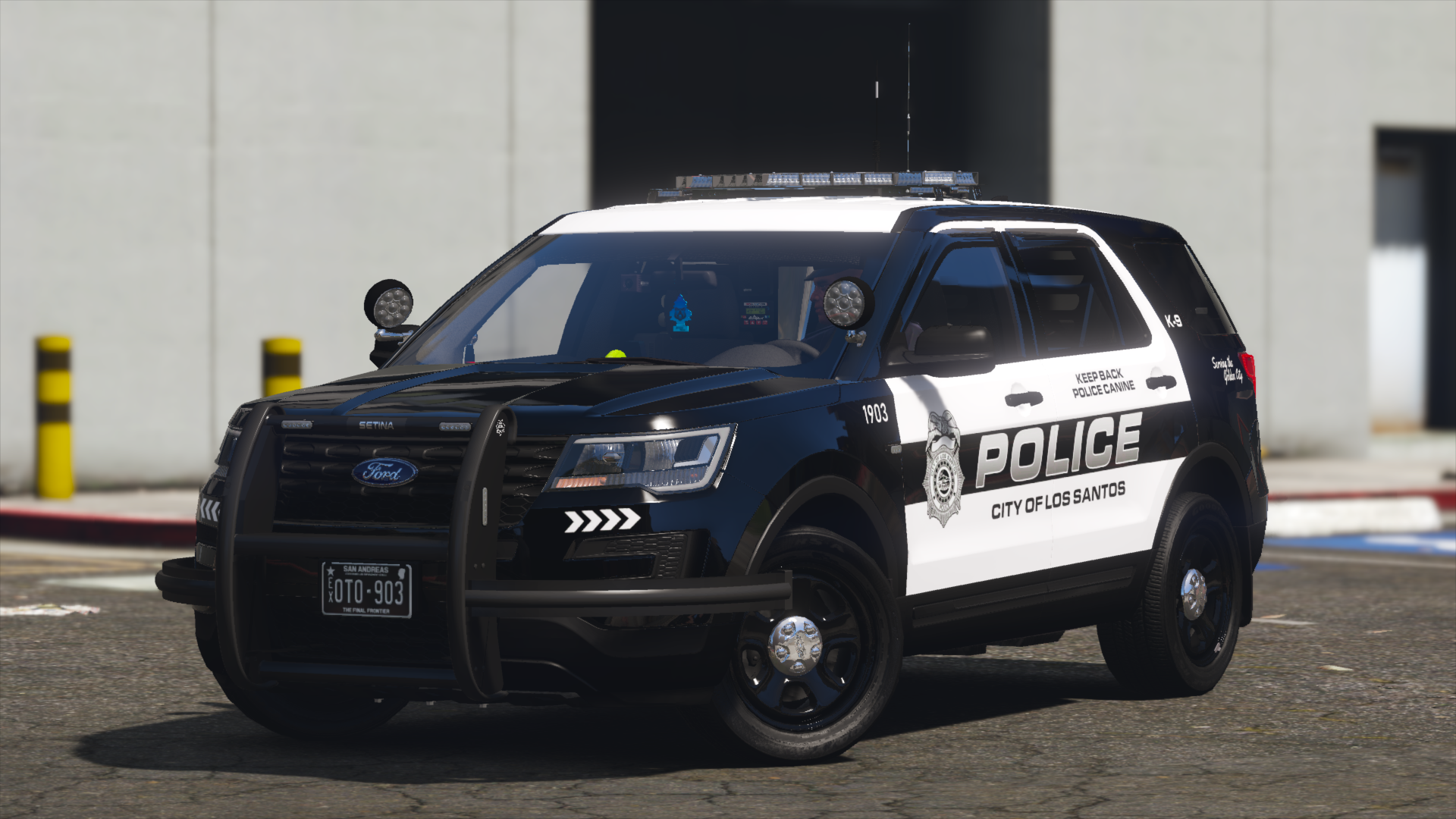
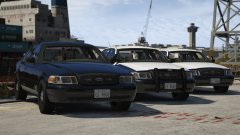
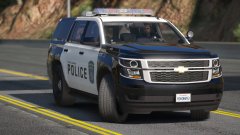
Added one of the final two vehicles to the LSMPD pack. Last one is a '15 Tahoe. Because it's a slicktop/unmarked, I've striped the lighting right down to near minimum, allowing for toggle-able items to be fitted to the unit. These include rambar, spotlights (one up), and spotlights (both down). There are 4 liveries too, 3 LSMPD ones and one transparent one (so you can pick your own colour!)© Jedahdiah
-
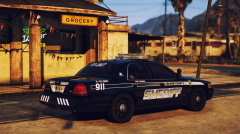 That skin doe 👌🏽
 -
*Shrugs* Eh maybe. Anything in in particular you were thinking of?
-
 No u r ;)
 -
-
LSMPD pack is causing me a headache, to the point where it was nearly scrapped. So here's your filler:
-
-
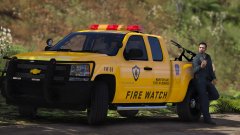
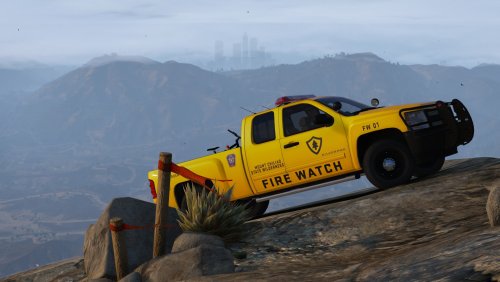 Blaine County Fire Department/ SA Parks Fire Watch Silverado ----------------------------------------------------------------------------------------------------------------------------------------------------------------------------------------------------- Information: This was an experimental vehicle that ended up being quite sought after when I posted pictures on the Gallery. I've cleaned it up and here it is ready for download. THIS VEHICLE WILL NOT RECEIVE MAJOR UPDATES. Only tweaks and bug fixes. This pack contains: 2010-2013 BCFD Fire Watch Chevy Silverado Features: • Four liveries for the vehicle, including a bear patrol skin • Full custom halogen light bar • Optional 2k and 4k liveries The carcols.ymt and the carvariations files are necessary for the light bar to work properly. Full details can be found the ReadMe. CARCOLS IS FULLY COMPATIBLE WITH MY OTHER PACKS. BIG THANK YOU to my discord testers. This was a 'open test' in the server, and everyone who took part, it is hugely appreciated. These vehicles are not based of any specific department. Please don't comment on it being inaccurate or whatever. It's not meant to be. Plus I know it's not police. Get over it. Police makes a return soon. This vehicle is based of 'FireWatch' the game. I have written a guide on how to get the rotors working in 2020 if you find you can't get them to work: I will not be providing support in installing these files. All the info is in the ReadMe. ----------------------------------------------------------------------------------------------------------------------------------------------------------------------------------------------------- Please consider donating, as you help keep myself making models and help show your appreciation towards my work. This is entirely optional though 🙂 ----------------------------------------------------------------------------------------------------------------------------------------------------------------------------------------------------- Known Bugs: None yet *Fingers Crossed* If there are bugs or whatever, just PM me. ----------------------------------------------------------------------------------------------------------------------------------------------------------------------------------------------------- Disclaimer: DO NOT distribute my content without my express permission! DO NOT use the vehicles, custom light bars, etc. in a clan or group without my express permission. Just ask and we'll chat. The author accepts no responsibility for any damage caused to your PC, game, or anything else. DO NOT rip, dismantle or change the vehicle in any way (except for texture files). Vehicles are LOCKED for a reason. DO NOT upload this file anywhere else but LCPDFR.com Credits can also be found in the documentation. If I've missed anyone, please PM me.
- 5 comments
- 11 reviews
-
-

- 20
-
-
From the album: Jed's Models
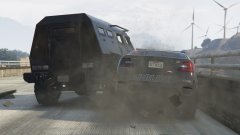
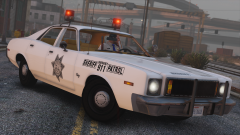
As a few people know, I got very stressed and worked up today over my LSMPD pack, to the point where it was sitting in my recycle bin. And don't worry, the LSMPD isn't scrapped, we had a breakthrough that saved it's ass So to chill out, I build this: An SUV transit unit featuring the lore Excalibur I built the other day, and a mini lore Excalibur I built today. Fully functional and DRO2 enabled. A heavier set buddy for my Transit CVPI. It's far from done (like the CVPI) but I thought I'd share.© Jedahdiah
-
-
 Oh yes. I want
 -
-
-
 Eh maybe ;)
 -
 Guess what I found. Don't know what state their in, but I've found em
 -
One day.... maybe.... if I can find the files
-
Collection of pictures from GTA: V that doesn't really fit in my other mod album.
-
From the album: Jed's Misc. Pictures
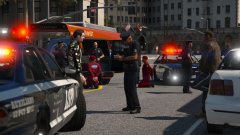
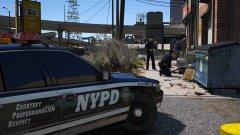
An NYPD Auxiliary unit cracking down on the Homeless persons.© Jedahdiah
-
From the album: Jed's Misc. Pictures
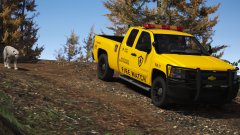
"Well, there's not a bear in sight. The Bear Patrol is sure doing its job." Patrolling Mount Chilliad Wilderness in the BCFD Fire Watch truck. Specifically with the 'Bear Patrol' Livery.© Jedahdiah
-
Yeah, it's taken off, I'm quite surprised actually. Guess I'll release it then.
-
Thanks guys :) I might do... I'll send it off to my testers just to make sure it'd in a decent state, and then we'll see... It's ELS I'm afraid Thanks :) And this is what I've replaced the pranger with
-
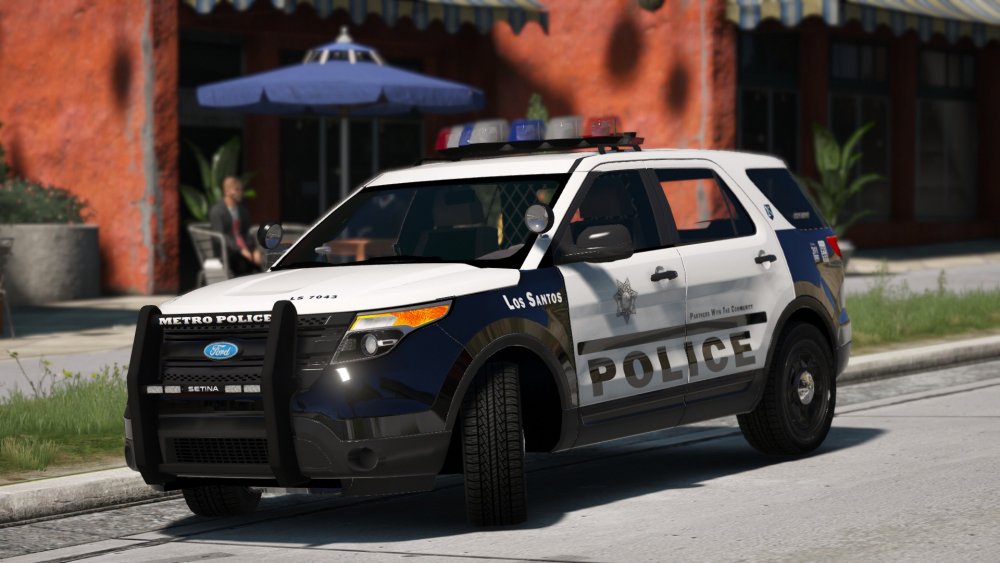
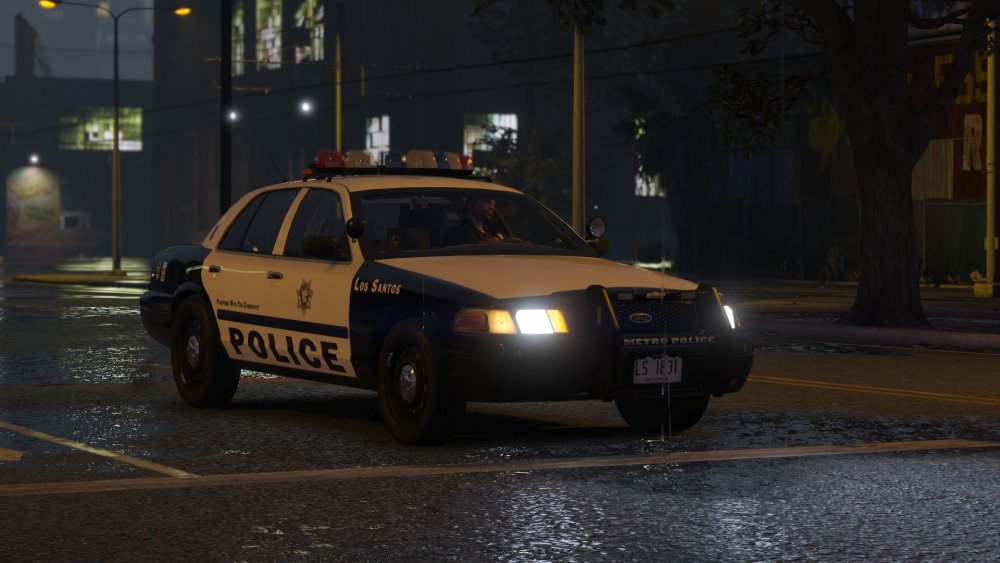
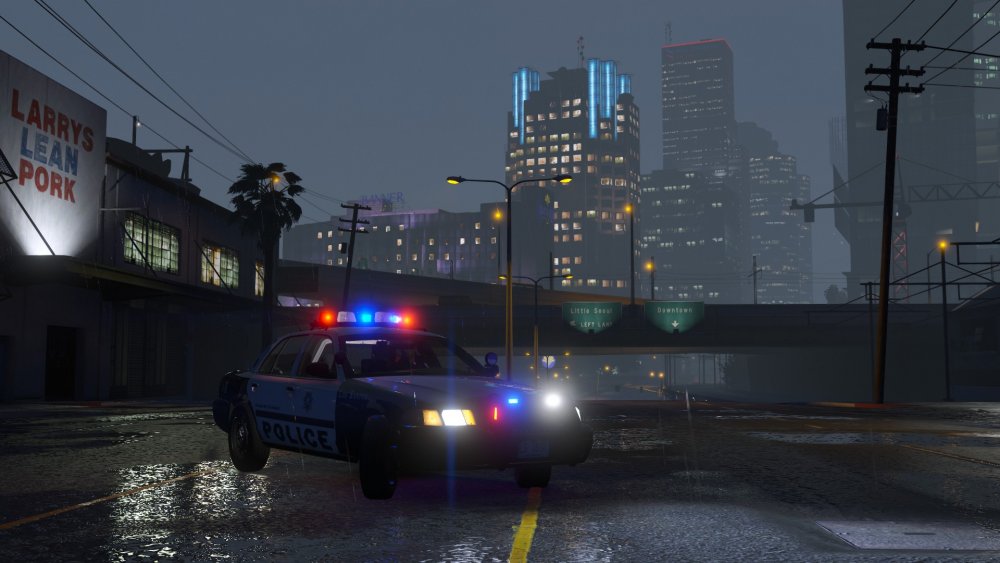
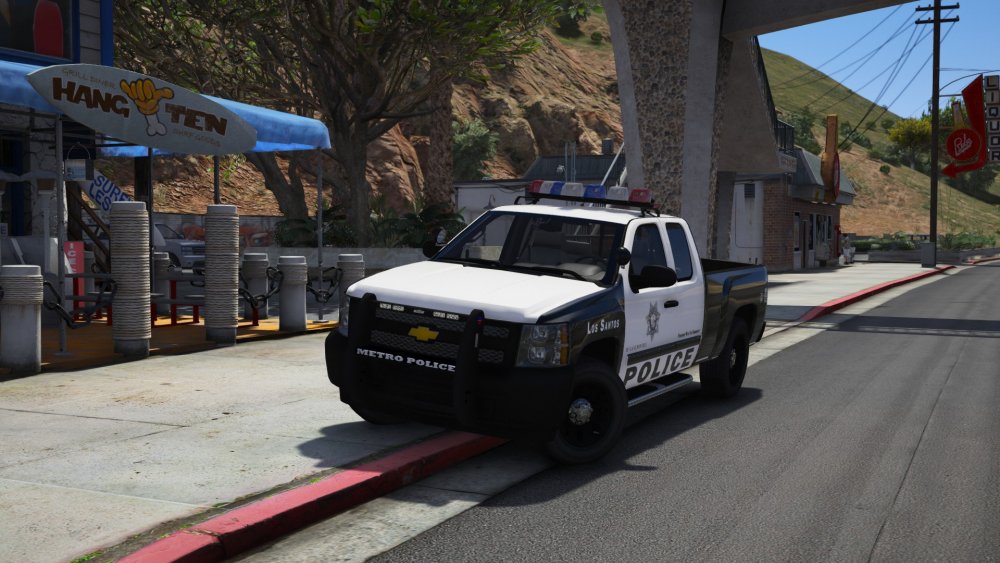
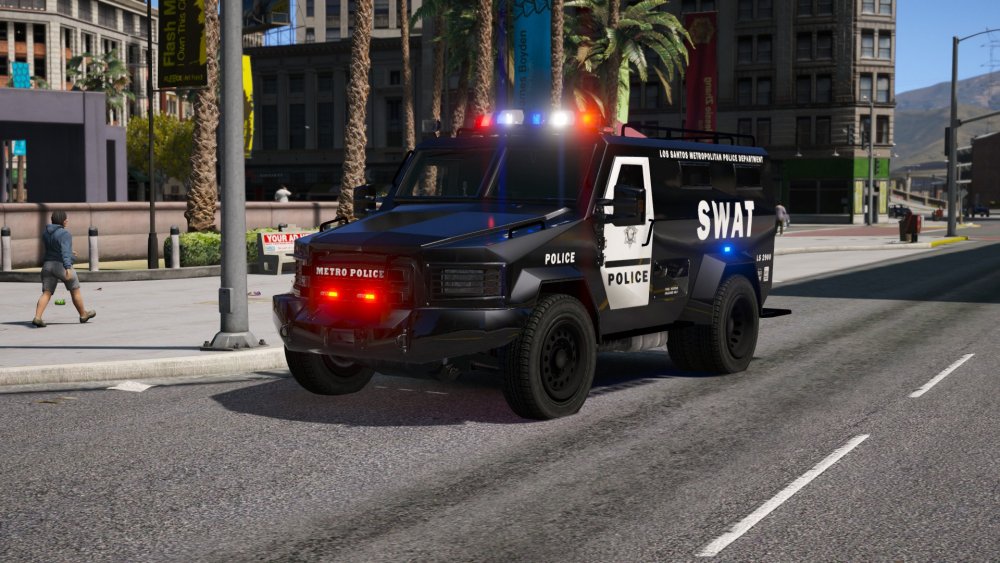
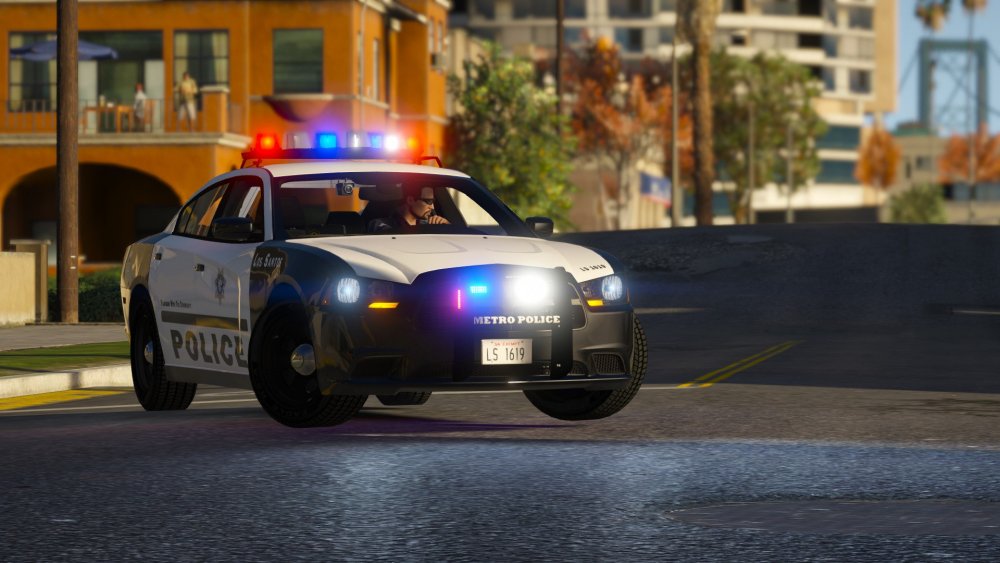
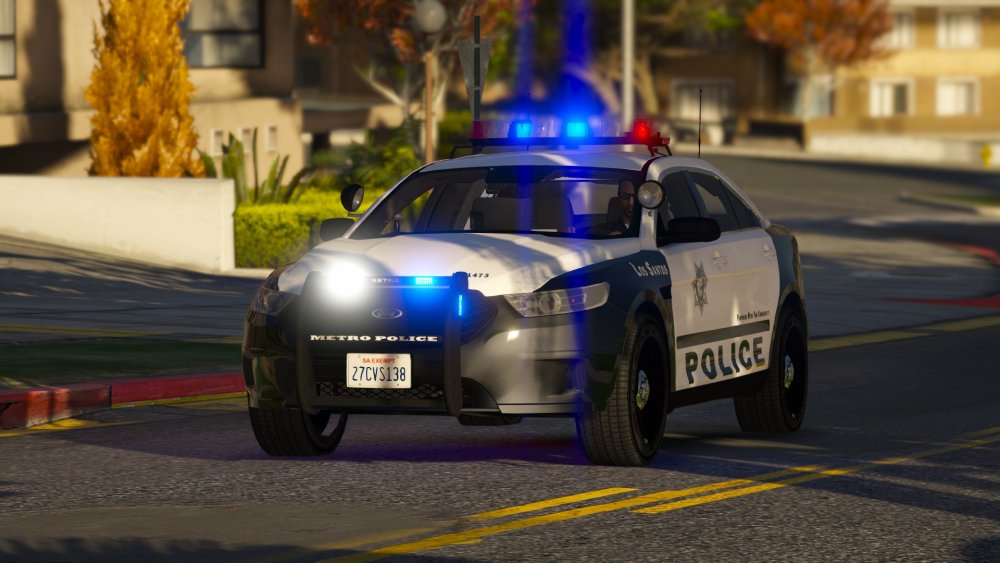
Update (Dec' 17) I realise that its been a longgggg time since I updated this, but here we go. 1. Blaine County Regional Police Pack It's finally been released: my first pack. Really pleased with the response the community had to this pack. It's filled me with hope that you guys actually might enjoy what I'm making. You can find it here in case you missed it: 2. Los Santos Metropolitan Police Department Pack I've spent the last three to four weeks putting this pack together vaguely off the LVMPD but with my own lore twist. It shows off the full extent of my custom carcols and sirensettings, and my testers have been really pleased with the lighting I've managed to produce. Current Status: UNDER TEST - RELEASE SOON (HOPEFULLY) Screenshots: 3. Future packs a) Possible transit/state patrol pack with custom lore Excalibur light bar I've been playing around with the light bar from my BCRP pack, and found a lovely setup for a full halogen light bar. I don't know if I'm going to make a pack or just an individual vehicle. Any suggestions, feel free to let me know! Screenshot: b) Blaine County Volunteer Fire Watch Truck Like I said, this features the custom lore Excalibur light bar, and I showcased it on the gallery. If you want it, let me know and I'll release it. If it's not released, it'll be available for a bit by request. Screenshot: c) Misc. stuff I've been toying around with various light bars and departments. Tbh I haven't really settled on a specific department to use as a base for a pack, and I'm always open to suggestions. Whilst I prefer to make halogen light bars, I can also do LEDs. Any idea's, let me know. Thats all for now kids. See you.... whenever
-
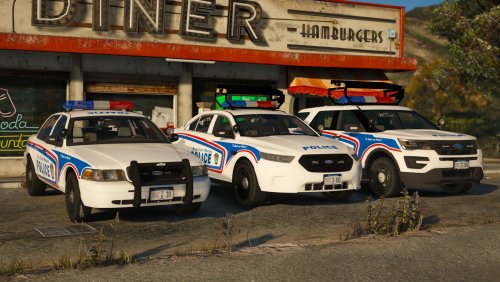 Toronto for the light bar, and London for the skin. I might do a Lore York pack somewhere down the line
- 55 comments
- 17 reviews
-