



Skip to content
View in the app

A better way to browse. Learn more.

LCPDFR.com

A full-screen app on your home screen with push notifications, badges and more.

To install this app on iOS and iPadOS
  1. Tap the Share icon in Safari
  2. Scroll the menu and tap Add to Home Screen.
  3. Tap Add in the top-right corner.
To install this app on Android
  1. Tap the 3-dot menu (⋮) in the top-right corner of the browser.
  2. Tap Add to Home screen or Install app.
  3. Confirm by tapping Install.

What a hoe

As a few people know, I got very stressed and worked up today over my LSMPD pack, to the point where it was sitting in my recycle bin. 

And don't worry, the LSMPD isn't scrapped, we had a breakthrough that saved it's ass


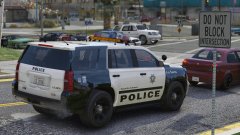
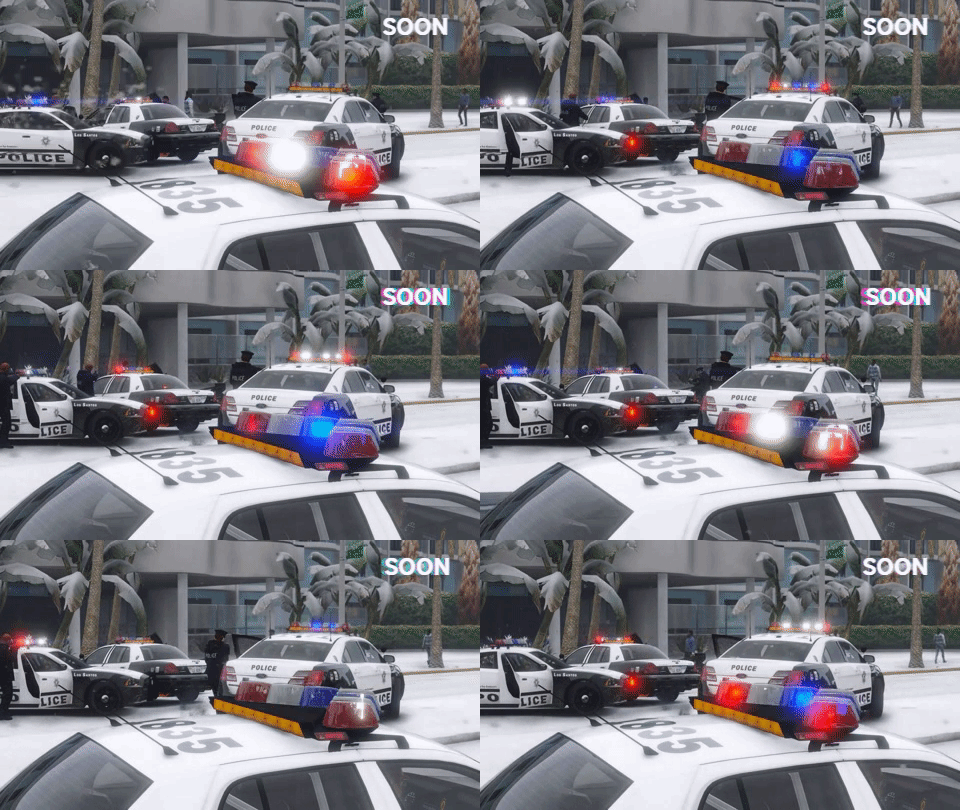
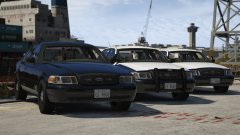
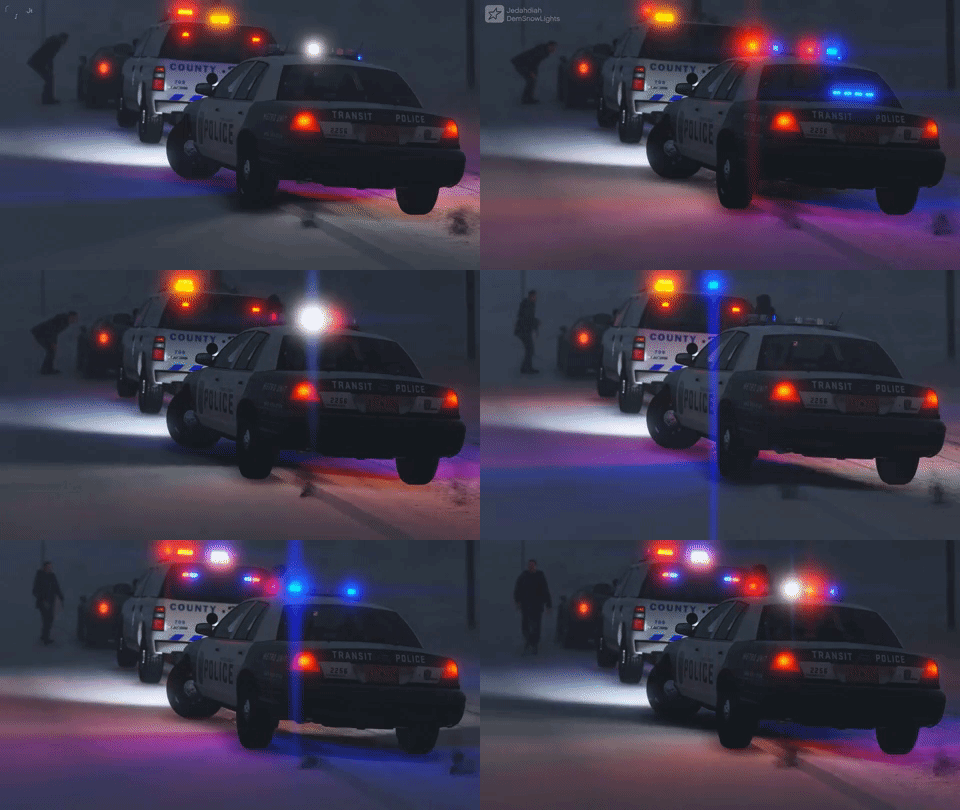
So to chill out, I build this: An SUV transit unit featuring the lore Excalibur I built the other day, and a mini  lore Excalibur I built today. Fully functional and DRO2 enabled. A heavier set buddy for my Transit CVPI.


It's far from done (like the CVPI) but I thought I'd share.


20171205194010_1.thumb.jpg.bc4014420880c2ab75f9f6ae971ca8a2.jpg20171205193945_1.thumb.jpg.09f6086241575190dde20a5926dd7471.jpg

image.jpeg

Copyright

© Jedahdiah

From the album:

Jed's Models

· 124 images

Account

Navigation

Search

Search

Configure browser push notifications

Chrome (Android)
  1. Tap the lock icon next to the address bar.
  2. Tap Permissions → Notifications.
  3. Adjust your preference.
Chrome (Desktop)
  1. Click the padlock icon in the address bar.
  2. Select Site settings.
  3. Find Notifications and adjust your preference.