



sjain
Members
-
Joined
-
Last visited
Everything posted by sjain
-
Try re-installing ragepluginhook from here Also, cache is just the name. It does verify the game files. But for good measure I would re-install it like you stated.
-
Use full screen instead of Windowed Borderless. Also, right click on desktop, click Nvidia Control Panel, click Manage 3D settings, then Program Settings (or the tab next to Global) and find GTA5.exe Then scroll down in the box and change VSync and Triple Buffering to on. Then apply in the bottom right
-
Temperatures need to be monitored inside the PC as well. It is never obvious. We need full screenshots of your GTA 5 settings. 1. Install GeForce Experience / Nvidia share (Google) 2. Take the screenshot (ALT+Z = settings) 3. Upload to imgur.com 4. Link here
-
Graphics settings? Logs? Full PC Specs? We don't know your graphics card or PSU. How old is the PC? Is the environment dusty or hot? How much clearance is their around the PC I hate to be difficult but these are small basic things. And honestly, you answering our questions will help you get it solved quicker. But here are some steps for now: 1. Re-install graphics drivers (for Nvidia drivers: Nvidia method) 2. Restart PC 3. Monitor your temperatures using OpenHardwareMonitor (extract all contents of the download to a folder and run OpenHardwareMonitor.exe as administrator. Key temperatures are RAM, CPU and Graphics Card.) Please ask if you have difficulty with any of the above or have new questions Good luck
-
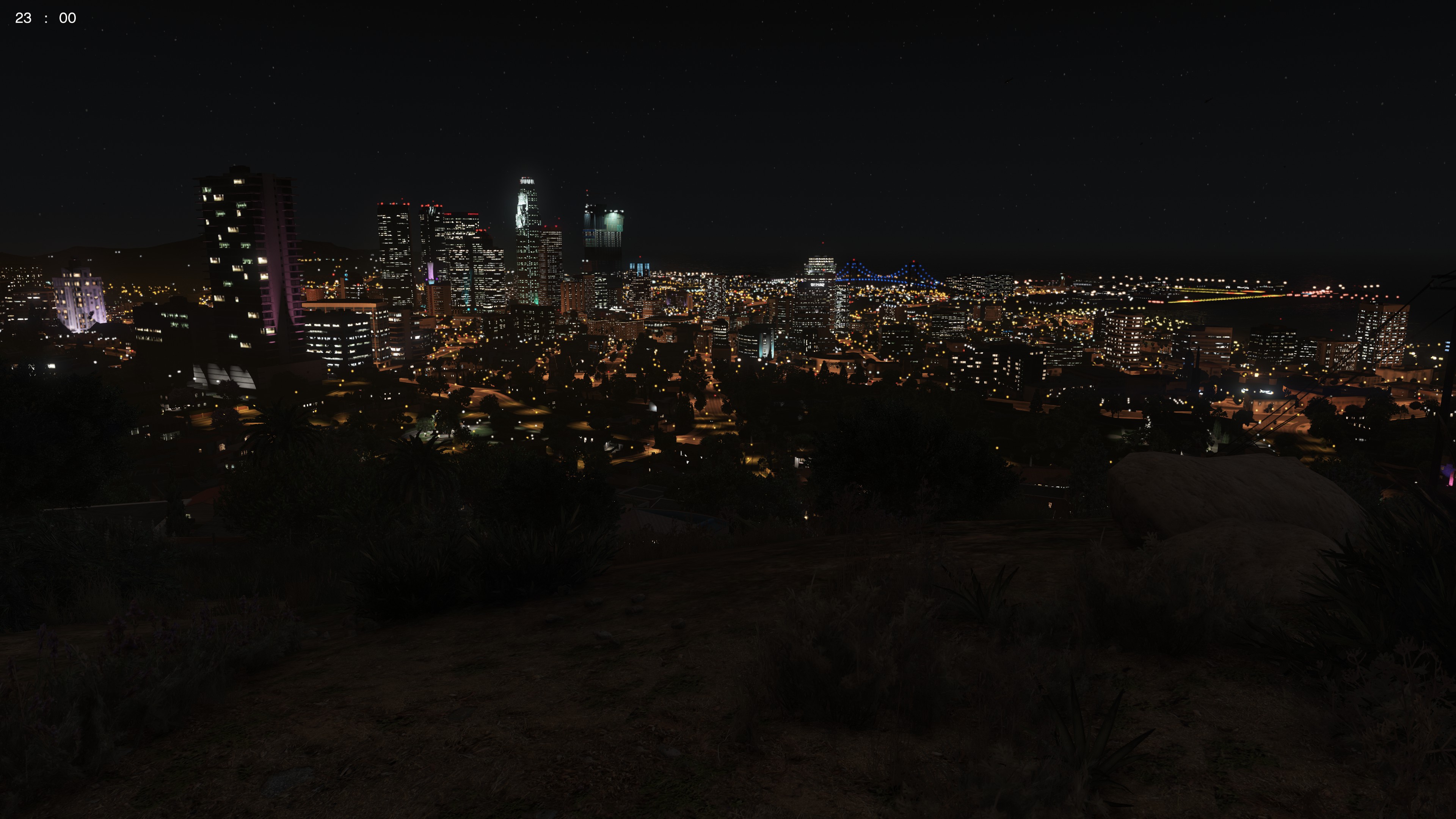
Just VisualV (modPackage option) on its own. Looks beautiful.
-
SOLVED - RE INSTALL MODDDING DLC PACK V (leaving this topic here for others) I am using Albo's Modding DLC Pack V The vehicles I extracted the .meta files (including /levels/gta5/vehicles.meta) and copied the contents into the Modding DLC Pack V counterparts for those files. I did this really carefully, going by Albo's Tutorial and checking for anything wrong e.g. stuff in the wrong place and tags which were not closed by comparing it to a vanilla counterpart of that file. However, when I launch the game, everything is fine. As soon as I try to spawn the vehicle with Trainer V or the RagePluginHook Console, it crashes. I have: Checked that the models open in OpenIV. Triple checked all the .meta files and the vehicle files. Checked that in my TrainerV.ini file, the model names are correct in the Added Cars section. Restarted my PC. Triple checked that OpenIV wasn't running in task manager. Tried replacing the .meta files that come with Modding DLC Pack V with the ones that come with the vehicle mod. Running the game on low settings. Replacing a vehicle slot instead of installing it as an addon. Adding a different vehicle not from this download. Running as administrator. Disabling DEP. Triple checked that I have put all the files in the correct place, going by Albo's tutorial linked above. Running the game on lower graphics settings. Spawning with the RagePluginHook console instead of the Trainer. Spawning the car on the beach, where the load on my PC is light. By the way, the correct gameconfig.xml for my patch comes with the latest version Albo's Modding DLC Pack V which I have installed. I have tried re-installing RagePluginHook, the ASI Loader and OpenIV.asi All help is widely appreciated. I am honestly clueless right now. I have attached my .meta files as .txt files if anyone has a little time to read them. My game version is 1.0.1011.1, RagePluginHook version 0.51 All help is widely appreciated. carvariations.meta.txt handling.meta.txt vehicles.meta.txt
-
Are you serious? As far as I know ELS or any ELS vehicle has never come with the LSPDFR download. By LSPDFR, we don't mean the experience, but the mod itself. He is not obliged to help you. Remember this site is free, the mods are free, and the people voluntarily help out in their own time. It's not their job. Also, he is a moderator, so has the right to move topics. It is on Ultra. @Solutiondjk First, restart your computer. go to: mods/update/update.rpf/common/data/levels/gta5 Then right click on vehicles.meta and click "edit". Hold the CTRL key and tap F once. Then release CTRL. Type in the name of the vehicle slot you replaced with your modded police car. Scroll down till you find a line with diffuseTint in it. Change that whole line from whatever it is to: <diffuseTint value="0x00FFFFFF" /> Good luck.
-
Click the install button. It will detect the files.
-
Post your logs please, we can't help otherwise. It's the most basic step. Also:
-
Just remember to post in the right section in the future. Read the description of the section carefully. Don't worry too much, a moderator will move it. vehicles.img is not what you are looking for. The filesystem of GTA 5 is completely different to GTA IV, in terms of where files are located. Do exactly this: 1. In OpenIV, go to: update > x64 > dlcpacks> patchdayXng where X = the highest number you can see. Note that it is not in the mods folder. 2. Right click on "dlc.rpf" in that folder and click "Copy to mods folder". 3. You should now be automatically inside the archive. 4. In that archive, go to x64 > levels > gta5 > vehicles.rpf 5. Click the green plus button + and add the vehicles files from your download. 6. To make your life easier, right click on the file type bar (where it says Name, Type, Size, Attributes and Tags) and click on (no). Good luck! If you have any other issues do not hesitate to reply back :)
-
Verify game cache: In steam, right click on "Grand Theft Auto V" and click on "Properties". Then, go to the "Local Files" tab. After that, click on "Verify Integrity of the Game Cache". If you used a mods folder, it won't get rid of them. This is a subforum for GTA IV. In future, post in the GTA V subforum for support instead.
-
See Deadly_Target's post here
-
ignore cringey captions plsGTA 4 Knowledge Base Hey, With the ever increasing tips for GTA 5 to fix common issues, such as installing VisualV first then RadianceV compatibility patch after for dim ELS lights, the diffuseTint value for FBI2 and SHERIFF2 in vehicles.meta, can only open the computer in LSPDFR, increasing performance, verifying cache to fix various issues, whitelisting RAGEHook from antivirus, put vehicle mods in latest patchday folder so they show up ingame, re-install drivers etc. I am beginning to think a Knowledge Base section would help. Many users don't read the pinned posts, and all we can do is ask them to, so if they see "Knowledge Base" they will probably jump for it. There will be many posts with all the fixes we have, which should help free up pinned topics as well. Now, I will only make a topic for the fixes I have listed when I have time, so I don't expect anybody to. But remember this is just a suggestion. You guys know best about Website Design, I am prepared to listen. Thanks for a great community + website, team :)1. Re-install graphics drivers 2. Verify Integrity of the Game Cache (In steam, right click on "Grand Theft Auto V" and click on "Properties". Then, go to the "Local Files" tab. After that, click on "Verify Integrity of the Game Cache". If you used a mods folder, it won't get rid of them.) 3. Restart PC1. Verify game cache on Steam 2. Re-install ASI manager in OpenIV, the other .asi plugins there and ELS. Also re-install RagePluginHook and ScriptHookV. 3. Good luck I guess... That's all I can think ofDon't apologise man :) we are here to help you. Sorry if I came across as rude. No hard feelings :) But really, most of the time, even if the issue really seems like it won't fix just by restarting, restart. Trust me, often it will get rid of random lags and bugs etc.Restart your computer. Restart Steam. Change the resolution in game then change it back. Try using different mouse modes (Raw Input, Windows etc.) in the game settings (somewhere) Try changing mouse sensitivity in-game and in Windows.Not surprised. ALWAYS read the ReadMe files in any mod you download.Too vague. Use the overview page in Speccy. What does task manager look like in the "Performance tab", when the PC is idle and running GTA? Have you restarted your PC? Please list what you have done. I know it says you have tried everything in the OP, but we need to know. Also please give @DoJoMan18's post above a go.Yeah that's automatic. Basic feature of RPH. Always restart your computer before posting an issue. Always.Yeah it isn't possible. That was for ELS V6 and lower. V7 had a higher pitched version of V8 and above. It is compiled with the mod, so it isn't possible. Also. People aren't going to put stuff on your plate. If you have a fixed mindset like that you won't get anywhere.Change -availablevidmem "2000." to -availablevidmem "10" That value is way too high and even 10 is pushing it a little, but it works. If you give it video memory which doesn't exist, texture loss is inevitable. No idea why you have a full stop there either. Try this: And look in the Knowledge Basehttp://www.lcpdfr.com/forums/topic/72730-non-player-characters-ignores-me-in-an-els-car/


