


JRod95
Members
-
Joined
-
Last visited
Everything posted by JRod95
-
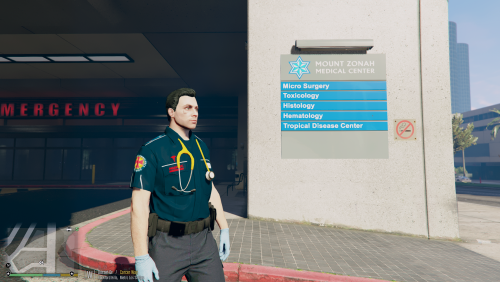 Do you need to Download the pack to use this skin. would it work if you just replaced the default paramedic slot?
 -
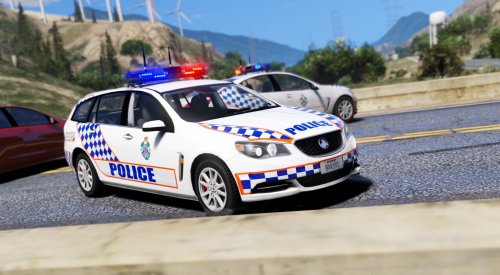 These look great. Really really want to see a Hilux with one of them lightbars as well
- 16 comments
- 5 reviews
-
-

- 1
-
-
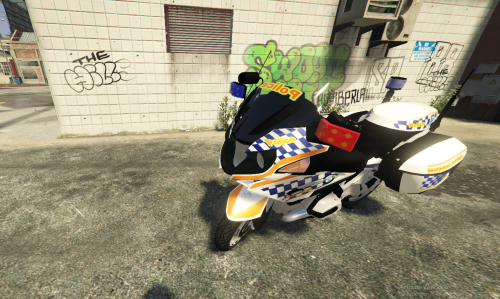 Thank you very much :)
 -
Hey this is awesome who made the Skin. Any chance on getting a Queensland Road Policing Livery for the same bike? thanks
-
-
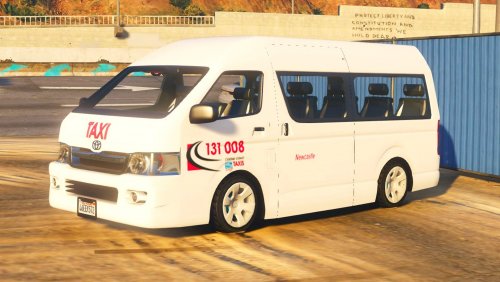 It's incomplete isn't it?
 -
-
-
-
![[WIP] NSW Rescue pumper](//s3-gallery.int-cdn.lcpdfrusercontent.com/monthly_2016_08/small.14037527_1743491855968324_259255543_o.png.37021961110168aeea39fe1ea97db16c.png) Really can't wait for this
Really can't wait for this -
-
burn
-
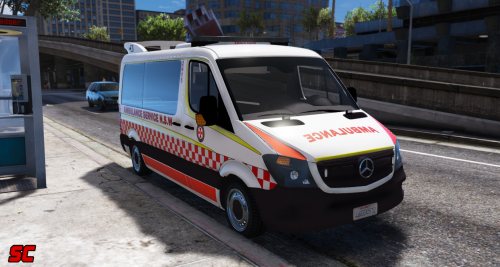 Hey @MooseYTY is there anyway to Save the Light patterns after changing them by pressing CRTL+P just So i don't have to edit them all the time
- 14 comments
- 6 reviews
-
ok
-
Hey @MooseYTY so the updated Ambulance now lets people into the back of the Ambulance corret?
-
hasn't been in my game either
-
Is there one for it. or has no one made it yet
-
and the Queensland Skin?
-
I missed your Stream today I was kicking myself haha. I had to go out
-
How is the editing going?
-
Ok i just meant the actual game car wash to add to the reality sorry.
-
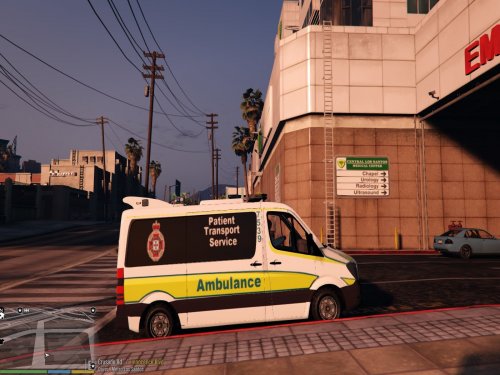 It wouldn't for me. But I want it to That's strange @sgtnicko @Sgtnicko please tell me how you got both skins to work properly on the sprinter because mine isn't doing it for me
 -
I found the Video. it was awesome and @MooseYTY is working on an updated version of the Sprinter Were Patients can get in. Also if you wanted when the Sprinter has been updated could you Download my Patient Transport skin and do a Patient Transport episode?
-
It wouldn't for me. But I want it to That's strange @Sgtnicko
-
@Sgtnicko


![[WIP] NSW Rescue pumper](http://s3-gallery.int-cdn.lcpdfrusercontent.com/monthly_2016_08/small.14037527_1743491855968324_259255543_o.png.37021961110168aeea39fe1ea97db16c.png)
