Forrestthompson
Members
-
Joined
-
Last visited
Everything posted by Forrestthompson
-
-
 It would be really sweet if you could make an all blue option in this pack as well!!..... 😀 Red/Blue isn’t very common place around here, but I do like it. Just use to all blues.
 -
 Like the pack but I just can't use the damn thing. When I go in Open IV to place your folder in there everytime I click on the dlc.rpf file it says error corrupt files. So ionknow
- 215 comments
- 38 reviews
-
-
 Thanks man! Amazing pack! Love your setup! Be slick to see those 3 variations in a CVPI with hubcaps!
- 54 comments
- 5 reviews
-
Any chance of seeing America’s most iconic police car in this pack someday? #VIC
- 54 comments
- 5 reviews
-
Guys, Idk what is up with this, but there still seems to be a crashing issue when switching between characters, and/or when going off duty and going back on duty. Everything else works flawlessly. If this can be looked into further, I am sure a lot of people will be appreciative.
-
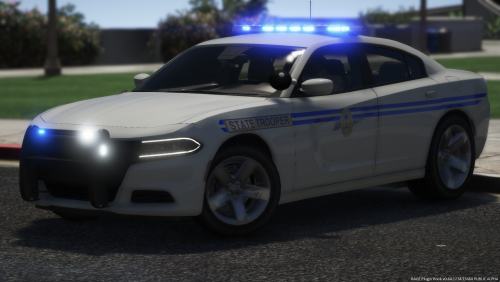 This pack is just plain awesome! I live in South Carolina myself, so this hits home! There is just one little thing that bugs me, and no hate to the author, keep in mind I'm a Crown Victoria fanatic, but the Victoria's used by the SC highway patrol are known as "SAP" CVPI's.... This means there is no trace anywhere from factory on that vehicle to identify it as an Interceptor. In other words, on the truck lid, SAP's should not have "Police Interceptor", rather "Crown Victoria" instead.... No big deal, just letting you know! No SAP (Chrome) Crown Victoria from factory had an Interceptor badge on it. Only the regular police model with black grill and black rear facia did.
- 83 comments
- 19 reviews
-
 Does anybody know how to get around game crash from ELS? Will there be an update for 0.4? The game works flawlessly without ELS in it. I looked up a way to maneuver around it by moving the main files to another folder instead of “Programs & Files”, but it still doesn’t work. The weirdest thing about it all is that it worked for a day with no problems, now all of a sudden ELS crashes the game at the end of loading.
- 2,706 comments
- 242 reviews
-
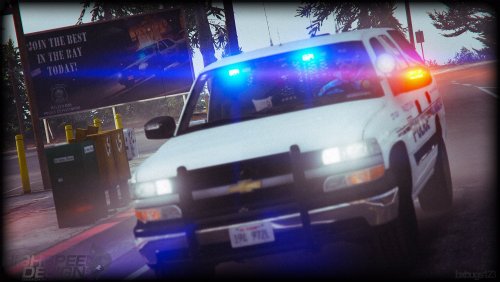 Definitely wish Bugs would make something like this. An SAP with hubcaps. Got the best models out there. Would be pretty awesome with minimal lighting. He hasn’t made a detectives ride.
- 133 comments
- 36 reviews
-
 It would be nice if someone made an exterior sound mod.. Like when one of the Vic’s pass by you can hear that half throttle V8 grumble. Maybe that’s asking too much and I’m sure that would be a lot harder to make, but that would be really cool.
- 49 comments
- 3 reviews
-
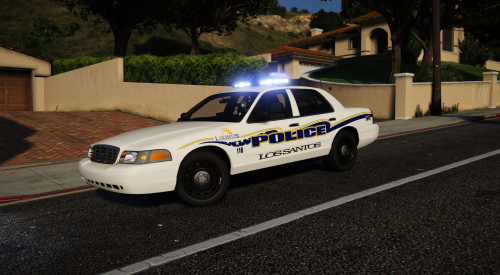 Yeah man be nice to make a charger along with them since they’re replenishing the Vic’s as they retire. 😢 Look forward to maybe seeing county released sometime too if you’re up for it. About the only two patrol vehicles used around here are Vic’s and Chargers.
- 16 comments
- 13 reviews
-
-

- 1
-
-
-
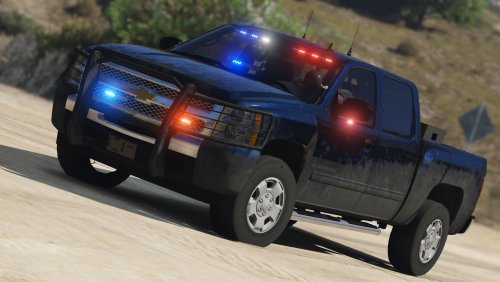
.thumb.png.380b31f24ea76ba3e0447c431a0ae833.png) A second choice for all my Ford guys and girls out there. This skin is basically just for those (like myself) who prefer to have a Ford roaming the mountains rather than a Chevy. What's better than a Raptor? #DNR Once again, this skin goes well for those of you who need a replacement for pranger, and may I say... it is also a good asset to Wilderness Callouts.
A second choice for all my Ford guys and girls out there. This skin is basically just for those (like myself) who prefer to have a Ford roaming the mountains rather than a Chevy. What's better than a Raptor? #DNR Once again, this skin goes well for those of you who need a replacement for pranger, and may I say... it is also a good asset to Wilderness Callouts. -
-
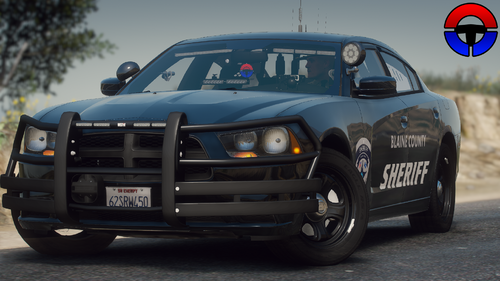
.thumb.png.86995f1d176fb2ba37a8e9f4f16a69a8.png) @Thero To be honest with you, I cut it off at the top and replaced it with San Andreas. It was originally a South Carolina DNR. I actually like the look of it. I guess everyone has their opinions. I cut it just so you can see to the top of the deers head. @officerdrig It is the SC logo cut off to say San Andreas instead. Personally I kind of like the top being cut off.... It can be easily fixed for those who don't though. Any suggestions?
@Thero To be honest with you, I cut it off at the top and replaced it with San Andreas. It was originally a South Carolina DNR. I actually like the look of it. I guess everyone has their opinions. I cut it just so you can see to the top of the deers head. @officerdrig It is the SC logo cut off to say San Andreas instead. Personally I kind of like the top being cut off.... It can be easily fixed for those who don't though. Any suggestions?- 4 comments
- 1 review
-
 @ThisIsntMyName Thanks.
 -
This is a game warden skin for Black Jesus's Chevy Silverado 1500. This would probably be a good choice for the pranger slot. Park ranger is so last year. Upgrade to the warden level. It's definitely a nice asset to wilderness callouts.
- 4 comments
- 1 review
-
@MCP Sorry about that. I will upload it momentarily.
-
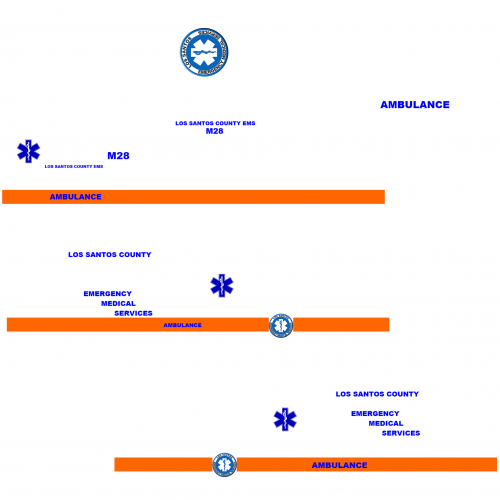
This skin was made for downcoldkiller 2015 Ford F-550 Ambulance. This is just that special skin for those of you, like myself, who are not a big fan of Fire and EMS being one. At least that's not how they do it around here. This is my first upload, and I am testing to see how people like it. Other unit numbers may come in the future if requested. As of right now, the unit is M28 (Medic-28).
-
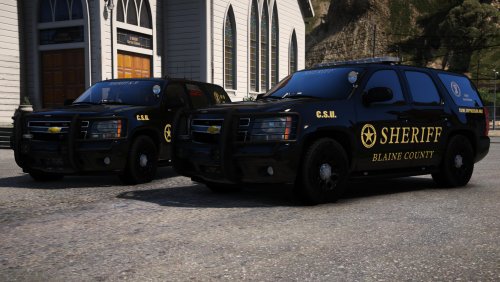 Still not understanding how to fix the blacked out windows. I have the patrol Tahoe in Sheriff2 slot considering it's sheriff. I have changed the line in vehicles.meta to 0.00FFFFFF in tent. Still no improvement. All of the lights show up, but it is completely black where you can't see anything in first person.
- 59 comments
- 42 reviews
-
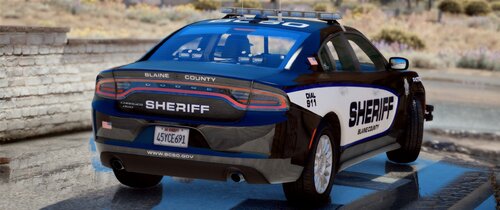
.thumb.jpg.bfad1c193dd40b9d539eefd7c5187a5a.jpg) I have tried this.......... This is only one light on the car that doesn't work. Just one. The rest work fine. Oh well I guess.
I have tried this.......... This is only one light on the car that doesn't work. Just one. The rest work fine. Oh well I guess.- 157 comments
- 46 reviews
-
This is an amazing mod. The only problem I am having with this is the right back light on the right side under the rear windshield. It is rotating flashing red. All the other lights work fine. It looks great from the front. Does anyone know how to fix this problem?
- 157 comments
- 46 reviews
-
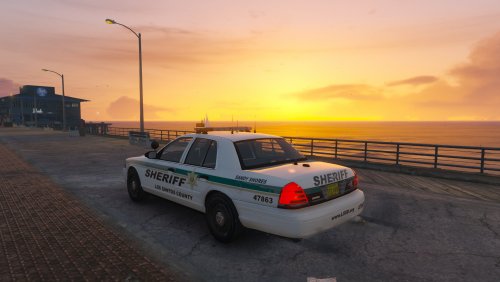 Awesome skins man! If you have time in the future you think you could make a skin like this for BxBugs123 CVPI and the 2015 Chevy Tahoe?
- 20 comments
- 3 reviews
-
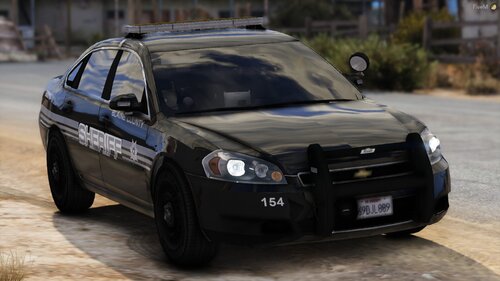
.thumb.png.380b31f24ea76ba3e0447c431a0ae833.png)
.thumb.png.86995f1d176fb2ba37a8e9f4f16a69a8.png)
.thumb.jpg.bfad1c193dd40b9d539eefd7c5187a5a.jpg)