flwpheonix
Members
-
Joined
-
Last visited
Everything posted by flwpheonix
-
-
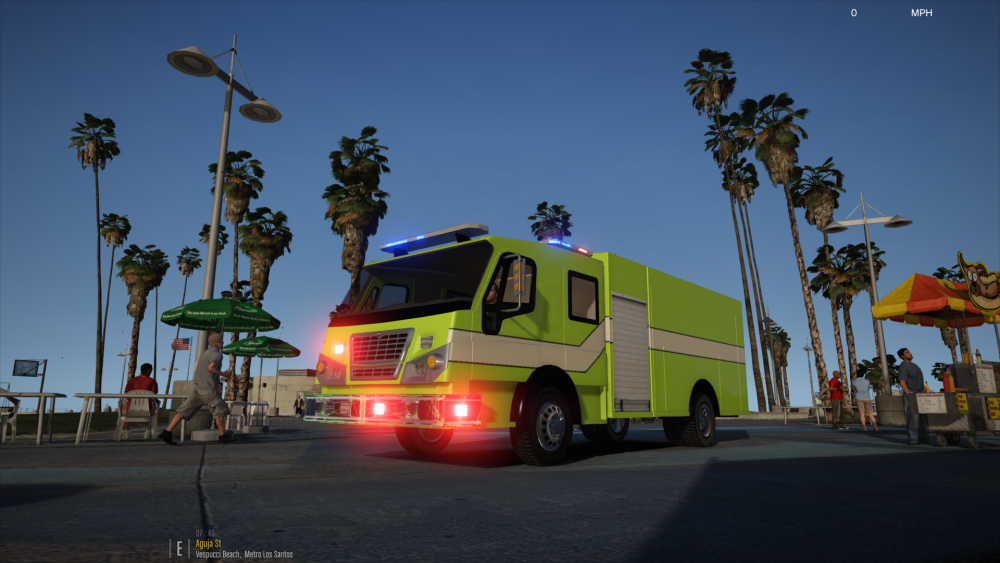
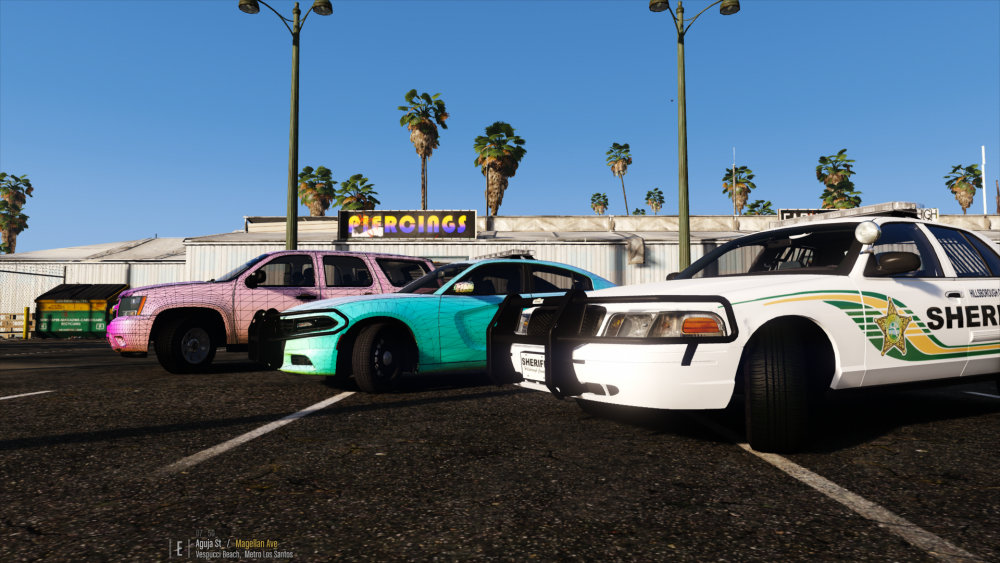
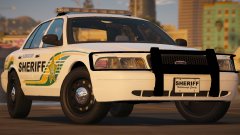
So.....I kinda got burned out on the Spartan, so I changed gears until I can get the wind back to finish it. Figured it was time to show what I have been working on with @jcpse and @xAzDKr. This is the Hillsborough County Sheriffs. My goal is to make a complete pack. These cars will feature a complete hybrid ELS/Carcols system like what I showcased with the Spartan. This means that the carcols DO NOT control the flash patters rather ELS does. All the carcols provides is the enviromental lighting. This allowed me to have each lighthead on the Liberty produce its' own light. The DUI Tahoe features this too but I ran out of sirens to use, so I had to improvise with some ELS provided enviromental light. Doing it this way too, allowed me to have the light follow what it was attached to...For example the lighting on the mirror beams on the Tahoe, will actually move with the door. Same goes with the Outer Edge lighting. If you open the trunk on the Tahoe the lights will shine up, and not stay shining backwards. Standard CVPI=90% Done Charger=80% Done DUI Tahoe=80% Done K-9 Tahoe=0% Done Slicktop CVPI=15% Done Unmarked CVPI=10% Done
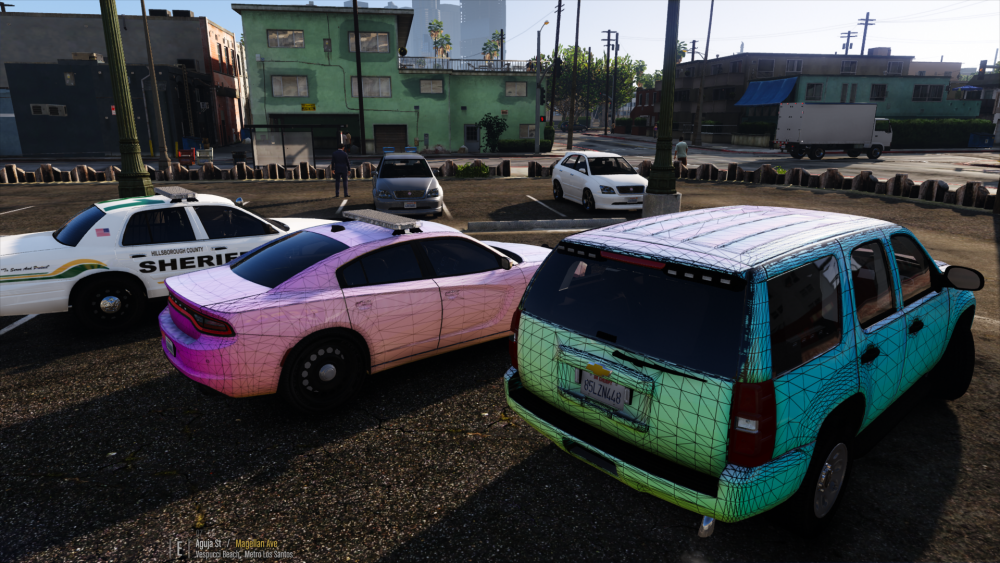
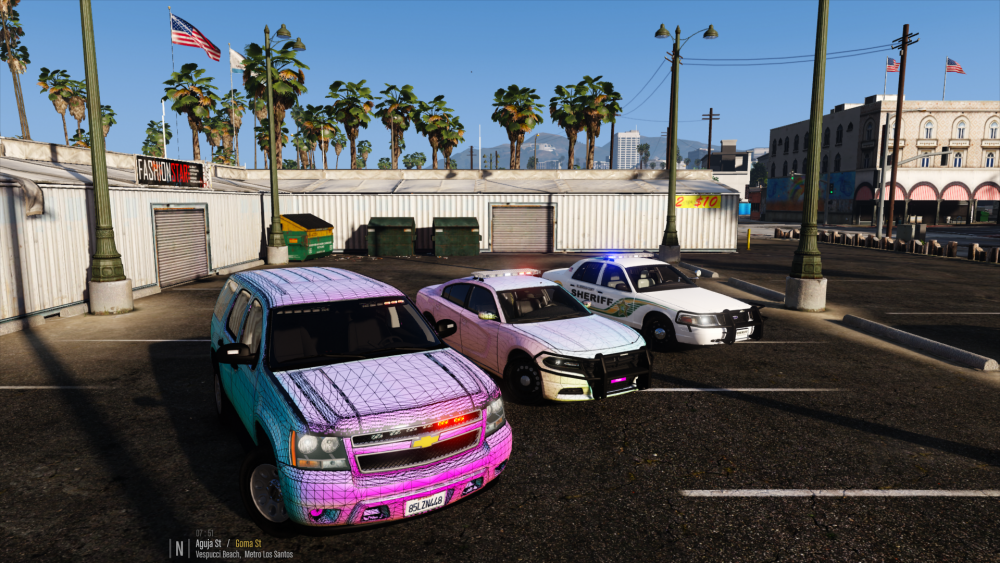
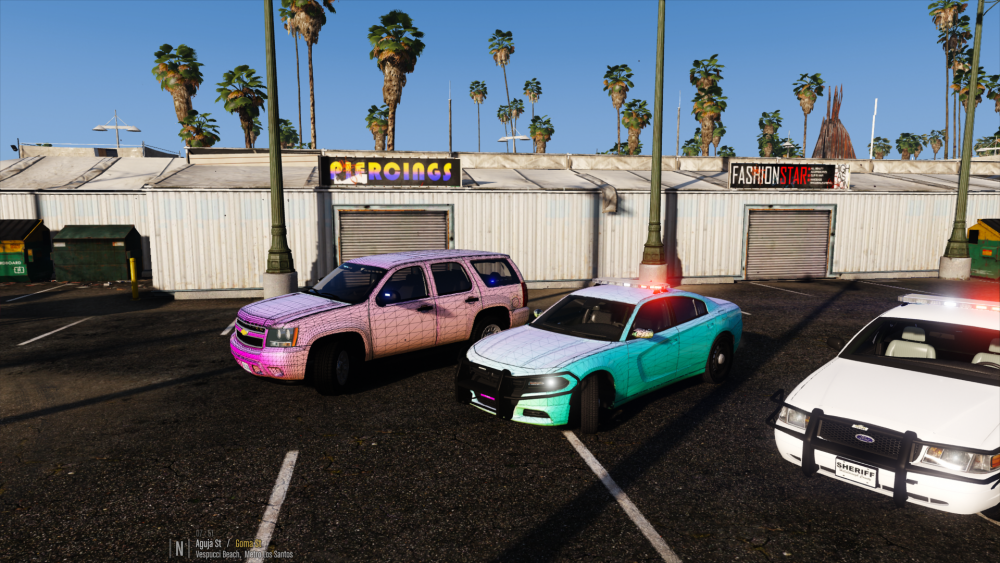
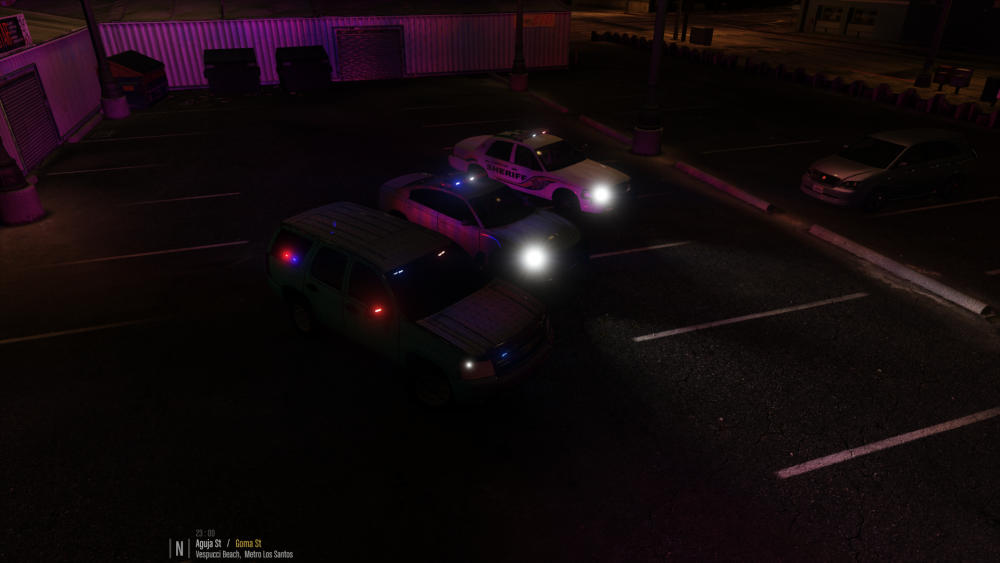
-
Fixed it. Turns out the normals were pointing straight up. Re-calculated normals and all it well.
-
Kallus, GTA V.
-
So on a Tahoe I am working on, I have Ions in the mirrors. The are extra_5 and extra_6. They both use the vehicle_lightemmisive shader. The issue arises when in game I activate ELS. From head-on and from certain angles They are fine, but when viewing from other angles they either turn completely reflective (chrome looking) or just loose the emmissive quality completely. This is a weird bug, and I cannot seem to figure out what is going on. It has nothing to do with any settings in GTA nor in the visualsettings.dat, so please do not suggest those.
-
 Shoot me a pm then....Need help with what equipment they are running as far as lighting goes.
 -
That is not a carcols issue...that is a visualsettings.dat issue.
-
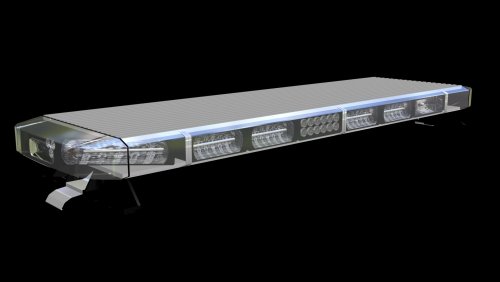 @RoegonTV, don't stress it brother! The Libby is perfect. I had no problems adapting it to one of my projects....
 -
Yes....You will need to edit the carcols though. I cannot think of the siren id number off the top of my head, but a search here on the site should give you the results.
-
The only problem with that suggestion @GravelRoadCop is that the carcols does not control the flash patterns of anything. All the flash patterns are controlled thru ELS. The carcols are only providing the enviromental lighting for the M7s and M9s. I have used all 20 siren slots to be able get a realistic looking enviromental lighting.
-
@GravelRoadCop Here you go....
-
I will see what I can do...
-
Hmmm...honestly have no idea then...sorry...
-
Exactly
-
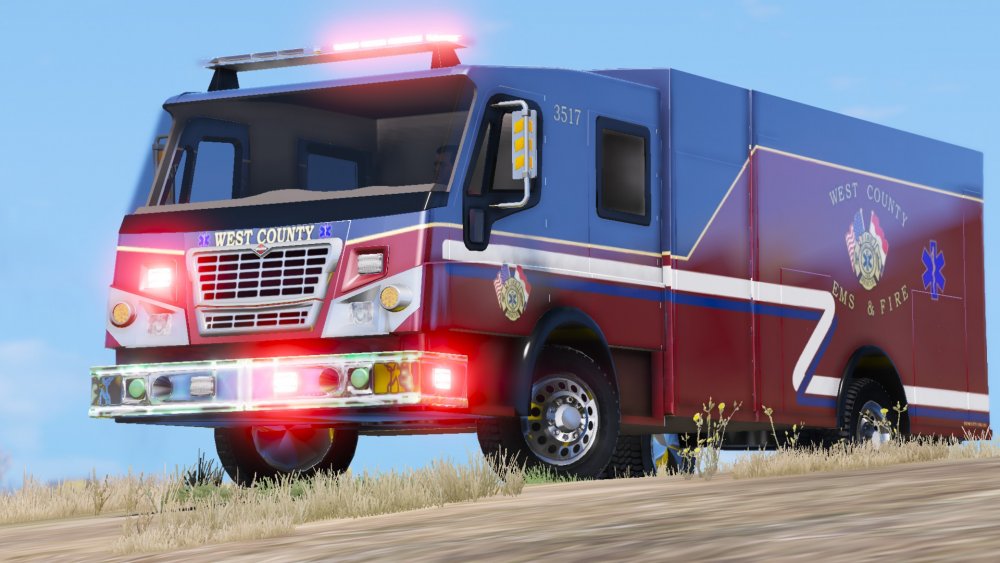
@jcpse has graciously provided a skin for the Spartan...
-
X is left and right (positive numbers left / negative numbers right) Y is front an back (positive numbers front / negative numbers back) Z is up and down (positive numbers up /negative numbers down)
-
That is what I am thinking....try to reinstall the dependencies needed (whatever those MS ones are....the redistributables...) and try again..
-
hmmm...this changes the playing field entirely......Have you made any changes recently to your OS? Like updated or anything like that....Sounds now like a dependency is missing that is needed for ELS or something like that....
-
@Chief1234 Now we are getting somewhere.....So on your custom model, the lights do not work...Am I understanding that correctly? And they worked before....correct? In Zmodeler, how is your hierarchy setup? If the extra is a child of something, try moving it to be standalone and test. Seem strange that you can spawn them correctly in the trainer but not with ELS, but stranger things have happened....Try testing 1 extra at a time, by moving the other extras out of the hierarchy. Can you possibly send me a screenshot of how it is setup in Zmodeler?
-
@Kallus Rourke, true but should still be able to verify that ELS us working or not.... @Chief1234 Does the ELS info panel come up with pressing CTL-P ? On the stock police vehicles, do the extra parts flash? You mentioned that is was a custom car. Is it one you made yourself?
-
You can still test ELS with non-els vehicles. I have a feeling that either the pack_default folder or the vcf's themselves either got moved or deleted. Please verify that pack_default folder is located within the ELS folder inside the main GTA V folder. If the pack_default folder is there, then verify that all the vehicle VCF's are there. If those are all there, make sure that in ELS.ini it is pointing to pack_default as the main ELS folder.
-
You need to adjust the co-ordinates in the VCF to where the lights are in the vehicle.
-
Keep your lods and under your base node (for example police) go under user properties and change the Base entry to something higher....for example if it was 25 change it to 50. Re-export and test. If it keeps crashing change it to something higher until GTA V doesn't crash.
-
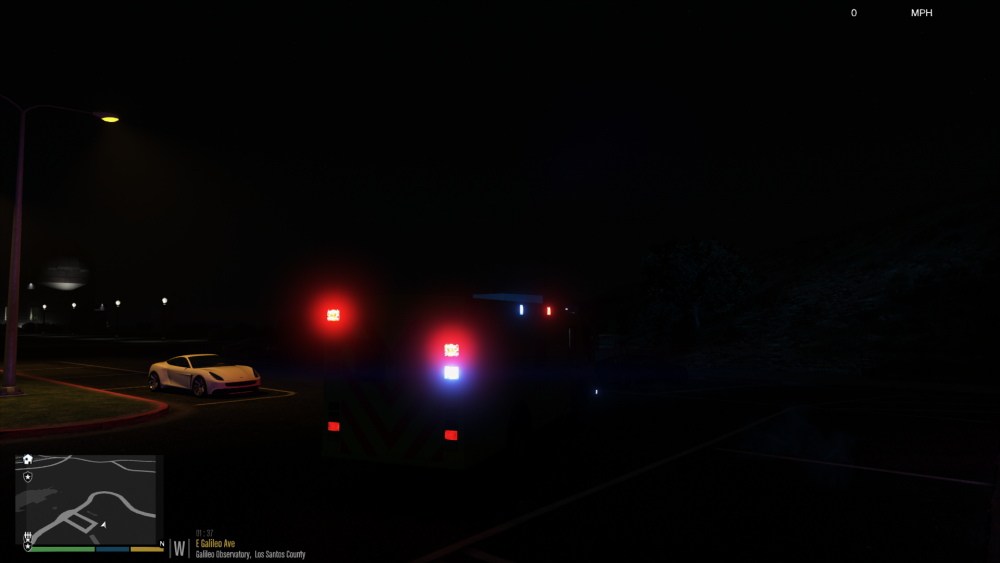
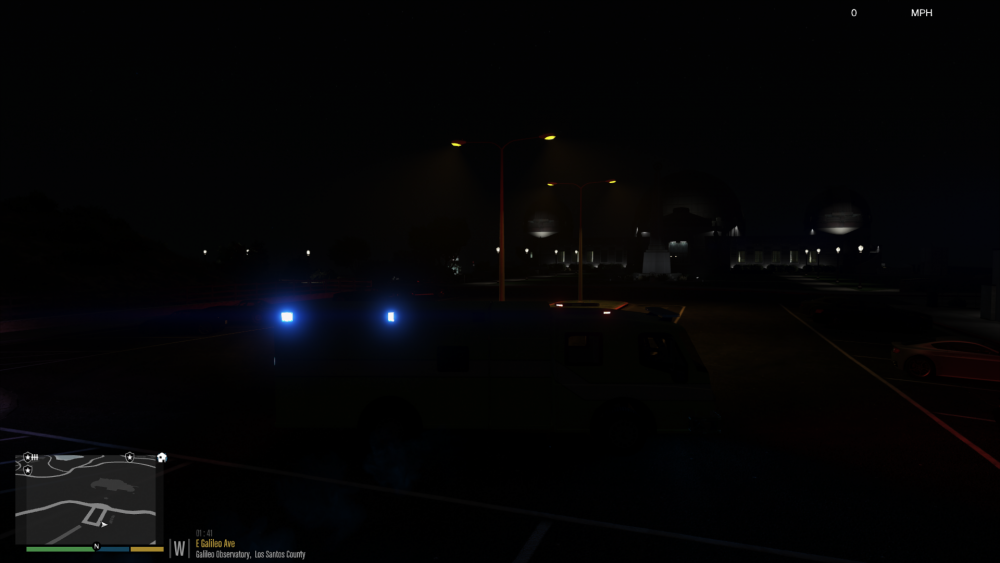
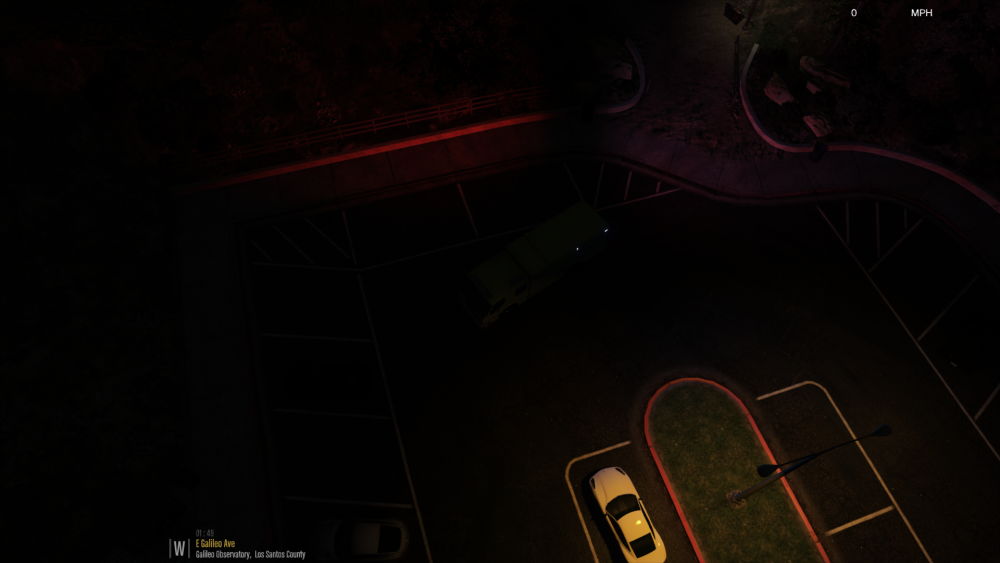
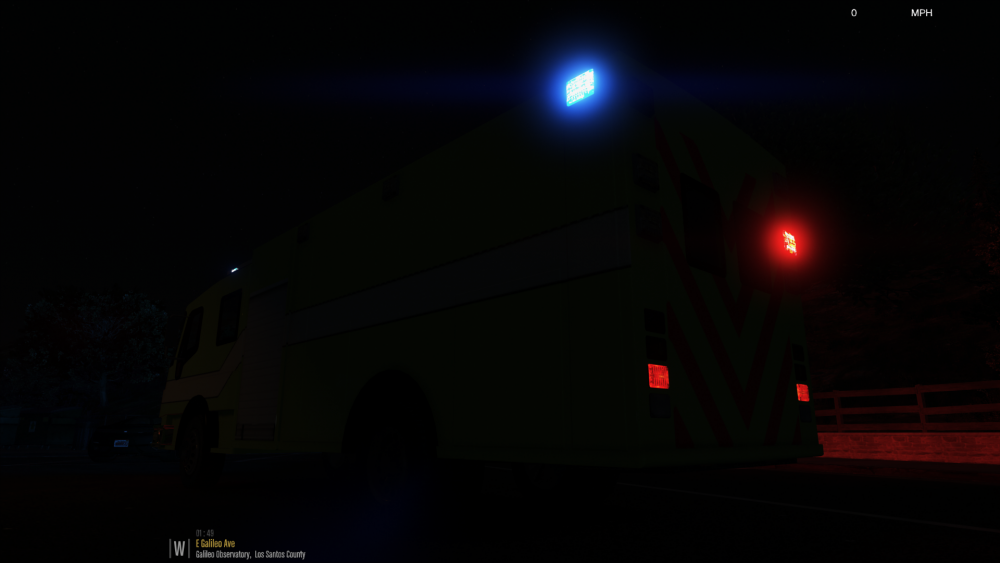
Worked some more on the side and rear lighting. You can see in the birds eye pic, the 600s and 900s have enviromental lighting produced from the carcols, but are ELS controled.
-
Changed the lightbar to a R2700, and added the mini bars...