




Uhnother Gamer
Members
-
Joined
-
Last visited
Everything posted by Uhnother Gamer
-
 Updated to newest version. Never an issue with the callouts, but game crashed when accepting armed robbery callout. Keep up the good work! RagePluginHook.log
- 1,034 comments
- 66 reviews
-
-

- 1
-
-
Look into this: https://docs.google.com/document/d/1Hp2Qco0qsgKfohkhjYWUxTr2OF7NSCkp8uSZwWz6rRQ/edit# More specifically scroll to "I keep getting the “Insufficient Permissions or Bad Antivirus” message. What do I do?"
-
UPDATE 2: All issues fixed. I've been seeing this issue a lot. I now can start GTA V using Rage without it crashing. Apparently I needed the RageNativeUI.dll (https://github.com/alexguirre/RAGENativeUI/releases/download/1.9/RAGENativeUI.zip). Turned off Disabling DirectX in Advanced settings. LSPDFR loads and works perfect.
-
UPDATE: Able to start GTA V with RagePlugin by disabling DirectX hook in advanced settings. Edit - but will not load LSPDFR despite having load plugins on start checked.
-
Fresh install of GTA V from steam and fresh LSPDFR install. No mods or scripts. GTA V loads to story mode no issues. Tried loading into story mode, tabbing out and starting Rage but still crashes with same log result. Nothing is in commandline, allowed exception in my AV for the GTA V Folder, Allowed permissions in the security tab for the GTA V folder. Verified files. All same results. It seems it doesn't even fully load Rage before crashing. Haven't found any similar issue so here I am posting lol. RagePluginHook.log
-
 Keep in mind...When RPH updates and the mods dont, there might be issues. Crashes should stop once he updates his mods with the current RPH.
- 3,646 comments
- 306 reviews
-
You can close this as I have resolved the issue.
-
 Ahhhh I love this mod. Wish it would be updated. Sometimes it works with no issues and a lot of the time it crashes. No crashes when it's not installed. I'll be watching for an update! Keep up the good work :D
- 338 comments
- 46 reviews
-
I completely removed my Mods folder. Deleted. I opened Steam and did a file integrity check and required 3 files. From there I Installed 1 car model, and Radiance V which is just a Visualsettings.dat I THINK the issue is I put the visualsettings into the wrong path. Path I use now for visualsettings is GTA V/mods/update/update.rpf/common/data and the issue was resolved.
-
Thanks. Going to go for this.
-
Just noticed while readding the car, the readme says "no tint fix applied" Maybe thats the issue? Im going to try a different car. I deleted my update in my mods folder. Not gonna add any GFX enhancers yet.
-
Alright, how do I uninstall something that was installed by the Open IV package installer? visualsettings.dat
-
I may try the Radiance V to see if that makes a difference. But I used OpenIV package installer to install the Make Visuals Great Again B.S. So not sure if it will have any conflicts.
-
Yeah.......This isn't the first time I've done this.
-
-
-
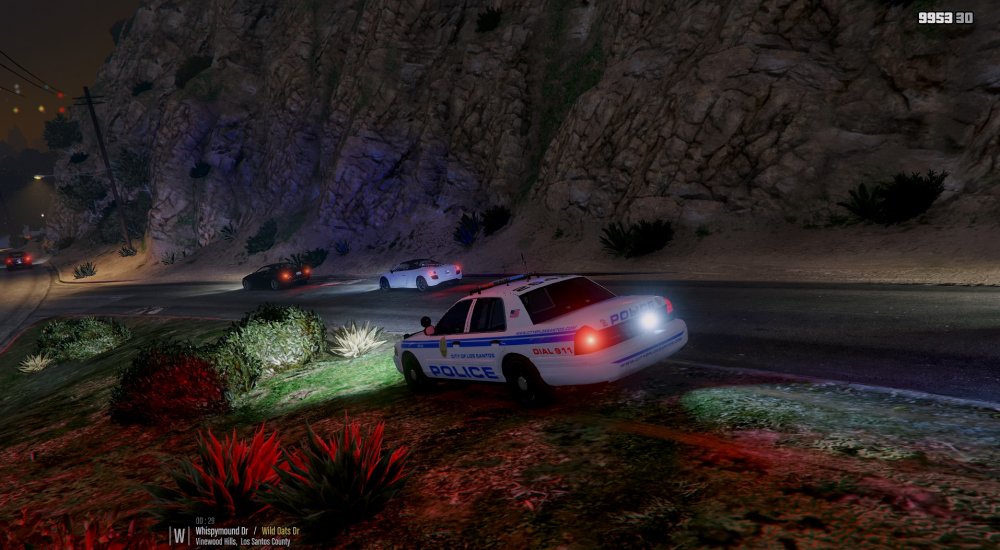
Still same issue
-
Alright I'll post updates. EDIT: You know I was looking at defaultlight and was like "Nahh that cant be it" and skipped it lol
-
All my stuffs on high. Im using this one I found on another topic on here somewhere. visualsettings.dat
-
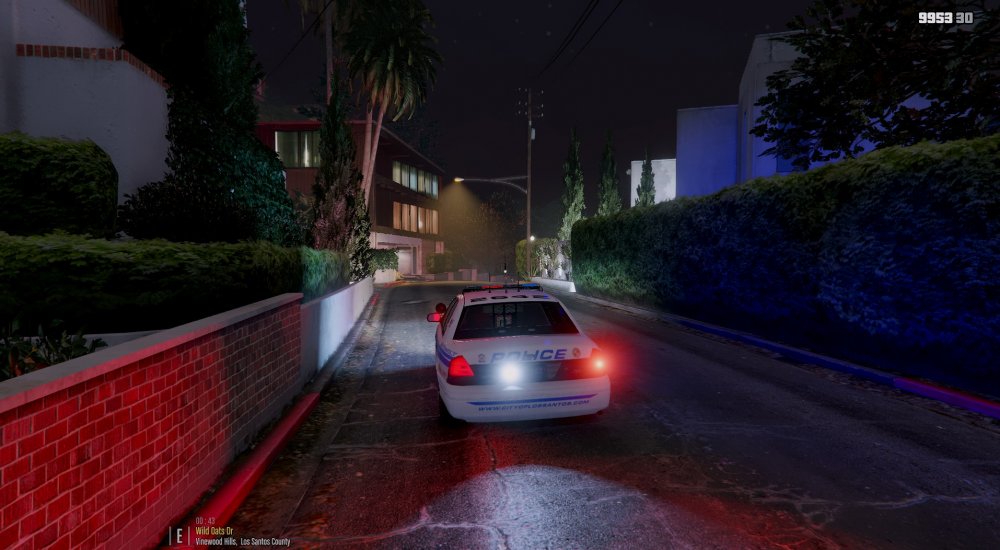
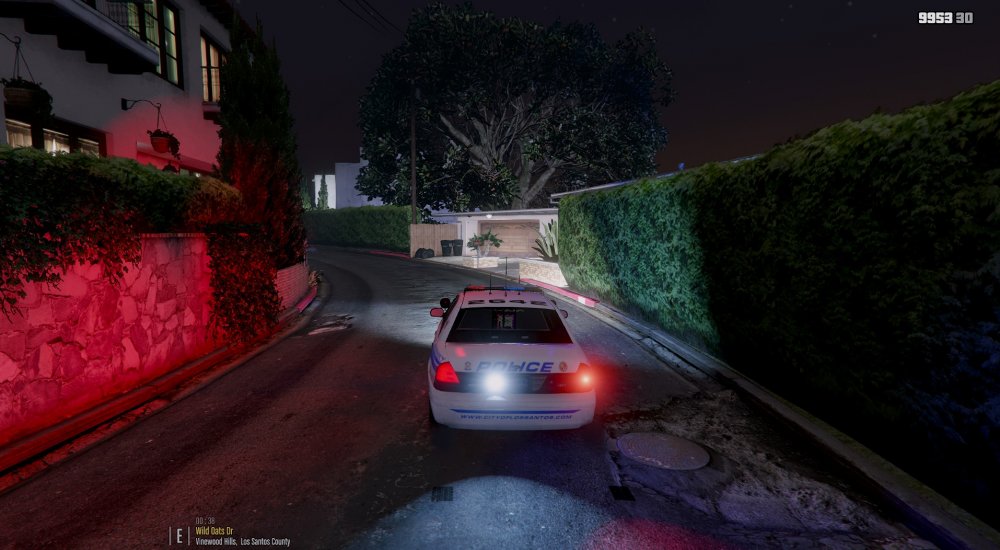
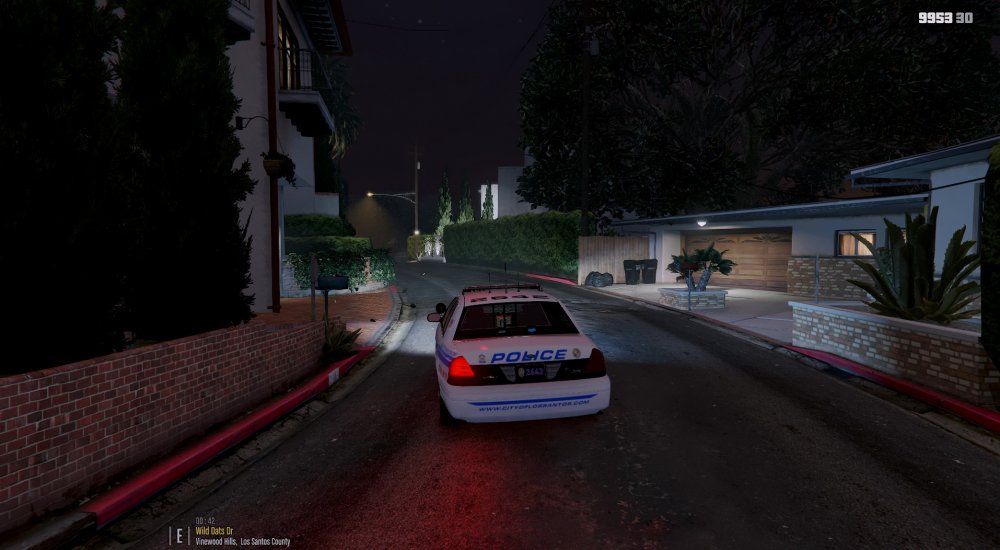
I have a graphics enhancer, ENB, and ELS enhancer and I still have this issue. I've edited some of my visualsettings and still with this issue. Ive searched and tried multiple things. Redownloaded ELS, uninstalled/reinstalled advancedhook. Only using 1 car, no plugins, Player Location Display, No other Mods.
-
.thumb.jpg.53e6566fc11617e23f7fb13f2792cbbe.jpg) I got it all figured out as I mentioned in the edit in my post above. I also know you don't need to go to a police station to spawn a car..as I mentioned above as well :P
I got it all figured out as I mentioned in the edit in my post above. I also know you don't need to go to a police station to spawn a car..as I mentioned above as well :P- 132 comments
- 63 reviews
-
-
Love the look. Based on all of the comments concerning installation I have everything installed correctly. When in game to test I just open rage console and spawn police. But the only thing that seems to work is the brake lights alternating. Does it matter if my path is in a /mods folder? Do I need to go to a police station and choose the car that way? .xml is in pack_default And the ELS config reads [ ADMIN ] VcfContainerFolder = pack_default So...what am I doing wrong? The car itself looks great It just seems I'm having issues with ELS. Possible? Edit: poking around my GTA folder I found the asi isn't loading ELS.
- 132 comments
- 63 reviews
-
-

- 1
-
-
Original video location: YouTube Long story short..ANPR hit callout ends with no crash..just stops working as you'll see in the vid..tried to get reaction out of suspects 1 of which carrying a Jerry Can, put them both down, last bullet or 2 struck Jerry Can, exact moment of explosion a guy appears in my drivers seat, on fire, screaming, gets out..i fire my pistol once and he dissipates in thin air. wut.
-
Hey now...we're all friends here. ;)


.thumb.jpg.53e6566fc11617e23f7fb13f2792cbbe.jpg)