



Jetstream88
Members
-
Joined
Everything posted by Jetstream88
-
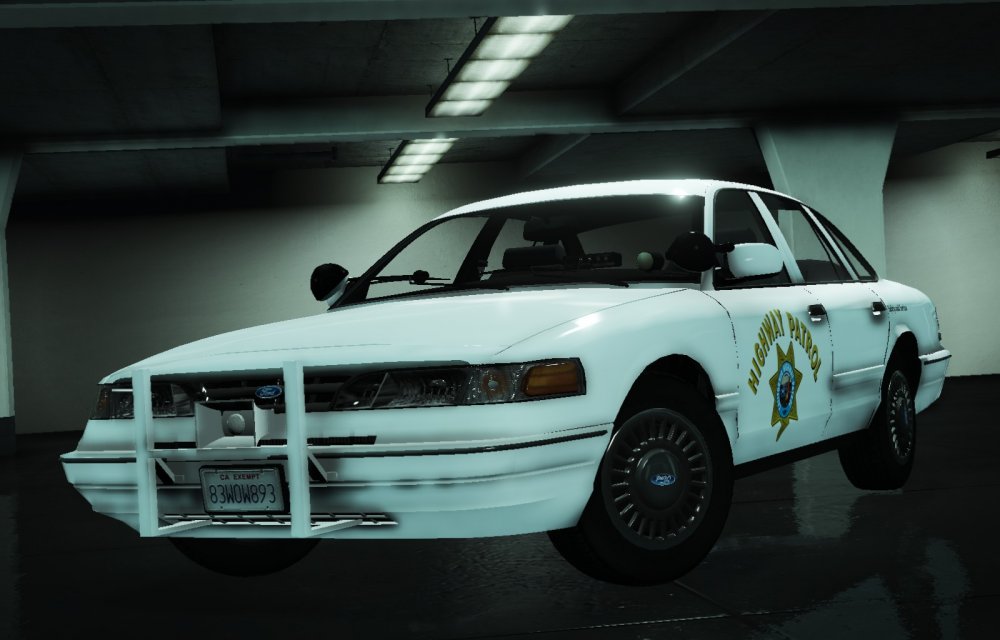
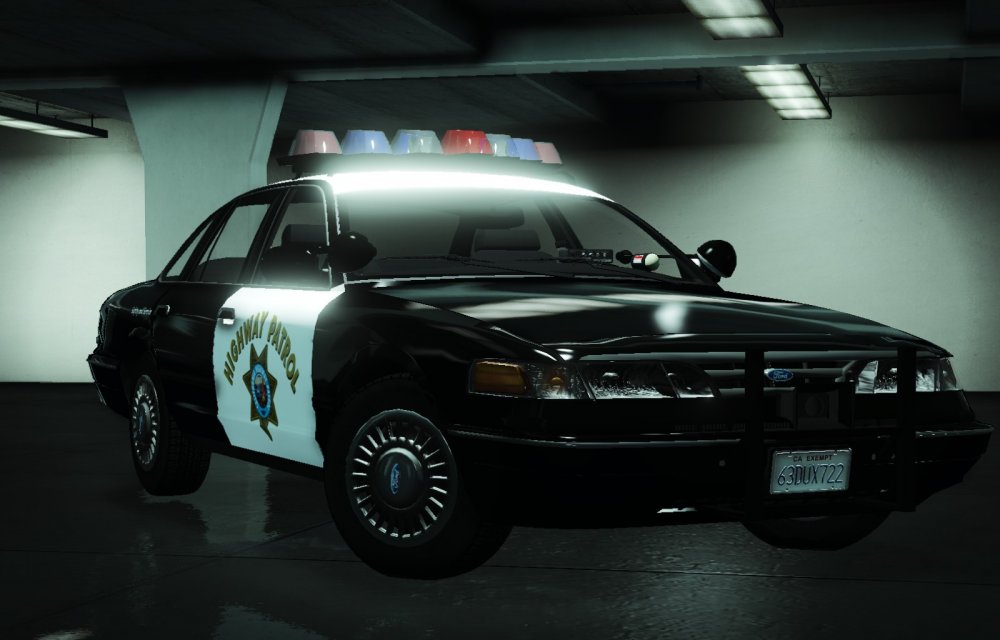
The first look at my Southern California Law Enforcement Pack
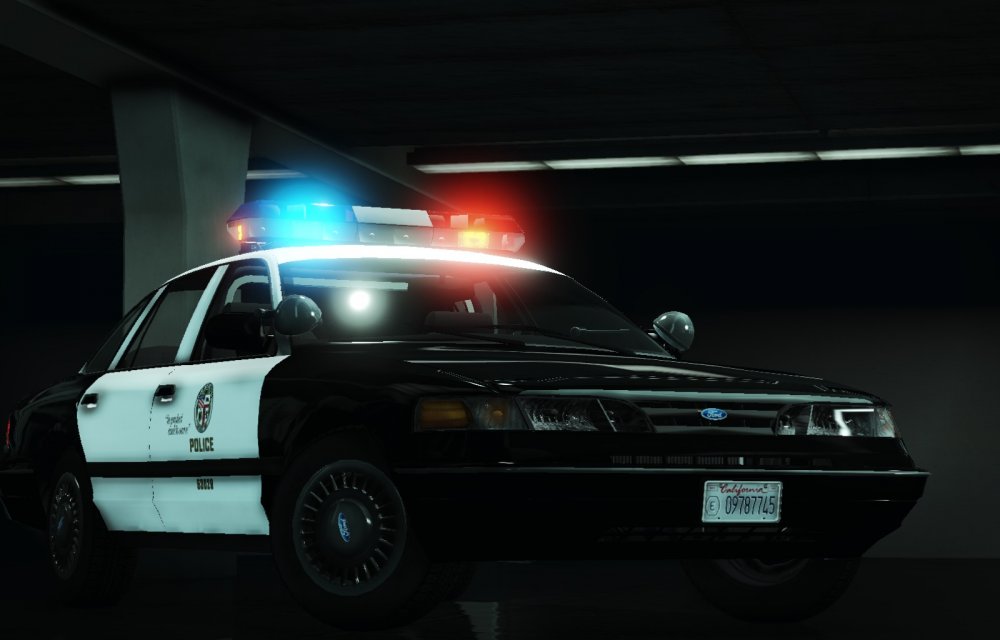
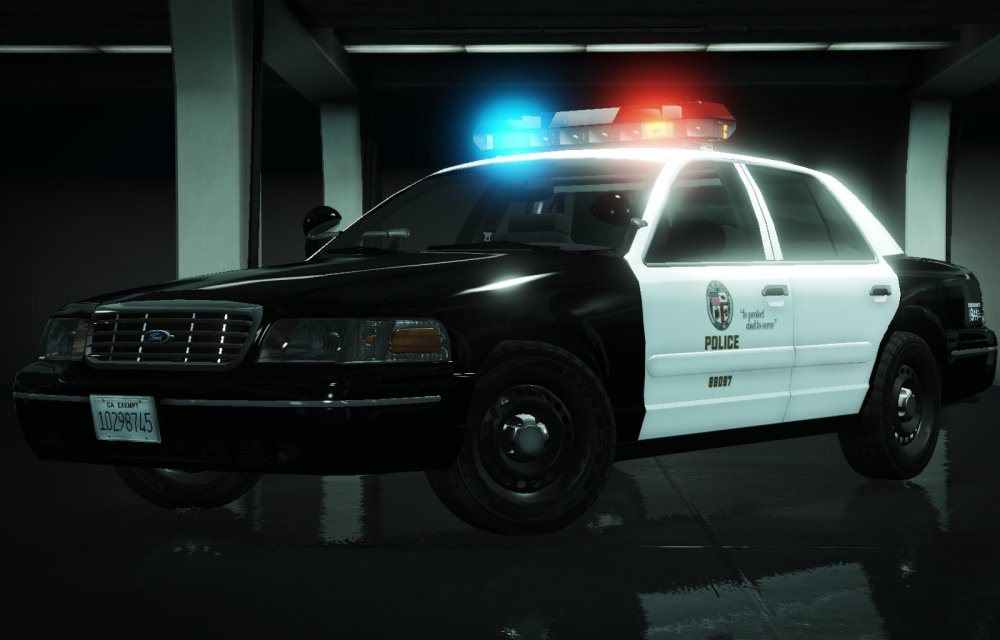
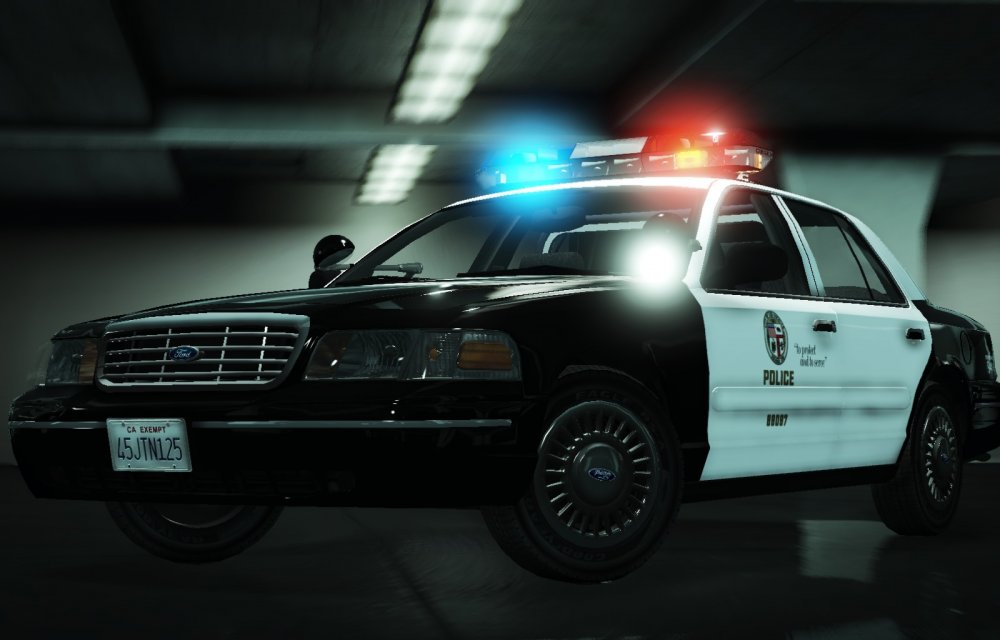
-
-
From the album: My W.I.P
-
 Yeah PM it to me.
 -
I can do it for you.
-
You should remove that thing on the front of the helicopter.
-
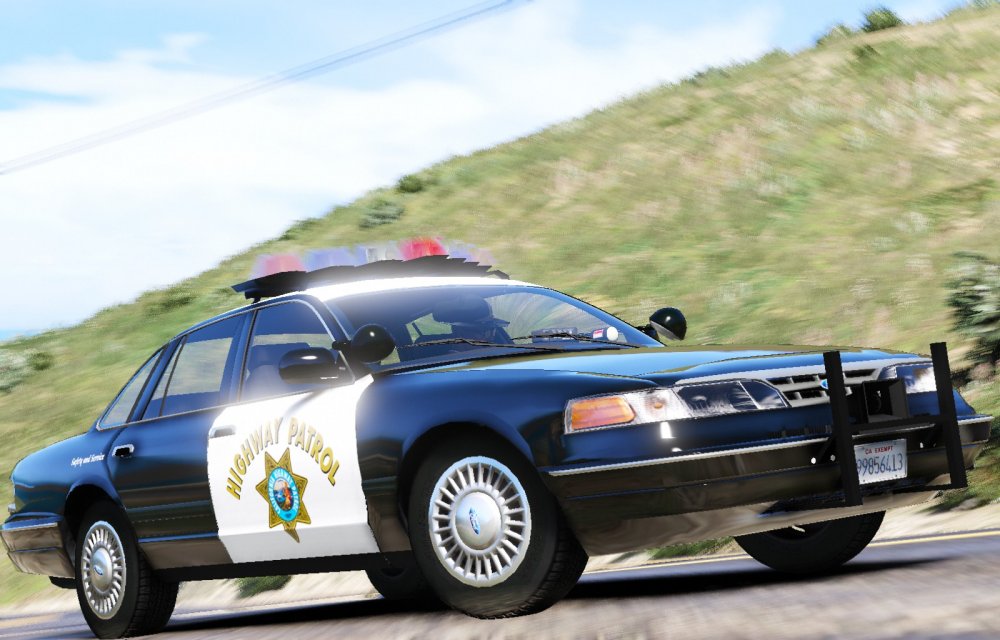
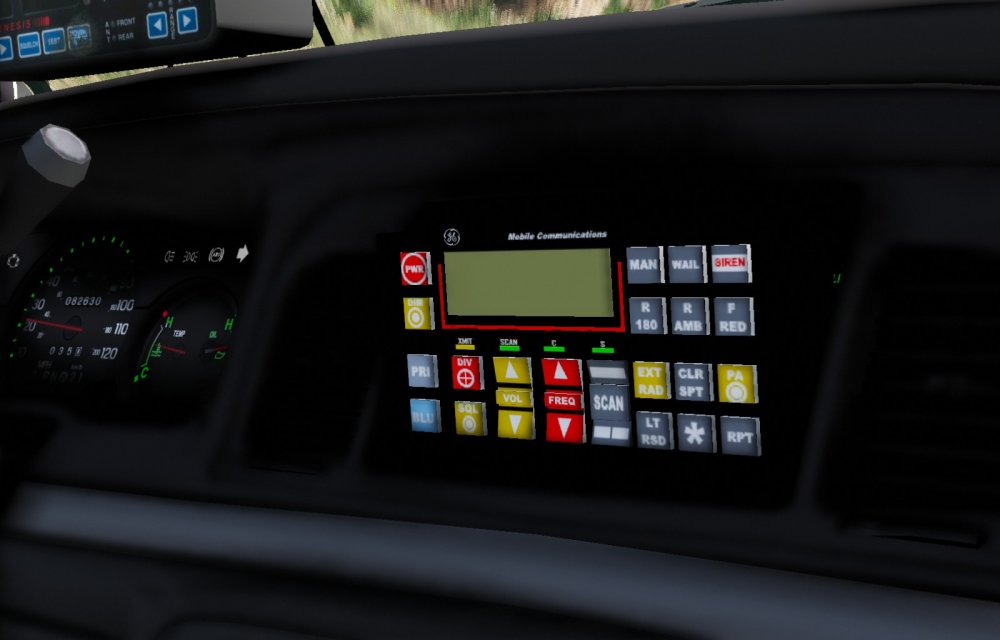
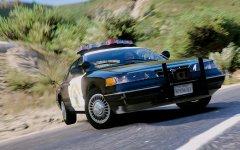
Latest on the 96 CV CHP, The car will be released once I get some help with making the ELS with a CHP setup.
-
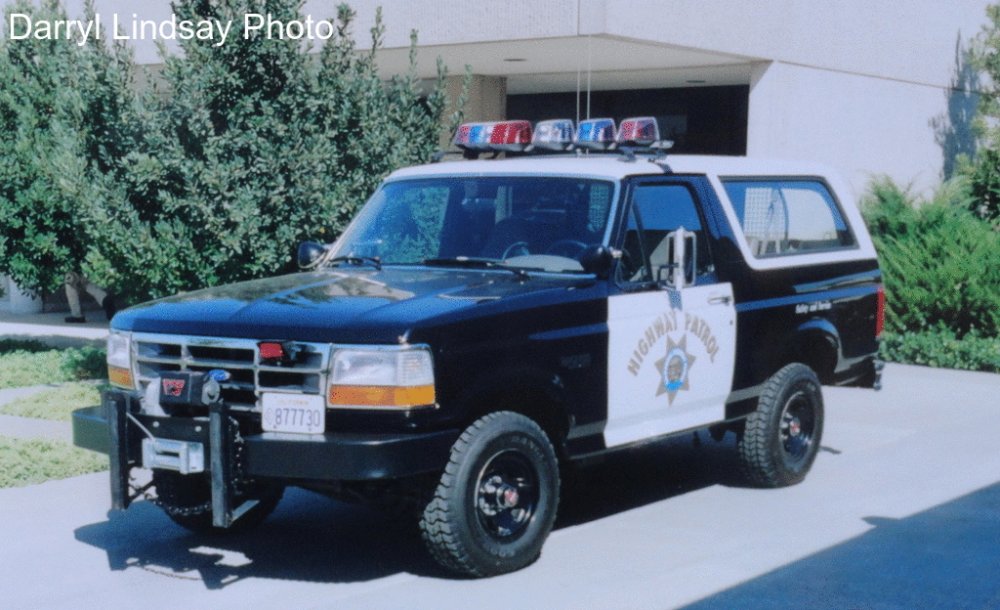
We need this.
-
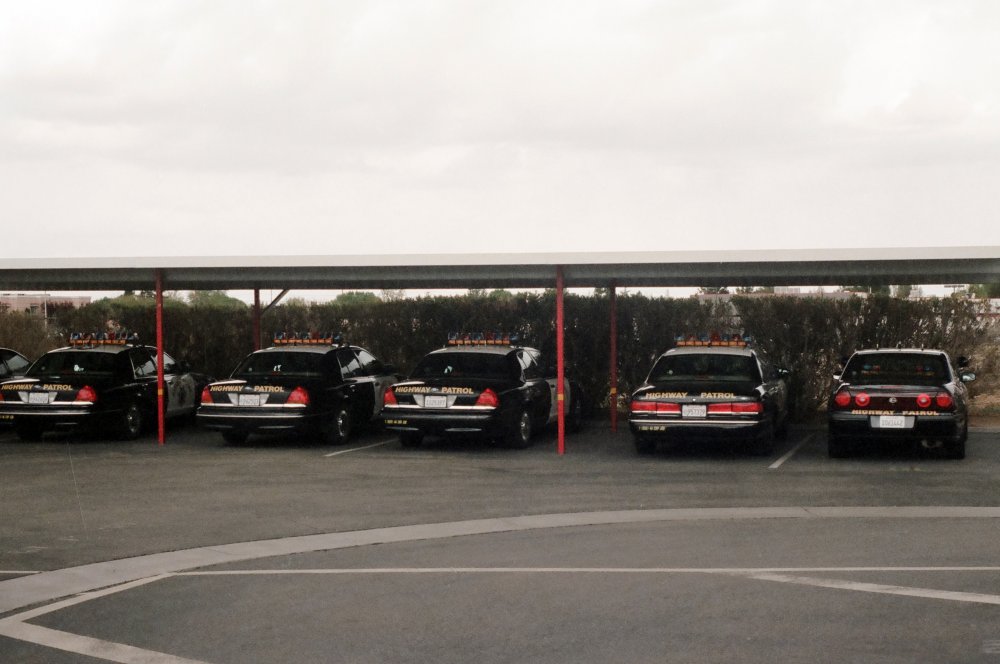
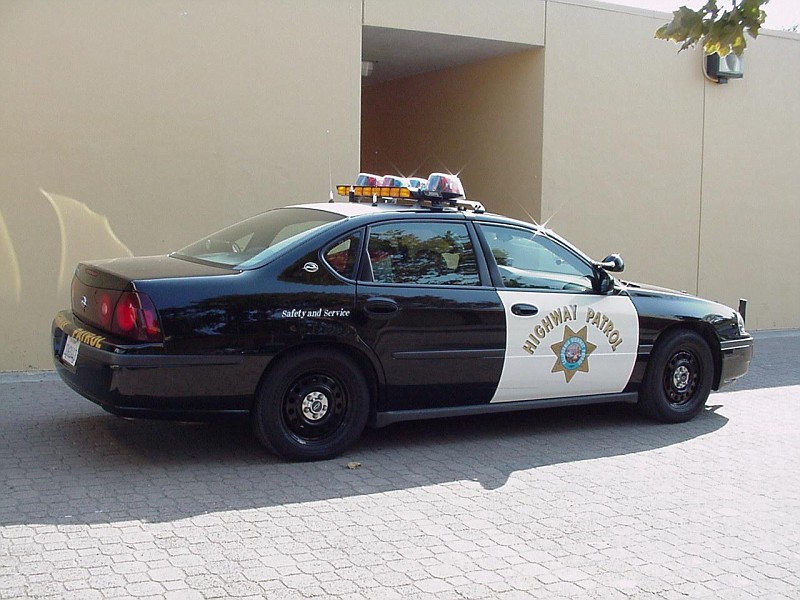
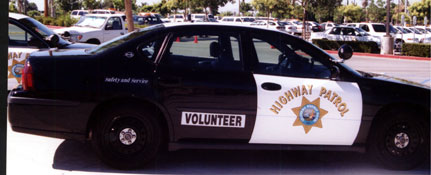
Any of you guys know the CHP used impalas in the early 2000s as volunteers and regular patrol vehicles.
.jpg.c72464afb3681728f07286cd53d4a561.jpg)
 You guys might enjoy this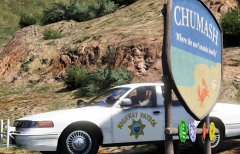
From the album: California Law Enforcement
 Yeah I did that first.
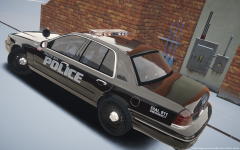 That's a 1998, 1999 CVPI had a black grille and black trim on the front and rear bumpers and black door handles.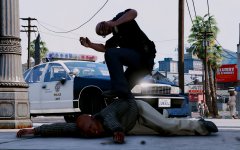
From the album: California Law Enforcement
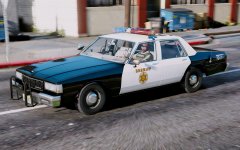
From the album: California Law Enforcement
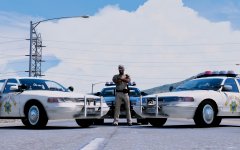
From the album: My W.I.P
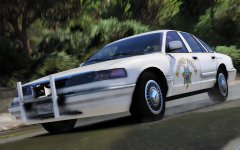
From the album: My W.I.P
That's locked.Who's model is that?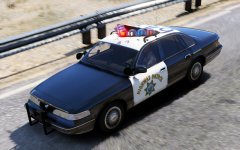 I'm working on the ELS trying to make it better.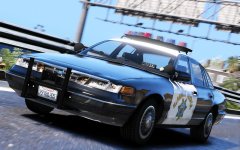
From the album: My W.I.P
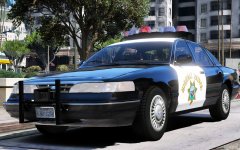 I hope to figure out how to fix it.





.jpg.c72464afb3681728f07286cd53d4a561.jpg)

