
Jetstream88
Members
-
Joined
Everything posted by Jetstream88
-
From the album: My W.I.P
-
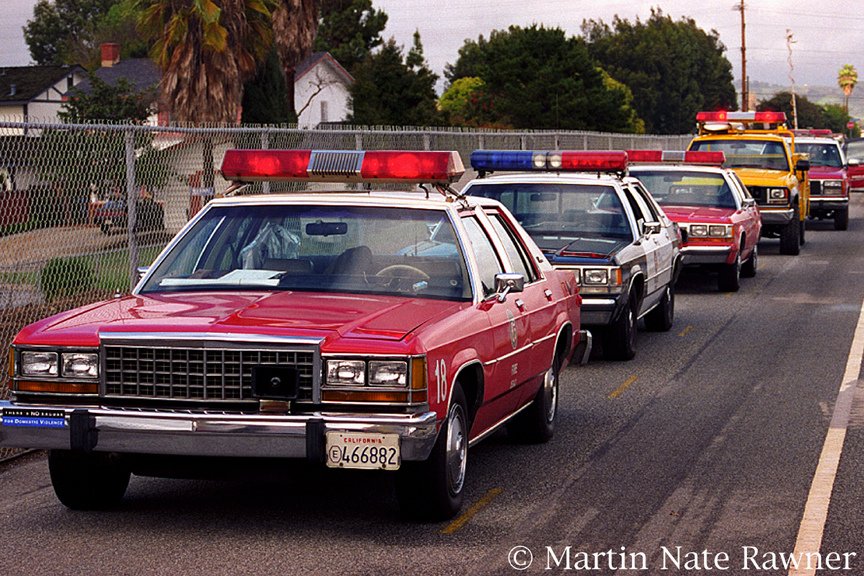
 LAPD never used Diplomats and LAPD Caprices didn't have spotlights, You can clearly tell the caprices weren't used by the LAPD because they had door trim on both driver and passenger sides.
 -
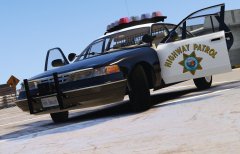
From the album: My W.I.P
-
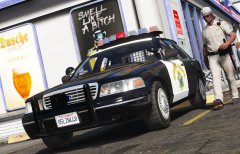
From the album: My W.I.P
-
-
-
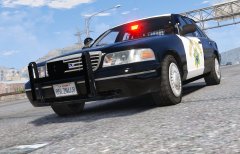
From the album: My W.I.P
-
 I'm special.
 -
The chrome trim on the bumper.
-
Shouldn't that be a 1998?
-
I can understand that.
-
If you have too much on your plate I'll be happy to help.
-
I finally get to do this.
-
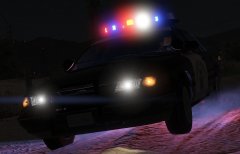
From the album: My W.I.P
Special thanks to @RobertTM for redoing the ELS. -
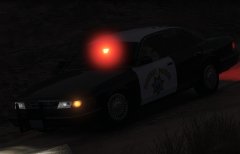
From the album: My W.I.P
Big thanks to @RobertTM for doing the ELS. -
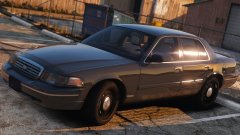
Unmarked/Gang Unit 93 Caprice.
-
-
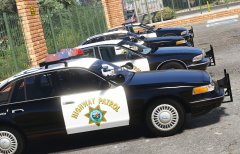
From the album: My W.I.P
-
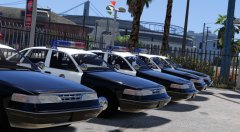 Try Lundy's
 -
I'd replace those plates with these.
-
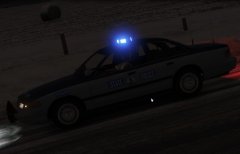
From the album: My W.I.P
-
Don't worry I live in Virginia I've seen them first hand unless you have interior pics.
-
Just this for now.
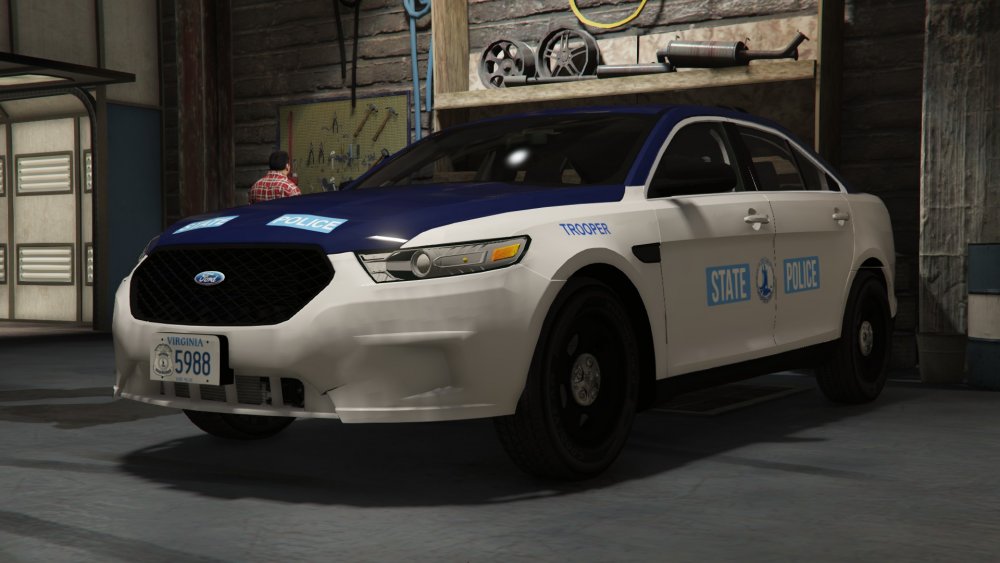
-
I'm doing classics for now but I've already started the Taurus.
-
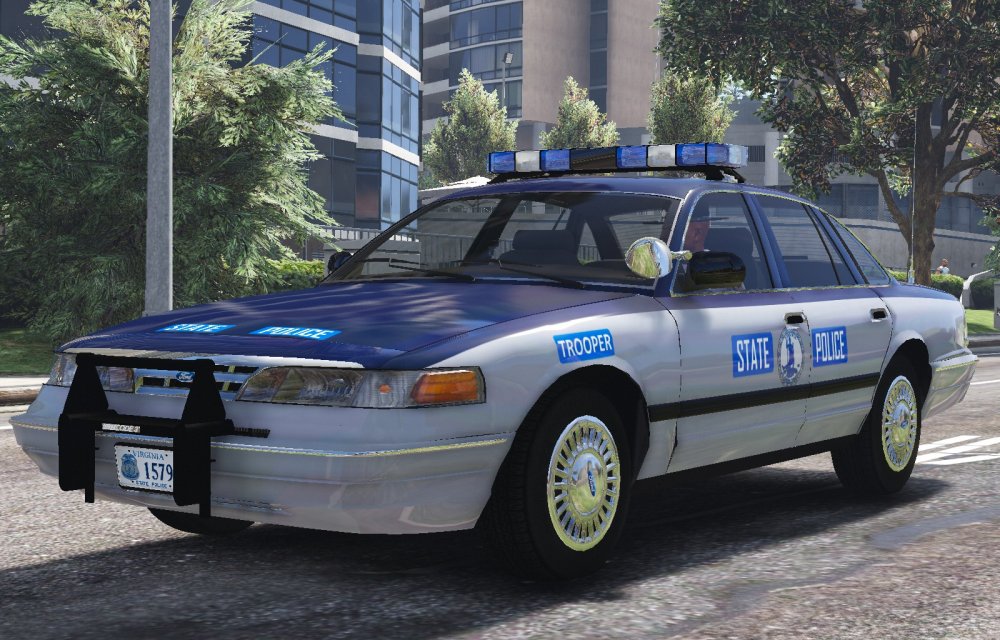
Started back working on this pack and I'm working on this 1996 Ford Crown Victoria