
Jetstream88
Members
-
Joined
Everything posted by Jetstream88
-
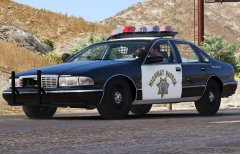 It fell off, I'll added the plate to the front before the release.
 -
This will be released.
-
From the album: My W.I.P
-
-
 Amazing as always.
 -
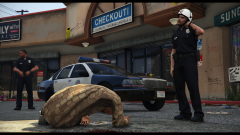 The LAPD helmets are for riots only, The cops from "Emergency!" are Los Angeles County Sheriff's Deputies and who knows why they wore helmets.
 -
-
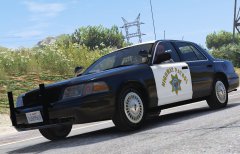
From the album: My W.I.P
-
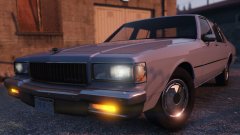
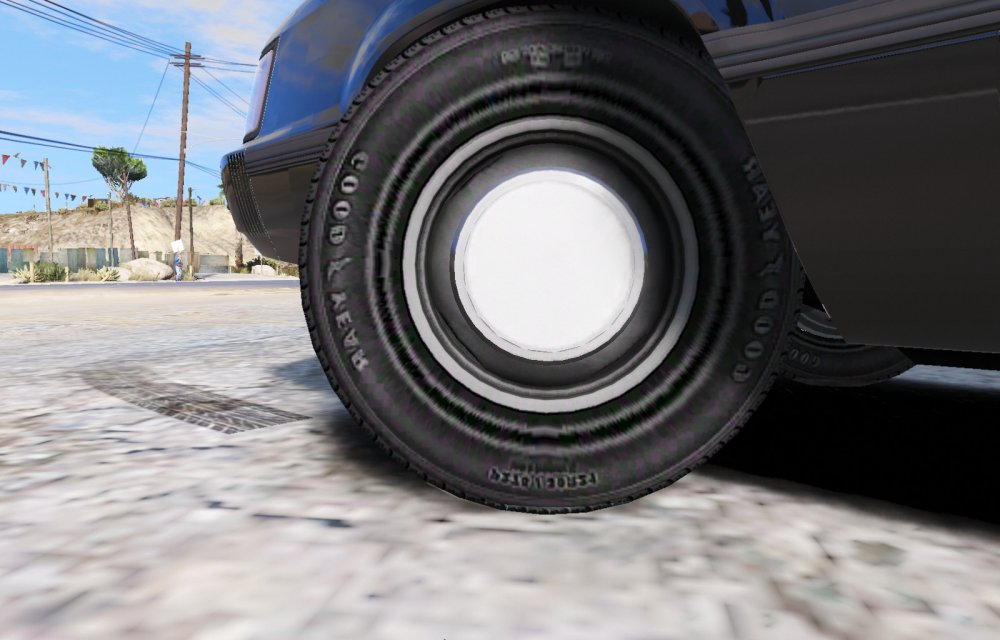
Those hubcaps look more from a 86 Caprice.
-
The last one is a 1986 Chevy Caprice
-
-
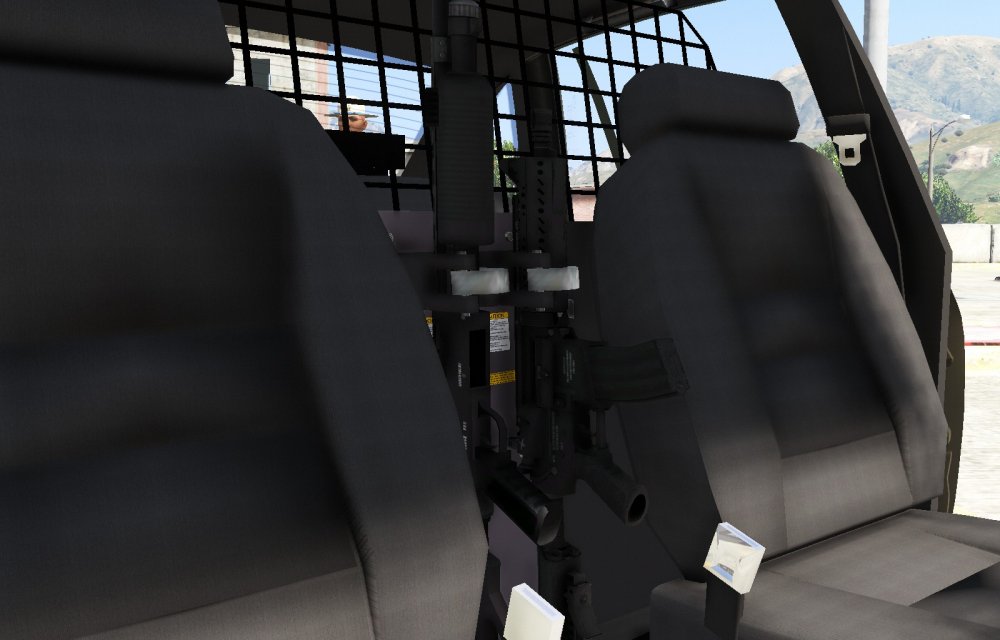
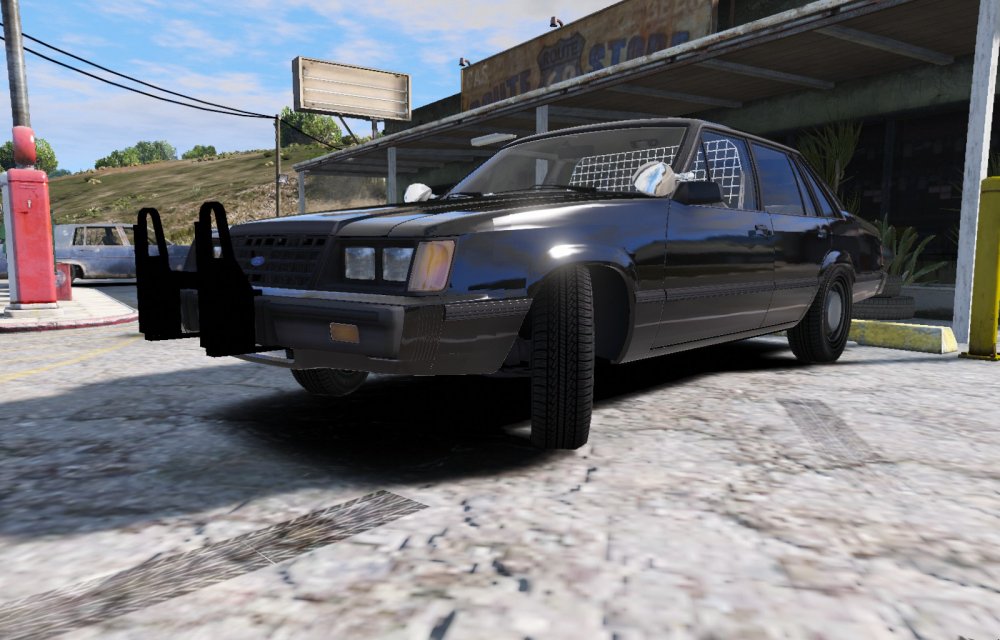
Added the cage and shotgun and riffle rack.
-
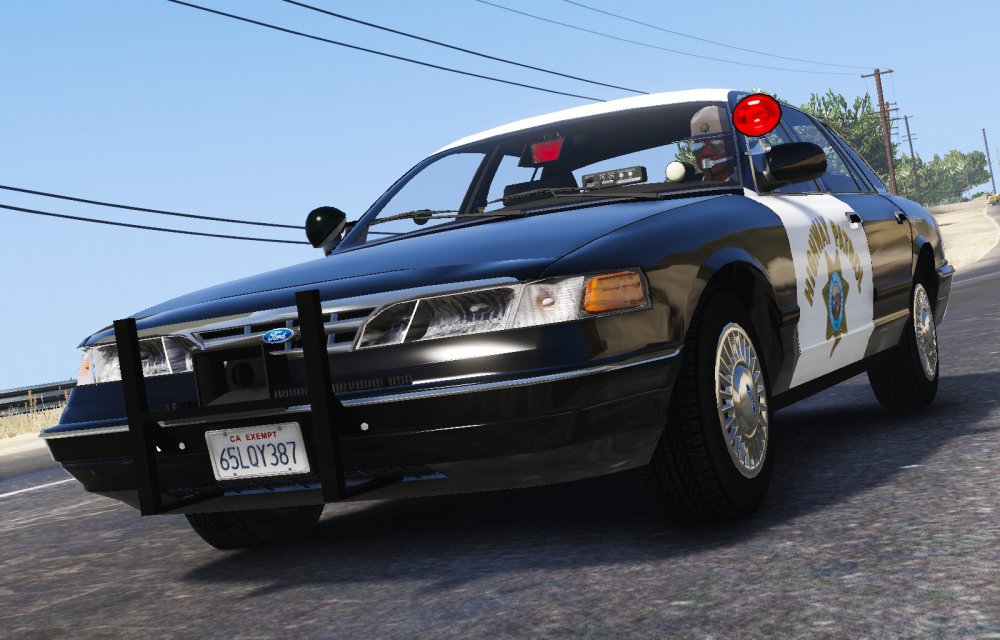
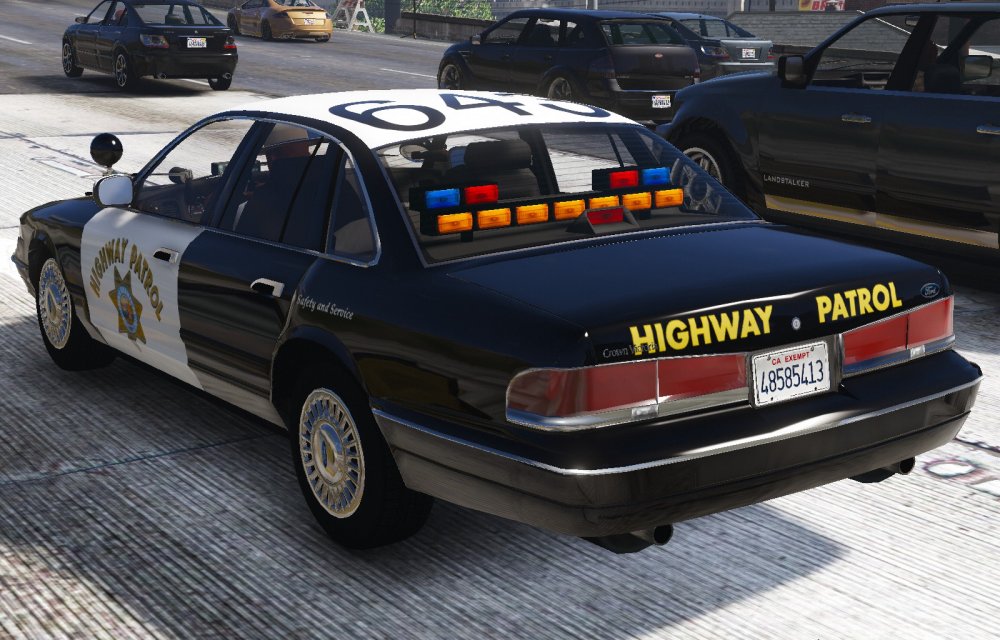
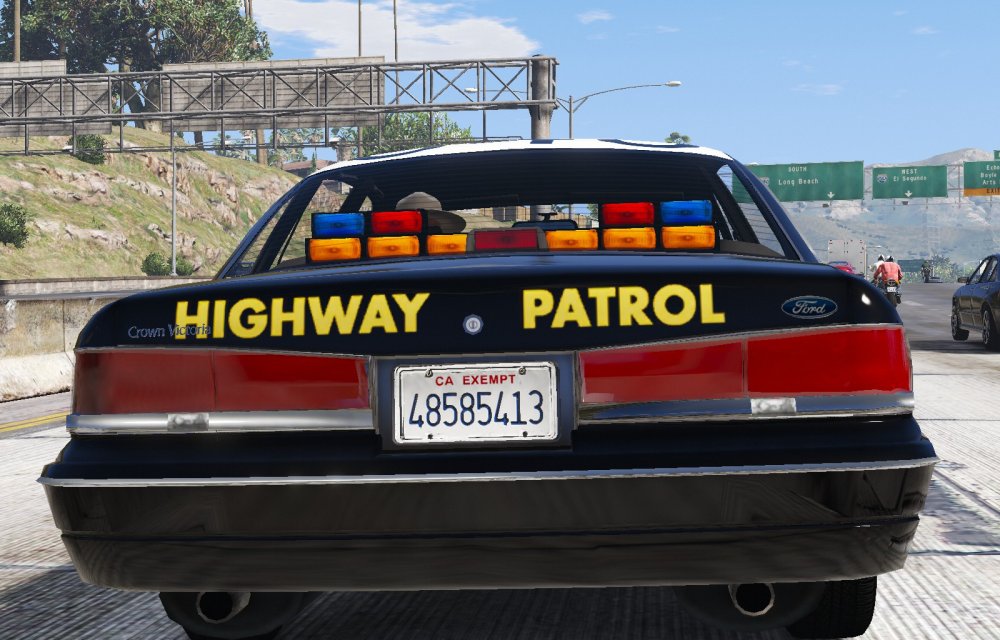
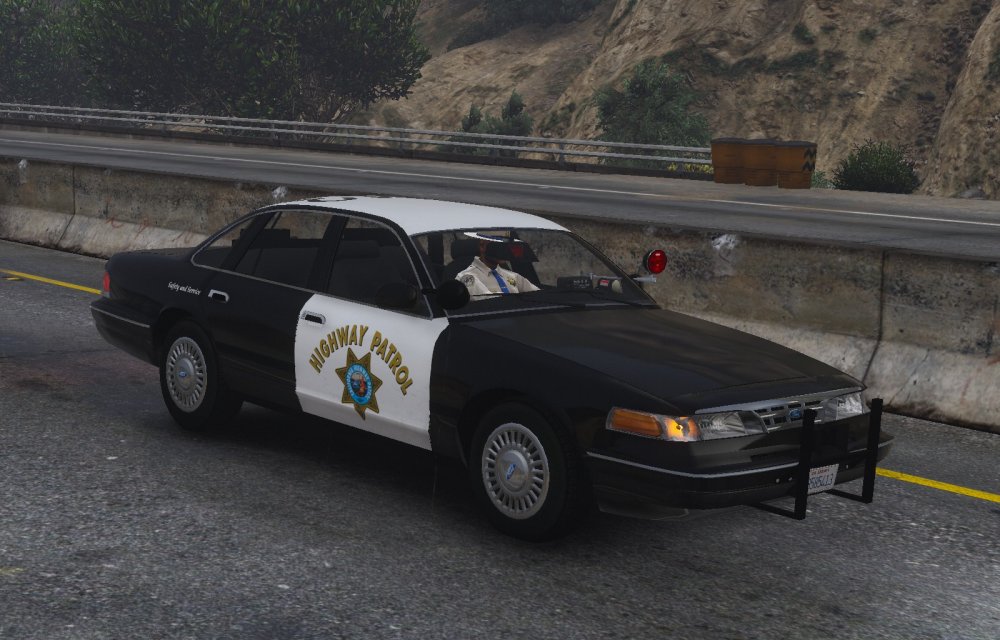
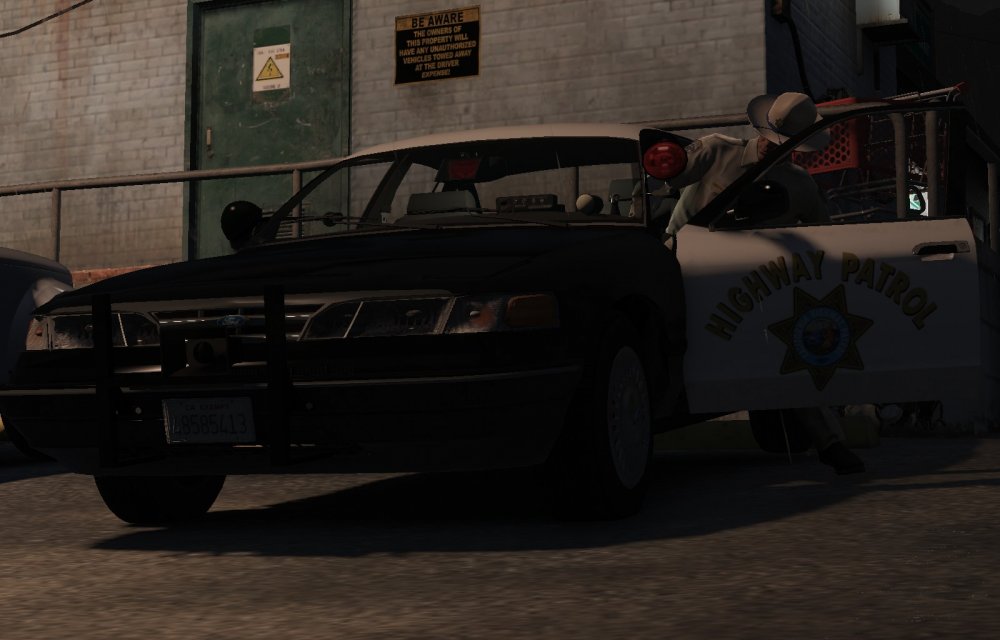
More screenshot of the CHP Slicktop CV
-
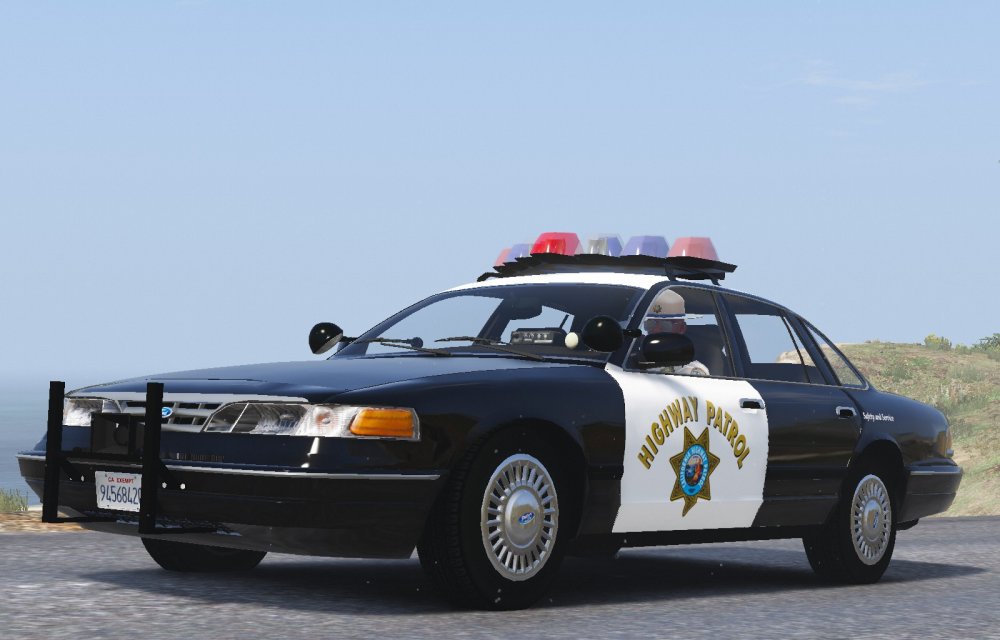
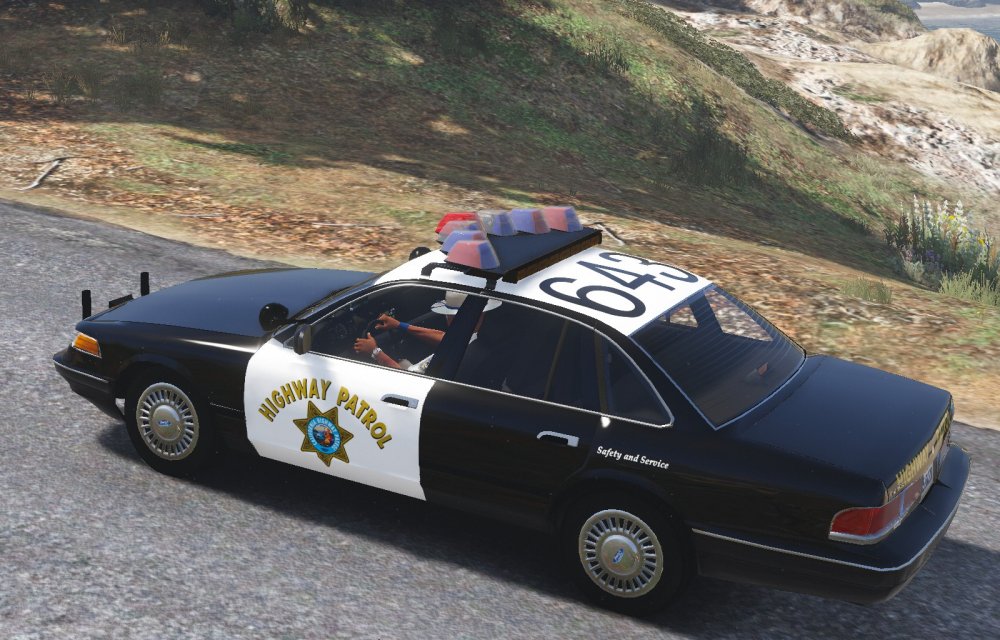
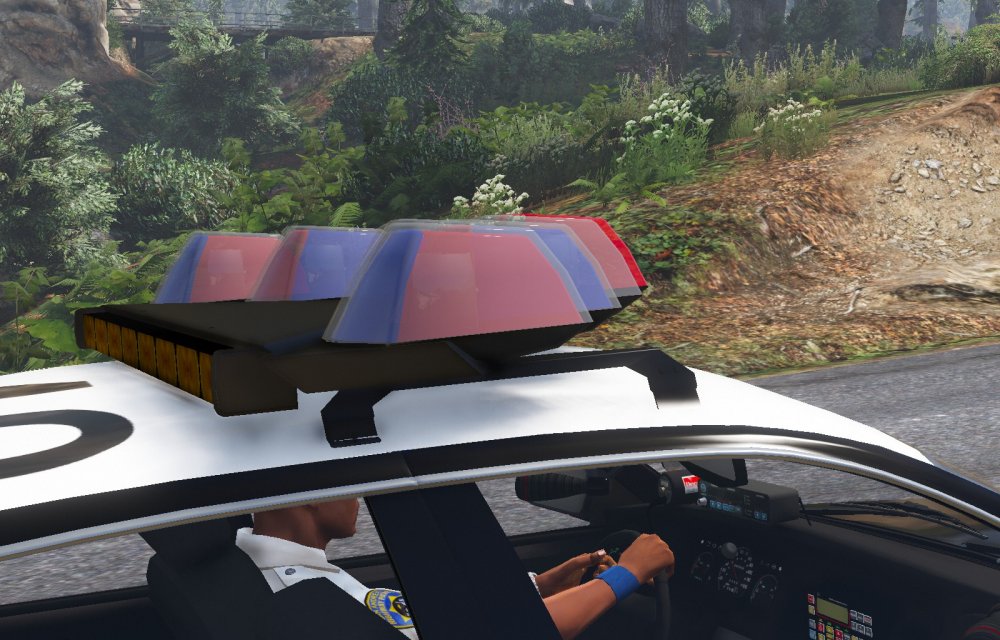
I'm back to work on the 96 CHP CV and once the ELS is done it will be released. I made the Vision a bit bigger to make it look more realistic.
-
From the album: My W.I.P
-
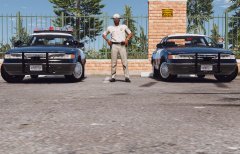
From the album: My W.I.P
-
-
-
-
Made some improvements to the brushguard
-
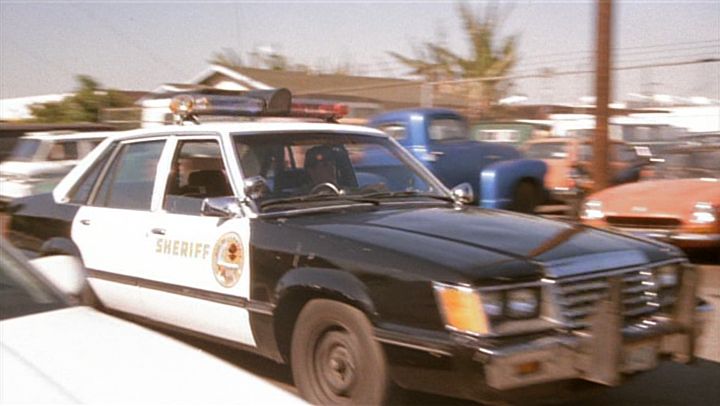
This is the topic for my new project, The 1985 Ford LTD Los Angeles County Sheriff's vehicle. Still much work needs to be done to this car before release.
.jpg.5b725ba955e25b22b2a22b1a53640b8b.jpg)
-
-
Well I might wait till @Lundy releases his LAPD 80s pack and use his lightbar, it just depends.
-
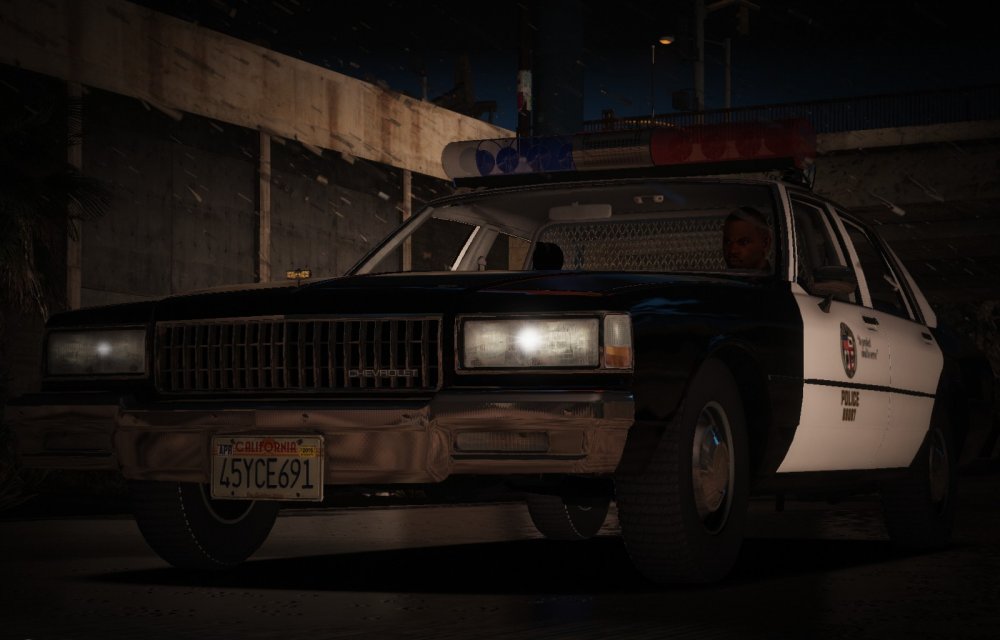
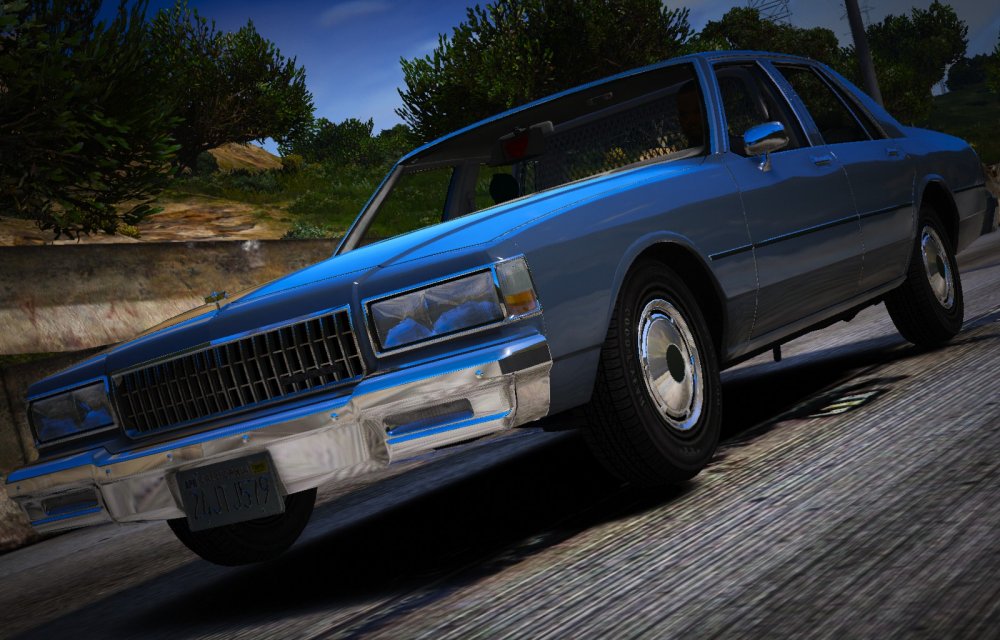
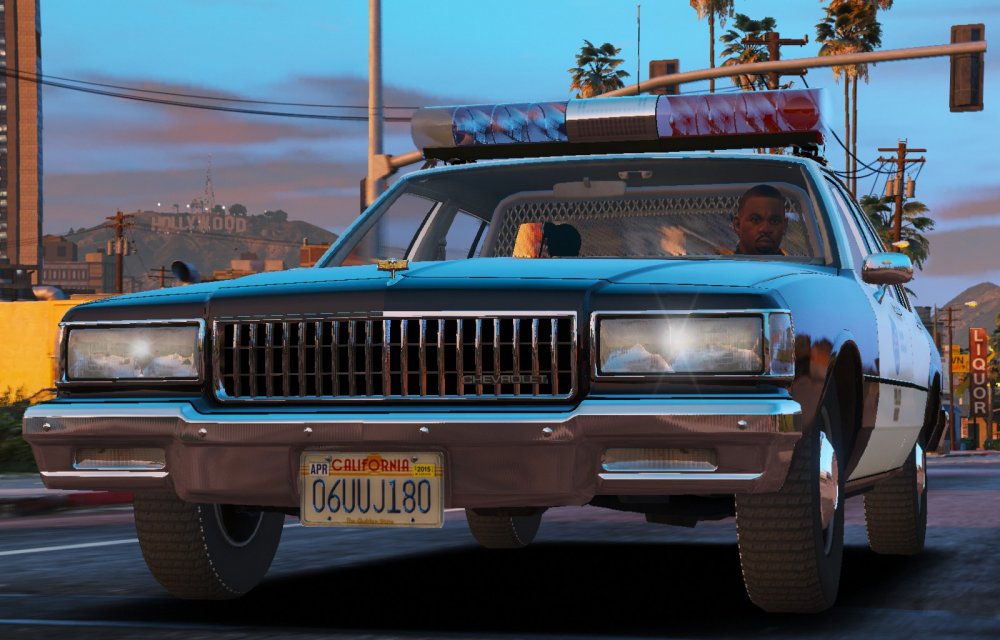
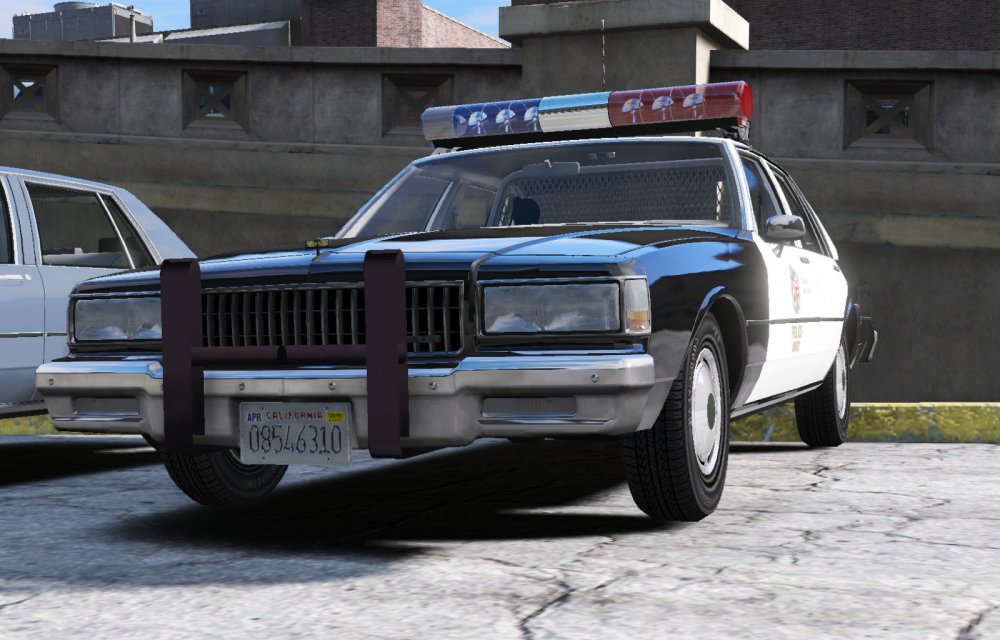
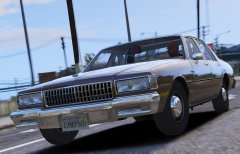
Doing LAPD 1989 Capirces Marked with Traffic and Unmarked.
-
From the album: My W.I.P




.jpg.5b725ba955e25b22b2a22b1a53640b8b.jpg)