Skip to content
View in the app

A better way to browse. Learn more.

LCPDFR.com

A full-screen app on your home screen with push notifications, badges and more.

To install this app on iOS and iPadOS
  1. Tap the Share icon in Safari
  2. Scroll the menu and tap Add to Home Screen.
  3. Tap Add in the top-right corner.
To install this app on Android
  1. Tap the 3-dot menu (⋮) in the top-right corner of the browser.
  2. Tap Add to Home screen or Install app.
  3. Confirm by tapping Install.

dcrcbc757813

Members
  • Joined

  • Last visited

Everything posted by dcrcbc757813

  1. Can't wait to see the sheriff pack.
  2. The dashcam in the fpis looks it's too close to the dashboard. Can you adjust up a little bit. Other than that the car is outstanding
  3. the is awesome pack.. can you add a radar to the pack
  4. could you add a radar to this impala. awesome looking impala's..
  5. could you put radar in the taurus and the caprice?
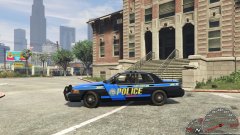
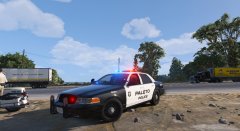
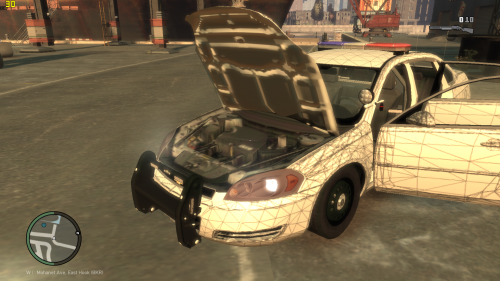
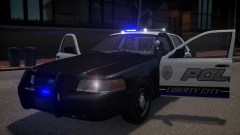
  6. Images added to a gallery album owned by dcrcbc757813 in GTA IV Galleries
  7. dcrcbc757813 posted a gallery image in GTA IV Galleries
  8. im trying to add a watch guard camera for the unlocked harris county tx impala. i cant seem to move the camera into positon using zmodeler2.
  9. what skins are compatible with this taurus? im trying to change the skin instead of nysp..
  10. where can i find a link to evi chevy caprice and ford taurus
  11. they keep getting better and better each time 5/5
  12. dcrcbc757813 commented on Illusionyary's gallery image in GTA IV Galleries
  13. watch guard camera stalker radar, maybe one spot light. put bars on the back door windows. maybe with one slicktop the other with the lightbar
  14. what about diffrent peds? instead of having one ped.
  15. when i do a traffic stop and walking up to the car my emergency lights shut off with els v8 had no problem with els v7
  16. Can you do a lcpd pack using nickieb ftpi cvpi legend 2012 dodge charger?

Account

Navigation

Search

Search

Configure browser push notifications

Chrome (Android)
  1. Tap the lock icon next to the address bar.
  2. Tap Permissions → Notifications.
  3. Adjust your preference.
Chrome (Desktop)
  1. Click the padlock icon in the address bar.
  2. Select Site settings.
  3. Find Notifications and adjust your preference.