
BlueSteelShield
Members
-
Joined
-
Last visited
Everything posted by BlueSteelShield
-
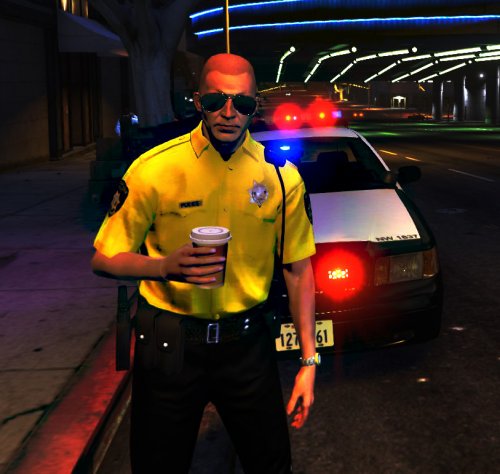 Looks a little better! Just Metro Police stretches too much, and the pants that is supposed to say 'POLICE' needs to be bigger aswell. The font is Rockwell Extra Bold
- 11 comments
- 2 reviews
-
-
-
-
-
 WHO'S READY??!! https://www.youtube.com/channel/UCx1qW5rh2iXmo3rnOhqSYWg
 -
-
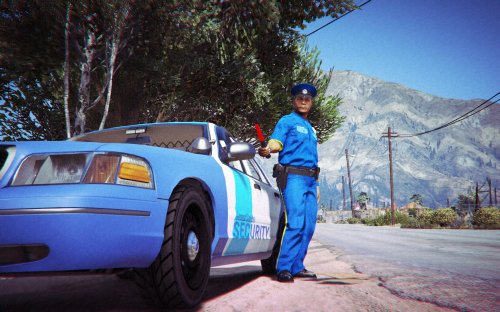 Put this in GTA V Section. Not GTA IV 5/5
 -
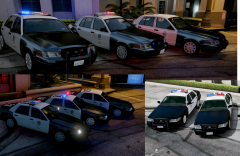 Hope that rambar is removable. Might release my LAPD Siren then
 -
-
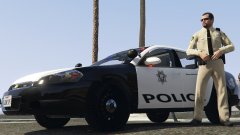 Im a dead man
 -
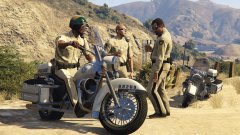 IM IN LOVE
 -
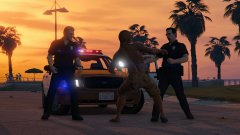 Loving that CVPI, do you know if there will ever be a release to that?
 -
-
-
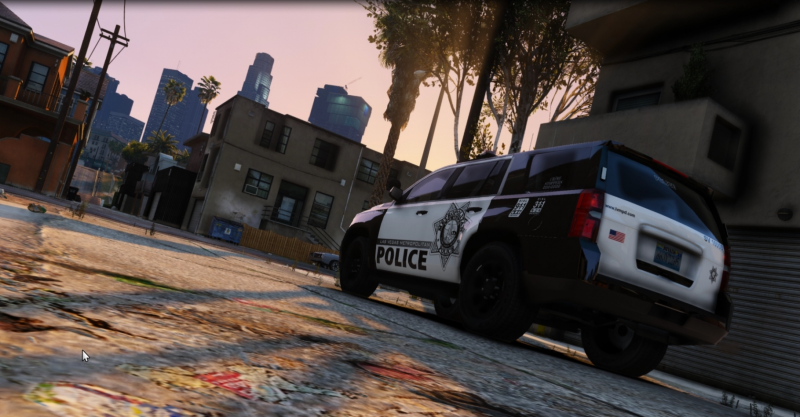
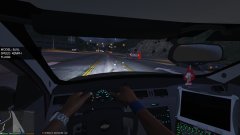 That Tahoe?
 -
-
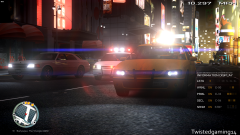 Oh well, *rumbler*
 -
-
 #911neverforget
 -
-
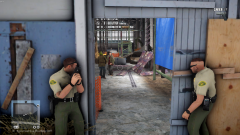 Good Job on that man!!
 -
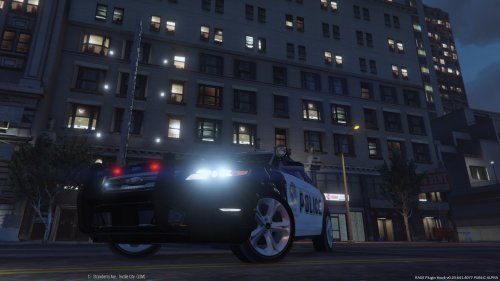 I appreciate your work to convert, but with all the major issues, it doesn't seem right to people, but good job on the conversion, first test to see if it works in the first place! :-) KEEP TRYING! DON'T GIVE UP! 2/5 For conversions!
- 15 comments
- 11 reviews
-
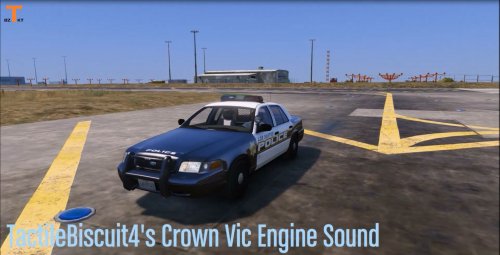 Yeah. Do you have teampseak? If so, connect to this address and ask for a N. Bataze, if your on while im off, you can go to AFK Channel Open to public wces.ts.nfoservers.com
- 11 comments
- 3 reviews
-
A Few days, dont know how to import the sound into the saloon file and import to OpenIV
- 11 comments
- 3 reviews


.thumb.png.e88f1892e13ddb98db35e668d465c34b.png)