
BlueSteelShield
Members
-
Joined
-
Last visited
Everything posted by BlueSteelShield
-
 What's this for? This is for GTA IV Only, as you can tell. Are the Proper Credits Given? Yes. Is There a Video? Yes, BUT the video is from the WIP Update, in-game there is a new A/Horn, and a Hi-Lo. https://www.youtube.com/watch?v=zJFQobhfIt0 Thanks for downloading!
- 6 comments
- 2 reviews
-
-

- 2
-
-
-
 What ENB Or sweetfx do you use?
 -
 Oh, my mistake!
 -
This was already submitted, why again?
-
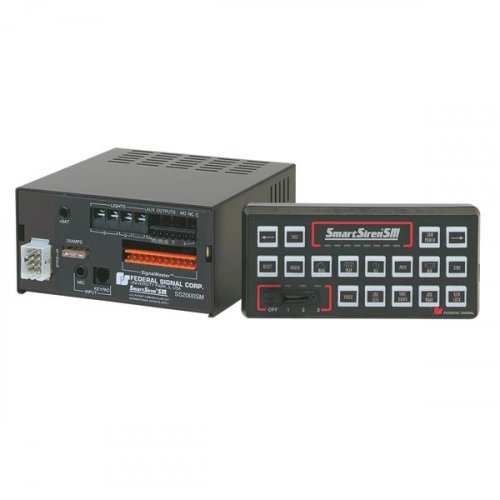 *THIS SIREN WAS MADE A-WHILE BACK, JUST A REQUEST TO MAKE IT SIREN MASTERY COMPATIBLE* This Siren is for GTA V Only, Whats New? New tones following a some-what loop and all yelp and no priority tone for all LSPD Cruisers. Videos? A Video is processing at the moment, here's the link if it's uploaded in-time before the release, if not please check back in a while. Download Siren Mastery here:
- 6 comments
- 1 review
-
-
- 1
-
-
-
-
-
-
What's sup guys? This video above shows my latest siren I have been working on (with my friend Moneybags196) for Grand Theft Auto IV and maybe Grand Theft Auto V, Here's W.I.P Update One! Made by NBataze Moneybags Rockstar Games.
-
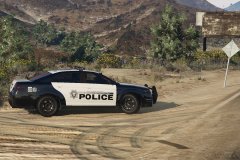 Nice!!! I need that so bad.
 -
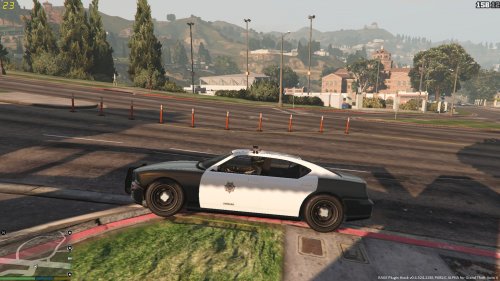 What the... Good Job, but they look nothing like LVMPD or NHP. Only the color on the NHP Cruiser.
 -
 Yes. lol
 -
CHP Ped?
-
-
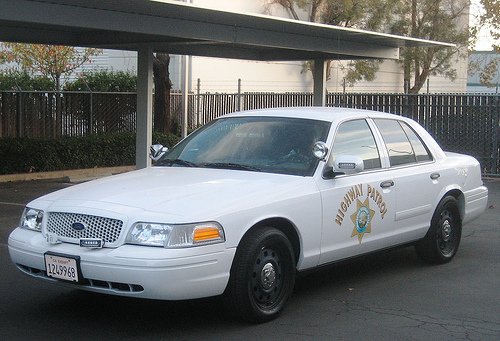 Not bad! 4/5
 -
-
-
 Same! I put the EQ2B Because its 9 seconds long and ruined the awc. I think we might have to wait for another update to come out!
- 45 comments
- 14 reviews
-
+ChrisFM Heres a video link for it! Its like a you open the folder x64 > audio > SFX > resident.rpf > there should be 16 .AWC Files and right click in a empty space > then import and oac. > select the vewhicles.oac from the winrar then extract to desktop > select the vehicles.oac and press ok then it should be in your game!!
- 45 comments
- 14 reviews
-
I was going to do the CHP Siren for the motor unit! Hey man! I camt do it! The EQ2B is too long and Smart Siren I cant replace its longer then the other so it doesnt work!
- 45 comments
- 14 reviews
-
A big thanks to TriXper for the all tones to make this siren possible! Other Tones from American Siren! I Hope you guys like it! Siren - https://www.youtube.com/watch?v=5GScGdr53YA&feature=youtu.be Instructions: INSTALLATION: Open 'OpenIV' and go to your GTA V Directory. In 'OpenIV', go to the 'x64' folder, then audio > sfx > resident.rpf Inside Resident.rpf should be 16 .awc files. Right click in an empty space, and the Import OpenFormats Navigate to the folder you put the 'vehicles' folder and the 'vehicles.oac' into, and select the 'Vehicles.oac'. Proceed to click OK CREDITS: - Motorola Spectra Siren, Mastercom RLS, and Whelen Duals -- DrunkPolice/LEDesigns 2015 - Federal Signal Smart Siren Rumbler Yelp by Dave Doppler - Whelen WS321 - Unknown author OpenIV: http://openiv.com/ NOTE : - The FIB Siren Wail tone is still a vanilla, but the yelp is a Code 3 RLS.
- 45 comments
- 14 reviews
-
-
- 4
-
-
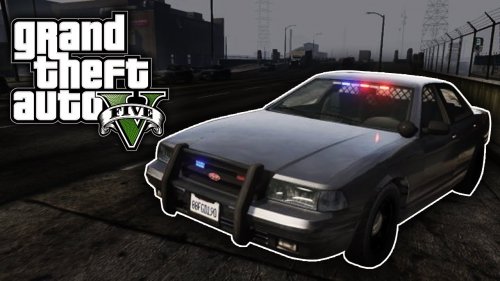 It was my fault, I just released the update!!
 -