
BlueSteelShield
Members
-
Joined
-
Last visited
Everything posted by BlueSteelShield
-
Here's some errors I found and should be fixed ASAP: Video on the description. Fix the loop of the wail, little tick at the end. Upload a folder with the tones and proper name files instead of the the siren name and which tone it is. Make an .oac format as well. Very low . No instructions what to do. For beginners, this is very confusing especially knowing what tone is what to put it in (Siren_2, POLICE_WARNING, and etc.) & name it. You need better introductions and a video of what it sounds like in real life responding or something. I would rate 4/5 but the .wav and the lack of information really drops it too a 2/5 but I'm going to be generous since I know the Hz's and times are important, even knowing I don't know if these have the proper Hz so it doesn't exceed the Mb which if it does, you will have audio sound in your game (horns, sirens, background noise, trains, car doors, and etc.)
- 6 comments
- 1 review
-
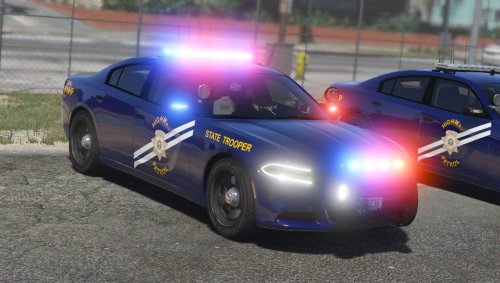
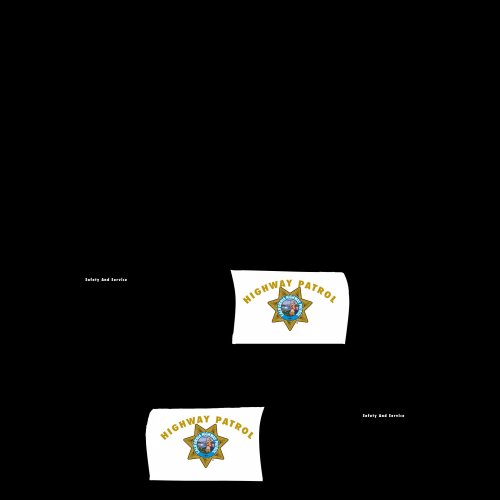 Okay, you are missing a lot of things in this texture: Incorrect motto on the side of the car You are missing Highway Patrol on the trunk side by the emblem You are missing the white roof Incorrect font for "Highway Patrol" on the door Use an CHP pack or some CHP Charger, this OSHP charger is unrealistic Still have the R under the badge on the door Did not add the text shadow on "Highway Patrol" There's no need for this to be honest, here's this -
 -
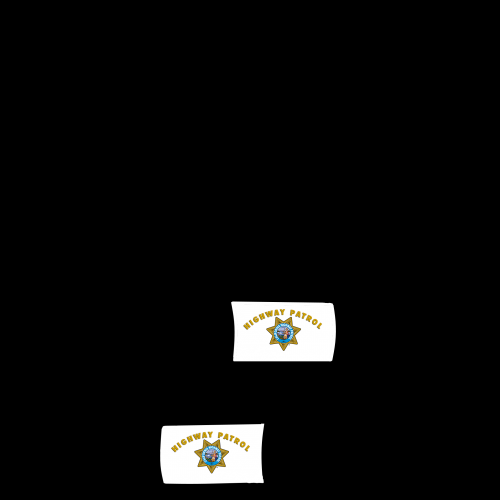 Okay, you are missing a lot of things in this texture: You are missing the motto on the side of the car You are missing Highway Patrol on the trunk side by the ford emblem You are missing the white roof Incorrect font for "Highway Patrol" on the door Use an CHP pack or some CHP CVPI, an arjent is unrealistic for this type of model. Still have the R under the badge on the door Did not add the text shadow on "Highway Patrol" There's already a pack out their, no need for this to be honest.
- 9 comments
- 1 review
-
-

- 3
-
-
-
-
-
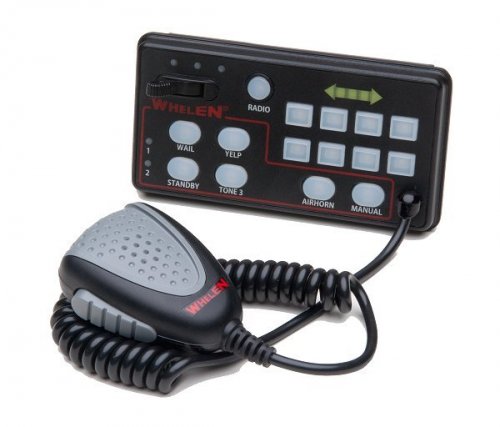 Working on an LA Siren pack From here on out, I'm going to upload a version with the files seperate, and one all together.
- 17 comments
- 2 reviews
-
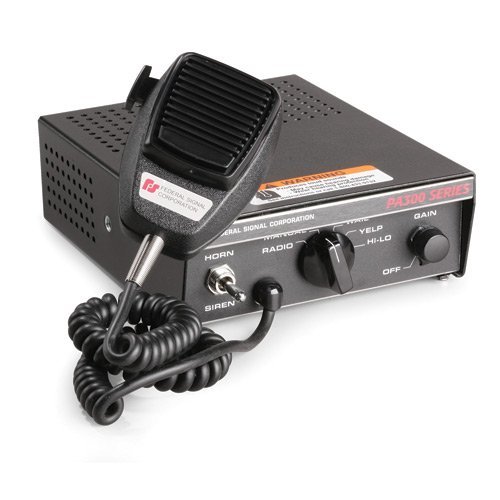 Good job for you're first.
 -
-
Okay... 1) fix the loop on the wail 2) I don't think that is the priority FS uses and you didn't state witch FS you used, they're tons of products 3) Hi-Lo is a Smart Siren.
-
 To add on my review, do another FPIU then a Valor, they're is no realistic lighting setup nor antennas to make it CHP/SAHP, maybe use TheHurk's FPIU or something.
- 17 comments
- 4 reviews
-
-
- 1
-
-
The badge in not even close to realism in this texture, and make "Highway Patrol" on the doors a bit brighter, they're a little bit too dark. You don't even have the proper motto on the side of the car, it's "Safety, Service, and Security" & it's not italicized, including that the motto is too high up, lower it just a bit. The left side of the explorer (facing the front of the FPIU) the text "Highway Patrol" is a tad-bit low, raise it a little bit. (Match the text color with the color of the badge) I rated this file 3/5 because they're are some text errors and color problems, as well as the badge not being the correct one and you stating it is "realistic as possible", it's really not, the one on the Stanier or in the SAHP stanier pack was the most realistic in GTA V terms, since you are basing off the CHP all itself, you just want to add the proper mock of the CHP badge with SAHP and fix the motto and etc. I'll edit my review once I get a chance if it is updated. Good job on the angle of "Highway Patrol" not even I can do that.
- 17 comments
- 4 reviews
-
-
- 3
-
-
 I'm moist.
 -
-
-
MMMMM
-
-
-
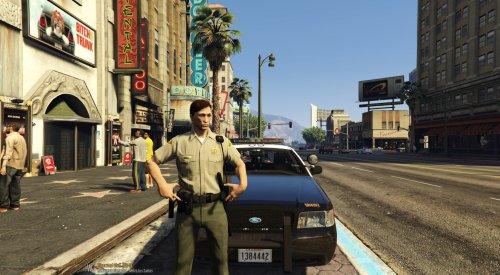 Contact @Alex_Ashfold about this, maybe you can help him edit it or he will make EUP compatible. Good job, don't know how you did it.
- 1 review
-
-
- 1
-
-
 Thanks man, it's really good looking, keep it up!
 -
^^^^^^^^^^^
-
-
ENB first, then Radiance V
-
-