



bonehead
Members
-
Joined
-
Last visited
Everything posted by bonehead
-
 I made them :P
 -
Nice skins
-
 Did you remake the template?
 -
that looks epic Well i know EA and activision think MONEY MONEY MONEY
-
Pics look nice grill lights look a bit big to me but other than that good jerb
- 18 comments
- 9 reviews
-
 OH cough P cough P cough
 -
 there is something wrong with the quote you have there
 -
I'm not gonna apologies for what i said, but if you don't like my honest opinion then why do you read the feedback/review section....
- 13 comments
- 9 reviews
-
That looks sick man good job (maybe just ad something between the lights on the rounded parts looks a bit weird with the spaces
-
-
-
21 seconds in OF HELL NO!
-
How can people be so political about a phone?
-
-
-
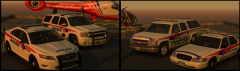 YRP old and new cars/ skins
-
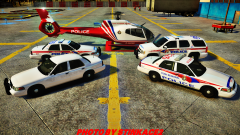 York Regional Police Vehicles (and some OPP stuff)
-
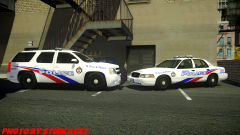 Toronto Police skins
-
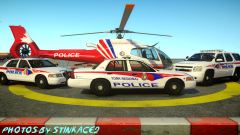 York Regional police photo shoot :P
-
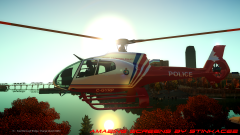 York Regional Police
-
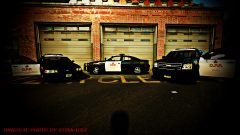 OPP cars W.I.P. it's getting there
-
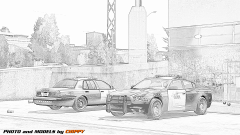 OPP Charger and CVPI
-
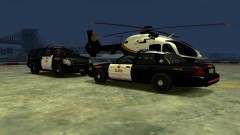 Eurocopter EC135, Chevrolet Tahoe, Ford Crownvictoria 2
-
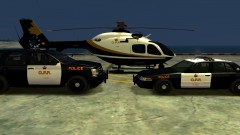 Eurocopter EC135, Chevrolet Tahoe, Ford Crownvictoria
-
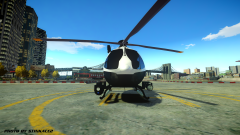 OPP Helo
-
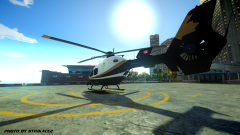 OPP helicopter
-
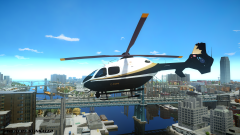 OPP helicopter
-
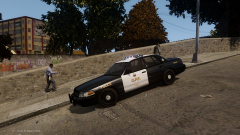 W.I.P. O.P.P. CVPI (by chippy)
-
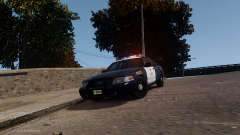 W.I.P. O.P.P. CVPI (by chippy)
-
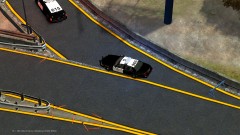 Broker dukes express way shut down due to MVA
-
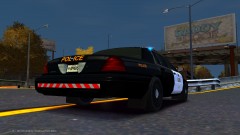 New CVPI o.p.p. skin
-
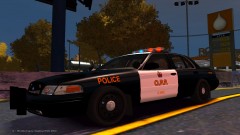 New CVPI o.p.p. skin
-
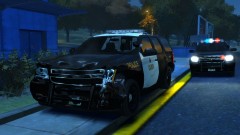 Thank god for the pushbar... almost wrecked my truck
-
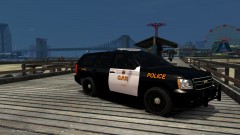 Almost at the final edits
-
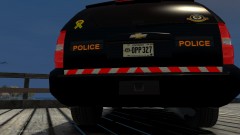 Back is finally done.
-
-
From the album: Ontario Police Vehicles(CAN)
Skins by myself (bonehead) Tahoe and suburban modified by Chippy CVPI by Ltcane Taurus by BxBugs -
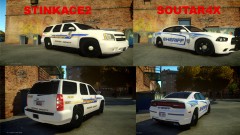 Nicks skin looks like the simplest so i'm gonna go with Sout
 -
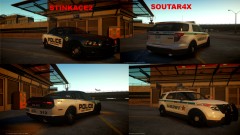 i found you guys a nice one :P
 -
Stinkace2 it's more complex
-
it's just a real quick model and i didn't make it
-
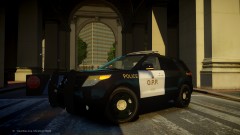
From the album: Ontario Police Vehicles(CAN)
Skins by Bonehead Models (ask Stinkace :P) -
Yes it is.... i'll fix it later also please use spoiler tags for images that size
-
From the album: Ontario Police Vehicles(CAN)
Skins By Bonehead Tahoe model modified by Chippy (not TPS) CVPI modified by LtCaine -
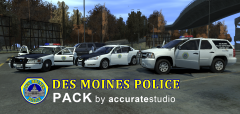 Tahoe bar looks bad but other then that nice work
 -
 It's an early beta from what i understand


