
bonehead
Members
-
Joined
-
Last visited
Everything posted by bonehead
-
hey ineseri i have done all that, the only reason i posted this was because none of that worked.
-
So i ran EFLC for a good half hour before installing LCPDFR 1.0 and now i can't even run the game for a minute before it decides it doesn't like me anymore. if anyone can help me out that would be stellar
-
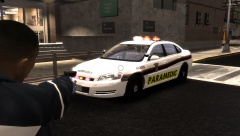 colours for most of these are off, and SQ is gatineau not Ottawaand you're missing RCMP and OPP and MP
 -
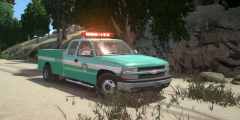 RETRO
RETRO -
I use paint.net.... the program you use has nothing to do with how your skins look, I've also made the new decals with very little reference pics.... not that hard.
- 8 comments
- 2 reviews
-
-
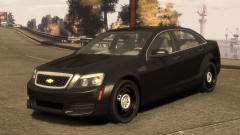 Personally i like the taurus better but great work Kevin looks good
 -
-
-
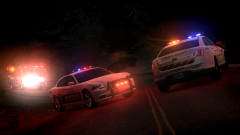 I like the Firetruck skin!
 -
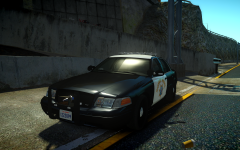 Top notch man
 -
-
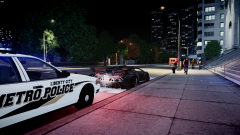 It was a bad joke... don't worry about it man
 -
way to take credit for the idears you bum sickle
-
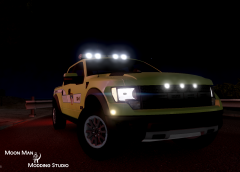 :'( R.I.P.
 -
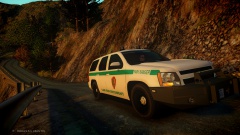 That's a cute push bar
 -
A small skin pack of the police service that patrols the city and surrounding areas of where i was born. Sorry for no model links if anyone knows of where to get the models please help me out and post the link as a comment if not i'll do my best to find some. ADDED PED SKINS AND THE TAHOE SKIN I MESSED UP ON Most if not all CV skins are for Bxbugs models. The Tahoe skin is for Bxbugs Tahoe model Sub skin is for the "old" sub model by Bxbugs Taurus skin is for the Taurus released by bxbugs. Special thanks to Stinkace2 for the awesome screen shots Please do not repost this file anywhere. please use it responsibly do not post edited versions without my consent i will be a sad bonehead and the file will most likely be taken down.
- 10 comments
- 1 review
-
-
-
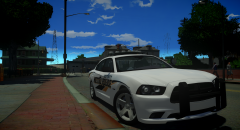 Dat skin
 -
-
-
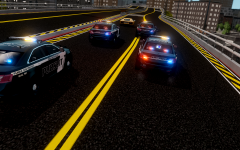 this seems very much in control
 -
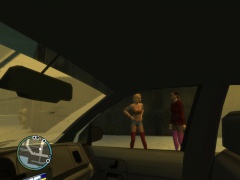 she must be cold might as well give her a "ride" home hehe
 -
WTF did i just watch