




Black Jesus
Members
-
Joined
-
Last visited
Everything posted by Black Jesus
-
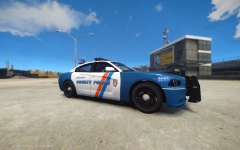
From the album: BlackJesus1's WIPs
-
Add the textures, then go to the corner and click file, then click Merge..., then pick what ever .z3d you want
-
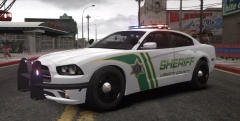 All your skins look amazing! Do you take request?
 -
Yea I was using that before but someone told me its was also glitched, although the person said I just had to make L1's of the car. I'll use lccop's for now on.
-
Can someone put bxbug's dodge steelies on dhruv's charger for me because I keep messing up on the collisions and etc. The car starts leaning on one side, a wheel or two are sinking into the ground or a wheel starts twitching. I don't know why I can't seem to get it right but I can switch wheels just fine the bxbugs cvpi or dsf cvpi.
-
Actually if your a student it's free for a few years. Because I didn't pay for mine
-
Sorry if I'm hijacking this topic, but I too would like to know. The only tutorial I've found on the site is this, but I don't think it applies to most 3d models
-
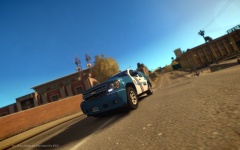 Thanks, I'll make sure to get rid of those
 -
Yep, I'm also making a charger and maybe the explorer
-
From the album: BlackJesus1's WIPs
-
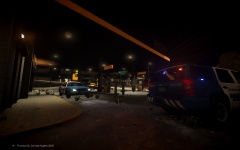
From the album: BlackJesus1's WIPs
-
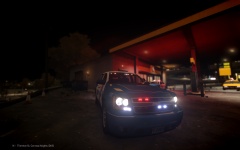
From the album: BlackJesus1's WIPs
-
I'm making a tahoe and it wasn't having problems before. But now all of the sudden the part of the skin that I leave in alpha channel, so I can set the car color via the trainer or carcols.dat, is always black and won't change. The skins that came with the car also have an alpha channel, and they work but not mine. Any idea why it's doing this? *Edit: Never mind I fixed it. I accidentally changed the material of the tahoe body shell
-
In your visualsettings in the common/data folder, scroll down to:# Other emissive lights And under that should be: car.defaultlight.emissive.on ___ Just change the #, the higher it is the broghter it is
- 42 comments
- 13 reviews
-
Yes they do, many departments have the option of shorts when the weather gets hotter:
-
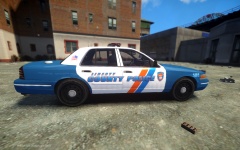 Oops, I forgot about the 2011 explorer. I can do that too but I really want to do the 2010 one. I got a model from a website but I don't know how to convert it
 -
Thanks! Sadly I can only do the cvpi, tahoe and charger. I don't have a caprice or a '10 explorer
-
From the album: BlackJesus1's WIPs
-
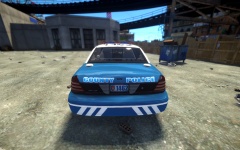
From the album: BlackJesus1's WIPs
-
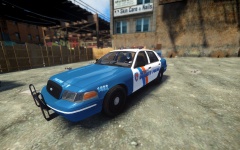
From the album: BlackJesus1's WIPs
-
You guys have to attach all the extras 1-9 together.
-
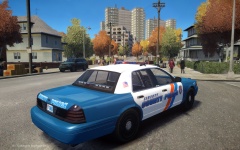 Yessir
 -
Thanks!
-
From the album: BlackJesus1's WIPs
-
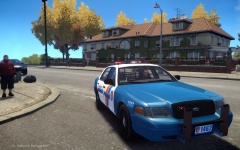
From the album: BlackJesus1's WIPs


