
GRAW
Members
-
Joined
-
Last visited
Everything posted by GRAW
-
-
-
-
-
-
-
-
-
-
-
-
-
-
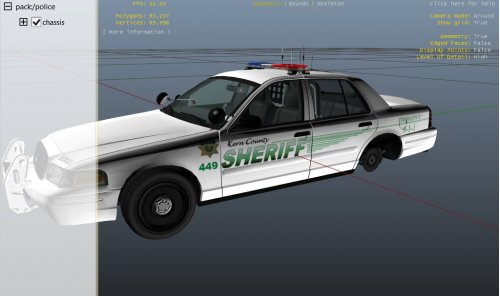 Why did you spam the downloads section?
 -
Just please promise you'll fix (not optimize) the template in the future. It's ridiculous to use the same location for two different areas or just not mark objects [like spotlights].
-
That would require you editing text files to tell a car what handing to use.
-
-
-
Will this next update fix the livery? Or was that fixed with the last update?
-
His CVPI has an Arjent and an MX7000, I assume they combine to make 18, then add the gill.
-
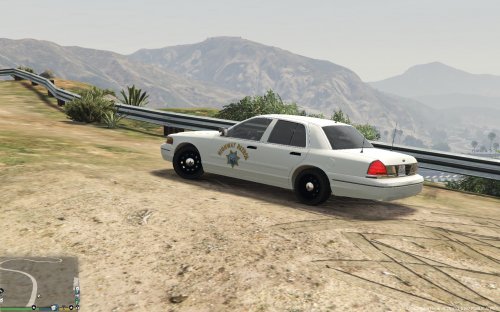 Good first start for a CHP CVE, hoping to see more realistic cars from you in the future.
- 9 comments
- 1 review
-
-

- 1
-
-
Similar. I was hoping for at least a 2007 CVPI, also the lights seem to be the standard undercover set-up used by police4.
- 9 comments
- 1 review
-
All 20 lights are used by an Arjent?
-
I think so too, but I'd rather it stuck to a LAPD setup for now.
-