



suffixez
Members
-
Joined
-
Last visited
Everything posted by suffixez
-
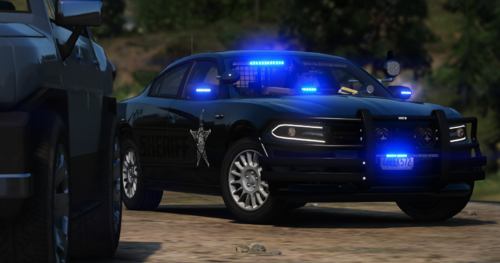 Mirror Lights dont work (Red-Blue). The strobe on the back right side of the bumper isnt working. Other then that the car is sweet
 -
Happens only when LSPDFR loads up. I went into Rage settings and disabled LSPDFR loading on load up. I tried loading LSPDFR in the F4 menu and got the same results after LSPDFR loaded up. Im not sure what is causing this.
-
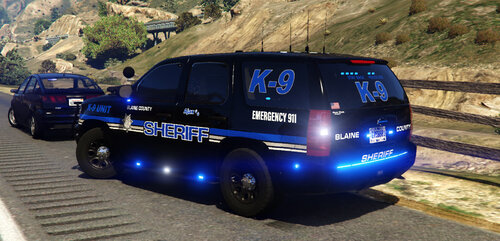 Lights are fine. Im was talking about the running boards and the trim around the windows. I already have the tint set to none
- 13 comments
- 5 reviews
-
I'm not sure if i messed something up or not. In OpenIV the white trim shows black.
- 13 comments
- 5 reviews
-
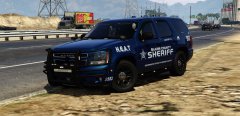 😍 God Damn this thing is sexy
 -
-
-
 Gump, I also added the Suburban into the Sheriff2 slot and some lights also didnt work.
- 80 comments
- 27 reviews
-
I placed the FPIU in the Sheriff 2 slot and I am having an issue with some of the lights not working. The third picture the light in the rear part of the SUV only has one LED working the other does not work. EDIT: I also Placed in the Sheriff slot and have the same results.
- 80 comments
- 27 reviews
-
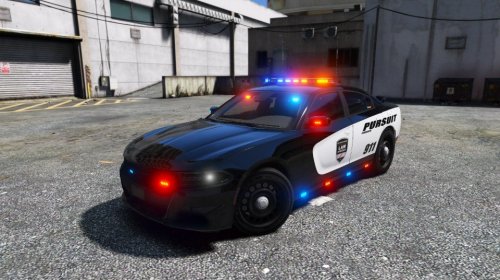 I was wondering the same thing. Other then that it looks good as hell. IMO it could use a Rambar, but thats just me
- 23 comments
- 11 reviews
-
-
Thank you so much!
-
*I may have posted in wrong area. If so could a Admin move it to the right location* I have Motion Blur in game turned off. I do have Make Visuals Great Again installed, Im not sure what to do. Screen Shot: http://images.akamai.steamusercontent.com/ugc/170412655647202646/AD8CAEE3B4610CC34FEAFE061E807346CB40D7F2/
-
I have downloaded 2 cars from here today. When I open them in 7-zip and try to extract them to my desktop I get a Data Error. I re-downloaded 7-zip and still getting the same results. Not sure if its 7-zip or if it has to do with the creator who uploaded the file. Downloaded Files that give me the Error. Santa Monica CVPI Pack (ELS). LSPD County Sheriff Pack (ELS).
-
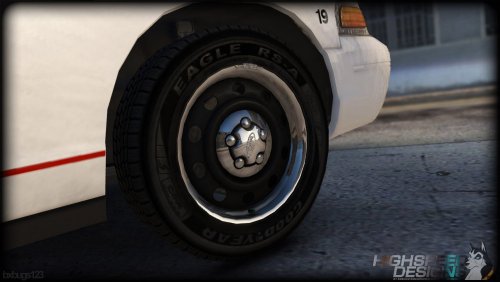 Open the package installer with a zip app. Then go into the folder that says "WHEEL FILES". Copy wheel__musc_02.ydr. Then paste pack into the folder and rename to wheel_musc_02w.ydr. Then drag into the archive save it then just use the package installer. Worked for me. Open the package installer with a zip app. Then go into the folder that says "WHEEL FILES". Copy wheel__musc_02.ydr. Then paste pack into the folder and rename to wheel_musc_02w.ydr. Then drag into the archive save it then just use the package installer. Worked for me.
- 43 comments
- 10 reviews
-
-
-
-
-
 Did you try spawning the cars through ragehook? if not hit F4 the type "spawn police4" , "spawn police5" etc..
- 779 comments
- 187 reviews
-
How do I get the Hubcaps back on the CVPI? Or is that not possible anymore.
- 779 comments
- 187 reviews
-
Love the cars! I do have one quick question. How to I enable Police3, Police4, Police5, and Police6?
- 779 comments
- 187 reviews
-
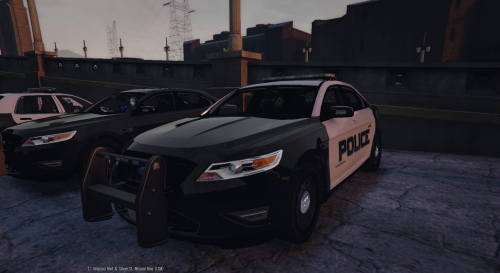 I got a little problem, I followed all the installation steps and when I spawn in police2 the original police car spawns, but when I go back into OpenIV and open the police2.ytf the car mod is there. Im not sure where I F'ed up I have also trying installing in Police3 and same thing happens
- 49 comments
- 8 reviews
-
.thumb.png.3ed0f039d468c0a5ed7100e0408a7c49.png) Never would have thought I would have seen this skin on here lol.. Im for Porter County also.
Never would have thought I would have seen this skin on here lol.. Im for Porter County also. -
Thank You! I thought it would mess everything up.


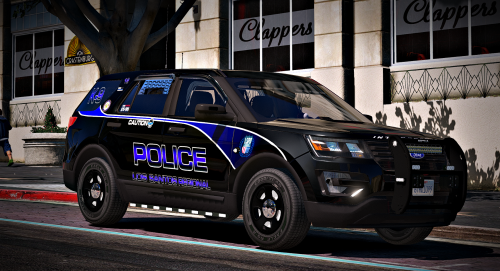



.thumb.jpg.1db0be3e377ccefdd47e57a95ec56762.jpg)
.thumb.png.3ed0f039d468c0a5ed7100e0408a7c49.png)