


Custo
-
Joined
-
Last visited
Everything posted by Custo
-
I was disapointed that they did not port over RDR, but I doubt they wouldn't port over GTA5. They've been porting every GTA over to PC, I'd give it about a year after console release for PC. And don't rule out the fact that Max Payne 3 was an amazing PC port compared to GTA4 and alot of other PC games out there.
-
-

From the album: Custo's Epic Ass Pictures
-

From the album: Custo's Epic Ass Pictures
-
I recommend Player Selector. Probably the best mod to use for changing your character model and using speeches.
-
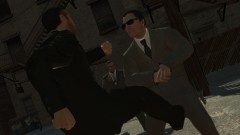
From the album: Custo's Epic Ass Pictures
-
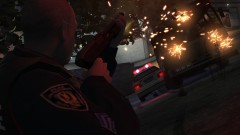
From the album: Custo's Epic Ass Pictures
-

From the album: Custo's Epic Ass Pictures
-
How? Please explain your self.
-
Again, incorrect. He said it's only in TBoGT, that is not true. The model also appears in TLAD, they're located in TLAD's directory as well.
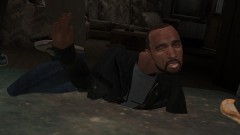
From the album: Custo's Epic Ass Pictures

From the album: Custo's Epic Ass Pictures

From the album: Custo's Epic Ass Pictures
Incorrect. It's in componentpeds.img which is located in these two directorys: ...EFLCTLADpcmodelscdimages ...EFLCTBoGTpcmodelscdimages The model you are looking for is m_y_ciadlc_02.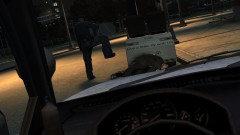
From the album: Custo's Epic Ass Pictures
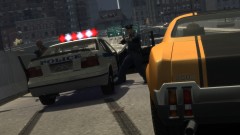
From the album: Custo's Epic Ass Pictures

From the album: Custo's Epic Ass Pictures
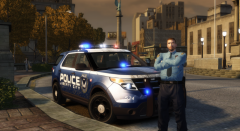 Wrong, all the lights on the explorer should be all blue.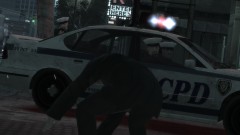
From the album: Custo's Epic Ass Pictures
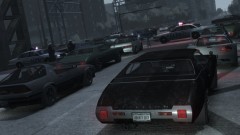
From the album: Custo's Epic Ass Pictures
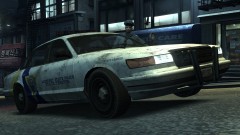
From the album: Custo's Epic Ass Pictures
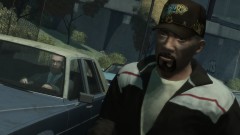
From the album: Custo's Epic Ass Pictures
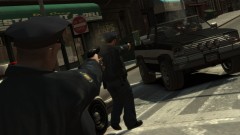
From the album: Custo's Epic Ass Pictures



