Custo
Members
-
Joined
-
Last visited
Everything posted by Custo
-
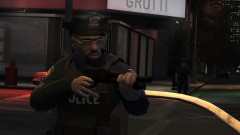
-

From the album: Custo's Epic Ass Pictures
Higher-res here: -
-

-
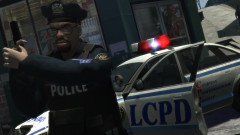
This one: I'm wacky.
-

From the album: Custo's Epic Ass Pictures
Says the advertisement. Higher-res here:© Custo's Picture
-
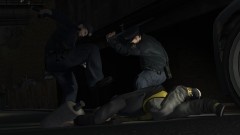
From the album: Custo's Epic Ass Pictures
Getting caught is another story. Higher-res here:© Custo's Picture
-

-
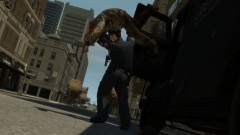
From the album: Custo's Epic Ass Pictures
Stealing an Enforcer? On my watch? I don't think so. Higher-res here:© Custo's Picture
-

-
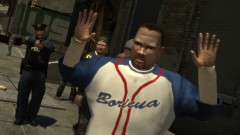
-
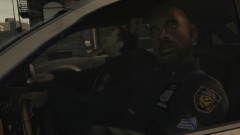
-
Have you tried running LaunchGTAIV.exe as admin? This is a simple fix when running scripts in GTA4 (NOTE: You'll need to always launch gta4 as admin when playing with modified files or running scripts). Let me know if this doesn't help. Also, a way to get around a corrupted saved game: 1) Start the game while not signed into GFWL. 2) After the game starts to load and starts a new story, sign back into GFWL. 3) Complete the first mission. 4) Now save over your last save and trigger an auto save just in case.
-
-
This is a car he made:
-
Best quote, "Holy shit!"
-
Is the error saying something like, the mesh line 112 is wrong or something? I know I got that before, it's because the mesh files are outdated for the version of OpenIV. To fix this, just re-export the models from OpenIV again. If that's not the error, could you also post the error message you get?
-
http://www.youtube.com/user/Runner335 I mostly make machinimas with Grand Theft Auto 4, also trying to make some with Source Filmmaker.
-
So, how is it to live in the future?
-
-
SHARK IN THE WATER!!! HNNNNNG
-
Unknown fact. LCPDFR was not used in the making of this film.
-

-
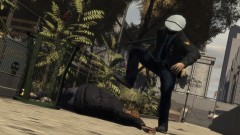
-